
このページはアプリまたはその開発者の公式ページではなく、情報提供および論評を目的として作成された独立した編集出版物です。明示的に別段の記載がない限り、アプリおよびその開発者は、MWM、Apple、Google Play、アプリのパブリッシャー、またはアプリの開発者と提携、承認、後援、認可、またはその他の公式的な関係はなく、このページのいかなる内容も、アプリがMWMのサービスを使用して開発されたことを意味するものではありません。すべての商標、ロゴ、スクリーンショット、その他のコンテンツはそれぞれの所有者の財産です。

Ampere: Charging Animation App
すべての充電をビジュアルステートメントに変えましょう。1000以上のユニークなアニメーション、カスタムサウンド、毎日のアップデートにアクセスして、あなたの個性を完璧に表現しましょう。
ダウンロード
48K+ユーザー評価
評価数
2K+開発元
カテゴリ
Graphics & Design対応言語
1最新バージョン
1.2サイズ
62.1 MBリリース日
2021年11月24日充電中も、あなたらしい美しさを
1000以上のトレンドアニメーションとカスタムサウンドで、あなたのユニークなiPhoneスタイルに合わせた退屈なバッテリー表示に終止符を打ちましょう。
無限のビジュアルトレンド
サイバーパンク、ネオン、ミニマリストなどの27のカテゴリーにわたる毎日のアップデートで、常に最新トレンドを把握しましょう。
カスタムサウンドスケープ&アイコン
70以上の限定サウンドとアイコンを重ねて、マルチセンサリーな充電体験を作り、ビジュアルを超えましょう。
よくある質問
について知っておくべきこと Ampere: Charging Animation App
Ampereアプリで充電アニメーションを設定するにはどうすればよいですか?
ユーザーは「ショートカット」アプリ経由でAmpereの充電アニメーションを設定します。充電器が接続されたときにAmpereの「アプリを開く」という自動化を作成するプロセスが含まれます。詳細なガイドはアプリ内で利用可能です。
Ampere: Charging Animation Appにはどのような機能がありますか?
Ampere: Charging Animation Appは、27のカテゴリにわたるユニークな充電アニメーションのギャラリー、アニメーションプレビュー、カスタマイズオプションを提供します。ユーザーはアイコン、充電音を追加したり、色を変更したりできます。1000以上のアニメーションがあり、毎日更新され、広告はありません。
Ampereにはいくつの充電アニメーションがありますか?
Ampereアプリには、毎日更新される1000以上のアニメーションがあります。無料版では、スクリーンショット#1に示すように、各カテゴリから1つずつ、27の充電アニメーションにアクセスできます。
Ampere: Charging Animation Appは広告を表示しますか?
いいえ、Ampere: Charging Animation Appは広告を表示しません。これは、アプリのコンテンツ説明の中で、その主な機能の1つとして明示的に記載されています。
Ampere: Charging Animation Appは無料で使用できますか?
はい、Ampereは各カテゴリから1つずつ、27の充電アニメーションにアクセスできる無料バージョンを提供しています。すべての機能とコンテンツへの完全かつ無制限のアクセスには、「Ampere Premium (Pro)」と呼ばれる自動更新サブスクリプションが必要です。
Ampere Premium (Pro) サブスクリプションには何が含まれていますか?
Ampere Premium (Pro) サブスクリプションは、すべてのアニメーションのロックを解除し、毎日新しいアニメーションを提供し、アプリ内でアニメーションを編集できるようにします。すべての機能への完全かつ無制限のアクセスを許可します。
Ampere Premium (Pro) サブスクリプションの料金はいくらですか?
Ampere Premium (Pro) サブスクリプションは週3.99 USドルで、3日間の無料トライアル期間が含まれています。サブスクリプションの価格は、地域価格に基づいて地域によって異なる場合があります。
Ampereで充電アニメーションを編集するにはどうすればよいですか?
Ampere: Charging Animation Appでは、ユーザーがアニメーションをカスタマイズできます。アイコンや充電音を追加したり、色を変更したりできます。スクリーンショット#3に示すように、編集用に70以上のアイコンと70以上のサウンドが利用可能です。
Ampereに新しいアニメーションが定期的に追加されますか?
はい、Ampereアプリは毎日更新され、毎日新しい充電アニメーションがギャラリーに追加されます。この機能は、スクリーンショット#5で強調されているように、Ampere Premium (Pro) サブスクリプションに含まれています。
Ampereはいくつのカテゴリの充電アニメーションを提供していますか?
Ampere: Charging Animation Appは、27の distinct なカテゴリの充電アニメーションを提供しています。これらのカテゴリには、ネオン、テクノロジー、炎、花、幾何学、線などが含まれ、スクリーンショット#4に示すように、さまざまな好みに対応しています。
Ampereアプリでアニメーションをプレビューするにはどうすればよいですか?
Ampereアプリでは、ユーザーは設定する前に、選択した充電アニメーションがデバイスでどのように見えるかをプレビューできます。この機能は、スクリーンショット#2で実証されており、ユーザーの満足度を保証します。
Ampere: Charging Animation Appのプライバシーポリシーはどこで見つけられますか?
Ampere: Charging Animation Appのプライバシーポリシーはオンラインで利用可能です。次のリンクから直接アクセスできます:https://sites.google.com/view/charging-animation-app-privacy/
Ampere: Charging Animation Appの利用規約はどこで見つけられますか?
Ampere: Charging Animation Appの利用規約はオンラインで利用可能です。次のリンクにアクセスして確認できます:https://sites.google.com/view/charging-animation-app-terms/
以下のスクリーンショットと説明は、アプリの公式ストアリスティングから直接取得されたものであり、アプリ開発者の所有物です。
アプリストア
スクリーンショット
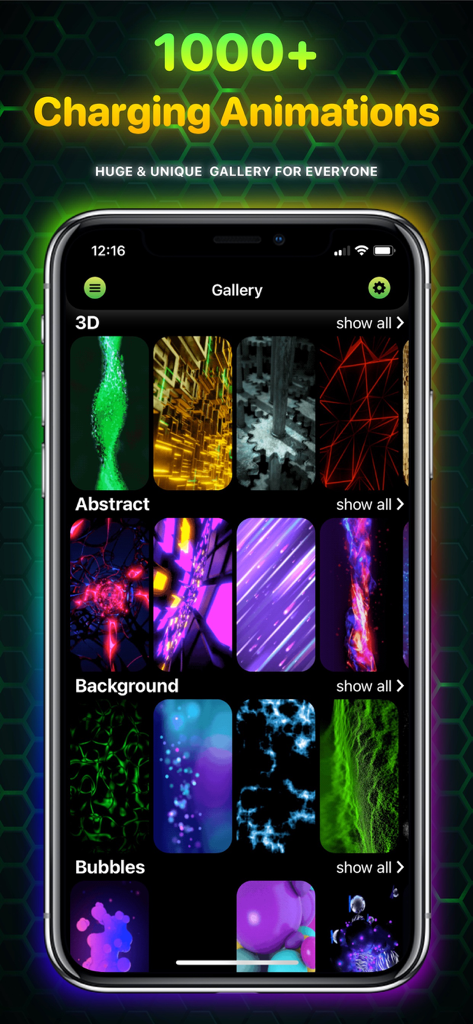
Ampereアプリのギャラリー画面。スタイル別に分類された様々な充電アニメーションが表示されています。
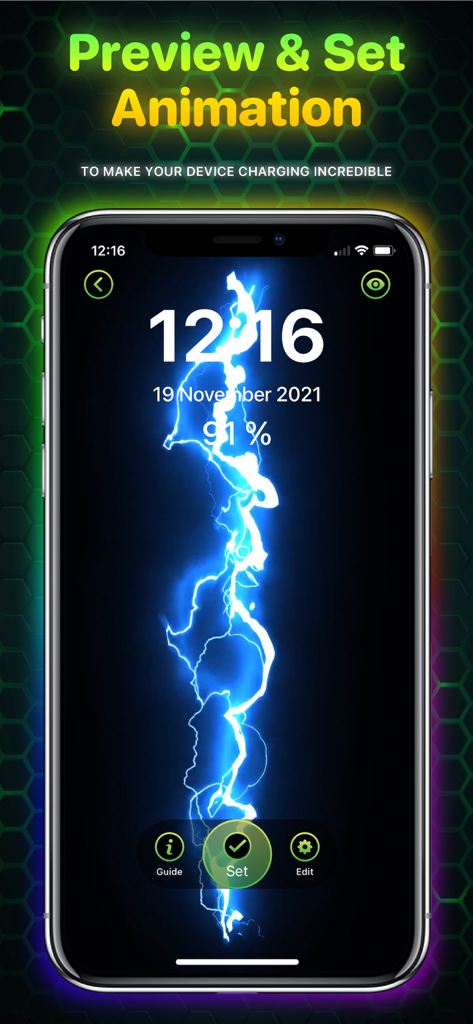
iPhone画面に青い稲妻の充電アニメーションのプレビューが表示されています。
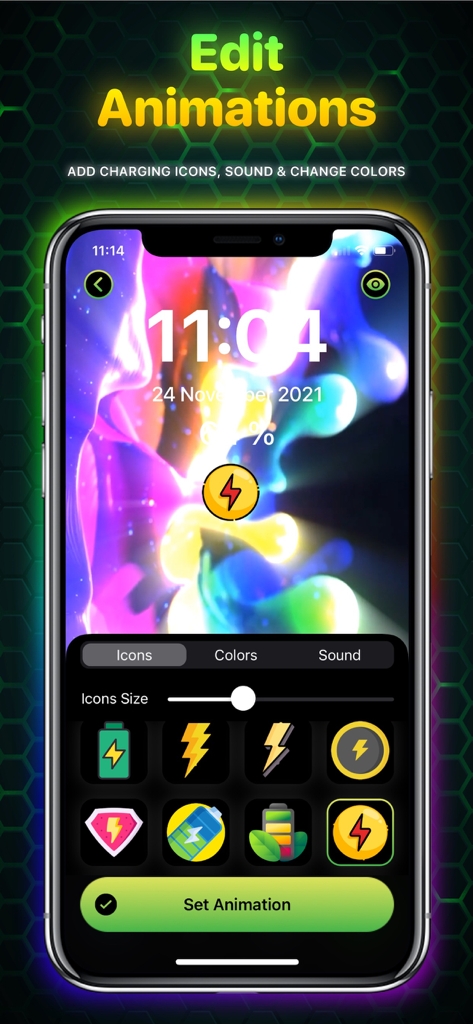
Ampereアプリのインターフェース。アイコンや色を含む充電アニメーションのカスタマイズオプションが表示されています。
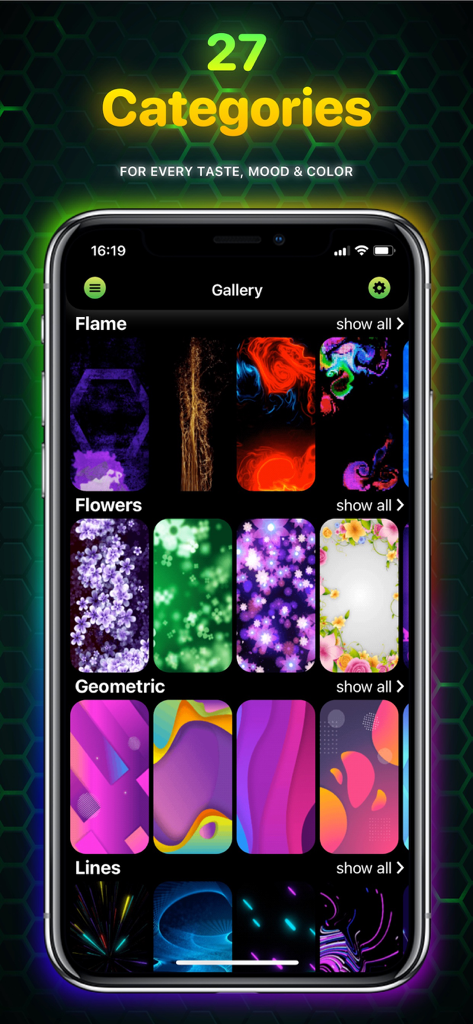
炎、花、幾何学模様、線などの多様な充電アニメーションカテゴリーがあるAmpereアプリのギャラリーが表示されたスマートフォン。
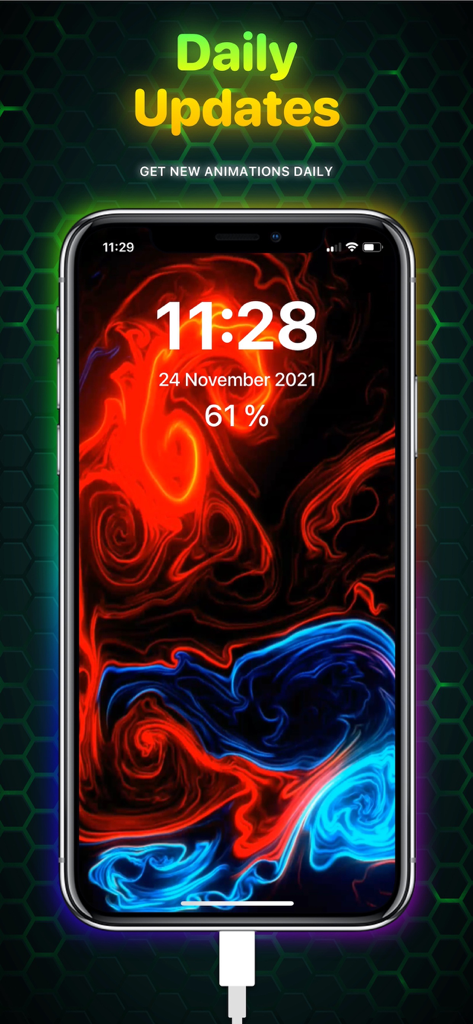
iPhone画面に、鮮やかな赤と青の流体充電アニメーションが表示され、毎日のアップデートを強調するテキストが表示されています。
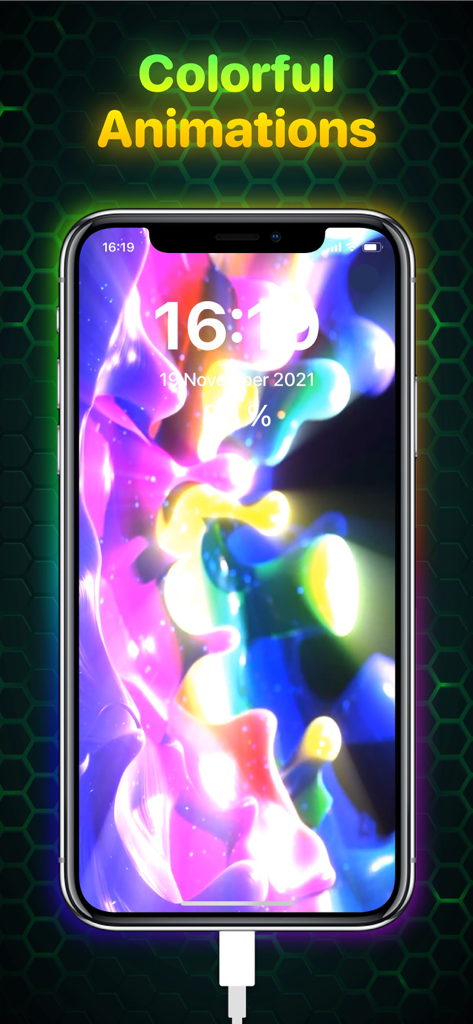
充電器に接続されている間、抽象的な形状を持つ鮮やかな光るカラフルな充電アニメーションが表示されたiPhone画面。
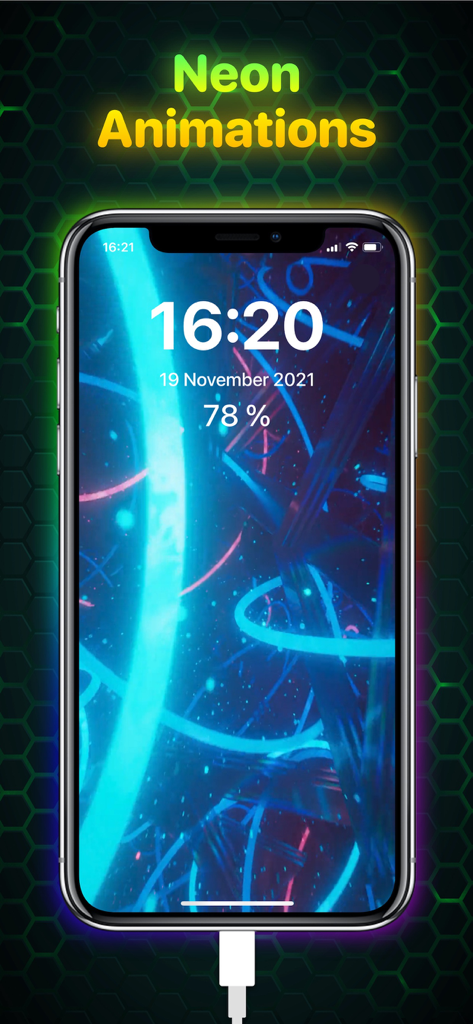
iPhone画面に、時間とバッテリー残量が表示された鮮やかなネオンブルーの充電アニメーションが表示されています。
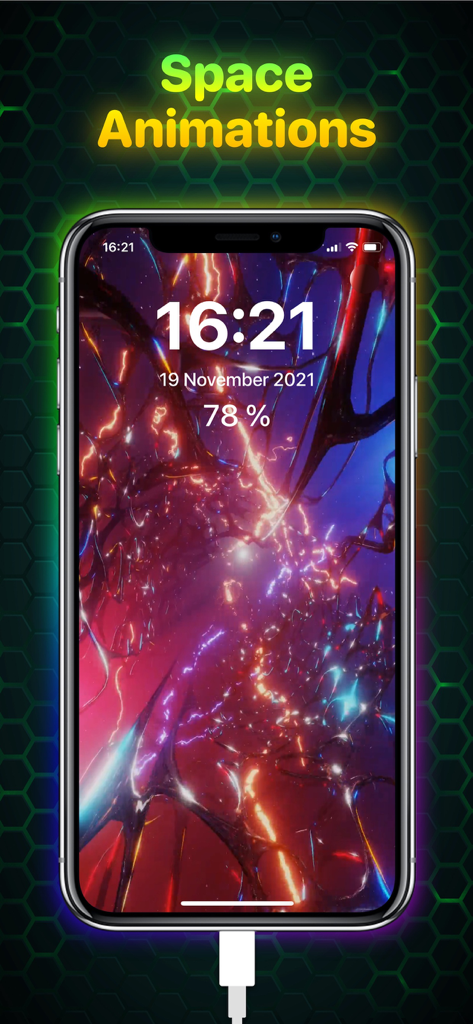
Ampereアプリを使用したiPhoneに、鮮やかな宇宙をテーマにした充電アニメーションが表示されています。
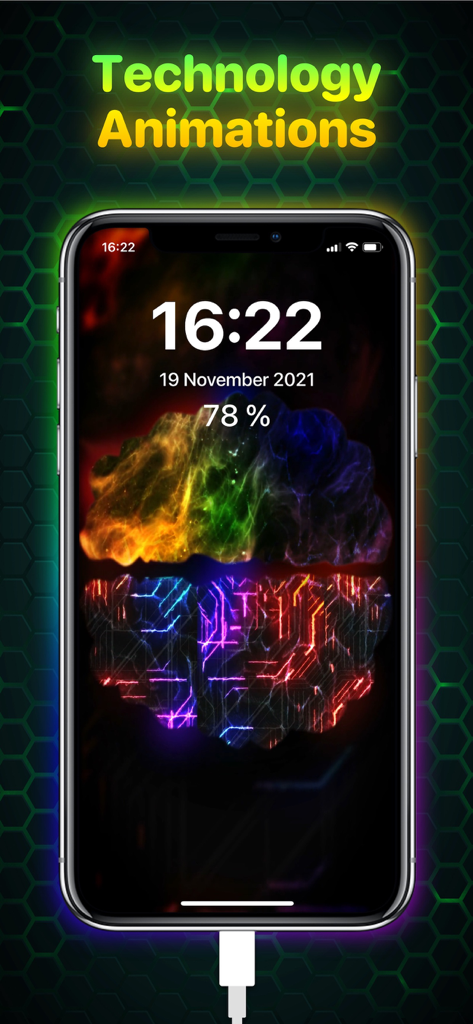
回路パターンと光るテクノロジー充電アニメーションが表示されたiPhoneディスプレイ。
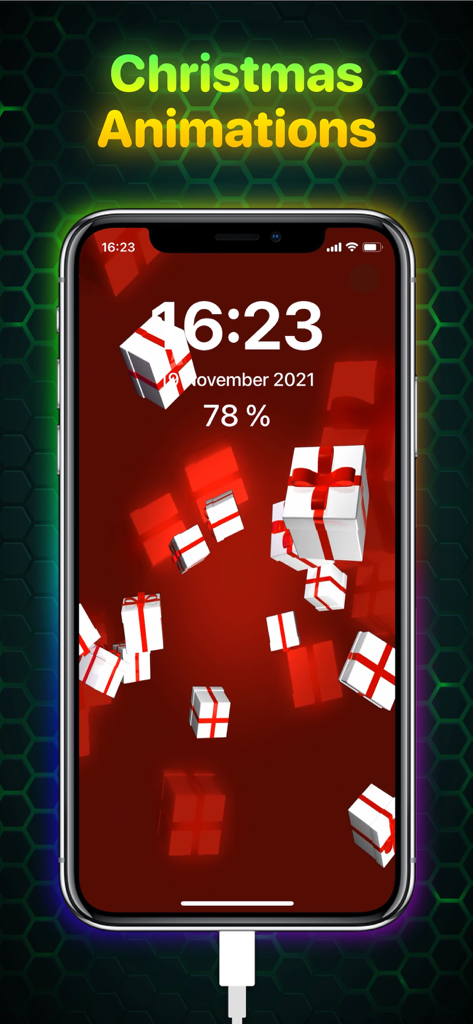
赤い背景に立体的なギフトボックスが表示された、クリスマスをテーマにした充電アニメーションが表示されたiPhone画面。
説明
Download
類似アプリ
同じカテゴリのトップランクアプリ

Kling AI: AI Image&Video Maker
LOHAS GAMES PTE. LTD.

iScreen - Widgets & Wallpaper
Xiamen ShenZhuo Information Technology Co., Ltd.

Dreamina AI: Image&Video Maker
BYTEDANCE PTE. LTD.

Home AI - AI Interior Design
HUBX YAZILIM HIZMETLERI ANONIM SIRKETI

ibis Paint X
ibis inc.

ThemeKit: Widget & Icon Themes
Woohoo Tech. Ltd.

Sketchbook®
Sketchbook, Inc.

Colorful Widget- Widget&Themes
Guangzhou ZHIFENG Information Technology Co.,Ltd.

ReRoom AI: Interior Design
GM UniverseApps Limited
このページはアプリまたはその開発者の公式ページではなく、情報提供および論評を目的として作成された独立した編集出版物です。明示的に別段の記載がない限り、アプリおよびその開発者は、MWM、Apple、Google Play、アプリのパブリッシャー、またはアプリの開発者と提携、承認、後援、認可、またはその他の公式的な関係はなく、このページのいかなる内容も、アプリがMWMのサービスを使用して開発されたことを意味するものではありません。すべての商標、ロゴ、スクリーンショット、その他のコンテンツはそれぞれの所有者の財産です。