Angle Meter & Cobb Angle Meter
ダウンロード: App Store

このページはアプリまたはその開発者の公式ページではなく、情報提供および論評を目的として作成された独立した編集出版物です。明示的に別段の記載がない限り、アプリおよびその開発者は、MWM、Apple、Google Play、アプリのパブリッシャー、またはアプリの開発者と提携、承認、後援、認可、またはその他の公式的な関係はなく、このページのいかなる内容も、アプリがMWMのサービスを使用して開発されたことを意味するものではありません。すべての商標、ロゴ、スクリーンショット、その他のコンテンツはそれぞれの所有者の財産です。

ロゴ: Angle Meter & Cobb Angle Meter
ダウンロード: App Store

Angle Meter & Cobb Angle Meter

コブ角、建設の傾斜、幾何学的線などをリアルタイムで計算するオールインワン測定ツール。カメラまたはギャラリーから直接、正確な結果をキャプチャ、注釈付け、共有できます。

主要数値

ダウンロード

1K+

ユーザー評価

1.0/5

評価数

0

開発元

Ahmad Al Hariri

カテゴリ

Utilities

対応言語

1

最新バージョン

1.7

サイズ

1.6 MB

リリース日

2024年1月29日
機能

あらゆる角度のための精密ツール

臨床的な脊椎評価から家のリフォームプロジェクトまで、ポケットに入る測定ツールでプロレベルの精度を手に入れましょう。

特殊コブ角メーター

X線または患者の写真で変形角度を直接測定し、脊柱側弯症の湾曲を正確に追跡して臨床記録を作成します。

ライブカメラ測定

デバイスを向けて、リアルタイムで角度を測定します。現場での迅速な見積もり、大工仕事、建築分析に最適です。

以下のスクリーンショットと説明は、アプリの公式ストアリスティングから直接取得されたものであり、アプリ開発者の所有物です。

アプリストア

スクリーンショット
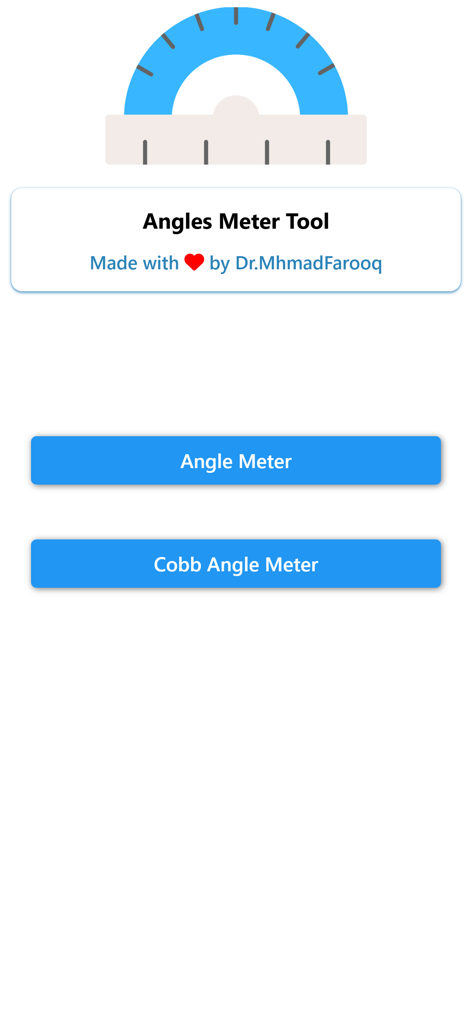
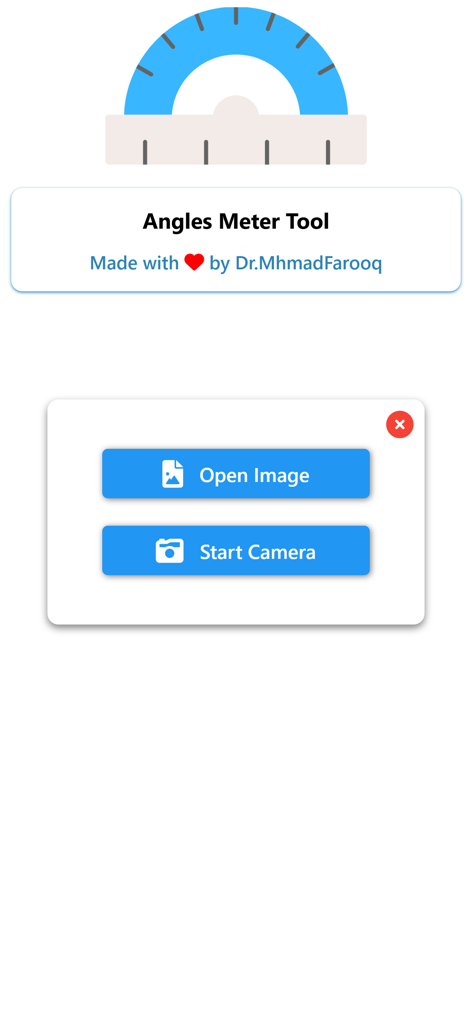
Angle Meter & Cobb Angle Meter - 角度メーターとコブ角メーターアプリのメインメニュー、測定オプションを表示

角度メーターとコブ角メーターアプリのメインメニュー、測定オプションを表示

Angle Meter & Cobb Angle Meter - 角度メーターツールのユーザーインターフェース、画像を開くか角度測定のカメラを開始するボタンを表示
角度メーターツールのユーザーインターフェース、画像を開くか角度測定のカメラを開始するボタンを表示

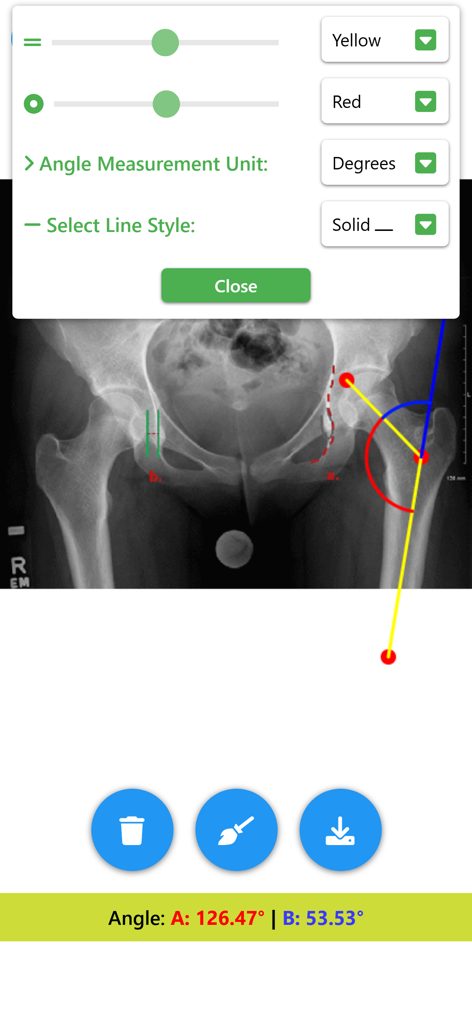
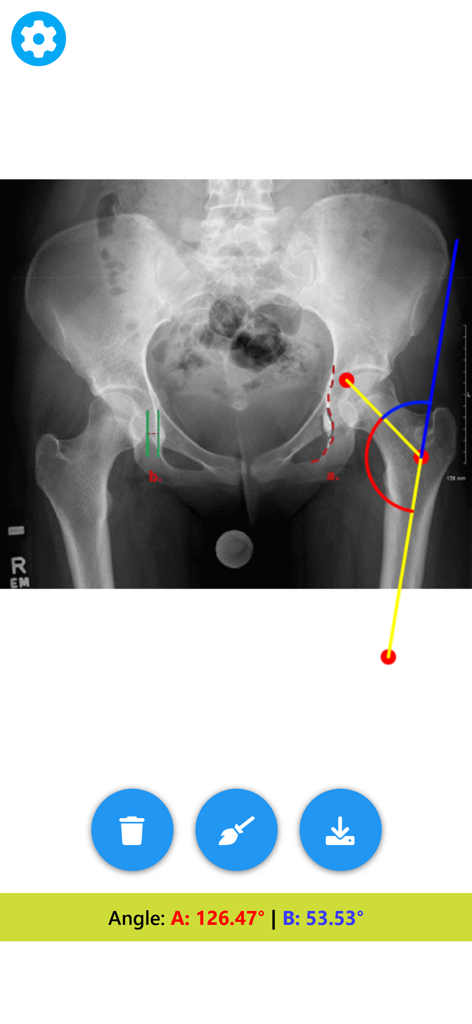
Angle Meter & Cobb Angle Meter - 骨盤X線で角度を測定する医療用角度メーター

骨盤X線で角度を測定する医療用角度メーター

Angle Meter & Cobb Angle Meter - 角度メーターアプリでデジタル角度測定ツールを使用して測定中の股関節のX線

角度メーターアプリでデジタル角度測定ツールを使用して測定中の股関節のX線

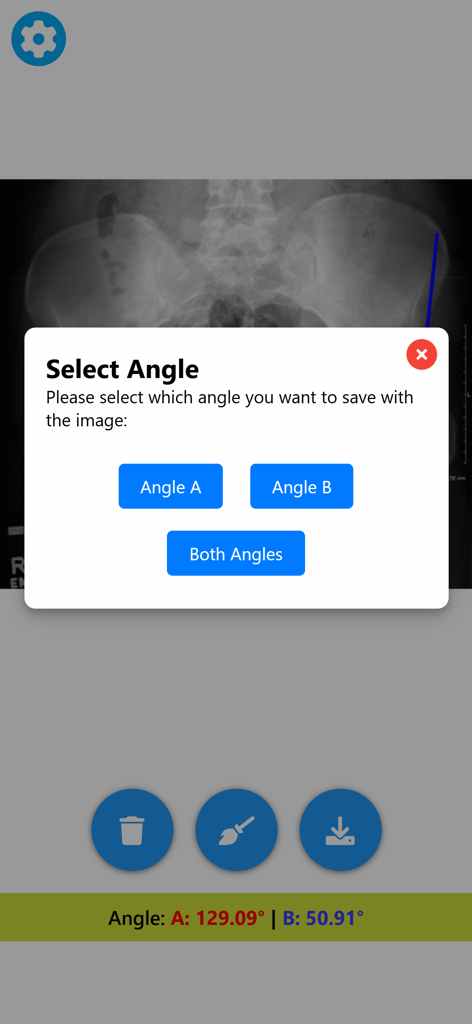
Angle Meter & Cobb Angle Meter - 角度メーターアプリのインターフェース、測定された角度を保存するオプションが表示された医療用X線を表示
角度メーターアプリのインターフェース、測定された角度を保存するオプションが表示された医療用X線を表示

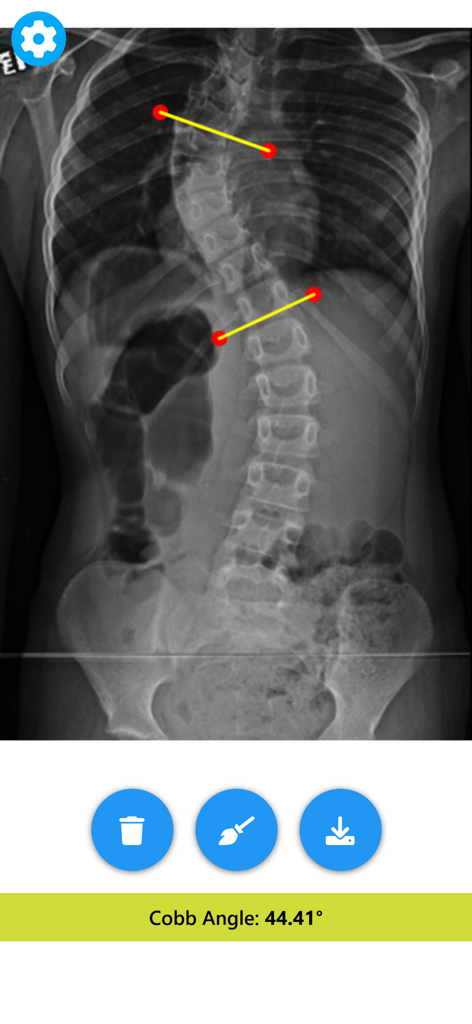
Angle Meter & Cobb Angle Meter - アプリで44.41度のコブ角を示す脊柱側弯症の脊椎X線測定

アプリで44.41度のコブ角を示す脊柱側弯症の脊椎X線測定

説明

Angle Meter Tool & Cobb Angle Meter - Your Ultimate Angle Measurement Companion! Whether you're a professional, a student, or someone who just needs to measure angles accurately, Angle Meter Tool is the perfect app for you. Designed with precision and ease of use in mind, this app is packed with features that make angle measurement a breeze. Key Features: Precise Angle Measurement: Get accurate angle readings in real-time. Perfect for various applications such as construction, carpentry, education, and more. Cobb angle meter for scoliosis deformity angle measurements. Select Images from Gallery: Easily choose an image with angles to measure from your gallery. Capture Images Directly: Capture images directly within the app and start measuring angles right away. Live Camera Measurement: Measure angles in real-time using your device's camera for on-the-spot measurements. Customizable Appearance: Personalize your experience by adjusting the color and width of the angle lines for better visibility and preference. Save and Share Measurements: Save your images with angle measurements and values printed on them. Perfect for documentation, sharing with colleagues, or keeping records. How It Works: Using Angle Meter Tool is simple and intuitive. Just open the app and choose your preferred method of measurement. Select an image from your gallery, capture a new one, or use the live camera feature. Draw lines along the angles you want to measure, and the app will display the angle measurements instantly. Customize the appearance of your angle lines and save your annotated images for future reference or sharing. Precision and Flexibility: Designed for accuracy, Angle Meter Tool ensures precise readings. Adjust the lines as needed for exact measurements. Edit and Save with Ease: Customize the look of your angle lines and save your images with the measurements and values printed on them. Share your findings or keep them for your records. Download Now: Ready to enhance your angle measurements? Download Angle Meter Tool today for a convenient, accurate, and versatile angle measurement experience. Ideal for professionals, students, DIY enthusiasts, and anyone needing a reliable angle measurement tool. Join the community of satisfied users who trust Angle Meter Tool for their angle measurement needs. Download now and measure angles like a pro!

Download

ダウンロード: App Store

このページはアプリまたはその開発者の公式ページではなく、情報提供および論評を目的として作成された独立した編集出版物です。明示的に別段の記載がない限り、アプリおよびその開発者は、MWM、Apple、Google Play、アプリのパブリッシャー、またはアプリの開発者と提携、承認、後援、認可、またはその他の公式的な関係はなく、このページのいかなる内容も、アプリがMWMのサービスを使用して開発されたことを意味するものではありません。すべての商標、ロゴ、スクリーンショット、その他のコンテンツはそれぞれの所有者の財産です。