AR Drawing - Learn to Draw Art
ダウンロード: App Store

このページはアプリまたはその開発者の公式ページではなく、情報提供および論評を目的として作成された独立した編集出版物です。明示的に別段の記載がない限り、アプリおよびその開発者は、MWM、Apple、Google Play、アプリのパブリッシャー、またはアプリの開発者と提携、承認、後援、認可、またはその他の公式的な関係はなく、このページのいかなる内容も、アプリがMWMのサービスを使用して開発されたことを意味するものではありません。すべての商標、ロゴ、スクリーンショット、その他のコンテンツはそれぞれの所有者の財産です。

ロゴ: AR Drawing - Learn to Draw Art
ダウンロード: App Store

AR Drawing - Learn to Draw Art

デジタルのビジョンと物理的なアートの間のギャップを埋めます。アニメから複雑なロゴまで、あらゆるものをトレースし、バイラルなタイムラプスを録画し、プロレベルの精度であなたのクリエイティブな副業を高めましょう。

主要数値

ダウンロード

9K+

ユーザー評価

4.6/5

評価数

100

開発元

Marvin Feist

カテゴリ

Graphics & Design

対応言語

5

最新バージョン

1.2

サイズ

58.1 MB

リリース日

2024年2月22日
機能

拡張現実で描画アートをマスターする

現代のクリエイターのために設計された最先端のARテクノロジーを使用して、デジタルのインスピレーションと物理的な創造の間のギャップを埋めます。

スマートARプロジェクション

あなたの電話をプロ仕様のライトボックスに変えましょう。複雑なアニメから複雑なロゴまで、あらゆる画像をどんな表面にも100%の精度で投影してトレースします。

バイラル対応タイムラプス

描画プロセス全体を自動的に録画します。TikTokやInstagramに最適な素晴らしいタイムラプスビデオをエクスポートして、あなたのクリエイティブブランドを成長させましょう。

以下のスクリーンショットと説明は、アプリの公式ストアリスティングから直接取得されたものであり、アプリ開発者の所有物です。

アプリストア

スクリーンショット
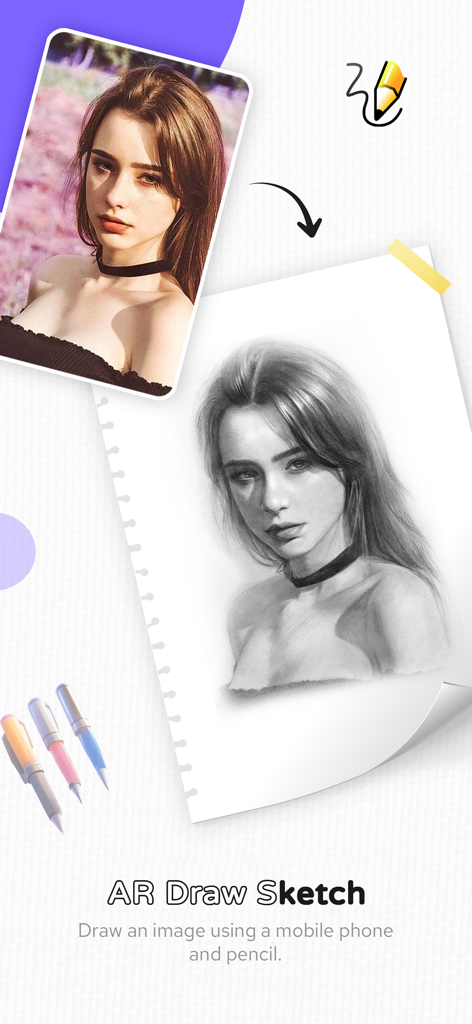
AR Drawing - Learn to Draw Art - デジタル写真が紙のスケッチブックにリアルな鉛筆スケッチとしてトレースされている
デジタル写真が紙のスケッチブックにリアルな鉛筆スケッチとしてトレースされている

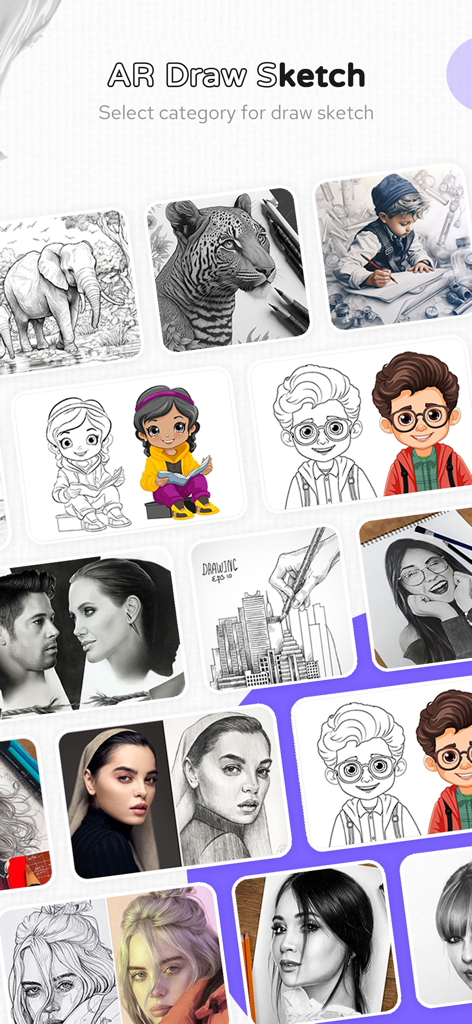
AR Drawing - Learn to Draw Art - ARドローイングアプリのインターフェースに、動物やポートレートを含むさまざまなスケッチカテゴリが表示されている
ARドローイングアプリのインターフェースに、動物やポートレートを含むさまざまなスケッチカテゴリが表示されている

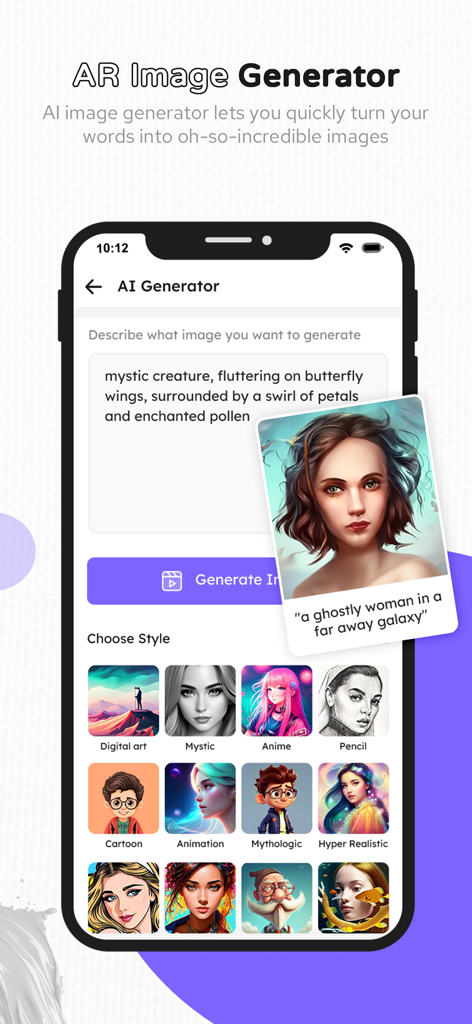
AR Drawing - Learn to Draw Art - さまざまなアートスタイルを備えたAI画像ジェネレーター機能を示すARドローイングアプリのインターフェース
さまざまなアートスタイルを備えたAI画像ジェネレーター機能を示すARドローイングアプリのインターフェース

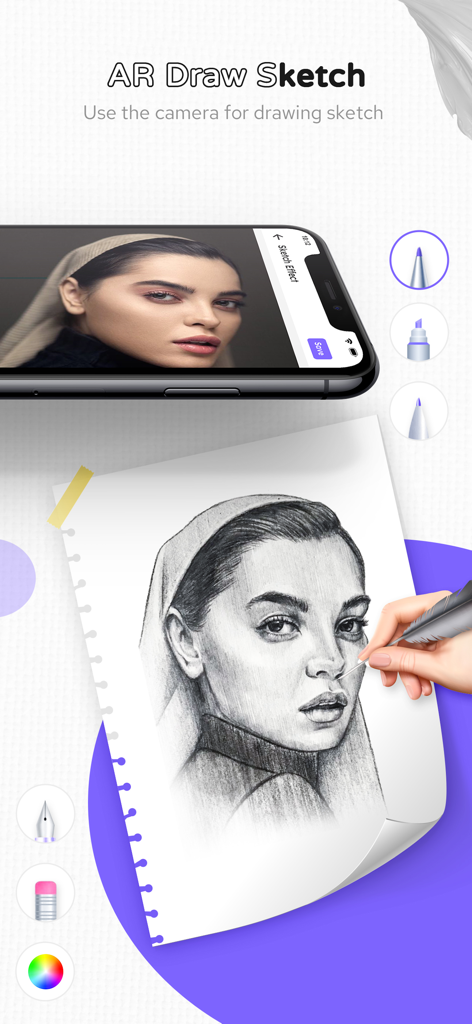
AR Drawing - Learn to Draw Art - モバイルデバイスのARドローイングアプリを使用して、紙に女性のポートレートを描いている手
モバイルデバイスのARドローイングアプリを使用して、紙に女性のポートレートを描いている手

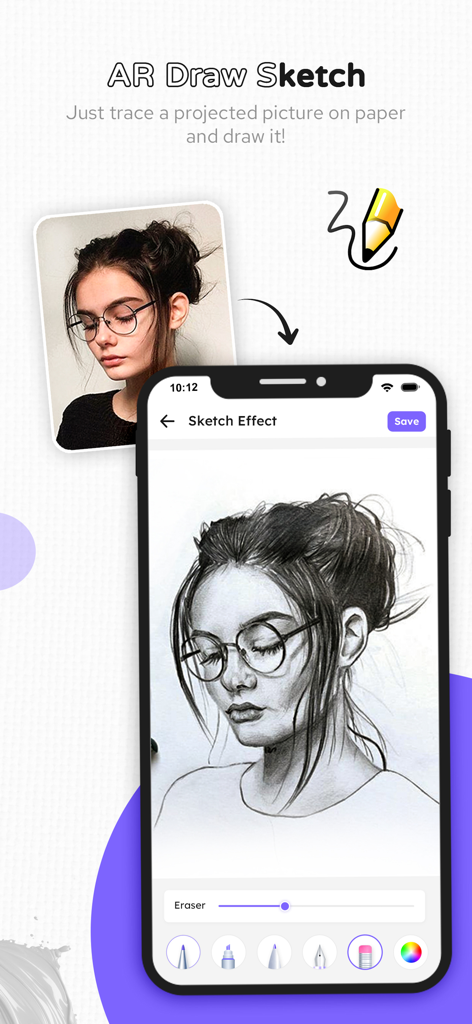
AR Drawing - Learn to Draw Art - ARドローイングアプリのスケッチエフェクトインターフェースが表示されたスマートフォン画面、物理的なスケッチブック上のグレースケールポートレートとフィルターオプション
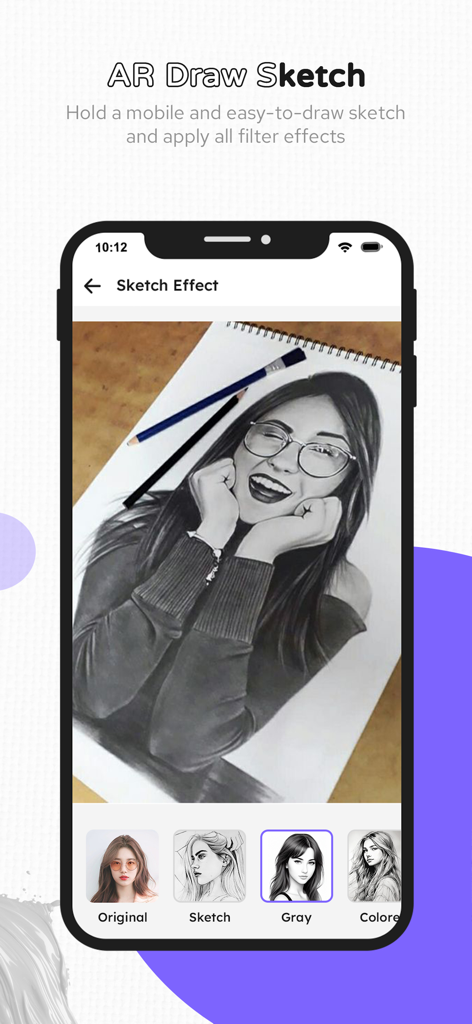
ARドローイングアプリのスケッチエフェクトインターフェースが表示されたスマートフォン画面、物理的なスケッチブック上のグレースケールポートレートとフィルターオプション

AR Drawing - Learn to Draw Art - 物理的なスケッチブック上のグレースケールポートレートと、オリジナルスケッチグレーおよびカラーなどのフィルターオプションが表示されたARドローイングアプリのスケッチエフェクトインターフェース

物理的なスケッチブック上のグレースケールポートレートと、オリジナルスケッチグレーおよびカラーなどのフィルターオプションが表示されたARドローイングアプリのスケッチエフェクトインターフェース

説明

Experience the magic of augmented reality with our AR Drawing - Trace Art, Sketch app! Simply trace projected images onto paper for easy drawing. Our app utilizes cutting-edge AR technology to project images onto any surface, allowing you to trace lines directly from your device's screen. With a diverse library of over a hundred pre-defined images, including Animals, Cartoons, Foods, Birds, Trees, Rangolis, and more, the possibilities for creative expression are endless. Trace drawings, photos, tattoos, flash, lettering, inking, line work, comics, homework, anything! Key features include adjusting image opacity, zooming capabilities, and the option to paint over your traced drawings. Plus, record time-lapse videos of your artistic process to share with friends and followers. This AR Draw app offers a wide selection of pre-defined images spanning various categories such as Animals, Cartoons, Foods, Birds, Trees, Rangolis, and more Simply grab a paper and pencil, pick your favorite drawing, and follow easy step-by-step instructions. This app guides you in drawing anime, cartoons, animals, cars, and more. Explore various categories and create your masterpieces effortlessly Ideal for all creatives: • Bakers • Cartoonists • Tattoo Artists • Illustrators • Fiverr Designers • Hobbyists • Makeup artists • Nail Technicians • Animators Here's how it works: Use your own photos as references for stunning artwork. Utilize the camera output on your phone's screen to trace any image. Draw directly onto paper while viewing the transparent image through your device. Choose from our library of sample images to sketch on your own sketchbook. Convert any image from your gallery into a tracing template for your sketches. Customize images by adjusting transparency or converting them into line drawings to suit your artistic vision. Unlock your creativity and bring your ideas to life with Trace Anything! Subscribe to access premium app features; subscription details are the following: • Length: monthly, yearly • Your payment will be charged to your iTunes account as soon as you confirm your purchase. • You can manage your subscriptions and turn off auto-renewal from your Account Settings after the purchase. • Your subscription will renew automatically, unless you turn off auto-renew at least 24 hours before the end of the current period. • The cost of renewal will be charged to your account within 24 hours prior to the end of the current period. • When cancelling a subscription, your subscription will stay active until the end of the period. Auto-renewal will be disabled, but the current subscription will not be refunded. • Any unused portion of a free trial period, if offered, will be forfeited when purchasing a subscription. Privacy Policy: https://ar-draw.s3.ap-southeast-2.amazonaws.com/privacy-policy.html Terms of Use: https://www.apple.com/legal/internet-services/itunes/dev/stdeula/

Download

ダウンロード: App Store

このページはアプリまたはその開発者の公式ページではなく、情報提供および論評を目的として作成された独立した編集出版物です。明示的に別段の記載がない限り、アプリおよびその開発者は、MWM、Apple、Google Play、アプリのパブリッシャー、またはアプリの開発者と提携、承認、後援、認可、またはその他の公式的な関係はなく、このページのいかなる内容も、アプリがMWMのサービスを使用して開発されたことを意味するものではありません。すべての商標、ロゴ、スクリーンショット、その他のコンテンツはそれぞれの所有者の財産です。







