AR Drawing: Sketch with Camera

AR Drawing: Sketch with Camera

ダウンロード: App Store
ロゴ: AR Drawing: Sketch with Camera

AR描画:カメラでスケッチ:トレース、描画、アートのマスターへ

スマートフォンをバーチャルプロジェクターに変えて、トレンドのアニメからおしゃれなデザインまで、あらゆるものをスケッチしましょう。今日から素晴らしいアートワークを作成し、バイラル級の制作プロセスのタイムラプスを録画しましょう。

ダウンロード: App Store

開発元

Sadgun Infotech

カテゴリ

Graphics & Design

ダウンロード

8K+

ユーザー評価

3.7/5

評価数

0

対応言語

1

魔法を実際に見てみましょう

このインターフェースを利用する 8K+ 人のユーザー.

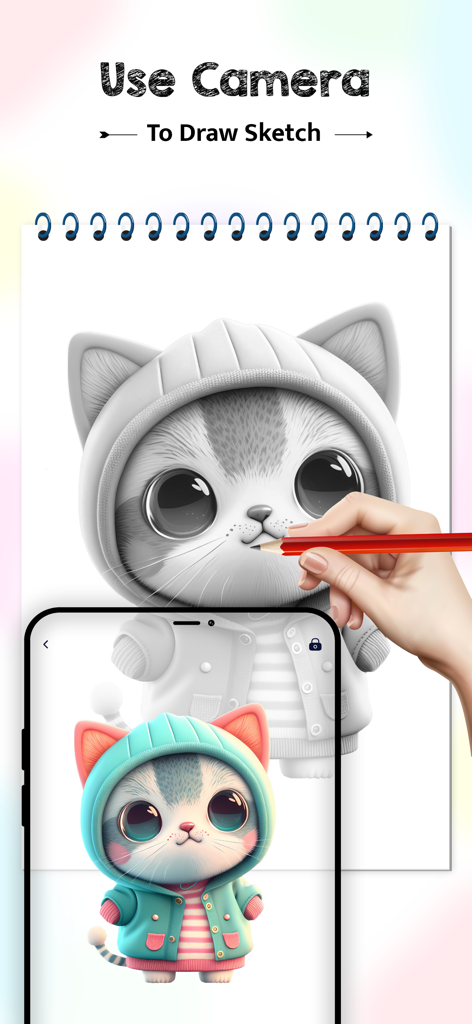
AR描画アプリを使って、紙のスケッチパッドに猫のかわいい画像をトレースするためにスマートフォンを使用している人。
AR描画アプリを使って、紙のスケッチパッドに猫のかわいい画像をトレースするためにスマートフォンを使用している人。

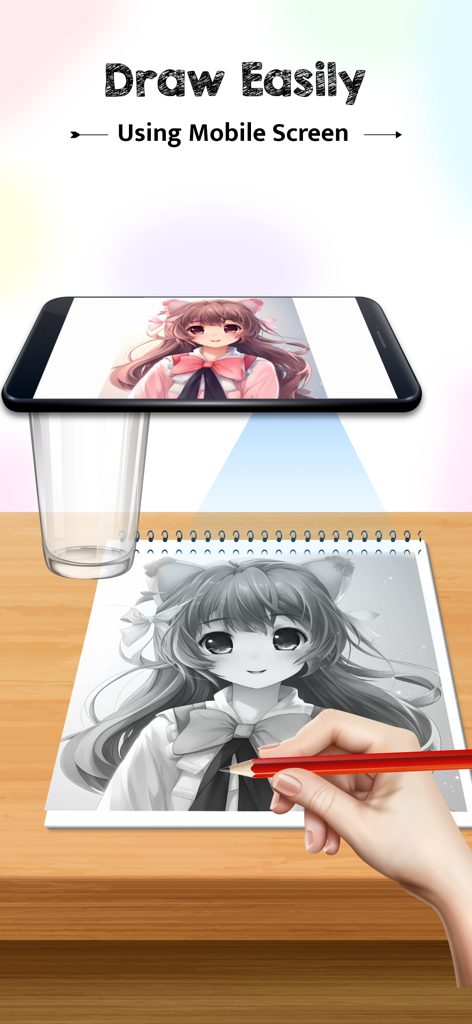
AR描画アプリを使用して、携帯電話の画面からノートにアニメキャラクターをトレースしている人。
AR描画アプリを使用して、携帯電話の画面からノートにアニメキャラクターをトレースしている人。

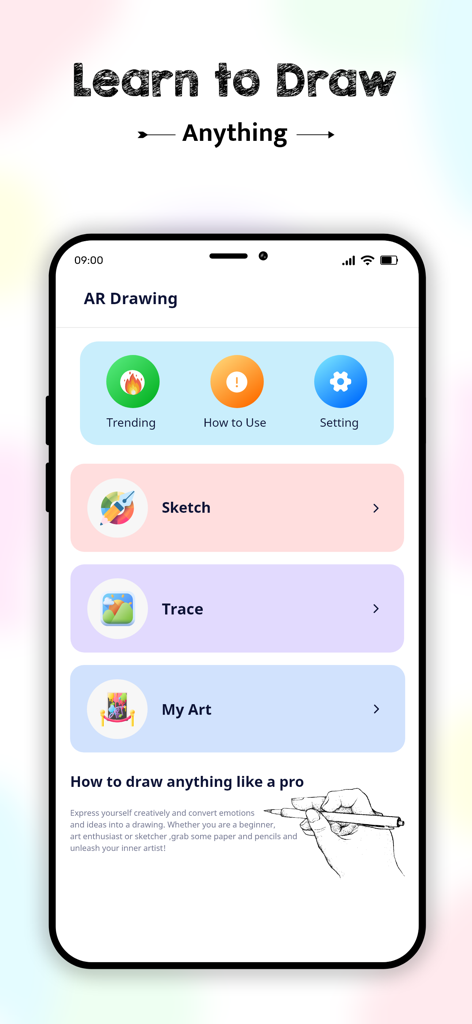
AR描画アプリのホーム画面。スケッチ、トレース、マイアートのメニューオプションと「描画を学ぶ」ヘッダーが表示されている。
AR描画アプリのホーム画面。スケッチ、トレース、マイアートのメニューオプションと「描画を学ぶ」ヘッダーが表示されている。

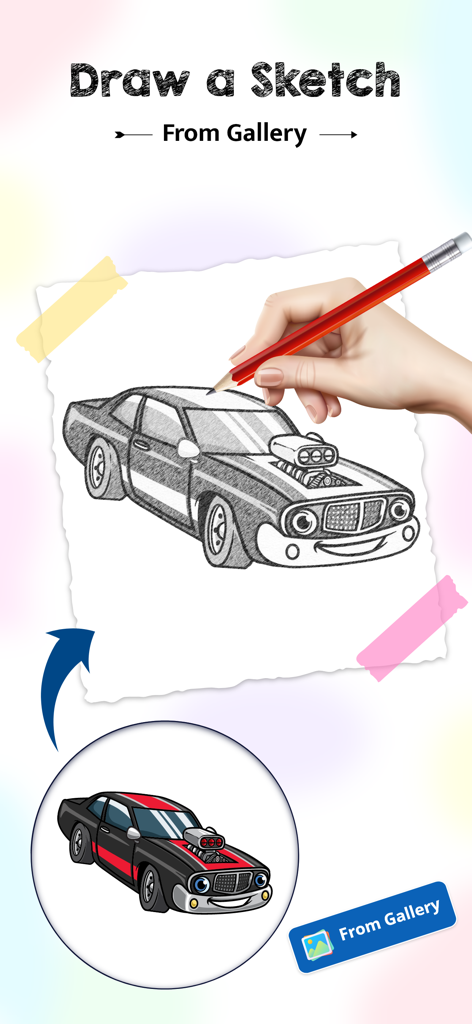
ギャラリーの画像を使用して、紙に車のスケッチを描くために鉛筆を使用している手。
ギャラリーの画像を使用して、紙に車のスケッチを描くために鉛筆を使用している手。

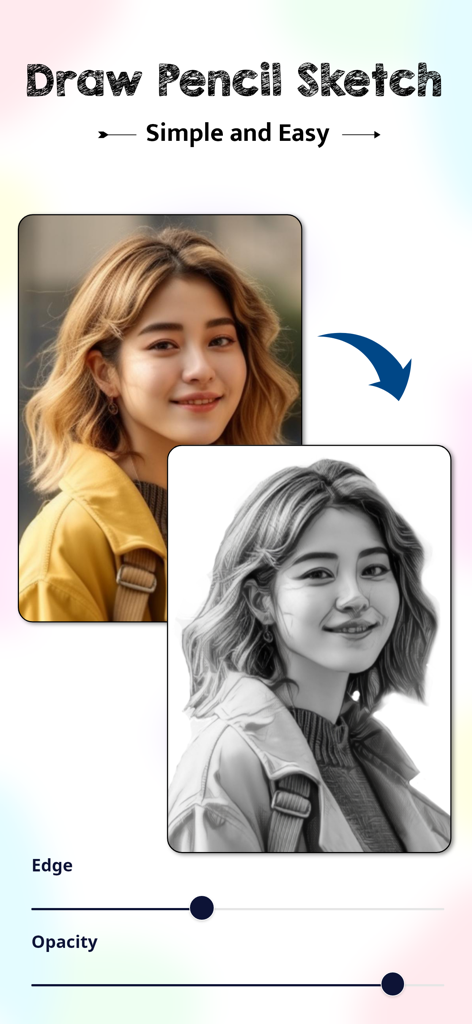
インターフェースは、女性のカラー写真がトレース用の白黒鉛筆スケッチに変換されている様子を示している。
インターフェースは、女性のカラー写真がトレース用の白黒鉛筆スケッチに変換されている様子を示している。

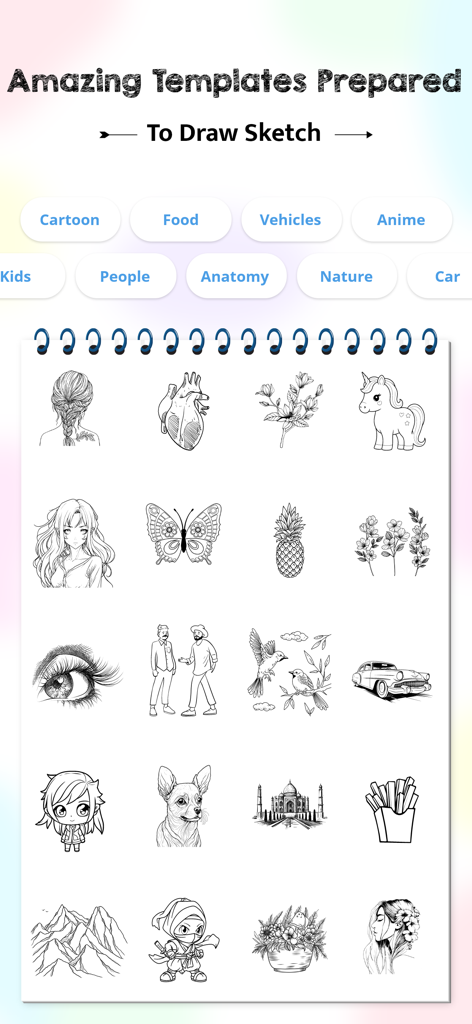
アニメや自然などのスケッチテンプレートや描画カテゴリのギャラリー。
アニメや自然などのスケッチテンプレートや描画カテゴリのギャラリー。

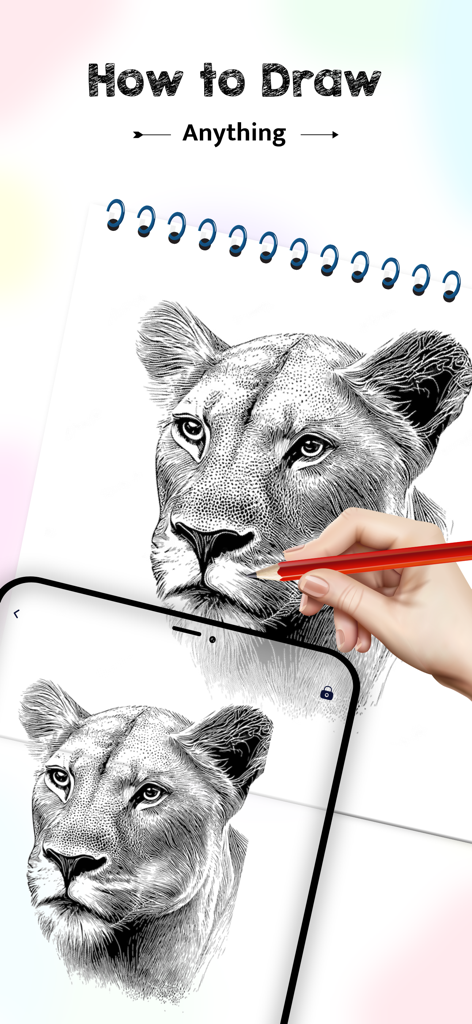
AR描画アプリを携帯電話で使用して、詳細なライオンのスケッチを物理的なノートにトレースしている人。
AR描画アプリを携帯電話で使用して、詳細なライオンのスケッチを物理的なノートにトレースしている人。

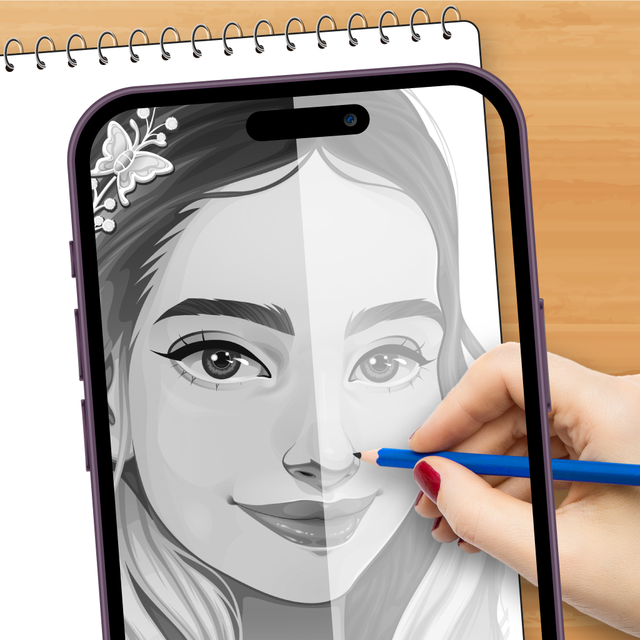
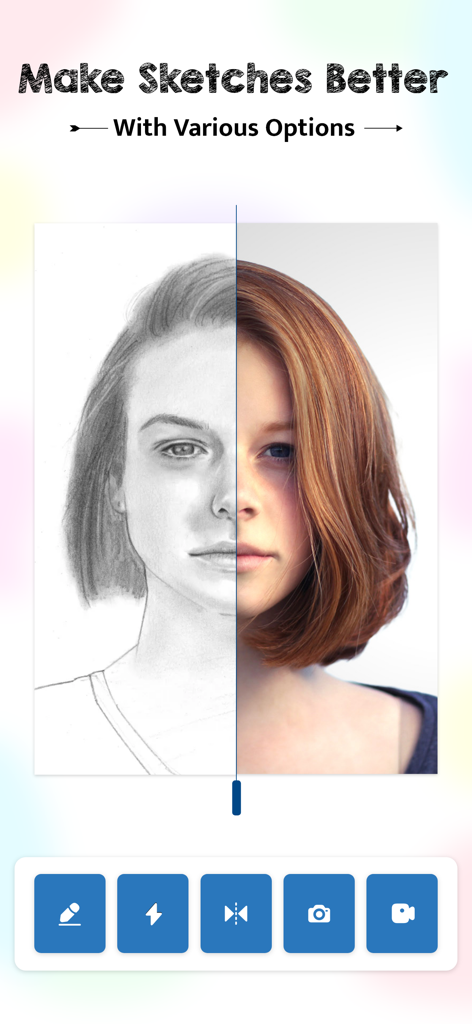
AR描画アプリで、鉛筆スケッチと実際のポートレート写真を示す分割画面インターフェース。

AR描画アプリで、鉛筆スケッチと実際のポートレート写真を示す分割画面インターフェース。

隠れた芸術的才能を解き放つ

このアプリを際立たせるツール、 8K+ 人のユーザーが選択.

簡単なARトレース

もう比率で悩む必要はありません。どんな画像でも紙に投影し、線に沿って描くだけで、毎回完璧なアートワークを作成できます。

🎨

トレンドのおしゃれなテンプレート

アニメ、自然、ミニマリストアートなど、トレンドのカテゴリの大規模ライブラリにアクセスして、次のクリエイティブプロジェクトをすぐに始めましょう。

🎥

バイラル級のタイムラプス

スケッチプロセスを自動録画します。TikTokやInstagram Reelsで直接共有するために、アートが生き生きと描かれる高品質のビデオをキャプチャしましょう。

アプリについて

について知っておくべきこと AR Drawing: Sketch with Camera.

説明

Do you also want to sketch like a real sketchar? Then AR Drawing will transform your smartphone into a creative drawing tool. If you also don’t know how to sketch and want to draw perfectly, then AR drawing is your perfect drawing partner. You can easily draw any sketch with AR drawing from your phone's camera. To create amazing sketches, simply steady your phone, position the virtual image on canvas, and follow the tracing lines. Learn How to Sketch Anything: 1. Locate a well-lit area and steady your phone using a tripod or stand. 2. Align the virtual image on the surface to draw. 3. Then follow the tracing lines and sketch anything on canva Learn How to Trace Easily: 1. Locate a light area and use any stand to steady your phone. 2. Put your phone at 45 degrees. 3. Then put any transparent object at 120 degrees in between your canvas and phone. 4. Then your image will appear on blank canvas as a shadow cast by a transparent object. 5. Then follow the tracing lines and sketch. Key Features of AR Drawing: 1. capture the photo and sketch easily with a pencil. 2. Choose an image from the gallery to draw. 3. Sketch with in-app templates like anime, cartoons, food, flowers, vehicles, and more. 4. Personalize drawing settings like opacity, edge level, stroke, flashlight, and background color. 5. Record your sketching video while drawing. 6. Watch how-to guides to sketch step-by-step perfectly. How AR will Improve Your Drawings: 1. Improve hand-eye coordination, line work, and shading techniques. 2. Encourages creativity and allows you to discover new artistic styles. 3. Sketch anytime, anywhere, without the need for specialized equipment or materials. 4. AR overlays the image directly onto surface. 5. Just follow the tracing lines and your sketches will be perfect. 6. Drawing different images with a premade template will improve your drawing. Sketch with in app templates: 1. Aesthetic 2. Anatomy 3. Animal 4. Anime 5. Cars 6. Food 7. Kids 8. Nature 9. People 10. Trending Sketch your own pencil sketch or anything perfectly onto paper with AR. So why to wait? Download AR drawing app now and create amazing artwork anytime, anywhere!

最新バージョン

1.1.3

サイズ

70.1 MB

リリース日

2024年4月2日

想像力を現実に変える準備はできましたか?

ARを使ってスケッチ、トレース、アートの共有をしている8,000人以上のクリエイターに参加しましょう。今すぐAR描画をダウンロードして、あなたのスマホを究極のクリエイティブパートナーに変えましょう。

ダウンロード: App Store

App information, icons, screenshots, and descriptions displayed on this page are sourced from the Apple App Store and are the property of their respective developers. Download estimates and rankings are based on MWM's proprietary models and may not reflect actual figures. This page is provided for informational and analytical purposes only.

Believe this page infringes your intellectual property? File a dispute