AR Ruler Measuring Instrument

AR Ruler Measuring Instrument

ダウンロード: App Store
ロゴ: AR Ruler Measuring Instrument

ARルーラー測定ツール:精確な測定のためのプロフェッショナルデジタルツールキット

スマートフォンを高精度ARツールキットに変えましょう。簡単に3D間取り図を作成し、家具を測定し、レベルを検出し、自宅、オフィス、DIYプロジェクトにプロフェッショナルな精度を提供します。

ダウンロード: App Store

開発元

聪 王

カテゴリ

Utilities

ダウンロード

100

ユーザー評価

1.0/5

評価数

0

対応言語

3

一目でわかる精度

このインターフェースを利用する 100 人のユーザー.

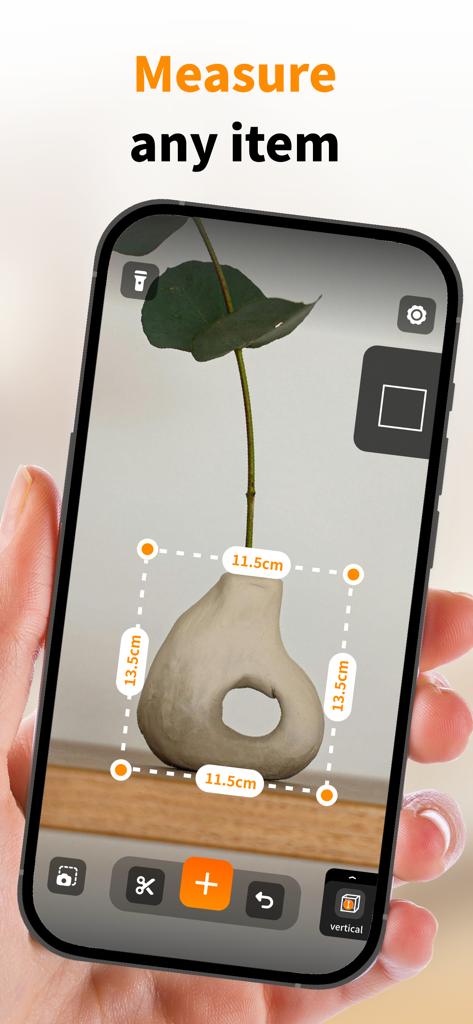
棚にある陶器の花瓶の寸法を測定するために拡張現実を使用しているスマートフォン
棚にある陶器の花瓶の寸法を測定するために拡張現実を使用しているスマートフォン

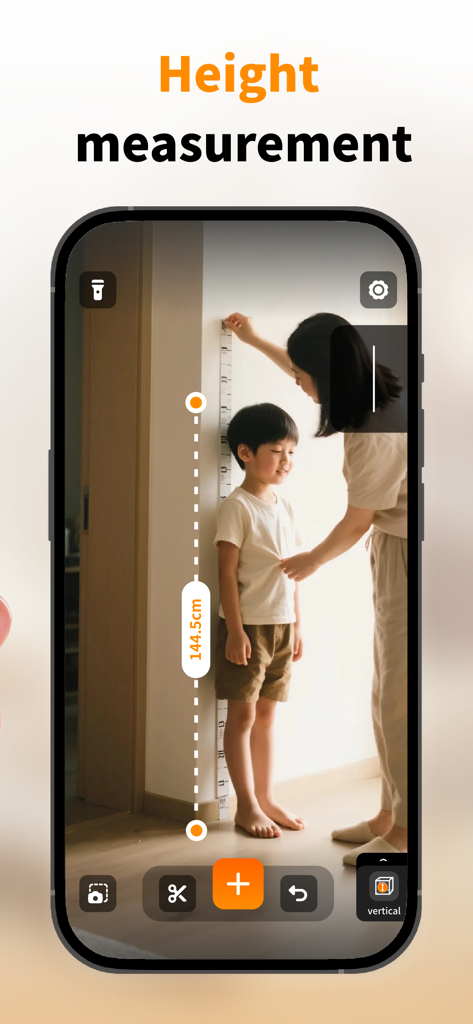
女性がスマートフォンでARルーラー測定ツールアプリを使用して、壁に対して子供の身長を測定しています
女性がスマートフォンでARルーラー測定ツールアプリを使用して、壁に対して子供の身長を測定しています

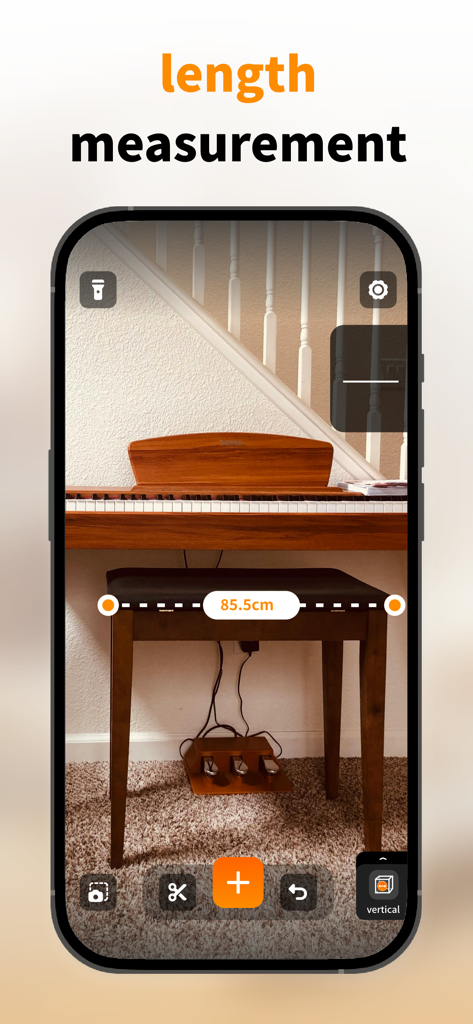
ARルーラーアプリがピアノベンチの長さをセンチメートルで測定しています
ARルーラーアプリがピアノベンチの長さをセンチメートルで測定しています

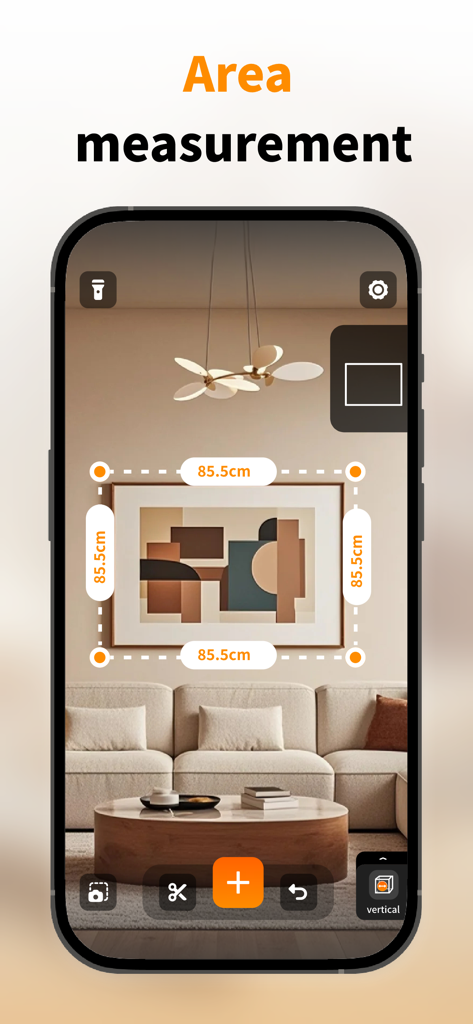
ARルーラーアプリがリビングルームの壁にある額縁の寸法を測定しています
ARルーラーアプリがリビングルームの壁にある額縁の寸法を測定しています

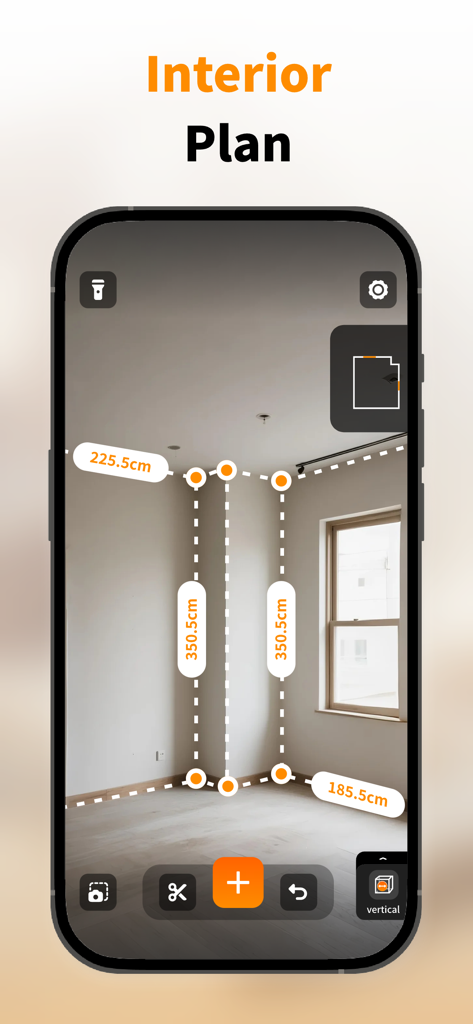
拡張現実を使用して部屋の寸法を測定し、インテリアの間取り図を作成しているスマートフォンアプリ

拡張現実を使用して部屋の寸法を測定し、インテリアの間取り図を作成しているスマートフォンアプリ

あらゆるプロジェクトのための精密測定

このアプリを際立たせるツール、 100 人のユーザーが選択.

📐

インスタントARルーラー

長さ、高さ、角度をリアルタイムで外科手術レベルの精度で測定します。メジャーがないときの家具購入や家の修理に最適です。

🏠

スマート3D間取り図

数分で部屋全体をマッピングし、窓やドアの寸法をマークします。レイアウトを視覚化し、次のリフォームや引っ越しをプロのように計画しましょう。

📲

注釈付けと共有

測定データを写真に直接保存し、ワンクリックで共有できます。請負業者、デザイナー、家族をプロジェクトと完全に同期させましょう。

アプリについて

について知っておくべきこと AR Ruler Measuring Instrument.

説明

AR ruler measuring instrument is a multifunctional tool application that can measure length, height, angle, or check whether an object is horizontal or vertical, providing you with a fast and accurate measurement experience. Easy to use, intuitive to operate, no need for complex tools, quick measurement upon opening, both professionals and ordinary users can easily get started, making measurement smarter and more efficient! Application Function: Horizontal measurement: Measuring the length, height, and width of an object accurately and conveniently. Vertical measurement: helps you detect the vertical surface of objects such as floors, walls, furniture, etc. Room floor plan: Measure the 3D floor plan of the room, mark the dimensions of doors and windows, and plan the home layout more intuitively. Digital bubble level: Real time display of tilt angle, accurate to 0.1 °, making horizontal measurement more intuitive. Multi parameter selection: supports switching between multiple units such as centimeters, inches, meters, etc., to meet different measurement needs. Photo annotation&sharing: Save pictures and record data at any time during the measurement process, and share them with others with just one click. Measurement history preservation: Store measurement records for easy viewing and management at any time. Subscription Service Description: 1. Subscription types: weekly subscription and annual subscription; 2. Subscription price: $9.99 per consecutive week, $69.99 per consecutive year; 3. Subscription payment: After the trial period, if the user confirms the purchase, they need to make the payment and credit it to their iTunes account; 4. Subscription Renewal: The subscription is a continuous automatic subscription, and the Apple iTunes account will deduct the fee within 24 hours before the current subscription expires. After successful deduction, the subscription will be automatically extended to the next cycle. 5. Unsubscribe: If you need to unsubscribe, please go to your phone settings - app - subscription to unsubscribe 24 hours before the current subscription expires. Privacy Policy: https://icn4n8nd1hph.feishu.cn/wiki/K57Lw3w0TiZ0OCk2yiAcRbWwnYd?from=from_copylink User Agreement: https://icn4n8nd1hph.feishu.cn/wiki/YafzwRgotiRjnMkVlCGcDbrmnN5?from=from_copylink

最新バージョン

1.4

サイズ

23.8 MB

リリース日

2025年7月7日

プロ仕様のデジタルツールキットがタップひとつであなたの手に

AR精度を使用して即座に測定、計画、間取り図を共有する何千人もの住宅所有者やプロフェッショナルに加わりましょう。今すぐダウンロードして、次のプロジェクトを始めましょう。

ダウンロード: App Store

App information, icons, screenshots, and descriptions displayed on this page are sourced from the Apple App Store and are the property of their respective developers. Download estimates and rankings are based on MWM's proprietary models and may not reflect actual figures. This page is provided for informational and analytical purposes only.

Believe this page infringes your intellectual property? File a dispute