Assembly Lab: 8086 NASM IDE

Assembly Lab: 8086 NASM IDE

ダウンロード: App Store
ロゴ: Assembly Lab: 8086 NASM IDE

Assembly Lab: 8086 NASM IDE — あなたのペースで低レベルプログラミングをマスター

複雑なセットアップはスキップして、設定不要のx86シミュレーターで16ビットリアルモードに飛び込みましょう。iPhone、iPad、Macで、レジスタの可視化、リアルタイムでのメモリ監視、NASMコードの正確なデバッグが可能です。

開発元

Chongqing Hyperits Network Technology Co., Ltd.

カテゴリ

Developer Tools

ダウンロード

300

ユーザー評価

1.0/5

評価数

0

対応言語

11

リアルモード、リアルな洞察

このインターフェースを利用する 300 人のユーザー.

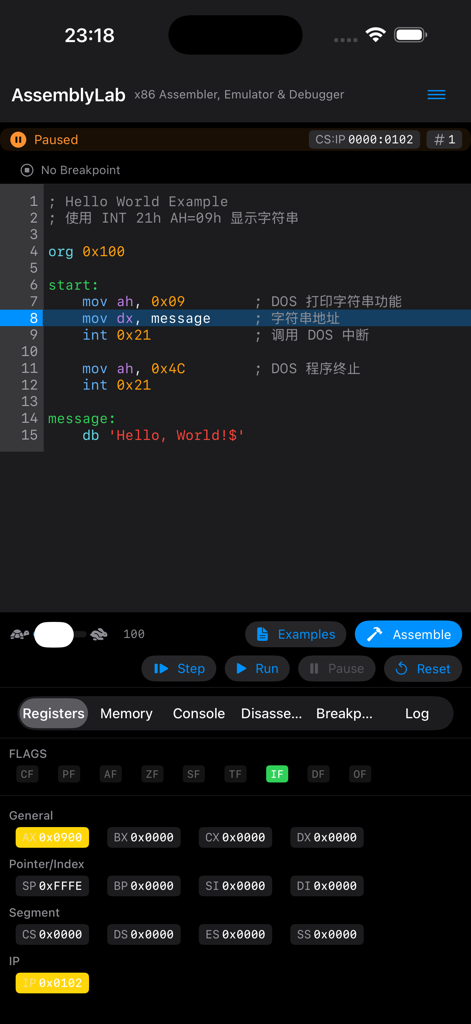
Assembly LabアプリがNASMコードエディタと視覚的なCPUレジスタステータスを表示
Assembly LabアプリがNASMコードエディタと視覚的なCPUレジスタステータスを表示

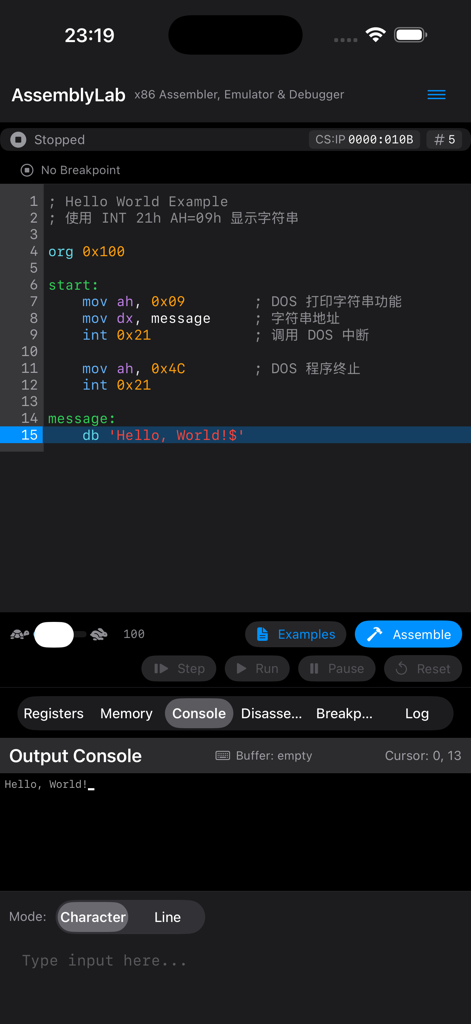
Assembly Labアプリのインターフェースが8086アセンブリコードと出力コンソールにHello Worldメッセージを表示
Assembly Labアプリのインターフェースが8086アセンブリコードと出力コンソールにHello Worldメッセージを表示

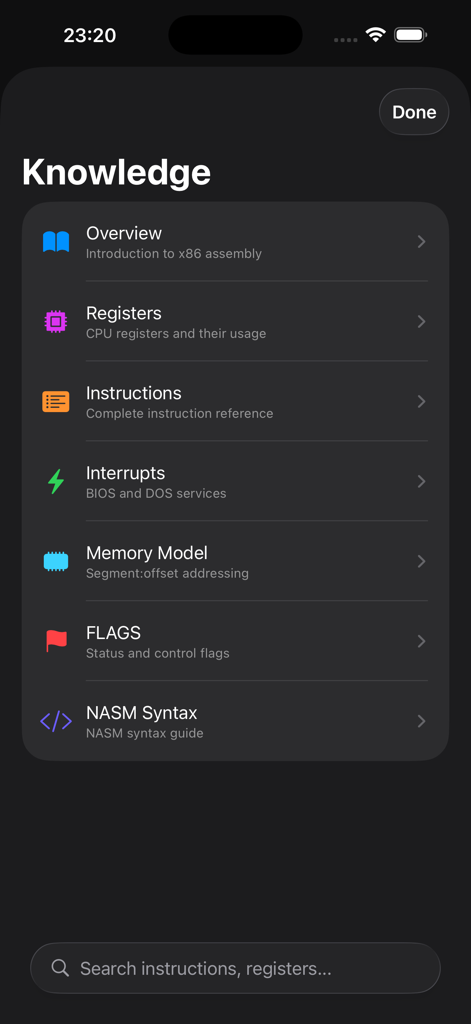
Assembly Labアプリの知識セクションに、レジスタ、命令、割り込みなどのx86アセンブリ学習トピックのリストが表示
Assembly Labアプリの知識セクションに、レジスタ、命令、割り込みなどのx86アセンブリ学習トピックのリストが表示

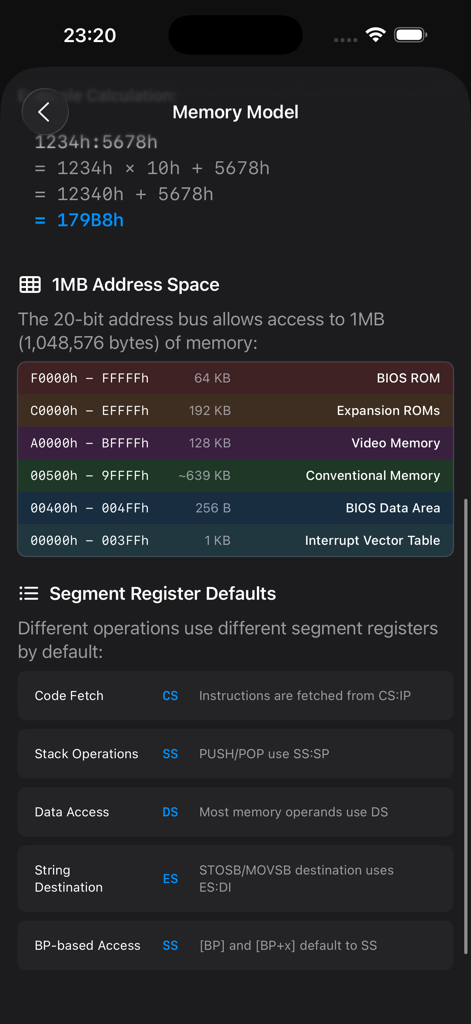
8086 1MBメモリ空間とセグメントレジスタのデフォルトマッピングの視覚的なマップ
8086 1MBメモリ空間とセグメントレジスタのデフォルトマッピングの視覚的なマップ

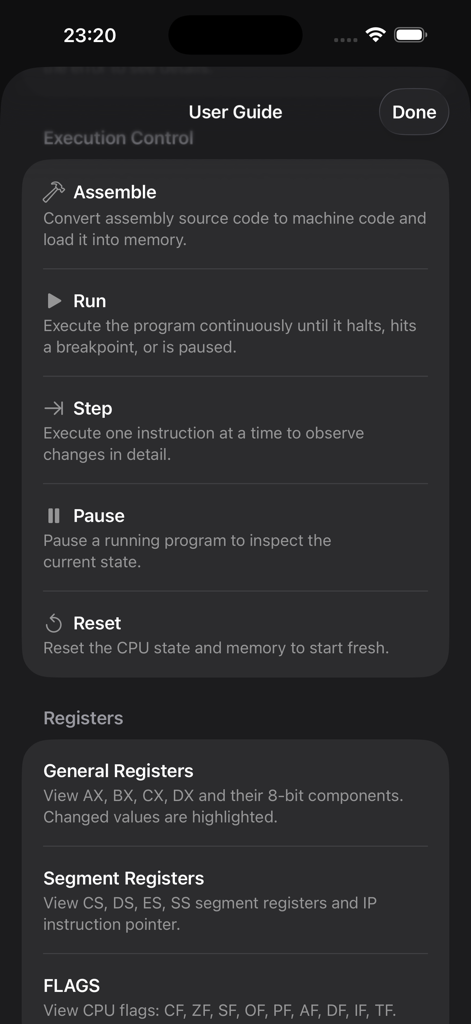
Assembly Labアプリのユーザーズガイド画面に、実行コントロールとレジスタ定義が表示
Assembly Labアプリのユーザーズガイド画面に、実行コントロールとレジスタ定義が表示

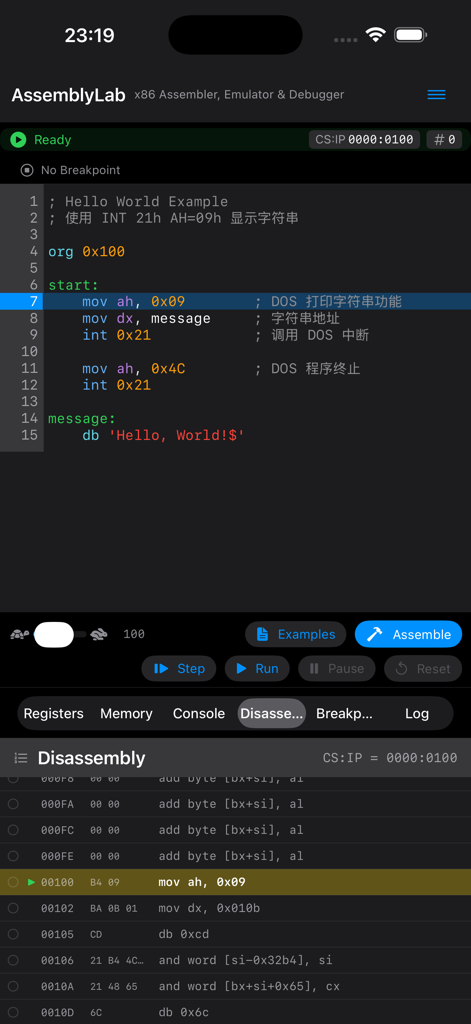
Assembly LabモバイルIDEに、8086 NASMプログラミング用のコードエディタと逆アセンブルビューが表示
Assembly LabモバイルIDEに、8086 NASMプログラミング用のコードエディタと逆アセンブルビューが表示

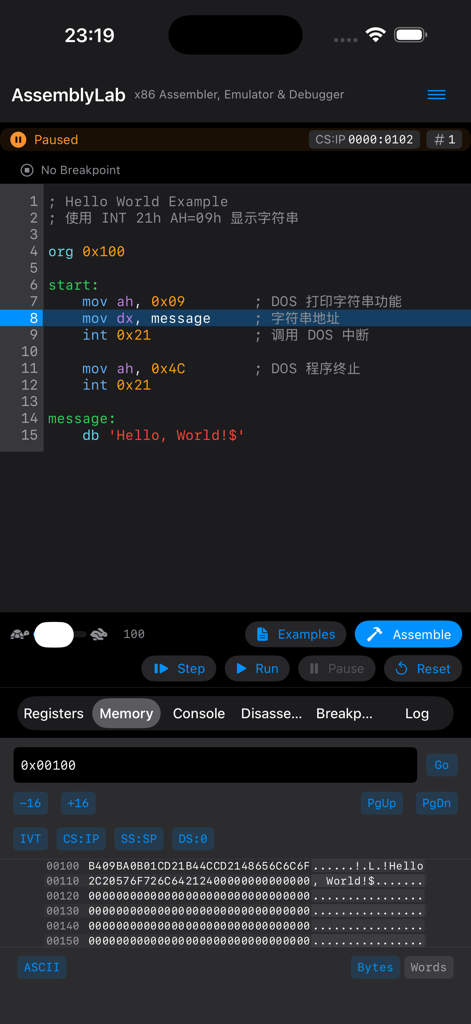
Assembly Lab 8086 NASM IDEに、コードエディタとメモリビューアが表示
Assembly Lab 8086 NASM IDEに、コードエディタとメモリビューアが表示

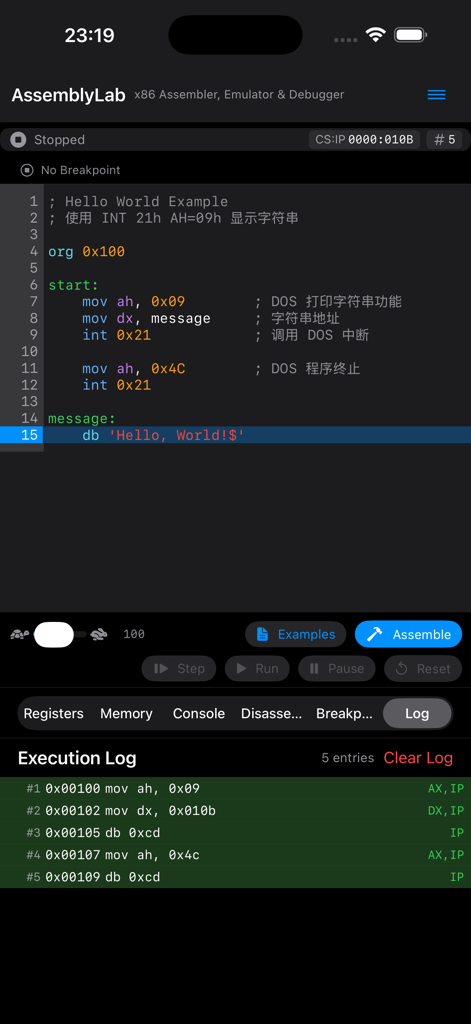
Assembly Labアプリの画面に、NASMアセンブリコードと実行ログが表示
Assembly Labアプリの画面に、NASMアセンブリコードと実行ログが表示

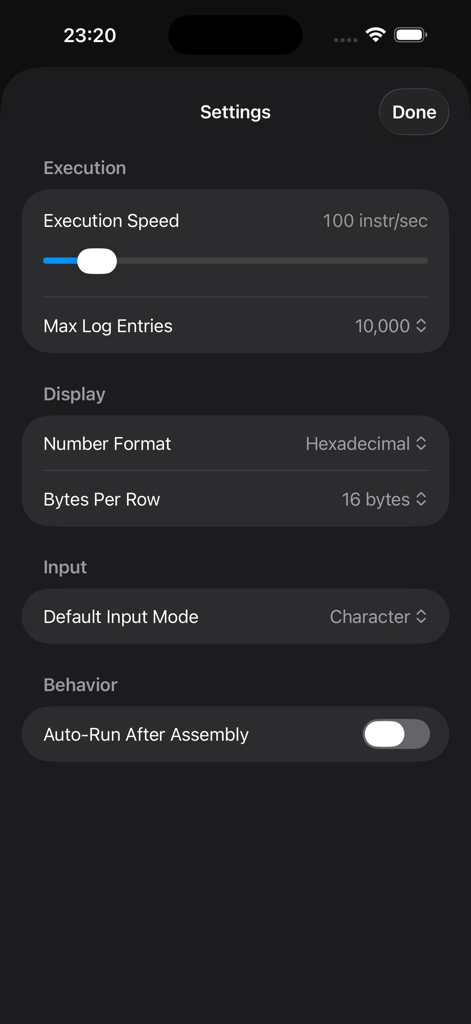
Assembly Labアプリの設定メニューに、実行速度と表示形式のオプションが表示

Assembly Labアプリの設定メニューに、実行速度と表示形式のオプションが表示

マシンコードをマスターする

このアプリを際立たせるツール、 300 人のユーザーが選択.

設定不要のNASM環境

ツールチェーンやレガシーエミュレーターのセットアップのフラストレーションをスキップしましょう。組み込みのNASM構文アセンブラーを使用して、iPhone、iPad、またはMacでx86コードを即座に記述、アセンブル、実行できます。

🖥️

視覚的なリアルタイムデバッグ

抽象的な概念を可視化しましょう。コードが命令ごとに実行される際に、レジスタを監視し、フラグの変化を観察し、1MBのメモリ空間全体を16進数で表示できます。

🎓

深い学習のために構築

CS学生やリバースエンジニアに最適です。本物のBIOSおよびDOS割り込みを探索し、リアルモードメモリセグメントを学習し、基本的なロジックから複雑なアルゴリズムまでのプリロードされた例から学びましょう。

アプリについて

について知っておくべきこと Assembly Lab: 8086 NASM IDE.

説明

AssemblyLab is a powerful x86 16-bit real mode assembly language simulator designed for iPhone, iPad, and Mac. No complex setup required — learn and practice assembly programming anywhere, anytime. 【CORE FEATURES】 • Complete x86 16-bit CPU emulation with 60+ instructions • NASM syntax assembler — write and run instantly • Real-time disassembly view to understand machine code • Full 1MB memory space, authentic real mode simulation 【POWERFUL DEBUGGING TOOLS】 • Set breakpoints and step through code • Live register monitoring (AX/BX/CX/DX/SP/BP/SI/DI) • Visual FLAGS indicator display • Memory browser with hex view and editing • Execution log to trace every instruction 【BIOS/DOS INTERRUPT SUPPORT】 • INT 10h Video Services: cursor control, character output, screen scrolling • INT 21h DOS Services: keyboard input, string output, program termination 【LEARNING-FRIENDLY】 • Built-in example programs from Hello World to algorithms • Syntax-highlighted code editor • Console output for immediate feedback • Load and run .COM files 【CROSS-PLATFORM EXPERIENCE】 • iPhone: optimized portrait layout • iPad: split-view interface for the big screen • Mac: native support with keyboard shortcuts Perfect for: - Computer Science students - Operating Systems course learners - Reverse engineering beginners - Retro computing enthusiasts - Developers curious about low-level programming AssemblyLab is your ideal companion for exploring how computers really work at the lowest level. Download now and start your assembly journey!

最新バージョン

1.2

サイズ

7.8 MB

リリース日

2026年1月9日

マシンコードをマスターする準備はできましたか?

複雑なツールチェーンのセットアップに悩むのはやめましょう。今日から他のCS学生やテクノロジー愛好家に加わり、iPadまたはMacをプロフェッショナルな8086アセンブリラボに変えましょう。

ダウンロード: App Store

App information, icons, screenshots, and descriptions displayed on this page are sourced from the Apple App Store and are the property of their respective developers. Download estimates and rankings are based on MWM's proprietary models and may not reflect actual figures. This page is provided for informational and analytical purposes only.

Believe this page infringes your intellectual property? File a dispute