Audio Compressor MP3

Audio Compressor MP3

ダウンロード: App Store
ロゴ: Audio Compressor MP3

Audio Compressor MP3: 品質を損なうことなくファイルを90%圧縮

「ストレージがいっぱいです」というアラートを気にするのはもうやめましょう。ボイスメモや音楽をバッチで簡単に圧縮し、クリアなサウンドを維持しながらDiscord、WhatsApp、またはメールで簡単に共有できます。

ダウンロード: App Store

開発元

ARJUN ADHIKARI

カテゴリ

Medical

ダウンロード

1K+

ユーザー評価

1.0/5

評価数

0

対応言語

1

すべてのタップにシンプルさ

このインターフェースを利用する 1K+ 人のユーザー.

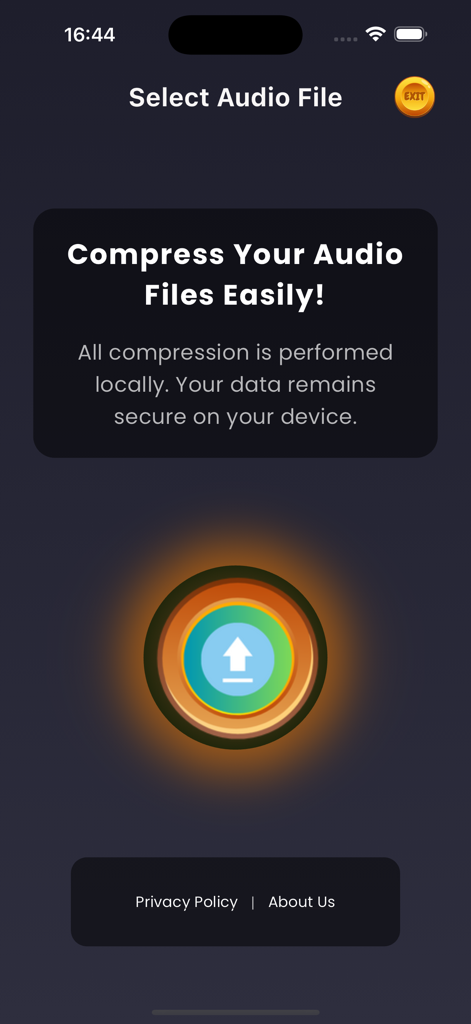
Audio Compressor MP3アプリのホーム画面。中央にアップロードボタンがあり、ローカルデータセキュリティメッセージが表示されています。
Audio Compressor MP3アプリのホーム画面。中央にアップロードボタンがあり、ローカルデータセキュリティメッセージが表示されています。

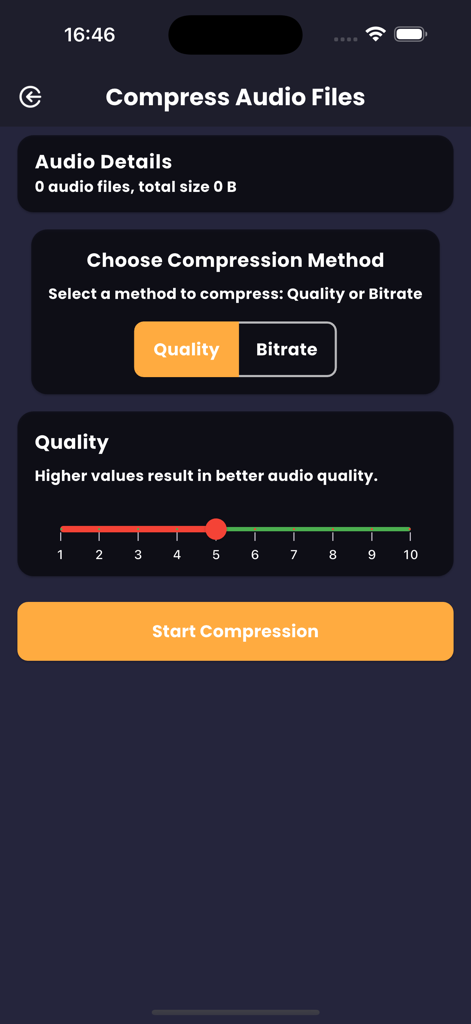
Audio Compressor MP3アプリの画面。品質選択スライダー付きの圧縮設定が表示されています。
Audio Compressor MP3アプリの画面。品質選択スライダー付きの圧縮設定が表示されています。

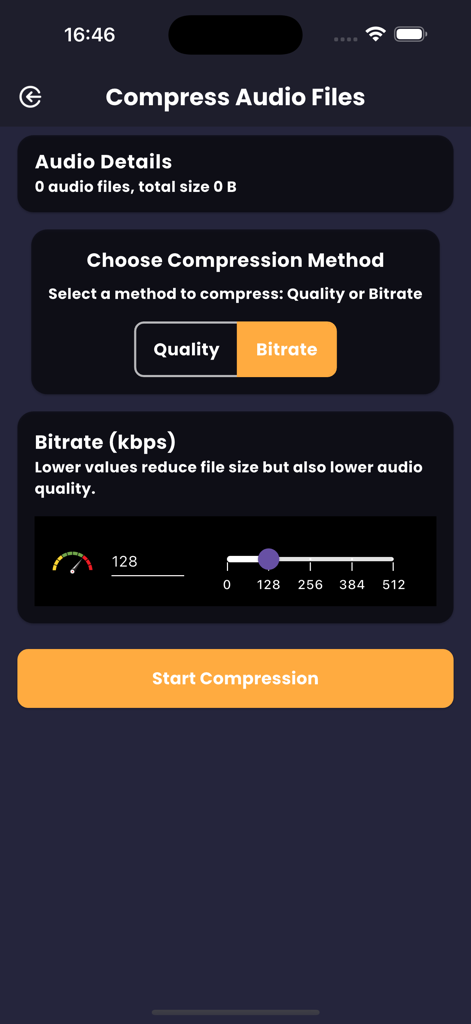
ビットレート選択スライダーと圧縮開始ボタンを備えたオーディオ圧縮オプションを示す画面。
ビットレート選択スライダーと圧縮開始ボタンを備えたオーディオ圧縮オプションを示す画面。

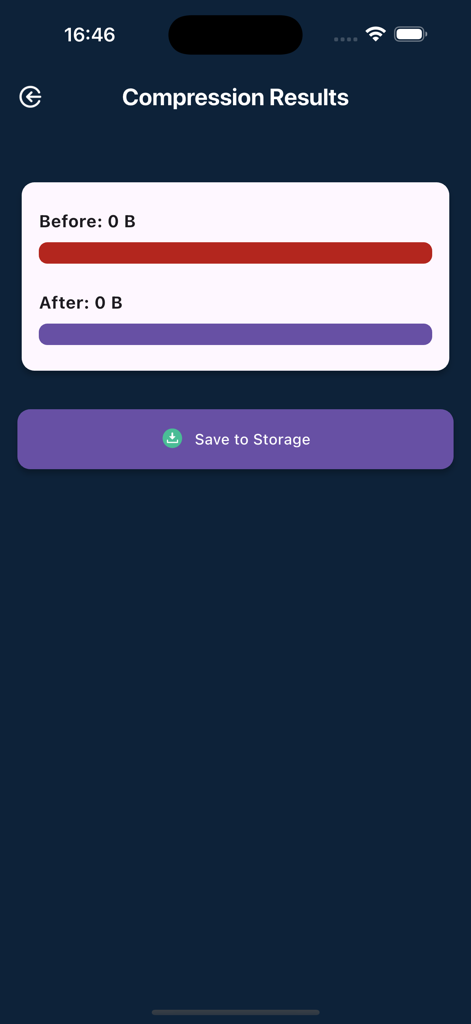
圧縮前後のファイルサイズと保存ボタンが表示されたオーディオ圧縮結果画面。
圧縮前後のファイルサイズと保存ボタンが表示されたオーディオ圧縮結果画面。

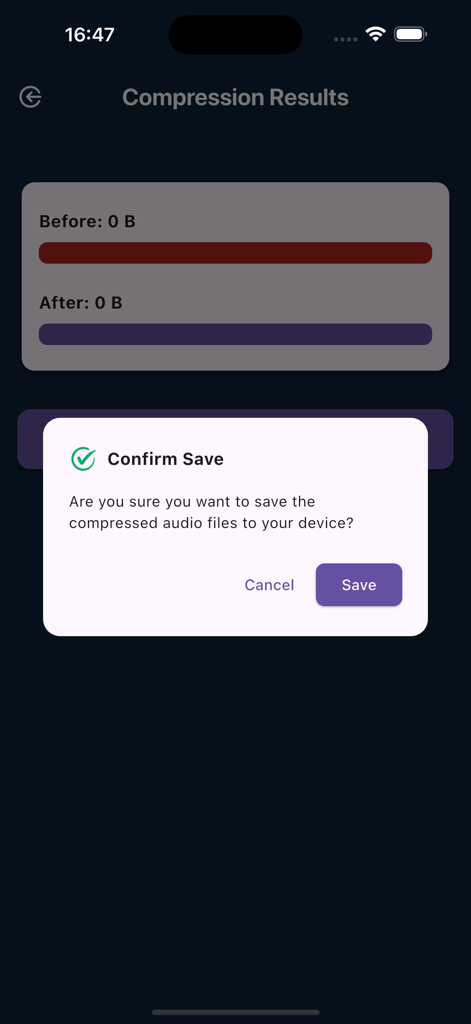
Audio Compressor MP3モバイルアプリ内で圧縮されたオーディオファイルを保存するかどうかをユーザーに尋ねる確認ポップアップ。
Audio Compressor MP3モバイルアプリ内で圧縮されたオーディオファイルを保存するかどうかをユーザーに尋ねる確認ポップアップ。

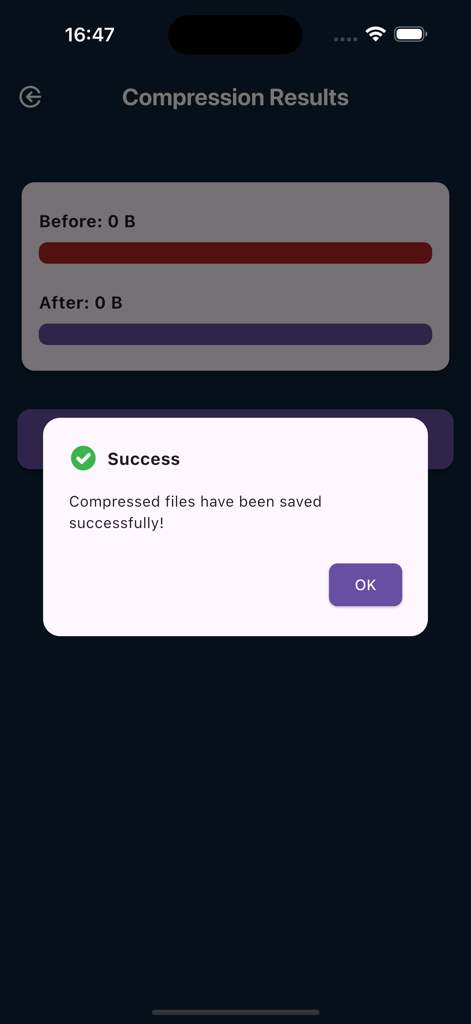
Audio Compressor MP3アプリで、圧縮されたファイルが正常に保存されたことを確認する成功メッセージ。
Audio Compressor MP3アプリで、圧縮されたファイルが正常に保存されたことを確認する成功メッセージ。

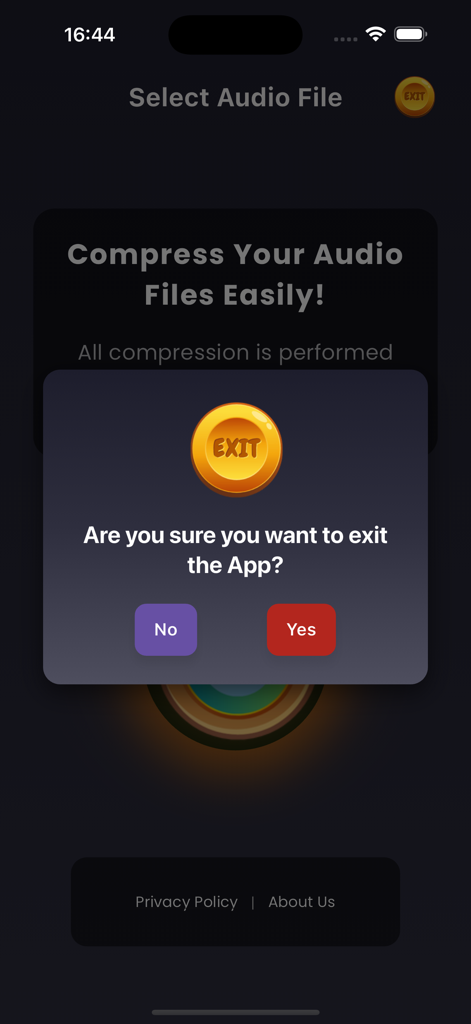
Audio Compressor MP3アプリで、ユーザーに終了するかどうかを尋ねる終了確認ダイアログ。

Audio Compressor MP3アプリで、ユーザーに終了するかどうかを尋ねる終了確認ダイアログ。

プロフェッショナルな圧縮、最大のストレージ

このアプリを際立たせるツール、 1K+ 人のユーザーが選択.

📉

スマートフォンの容量を解放

容量の大きいMP3、M4A、AACファイルを最大90%まで圧縮します。サウンド品質やストレージを犠牲にすることなく、すべてのオーディオライブラリをデバイスに保存できます。

超高速バッチ処理

📤

制限なく共有

Discord、Gmail、WhatsApp向けにオーディオを即座に最適化します。ビットレートと品質スケールを調整して、ファイルサイズの制限を回避し、作業をより迅速に送信します。

アプリについて

について知っておくべきこと Audio Compressor MP3.

説明

Audio Compressor": Effortless and High-Quality MP3 Compression Say goodbye to bulky audio files with our friendly and efficient "Audio Compressor"! Whether you're looking to save space or optimize your audio files, our powerful and easy-to-use "Audio Compressor" makes it easy to compress your audio files, especially with MP3 compression. Awesome Features: Select One or Multiple Files: Choose single or multiple audio files for compression with ease. Check File Size: View the size of your audio files before saving them. Quality Scale Compression: Adjust the quality scale from 1 to 10 for optimal audio quality. Bit Rate Compression: Pick bit rates of 128, 256, 384, or 512 kbps, depending on the format. Play Before You Compress: Test the sound quality of your files before starting the compression. Quick Compression: Start compressing your files with a single tap. See Results: Compare the original and compressed file sizes. Play the compressed audio to check the quality. Save Compressed Audio: Save your compressed audio files directly to your files for easy access. Supports MP3 Compression: Specially optimized for compressing MP3 files without losing quality. Supports Multiple Formats: Compress MP3, AAC, M4A, MP2, and AC3 audio files easily. The "Audio Compressor" is the perfect solution for anyone looking to reduce the size of their audio files quickly and easily. This app simplifies the process of compressing MP3, AAC, M4A, MP2, and AC3 audio files, helping you save valuable storage space on your device without sacrificing audio quality. Its user-friendly interface ensures a seamless compression experience, allowing you to shrink your audio files in just a few simple steps. You can compress your audio files up to 90% of their original size without compromising quality, making it easier to store and play your favorite compressed sounds. This app lets you compress MP3, AAC, M4A, MP2, and AC3 audio files in just one click. You can also resize the bitrate and quality scale of an audio file with our advanced compression mode. Supported Audio Files: MP3, M4A, AAC, MP2, AC3 Why Choose "Audio Compressor"? Our app makes compressing different standard input sound formats a breeze. With a user-friendly interface, you can compress audio files up to 90% of their original size without losing quality. Free up space on your device and make managing your audio files seamless and efficient. How to Use "Audio Compressor": Tap the upload button. Choose the audio files of any format (MP3, M4A, AAC, MP2, AC3). Select the compression level on your favorite compression methods. The higher the value, the better the quality, hence size increases. Start compression. Check the output for the compressed file and save the compressed audio file to your internal storage. Try it now and discover how easy it is to reduce the size of your audio files with "Audio Compressor"! Developer's Note: Hello, I'm SMAIT SOFTWARE LDA, an individual developer based in Lisbon, Portugal. "Audio Compressor" was developed with the aim of providing a simple yet powerful tool for managing audio files. Your support and feedback are incredibly valuable to us, and we are committed to continually improving the app to meet your needs. We Value Your Feedback! We are dedicated to providing a high-quality experience with "Audio Compressor". Your feedback helps us improve and provide the best service possible. If you enjoy using the app, please take a moment to rate it and leave a review. If you have any suggestions or encounter any issues, feel free to reach out to us at smaitsoftware@gmail.com. Thank you for your support! Company: SMAIT SOFTWARE LDA Location: Lisbon, Portugal Website: smaitsoftware.com Email: smaitsoftware@gmail.com

最新バージョン

2.0.5

サイズ

51.7 MB

リリース日

2024年10月2日

スマートフォンのストレージを解放する準備はできましたか?

容量の大きいオーディオファイルや「ストレージがいっぱいです」というアラートで、デバイスの動作が遅くなるのを防ぎましょう。クリアな品質を維持しながら、録音ファイルを最大90%まで圧縮できます。Audio Compressorをダウンロードして、今日からよりスマートな共有を始めましょう。

ダウンロード: App Store

App information, icons, screenshots, and descriptions displayed on this page are sourced from the Apple App Store and are the property of their respective developers. Download estimates and rankings are based on MWM's proprietary models and may not reflect actual figures. This page is provided for informational and analytical purposes only.

Believe this page infringes your intellectual property? File a dispute