AudioTools from Studio Six Digital is a suite of professional-grade audio and acoustic analysis apps. Included in the price of this app is a great collection of professional tools -- SPL, RTA, FFT, Speaker Polarity Test, Generator, Audio Scope, CLF Viewer, and Recorder, and the framework to add more powerful modules as you need them.
Customize AudioTools for your needs by buying any of the additional optional modules, like Smaart Tools I, SPL Graph, or Impulse Response, at any time right from your iOS device.
We test every iOS device and calibrate the microphone level and frequency response for the best results. We have the ability to turn off the Apple low frequency filters, and on many devices we can measure up to 120 dB SPL.
Add iTestMic, iPrecisionMic, or iAudioInterface2 for a complete professional audio and acoustic test and measurement platform.
Actual reviews:
“...AudioTools is a “how did I ever live without it” app”.
“I think this application is the best I EVER purchased.”
“I have used many thousands of dollars of complicated test equipment that doesn’t measure up to this app suite.”
***** Included in the app price *****
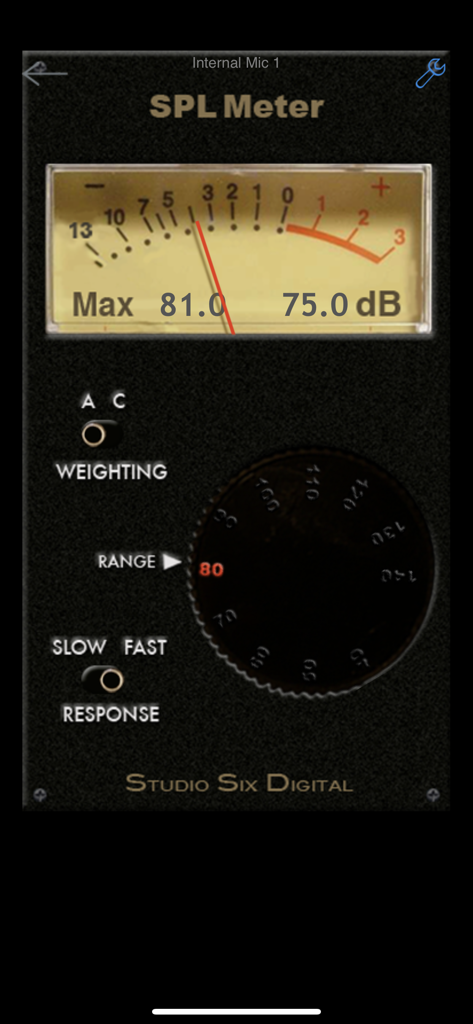
* SPL Meter
A faithful reproduction of a classic analog SPL meter. Includes A and C weighting, and Fast and Slow ANSI decay modes. All filters meet or exceed ANSI type 1.
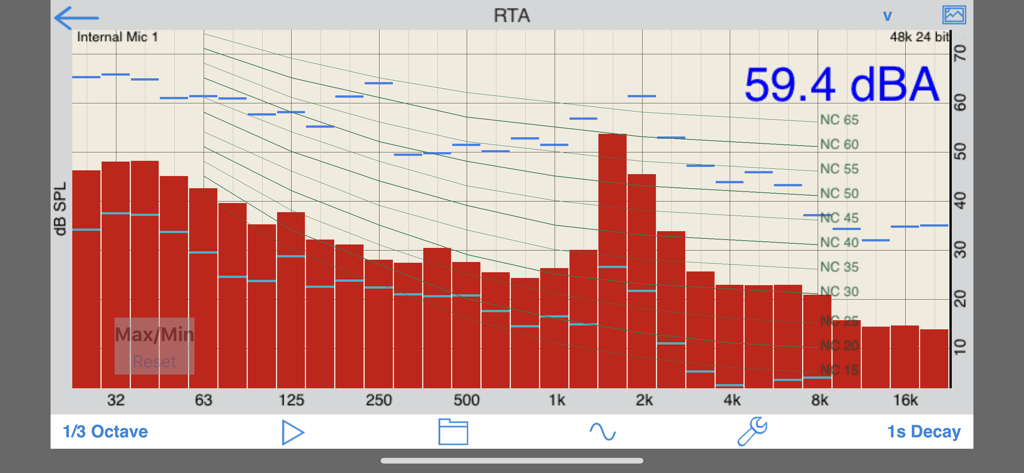
* RTA
A 1/3 and octave band Real Time Analyzer. Includes touch-GUI range control, a cursor, max/min bars, and noise curve overlays.
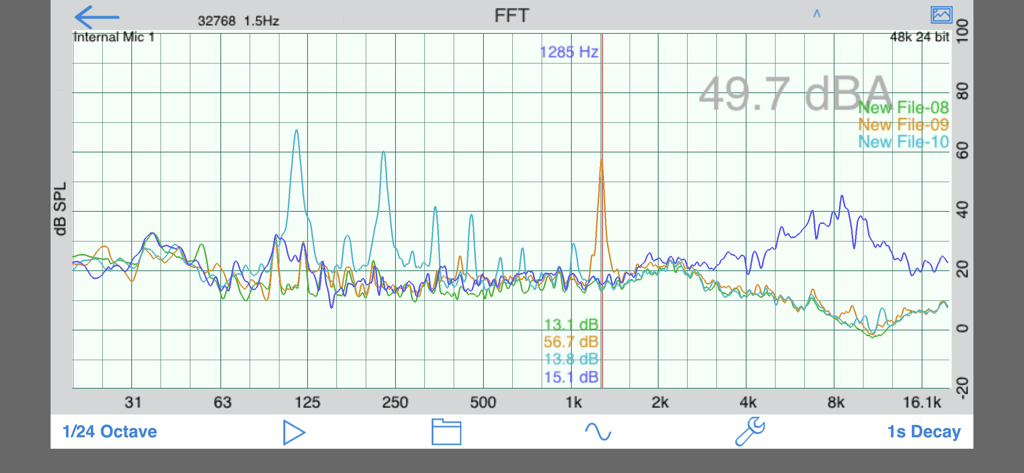
* FFT
Detailed acoustic analysis, up to 32876 points. View full detail or smooth to 1/24, 1/6, 1/3 or octave. Includes cursor, scalable graphics, and peak tracking.
* Polarity
Speaker polarity checker. Route the test signal to a speaker, and read the polarity of the speaker on the screen.
* CLF Viewer
Show loudspeaker data, including plots for impedance, axial response, sensitivity, polar response, and 6dB coverage, and a 3D color balloon plot.
* Delay Finder
Measures the time it takes for a pulse to return from a speaker.
* Generator
Generates sine waves, square waves, white and pink noise.
* Line Level Tests
A line level measurement function and frequency counter.
* Audio Scope
A dual-channel audio oscilloscope that includes auto-triggering, variable gain and sweep rate, and storage of scope images.
* Recorder
A mono/stereo audio recorder with WAV and compressed formats and 8k-48k sample rate. Transfer files via WIFI.
* File transfer of results via wifi to PC / Mac.
* Audio Calculators
***** Optional modules available for purchase from within AudioTools *****
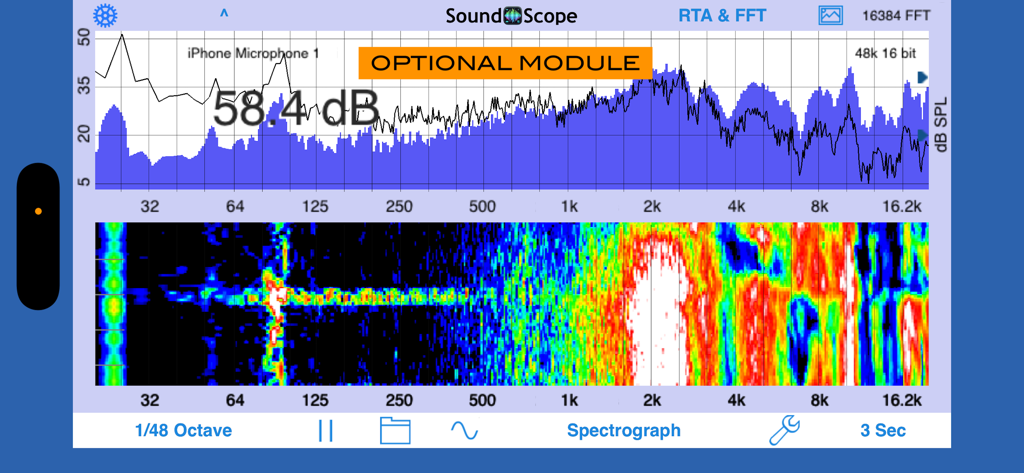
* SoundScope VR - FFT-based audio analyzer with VR.
The powerful acoustical analysis module. Includes RTA graphs to 1/48th octave and Spectrograph, and can display VR.
* Transfer Function -- Requires 2-channel interface.
Two-channel FFT-based measurement. Allows you to analyze sound system performance with music or pink noise as the signal source.
* ETC
Energy Time Curve. Plot decay of an impulse over time, and compute RT60 time. Internal or External trigger.
* Impulse Response
Record and analyze an impulse or sine sweep, compute octave and 1/3 octave ETC, T30, C50, C80, CT, Definition.
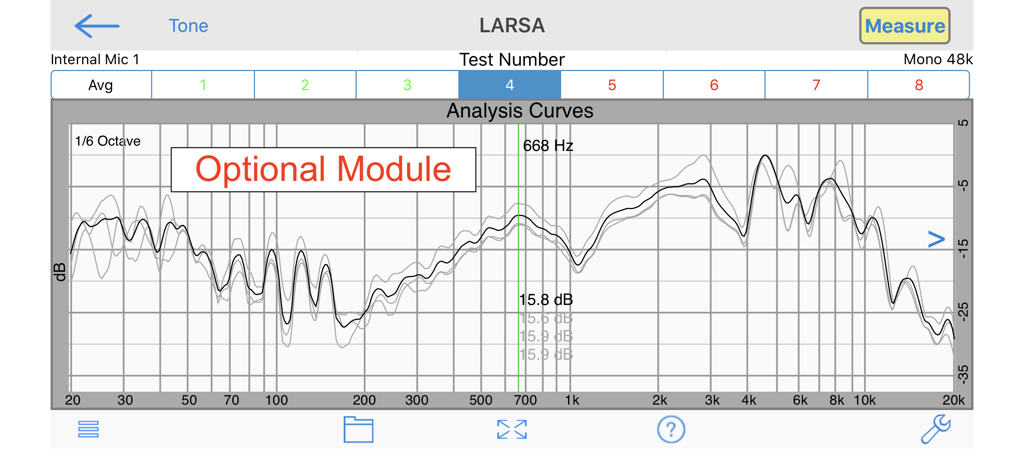
* LARSA
Fast and accurate sine-sweep measurement of loudspeakers and rooms.
* SPL Pro
Digital SPL meter with ANSI Slow, Fast, Peak, and Impulse mode, along with LEQ. Includes A and C weighting, and all 10 octave band filters.
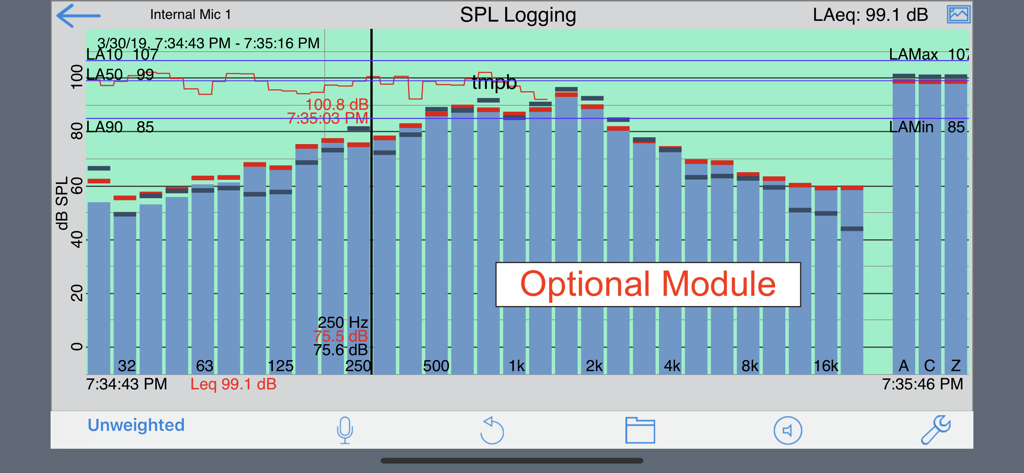
* SPL Graph
Plot second-by-second SPL level for up to 24 hours, and optionally record the audio. Also, add the optional Octave Band Logging upgrade to elevate this tool to rival any professional logging SPL Meter.
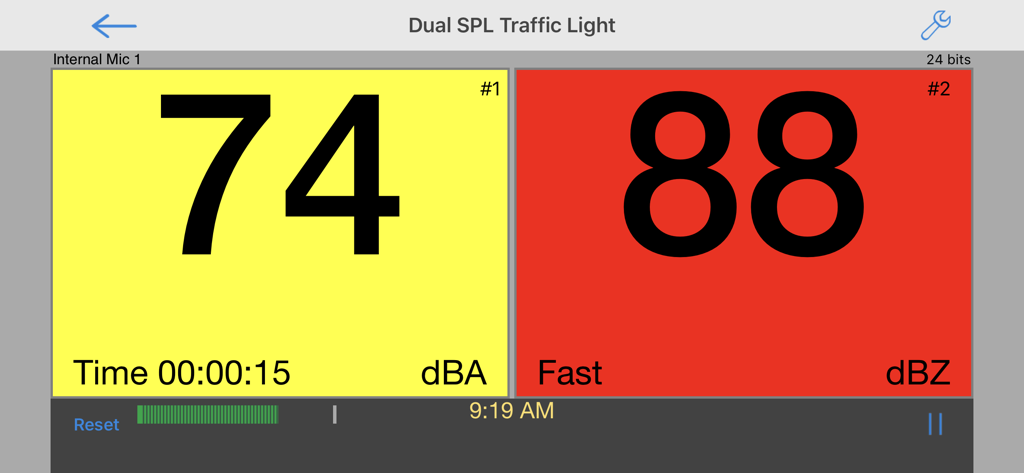
* SPL Traffic Light
Monitor live sound levels SPL and Leq and see status in a simple green-yellow-red display.
* STIPA Speech Intelligibility
Meets the current NFPA code standards for testing evac systems and schools.
* Speaker Distortion
Measure THD+n of any driver.
* THD+n (requires iAudioInterface)
* Impedance Meter and Plot (requires iAudioInterface)
* Phase Meter
* Amplitude Sweep