
このページはアプリまたはその開発者の公式ページではなく、情報提供および論評を目的として作成された独立した編集出版物です。明示的に別段の記載がない限り、アプリおよびその開発者は、MWM、Apple、Google Play、アプリのパブリッシャー、またはアプリの開発者と提携、承認、後援、認可、またはその他の公式的な関係はなく、このページのいかなる内容も、アプリがMWMのサービスを使用して開発されたことを意味するものではありません。すべての商標、ロゴ、スクリーンショット、その他のコンテンツはそれぞれの所有者の財産です。


Authenticator App `
2FAでアカウントを保護し、パスワードを安全に保存し、シームレスなiCloud同期をお楽しみください。忙しいデジタルライフのために設計されたプロフェッショナルグレードの保護機能です。
ダウンロード
358K+ユーザー評価
評価数
2K+開発元
カテゴリ
Productivity対応言語
33最新バージョン
1.7サイズ
26.8 MBリリース日
2023年5月12日あなたのデジタルライフのための高度な保護
現代のプロフェッショナル向けに設計された、高度な2FA、統合されたパスワード管理、シームレスなiCloud同期でアカウントを保護します。
鉄壁の2FAセキュリティ
GoogleやAmazonなどの1,000以上のアプリ向けの時限コードを生成し、不正アクセスを防ぎます。
手間いらずのiCloudバックアップ
すべてのiOSデバイスで自動的かつ暗号化された同期により、アカウントへのアクセスを二度と失うことはありません。
よくある質問
について知っておくべきこと Authenticator App `
Authenticator Appとは何ですか?
Authenticator Appは、オンラインアカウントを保護するための安全で便利な方法を提供します。2要素認証用の時間ベースのワンタイムパスワード(TOTP)を生成し、不正アクセスに対するセキュリティを強化します。
Authenticator Appはどのようにコードを生成しますか?
Authenticator Appは、時間ベースのワンタイムパスワード(TOTP)を使用して、ユニークで時間制限のある6桁のコードを生成します。これらのコードは30秒ごとに変更され、ユーザーアカウントの高いセキュリティを保証します。
Authenticator Appは安全ですか?
はい、Authenticator Appは非常に安全です。コードには推測したり再利用したりできないTOTPを使用しています。アプリ自体は、PINコードまたはTouch IDやFace IDのような生体認証によって保護されています。
Authenticator Appはどのようなセキュリティ機能を提供しますか?
Authenticator Appは、時間ベースのワンタイムパスワード(TOTP)を提供し、PINコード、Touch ID、またはFace IDでアプリを保護します。また、パスワードストレージ保護とランダムパスワードジェネレーターも含まれています。
Authenticator Appはパスワードを保存できますか?
はい、Authenticator Appにはパスワードストレージ保護機能が含まれています。この機能は、さまざまなオンラインアカウントのパスワードを安全に保存および管理するための安全な方法を提供し、機密情報をプライベートに保ちます。
Authenticator Appは私のオンラインアカウントをサポートしていますか?
はい、Authenticator Appは1000以上のアプリとサービスをサポートしています。Google、Facebook、Dropbox、Amazon、Microsoft、Instagram、Snapchat、LinkedIn、Twitchなどの人気プラットフォームで動作します。
Authenticator Appにアカウントを追加するにはどうすればよいですか?
ユーザーは、サービスによって提供されるQRコードをスキャンするか、秘密鍵を入力することによってアカウントを追加します。このプロセスにより、2要素認証に必要なユニークな6桁のコードが生成されます。
Authenticator Appは2FAアカウントのバックアップを提供していますか?
はい、Authenticator Appはバックアップおよび同期機能を提供しています。自動同期を有効にすると、ユーザーは2FAアカウントをiCloudに簡単にバックアップできます。
Authenticator Appの料金はいくらですか?
Authenticator Appはサブスクリプションモデルで運営されています。購入確認時にiTunesアカウントに料金が請求され、無効にされない限りサブスクリプションは自動的に更新されます。
Authenticator Appのサブスクリプションを管理するにはどうすればよいですか?
ユーザーは、購入後にiTunesアカウント設定を通じて、Authenticator Appのサブスクリプションを管理し、自動更新をオフにすることができます。
Authenticator Appにはパスワードジェネレーターがありますか?
はい、Authenticator Appにはランダムパスワードジェネレーターが含まれています。これは、文字、数字、記号の組み合わせを使用してユニークで強力なパスワードを作成し、ハッカーが推測するのが困難になります。
以下のスクリーンショットと説明は、アプリの公式ストアリスティングから直接取得されたものであり、アプリ開発者の所有物です。
アプリストア
スクリーンショット
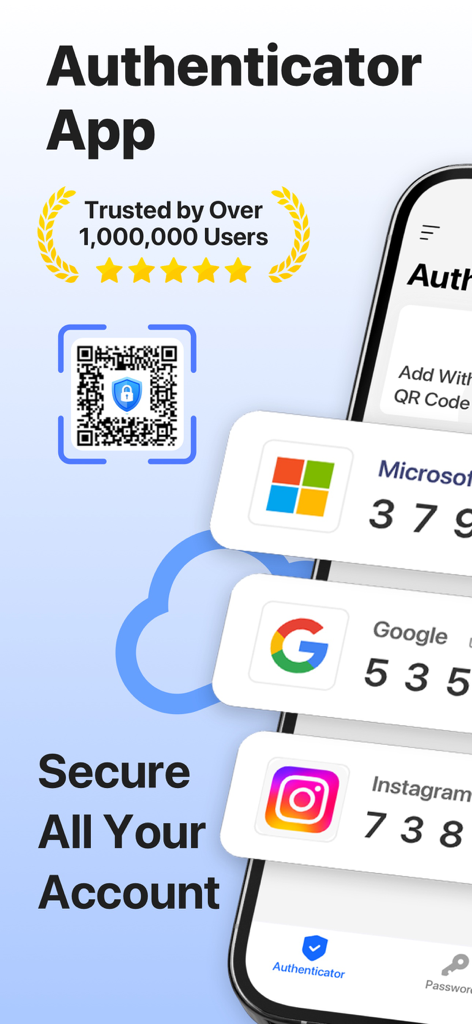
Microsoft、Google、Instagramアカウントの2FAセキュリティコードが表示された認証アプリのインターフェース
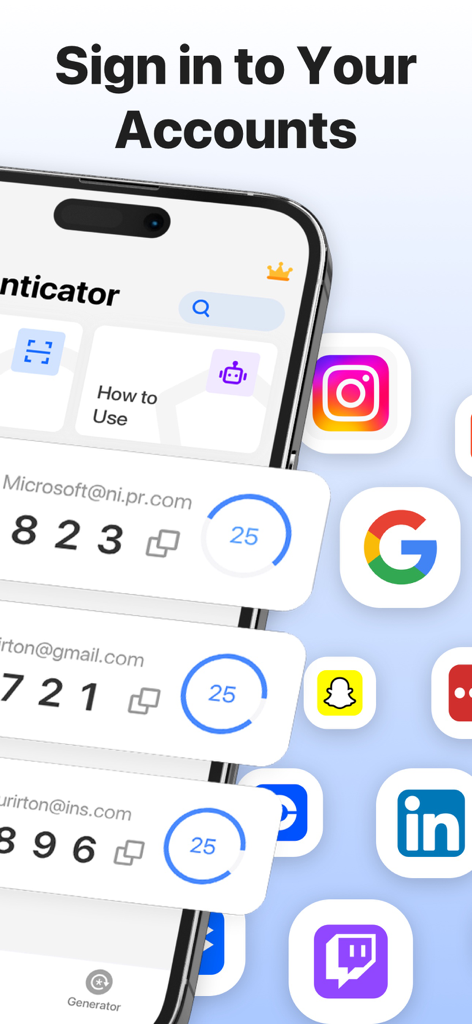
さまざまなソーシャルメディアや仕事用アカウントの二要素認証コードを表示する認証アプリ
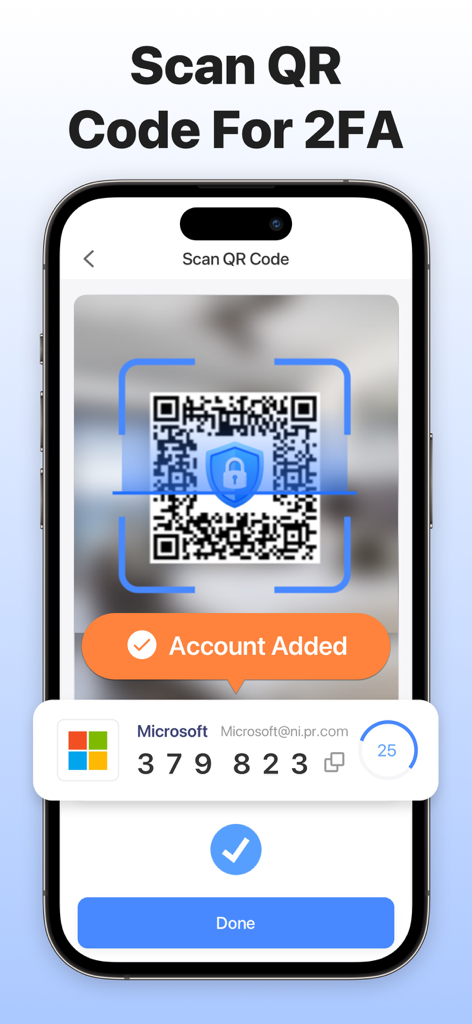
iPhone画面に、認証アプリがQRコードをスキャンして二要素認証アカウントを追加している様子を表示
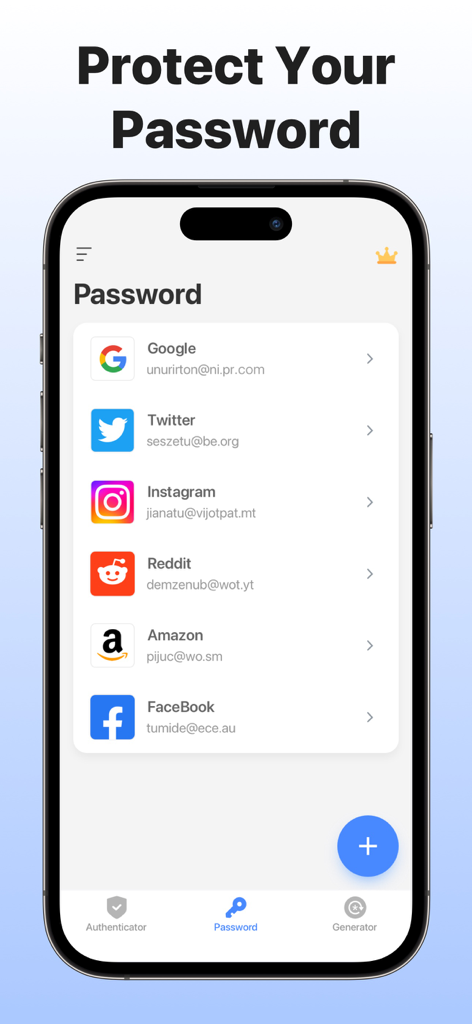
認証アプリのパスワード保存インターフェース。GoogleやFacebookを含むリンクされたアカウントのリストが表示されている。
説明
Download
類似アプリ
似た機能とユーザー体験を持つアプリ

Proton Pass - Password Manager
Proton AG

Dashlane Password Manager
Dashlane

Password Manager - mSecure
mSeven Software, LLC

Kepttor Password Manager
MACREL SRL SEMPLIFICATA

DataVault Manager - Encrypted
MIKHAIL SHERSHNEV

Authenticator ·
SMM service, s.r.o.

Bitwarden Password Manager
Bitwarden Inc

Authenticator App ⁸
AGILE CODE LIMITED

Authenticator App ℗
RHO DEVELOPERS LLC
このページはアプリまたはその開発者の公式ページではなく、情報提供および論評を目的として作成された独立した編集出版物です。明示的に別段の記載がない限り、アプリおよびその開発者は、MWM、Apple、Google Play、アプリのパブリッシャー、またはアプリの開発者と提携、承認、後援、認可、またはその他の公式的な関係はなく、このページのいかなる内容も、アプリがMWMのサービスを使用して開発されたことを意味するものではありません。すべての商標、ロゴ、スクリーンショット、その他のコンテンツはそれぞれの所有者の財産です。