Authenticator App++
Authenticator App++
ダウンロード: App Store

このページはアプリまたはその開発者の公式ページではなく、情報提供および論評を目的として作成された独立した編集出版物です。明示的に別段の記載がない限り、アプリおよびその開発者は、MWM、Apple、Google Play、アプリのパブリッシャー、またはアプリの開発者と提携、承認、後援、認可、またはその他の公式的な関係はなく、このページのいかなる内容も、アプリがMWMのサービスを使用して開発されたことを意味するものではありません。すべての商標、ロゴ、スクリーンショット、その他のコンテンツはそれぞれの所有者の財産です。


ロゴ: Authenticator App++
ダウンロード: App Store

Authenticator App++

高度な2FAと統合されたパスワード管理で保護を強化しましょう。現代のプロフェッショナル向けにカスタマイズされたTOTP、FaceID、軍用グレードの暗号化で1,000以上のサービスを保護します。

主要数値

ダウンロード

4K+

ユーザー評価

1.0/5

評価数

0

開発元

WuHan ChongYue Future Technology Co., Ltd.

カテゴリ

Utilities

対応言語

33

最新バージョン

1.2.5

サイズ

27.7 MB

リリース日

2024年6月16日
機能

デジタルライフのためのエリートセキュリティ

軍用グレードの2FA、暗号化されたパスワードストレージ、およびすべてのプロフェッショナルおよび個人アカウントのシームレスな生体認証アクセスを組み合わせた究極の保護スイートを体験してください。

二重層2FA防御

時間ベースのワンタイムパスワード(TOTP)を即座に生成し、仮想通貨、ソーシャル、仕事のアカウントを不正アクセスから保護します。

統合パスワードボールト

複数のアプリを使い分けるのをやめましょう。ログイン資格情報すべてを、あなただけがロック解除できる安全で暗号化された場所に保存および管理します。

生体認証インスタントアクセス

FaceIDまたはTouchIDを使用して、より速く、より安全にログインします。手動で入力する必要はありません。タップしてスキャンするだけでアクセスできます。

以下のスクリーンショットと説明は、アプリの公式ストアリスティングから直接取得されたものであり、アプリ開発者の所有物です。

アプリストア

スクリーンショット
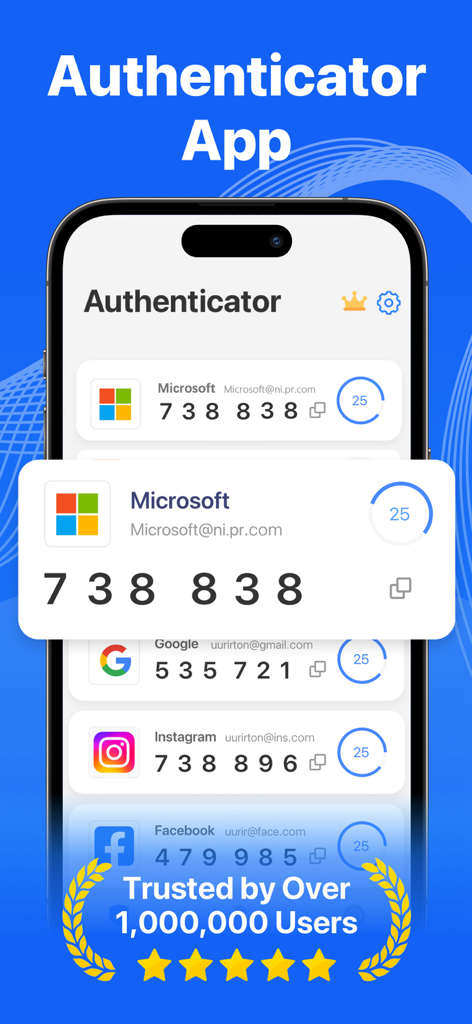
Authenticator App++ - iPhoneのAuthenticator Appインターフェースに、MicrosoftおよびGoogleアカウントの2FA確認コードが表示されています
iPhoneのAuthenticator Appインターフェースに、MicrosoftおよびGoogleアカウントの2FA確認コードが表示されています

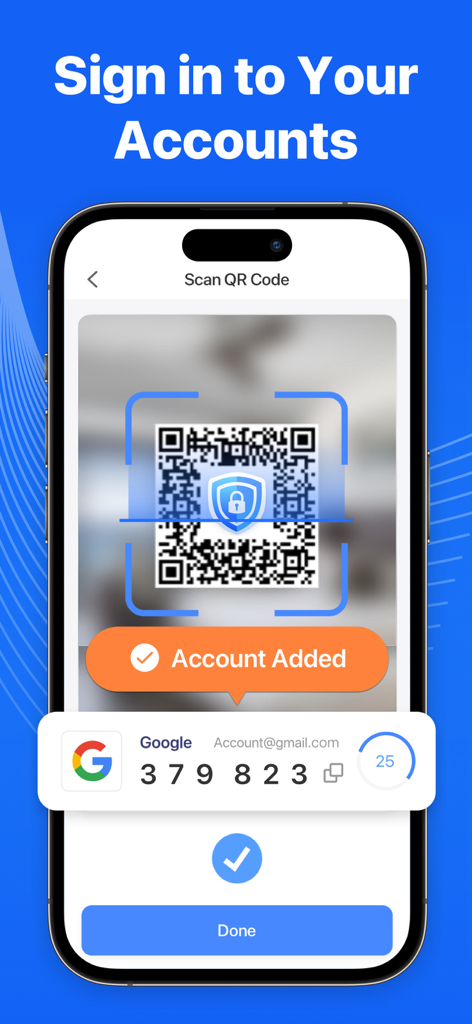
Authenticator App++ - Authenticator App plus plusで2FAアカウントを追加するためにQRコードをスキャンしているiPhone画面
Authenticator App plus plusで2FAアカウントを追加するためにQRコードをスキャンしているiPhone画面

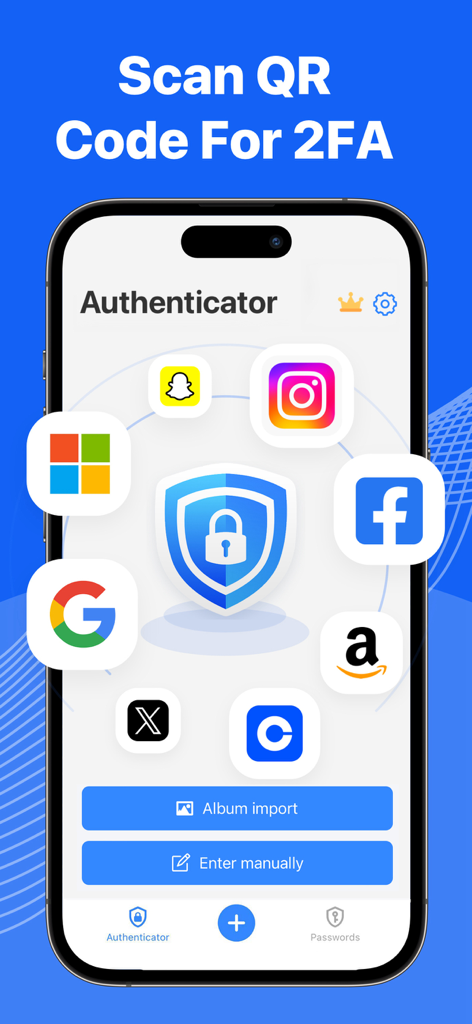
Authenticator App++ - Authenticator Appインターフェースに、Google Facebook InstagramおよびAmazonの2FAセットアップアイコンに囲まれた中央のセキュリティシールドが表示されています
Authenticator Appインターフェースに、Google Facebook InstagramおよびAmazonの2FAセットアップアイコンに囲まれた中央のセキュリティシールドが表示されています

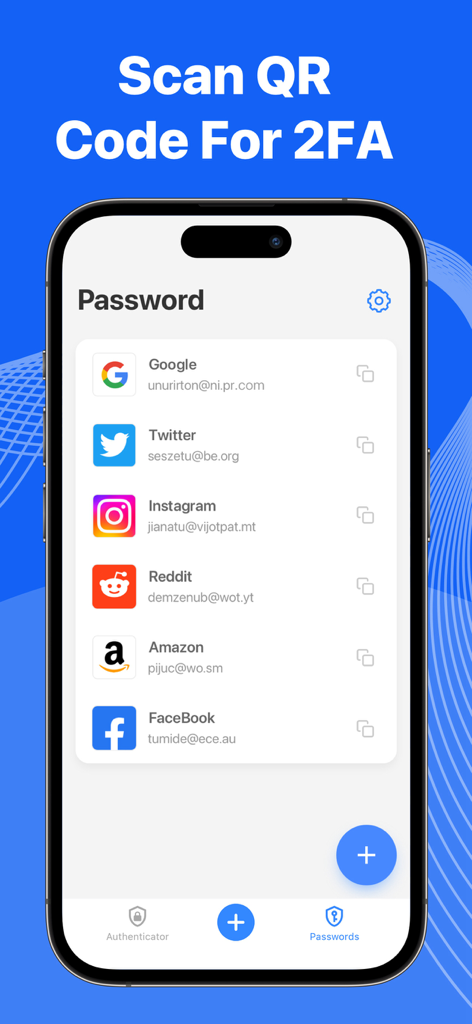
Authenticator App++ - iPhoneのスクリーンショットに、Google TwitterおよびInstagramのアカウントが特徴のAuthenticator App++のパスワード管理リストが表示されています

iPhoneのスクリーンショットに、Google TwitterおよびInstagramのアカウントが特徴のAuthenticator App++のパスワード管理リストが表示されています

説明

The 2FA Authenticator app tool helps you protect your account from hackers by adding a layer of security. Two Factor Authenticator is a simple and safe application for mobile authentication apps (2FA Authenticator) that generates Time-based One-time authentication Passwords (TOTP). Apps that work with two-factor verification apps could be used for securing your multiple accounts on different platforms such as Social Media, the Internet, and many such 1000+ services! Key Features: - Two Factor Authentification Authenticate 2FA doubles the account's security by requiring a regular password and a Time-based One-time Password (TOTP). Authenticator App generates TOTP on the user’s device. - Easy to Scan QR Code: Just one tap QR scan for easy access and hassle-free registration and get a one-time password. - Secure & Private All data stored in Authenticator is always encrypted that you are the only one who can access your data with 2step authorization. - Manage your passwords Manage & Storage your account passwords, and keeps them safe and secure behind the one password that only you know. - Secure use TouchID & FaceID Confirm your identity with the application using Touch ID or Face ID. TERMS OF SUBSCRIPTION: – Payment will be charged to iTunes Account at confirmation of purchase. – Subscription automatically renews unless auto-renew is turned off at least 24 hours before the end of the current period. – Account will be charged for renewal within 24 hours before the end of the current period. The cost depends on the selected plan. – Subscriptions may be managed by the user and auto-renewal may be turned off by going to the user's Account Settings after purchase. Privacy Policy: https://www.nrhapp.top/html/PrivacyPolicy.html Terms of Use: https://www.nrhapp.top/html/Terms.html

Download

ダウンロード: App Store

このページはアプリまたはその開発者の公式ページではなく、情報提供および論評を目的として作成された独立した編集出版物です。明示的に別段の記載がない限り、アプリおよびその開発者は、MWM、Apple、Google Play、アプリのパブリッシャー、またはアプリの開発者と提携、承認、後援、認可、またはその他の公式的な関係はなく、このページのいかなる内容も、アプリがMWMのサービスを使用して開発されたことを意味するものではありません。すべての商標、ロゴ、スクリーンショット、その他のコンテンツはそれぞれの所有者の財産です。








