
このページはアプリまたはその開発者の公式ページではなく、情報提供および論評を目的として作成された独立した編集出版物です。明示的に別段の記載がない限り、アプリおよびその開発者は、MWM、Apple、Google Play、アプリのパブリッシャー、またはアプリの開発者と提携、承認、後援、認可、またはその他の公式的な関係はなく、このページのいかなる内容も、アプリがMWMのサービスを使用して開発されたことを意味するものではありません。すべての商標、ロゴ、スクリーンショット、その他のコンテンツはそれぞれの所有者の財産です。

Authenticator ©
生体認証セキュリティとシームレスなiCloud同期でアカウントを保護しましょう。iPhone専用に設計された安全なボールトでパスワードと認証トークンを管理できます。
ダウンロード
1M+ユーザー評価
評価数
8K+開発元
カテゴリ
Business対応言語
33最新バージョン
1.4.1サイズ
52.9 MBリリース日
2022年11月5日高度な保護をシンプルに
iPhone専用に設計された、エンタープライズグレードの2FAと統合パスワード管理でデジタルライフを安全に保ちます。
シームレスな生体認証アクセス
FaceIDまたはTouchIDを使用して、ボールトに即座にアクセスできます。マスターPINを覚える手間なく、最大限のセキュリティを体験してください。
iCloudバックアップと同期
ロックアウトされる心配はありません。トークンとパスワードはすべてのデバイスで同期され、新しいデバイスにも簡単に復元できます。
以下のスクリーンショットと説明は、アプリの公式ストアリスティングから直接取得されたものであり、アプリ開発者の所有物です。
アプリストア
スクリーンショット
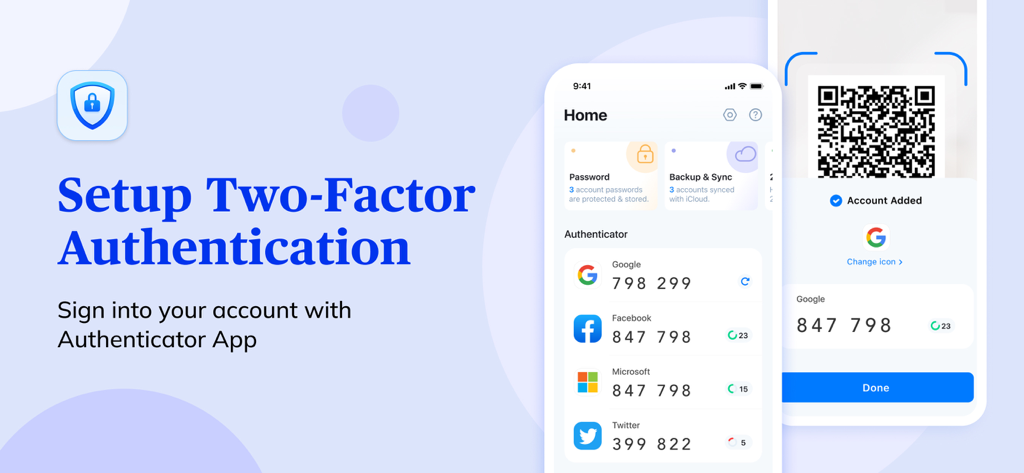
Authenticatorアプリのインターフェース。Google、Facebook、Microsoftの二要素認証コードとQRコードスキャン機能が表示されています。
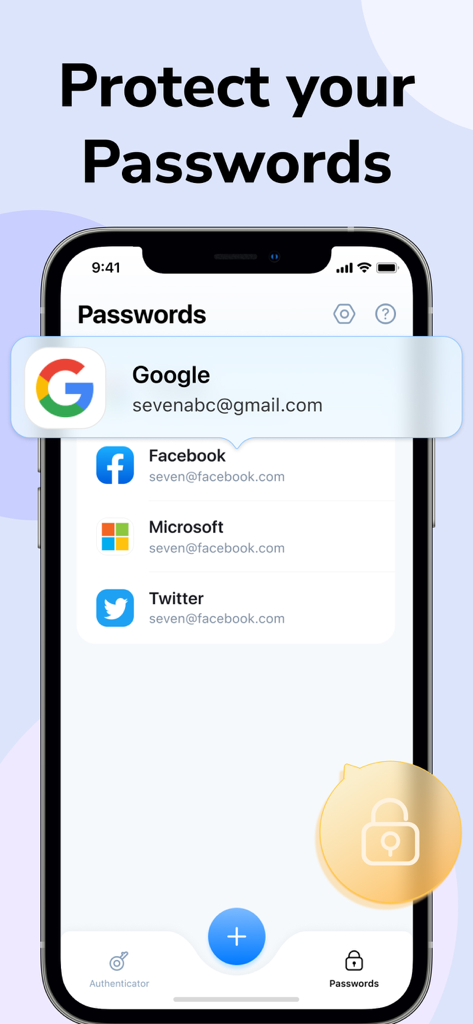
GoogleやFacebookなどのアカウントリストが表示された、Authenticatorアプリのパスワードマネージャー機能を示すiPhone画面。
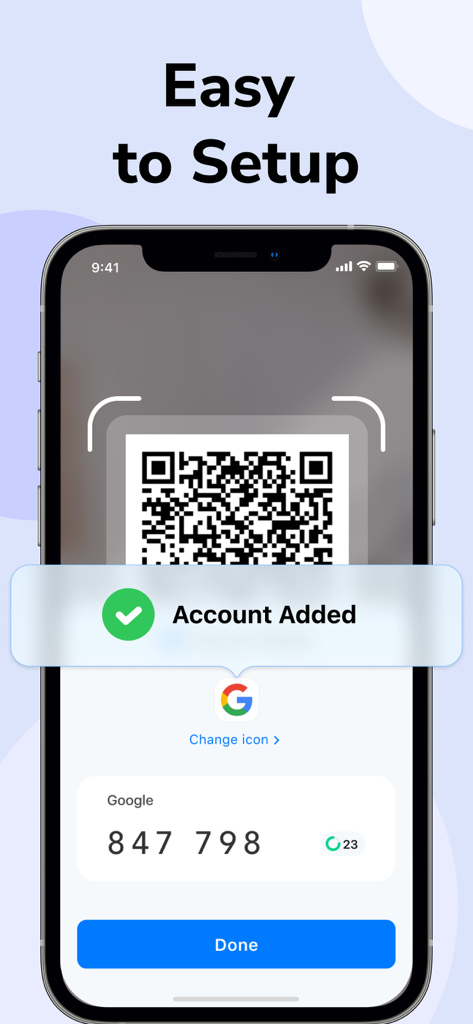
AuthenticatorアプリでGoogleアカウントを追加するためのQRコードスキャンプロセスを示すiPhone画面。
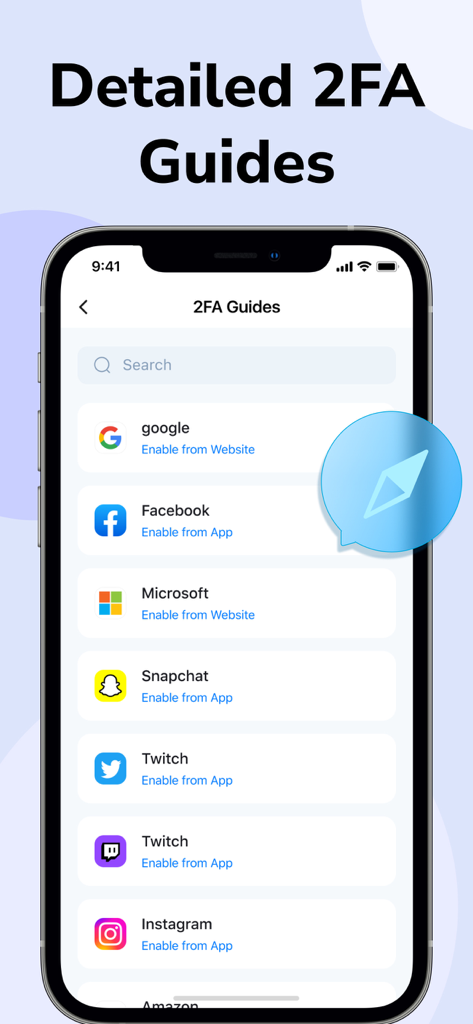
GoogleやFacebookなどの人気アプリの2FAセットアップガイド。
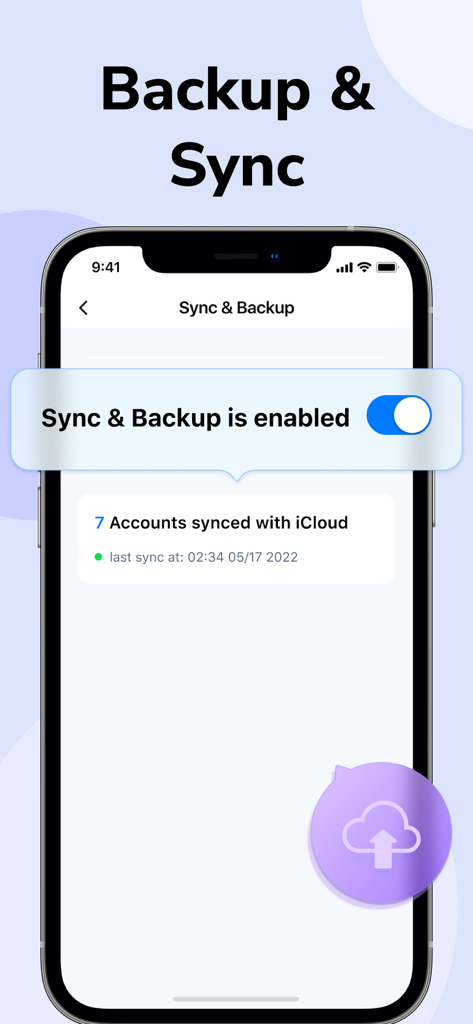
7つのアカウントがiCloudに同期されているAuthenticatorアプリの同期とバックアップ機能を示すスマートフォンの画面。
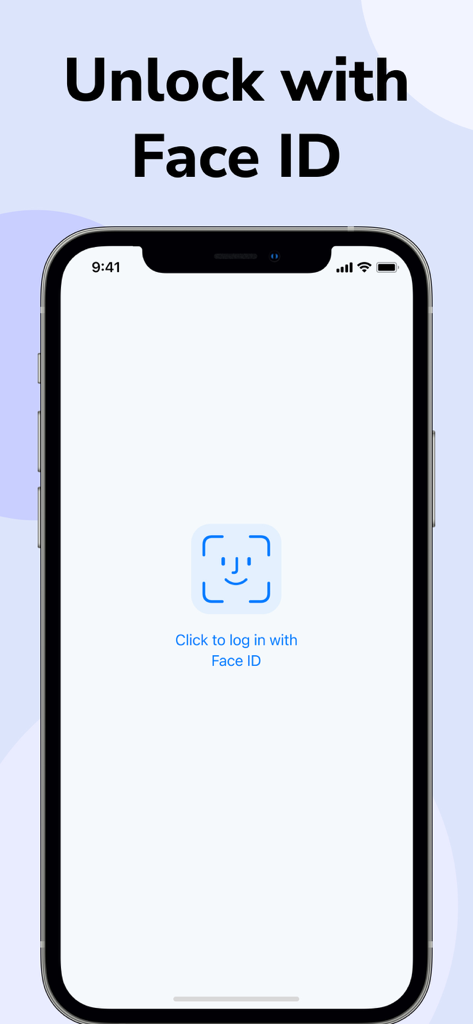
安全なアクセスを可能にするFace ID認証を備えたAuthenticatorアプリのログイン画面。
説明
Download
類似アプリ
似た機能とユーザー体験を持つアプリ

Proton Pass - Password Manager
Proton AG

Dashlane Password Manager
Dashlane

Password Manager - mSecure
mSeven Software, LLC

Kepttor Password Manager
MACREL SRL SEMPLIFICATA

DataVault Manager - Encrypted
MIKHAIL SHERSHNEV

Authenticator ·
SMM service, s.r.o.

Bitwarden Password Manager
Bitwarden Inc

Authenticator App ⁸
AGILE CODE LIMITED

Authenticator App ℗
RHO DEVELOPERS LLC
このページはアプリまたはその開発者の公式ページではなく、情報提供および論評を目的として作成された独立した編集出版物です。明示的に別段の記載がない限り、アプリおよびその開発者は、MWM、Apple、Google Play、アプリのパブリッシャー、またはアプリの開発者と提携、承認、後援、認可、またはその他の公式的な関係はなく、このページのいかなる内容も、アプリがMWMのサービスを使用して開発されたことを意味するものではありません。すべての商標、ロゴ、スクリーンショット、その他のコンテンツはそれぞれの所有者の財産です。