Auto Scroll and Read

Auto Scroll and Read

ダウンロード: App Store
ロゴ: Auto Scroll and Read

自動スクロール&読み取り:手間いらずのハンズフリーブラウジング

カスタマイズ可能な自動スクロールで読書体験を変えましょう。マンガのイッキ読み、ニュースのチェック、長い記事に没頭するのに最適です。指一本触れる必要はありません。

開発元

Alfredo Grassau

カテゴリ

Utilities

ダウンロード

6K+

ユーザー評価

4.2/5

評価数

0

対応言語

11

フローを体験

このインターフェースを利用する 6K+ 人のユーザー.

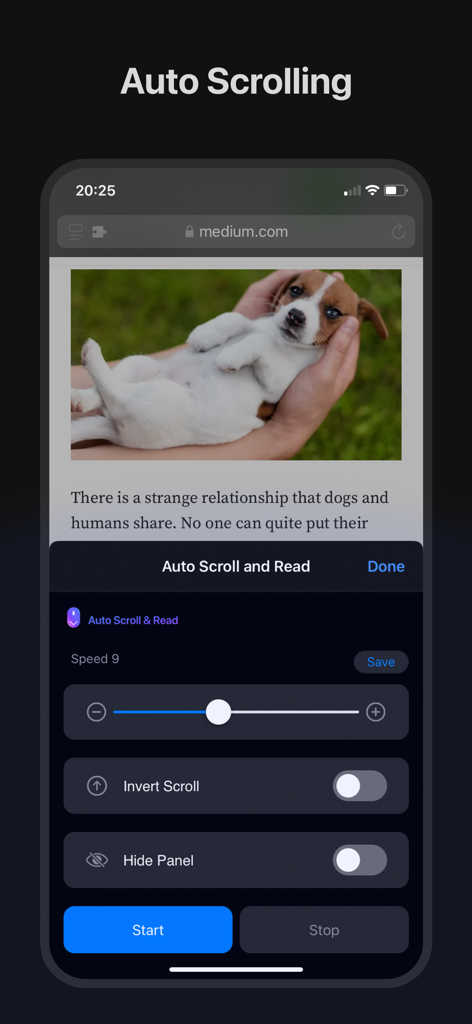
ニュース記事の上に自動スクロールコントロールとスピードスライダーが表示されたスマートフォンの画面
ニュース記事の上に自動スクロールコントロールとスピードスライダーが表示されたスマートフォンの画面

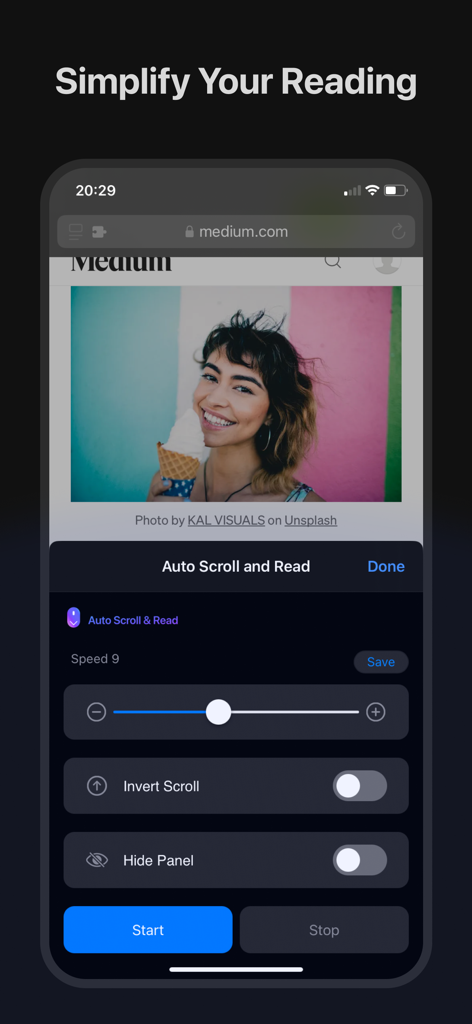
Web記事の上にカスタマイズ可能な速度コントロールとスクロール設定を表示するAuto Scroll and ReadアプリのiPhoneスクリーンショット
Web記事の上にカスタマイズ可能な速度コントロールとスクロール設定を表示するAuto Scroll and ReadアプリのiPhoneスクリーンショット

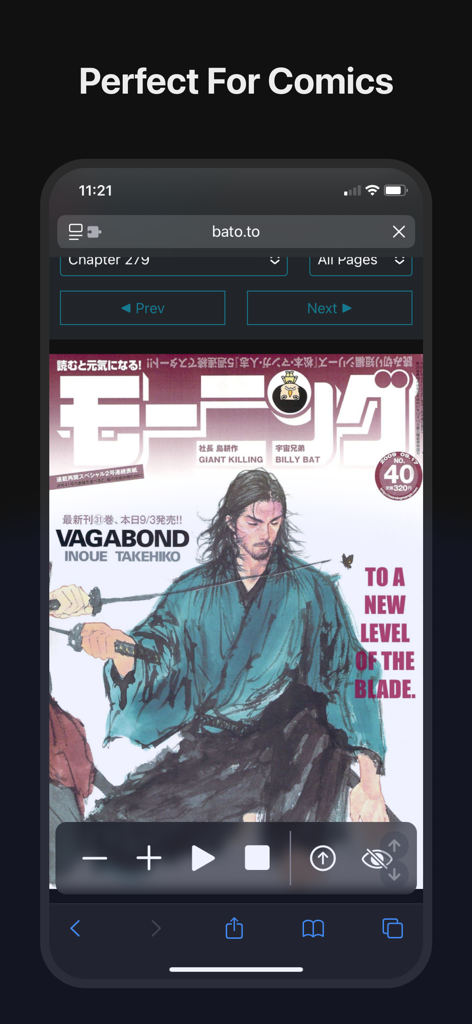
ハンズフリー読書のための自動スクロール&読み取りコントロールが表示されたマンガページのiPhone
ハンズフリー読書のための自動スクロール&読み取りコントロールが表示されたマンガページのiPhone

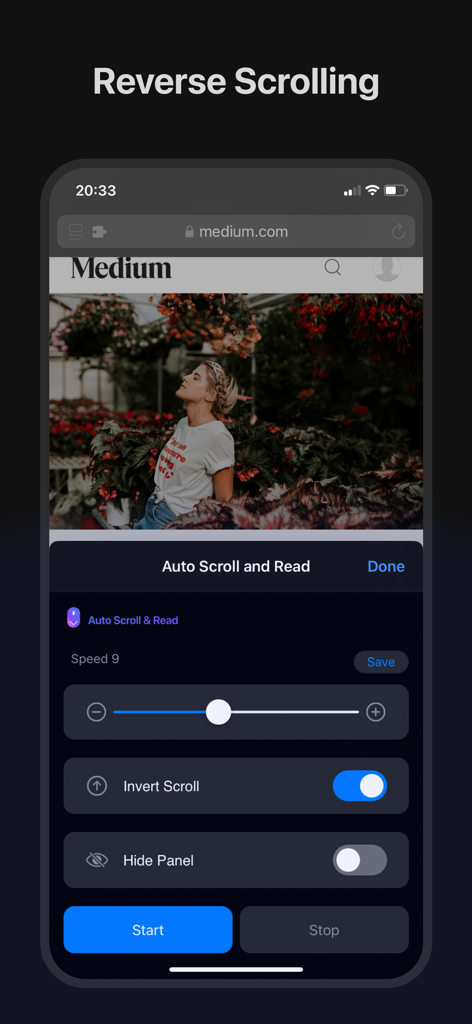
iPhoneでリバーススクロール機能を示すAuto Scroll and Readアプリのインターフェース
iPhoneでリバーススクロール機能を示すAuto Scroll and Readアプリのインターフェース

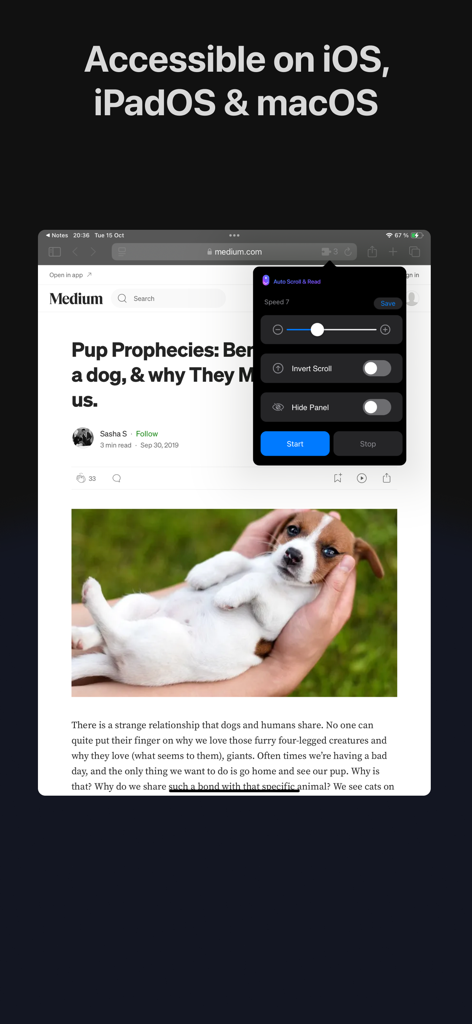
Medium記事の上にスクロール速度コントロールと開始ボタンが表示されたiPadのAuto Scroll and Read拡張機能インターフェース

Medium記事の上にスクロール速度コントロールと開始ボタンが表示されたiPadのAuto Scroll and Read拡張機能インターフェース

手間いらずの読書、ハンズフリーで

このアプリを際立たせるツール、 6K+ 人のユーザーが選択.

🤲

真のハンズフリーマルチタスク

料理中にレシピを読んだり、通勤中にニュースを読んだりするのに最適です。スワイプやフリックの必要なく、コンテンツに集中できます。

📖

マンガ&Webトゥーンに最適化

縦読みコミックを本来読まれるべき方法で体験しましょう。物語に没頭し続けられる、連続的で流れるようなフローをお楽しみください。

⏱️

精密なペースコントロール

理想のスクロール速度を設定して保存しましょう。複雑な記事や長いデジタルブックに集中し続けるための生産性向上ツールとして使用してください。

アプリについて

について知っておくべきこと Auto Scroll and Read.

説明

Auto Scroll and Read - Your Ultimate Browsing Companion Transform the way you browse the web with the "Auto Scroll and Read" Safari extension! Whether you’re reading long articles, catching up on the latest news, or enjoying your favorite blog, this powerful tool is designed to make your online experience more comfortable and efficient. Key Features: Auto Scroll: Say goodbye to manual scrolling! With Auto Scroll and Read, you can automatically scroll through any webpage, letting you focus on content without the distraction of constant finger swipes or mouse movements. Customizable Scrolling Speed: Everyone has their own reading pace. Set the scrolling speed that suits you best and save it as your favorite for quick access. Whether you prefer a slow, leisurely pace or a brisk, fast-paced scroll, our extension adapts to your needs. Read comics: read comics, mangas and manhwas hands free. Reverse Scrolling: Effortlessly Scroll from Bottom to Top. Save Your Preferences: Found your perfect scrolling speed? Save it with just a tap! Auto Scroll and Read allows you to easily save and apply your favorite scrolling settings, ensuring a seamless experience every time you browse. Intuitive User Interface: Designed with simplicity in mind, our user-friendly interface makes it easy for anyone to get started. With a few taps, you can customize your settings and start enjoying a smoother browsing experience. Cross-Device Compatibility: Auto Scroll and Read is available on macOS, iOS, and iPadOS, ensuring that you have a consistent and optimized browsing experience across all your Apple devices. Multi-Language Support: We believe in making our tools accessible to everyone. That’s why Auto Scroll and Read is localized in over 10 languages, making it easier for users around the world to enjoy an enhanced browsing experience in their native language. Perfect for Every Type of Content: News Articles: Stay updated with the latest headlines without the hassle of manual scrolling. Blogs: Dive deep into long reads and lose yourself in stories without worrying about scrolling. Social Media: Scroll through your favorite platforms at a consistent pace without lifting a finger. eBooks and PDFs: Enjoy your digital books and documents with continuous, smooth scrolling.

最新バージョン

1.0.44

サイズ

8.4 MB

リリース日

2024年8月26日

親指を休める準備はできましたか?

6,000人以上のユーザーが手動スクロールをやめ、シームレスなハンズフリー読書体験を手に入れました。今すぐiPhone、iPad、Mac向けのSafari拡張機能をダウンロードしましょう。

ダウンロード: App Store

App information, icons, screenshots, and descriptions displayed on this page are sourced from the Apple App Store and are the property of their respective developers. Download estimates and rankings are based on MWM's proprietary models and may not reflect actual figures. This page is provided for informational and analytical purposes only.

Believe this page infringes your intellectual property? File a dispute