
このページはアプリまたはその開発者の公式ページではなく、情報提供および論評を目的として作成された独立した編集出版物です。明示的に別段の記載がない限り、アプリおよびその開発者は、MWM、Apple、Google Play、アプリのパブリッシャー、またはアプリの開発者と提携、承認、後援、認可、またはその他の公式的な関係はなく、このページのいかなる内容も、アプリがMWMのサービスを使用して開発されたことを意味するものではありません。すべての商標、ロゴ、スクリーンショット、その他のコンテンツはそれぞれの所有者の財産です。


AutoClicker: Click Assistant⁺
究極のモバイル効率のために設計された、最も高度な自動化ツールで、時間を取り戻し、お気に入りのウェブゲームをマスターしましょう。精密なマルチタッチコントロール。
ダウンロード
3K+ユーザー評価
評価数
0開発元
カテゴリ
Utilities対応言語
11最新バージョン
1.6サイズ
47.6 MBリリース日
2024年11月27日すべてのインタラクションを自動化
iOS向けの最も高度なクリックアシスタントで時間を取り戻しましょう。あなたが大変な作業をする必要がないように設計されています。
ゲームプレイをターボチャージ
繰り返し行うタップやリソースの収集を、楽に自動化して、ウェブベースのRPGや放置ゲームを支配しましょう。
スマートマルチタッチジェスチャー
カスタムスワイプ、ピンチ、ズームで、シンプルなクリックを超えて、シームレスなウェブナビゲーションとコントロールを実現します。
よくある質問
について知っておくべきこと AutoClicker: Click Assistant⁺
AutoClicker: Click Assistantは何に使用されますか?
AutoClicker: Click Assistantは、ウェブサイトやウェブゲームでのクリック、スワイプ、ピンチ操作を自動化します。これにより、ユーザーは時間と労力を節約し、手動操作なしでブラウジングやゲームなどの反復作業を実行できます。
AutoClicker: Click Assistantはどのようなジェスチャーをサポートしていますか?
AutoClicker: Click Assistantは、指定したポイントでの自動タップ、スワイプ、ピンチ、2本指ズームなどのマルチタッチジェスチャーをサポートしています。ユーザーは、これらの自動化されたタスクを柔軟に停止、一時停止、または再開できます。
AutoClicker: Click Assistantで自動ジェスチャーをカスタマイズできますか?
はい、AutoClicker: Click Assistantでは自動ジェスチャーをカスタマイズできます。遅延、タップ時間、繰り返し回数などのパラメータを調整できます。これにより、特定の個々のニーズに合わせてタスクを効果的に最適化できます。
AutoClicker: Click Assistantはゲームで機能しますか?
はい、AutoClicker: Click Assistantはゲームに強力な自動化機能を提供します。ウェブゲームでのクリック、スワイプ、ピンチを自動化し、ゲーム内の反復的なアクションを処理することでゲーム体験を向上させます。
AutoClicker: Click Assistantはソーシャルメディアで機能しますか?
はい、AutoClicker: Click Assistantはソーシャルネットワーク向けの自動タップ機能を提供します。アプリのインターフェイスで視覚的にデモンストレーションされているように、ソーシャルメディアプラットフォームで必要とされる反復的なアクションをサポートします。
AutoClicker: Click Assistantはオンラインコンテンツの読書に役立ちますか?
はい、AutoClicker: Click Assistantは読書に役立つスクロール機能を提供します。ウェブページでのスクロールを自動化し、手動入力なしでニュースやその他のオンラインコンテンツの閲覧に役立ちます。
AutoClicker: Click AssistantはSafari拡張機能として利用できますか?
はい、AutoClicker: Click Assistantは強力なSafari拡張機能として機能します。アプリのインターフェイスで示されているように、Safariブラウザ環境に直接、自動リフレッシュや自動スクロールなどの機能を統合します。
AutoClicker: Click Assistantを使用するためにサブスクリプションが必要ですか?
はい、AutoClicker: Click Assistantのすべての機能にはアクティブなサブスクリプションが必要です。サブスクリプションの支払いは、購入の確認時にiTunesアカウントに処理され、請求されます。
AutoClicker: Click Assistant PROの料金はいくらですか?
AutoClicker: Click Assistant PROは、7日間の期間で4.99ドル、または1年間のサブスクリプションで49.99ドルです。7日間のプランには、3日間の無料トライアルが含まれています。
AutoClicker: Click Assistantは無料トライアル期間を提供していますか?
はい、AutoClicker: Click Assistantは3日間の無料トライアル期間を提供しています。このトライアルは、7日間のPROサブスクリプションプランに含まれており、すべてのアプリ機能に完全にアクセスできます。
AutoClicker: Click Assistantの自動更新を管理または無効にするにはどうすればよいですか?
ユーザーはAutoClicker: Click Assistantサブスクリプションの自動更新を管理または無効にすることができます。これは、初回購入後のiTunesアカウント内のアカウント設定を通じて行われます。
AutoClicker: Click Assistantのプライバシーポリシーはどこで見つけられますか?
AutoClicker: Click Assistantの利用規約はどこで見つけられますか?
AutoClicker: Click Assistantの利用規約はオンラインで入手できます。https://www.apple.com/legal/internet-services/itunes/dev/stdeula/でアクセスでき、アプリの使用ポリシーが記載されています。
以下のスクリーンショットと説明は、アプリの公式ストアリスティングから直接取得されたものであり、アプリ開発者の所有物です。
アプリストア
スクリーンショット
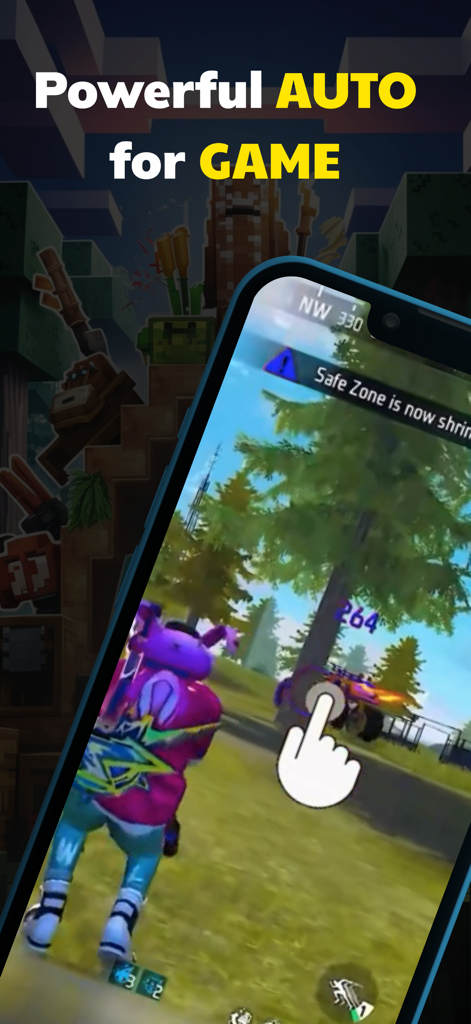
ビデオゲームでタップを自動化するAutoClickerアシスタントが表示された携帯電話
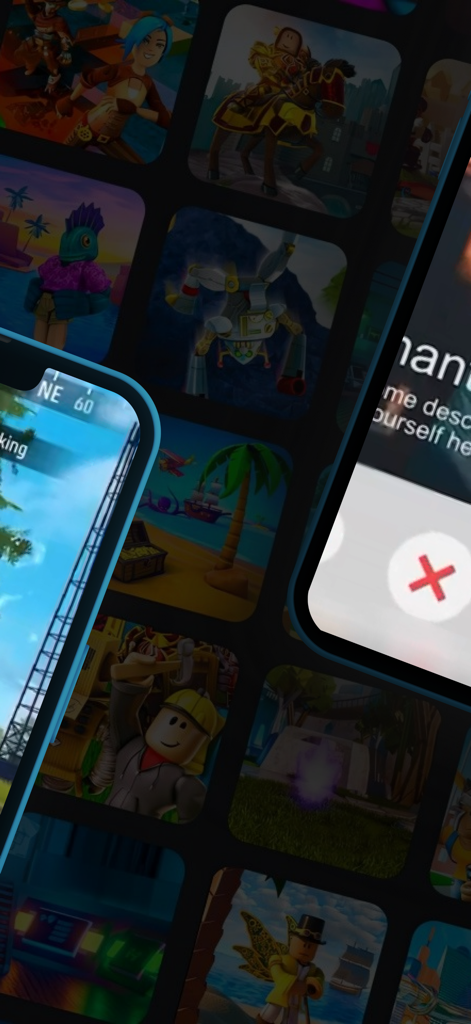
モバイルゲームのグリッドの上に表示されたAutoClicker Click Assistantアプリのインターフェース
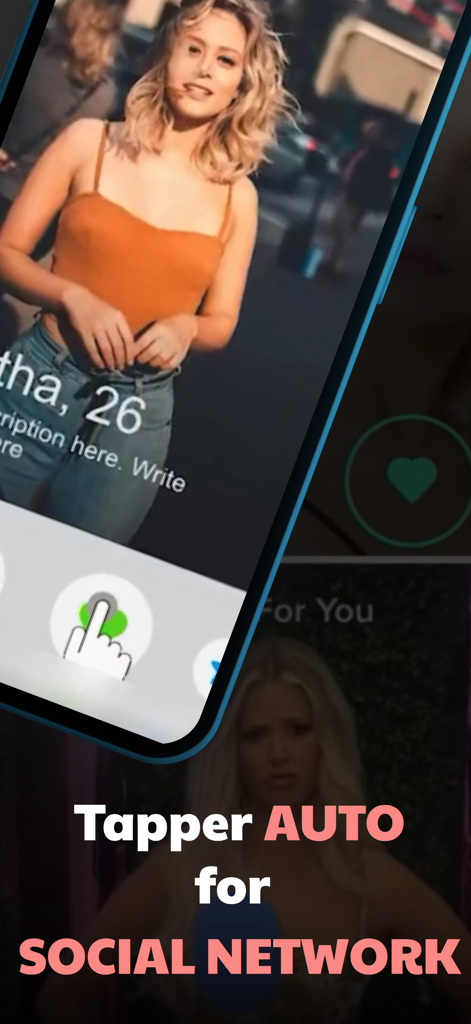
ソーシャルメディアプロファイルで「いいね!」を自動化するAutoClickerが表示されたモバイル画面
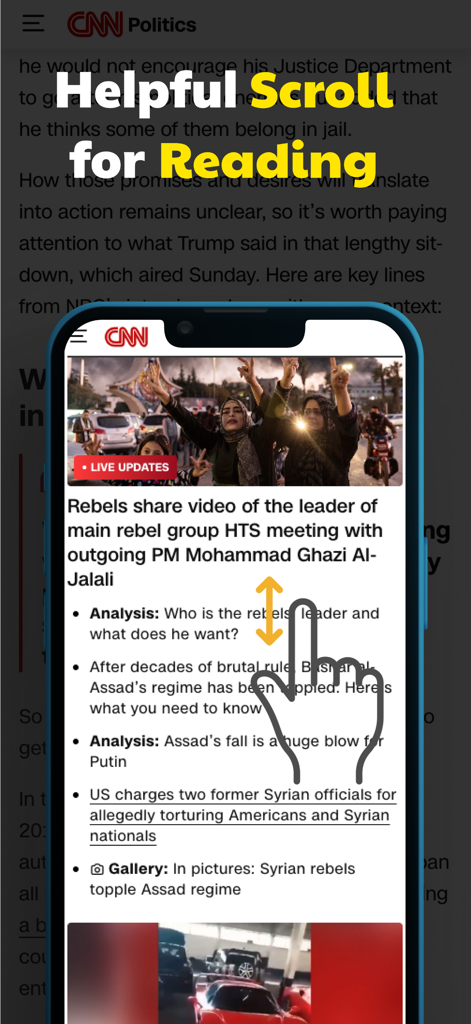
ニュース記事を読むための自動スクロールジェスチャーが表示されたスマートフォン
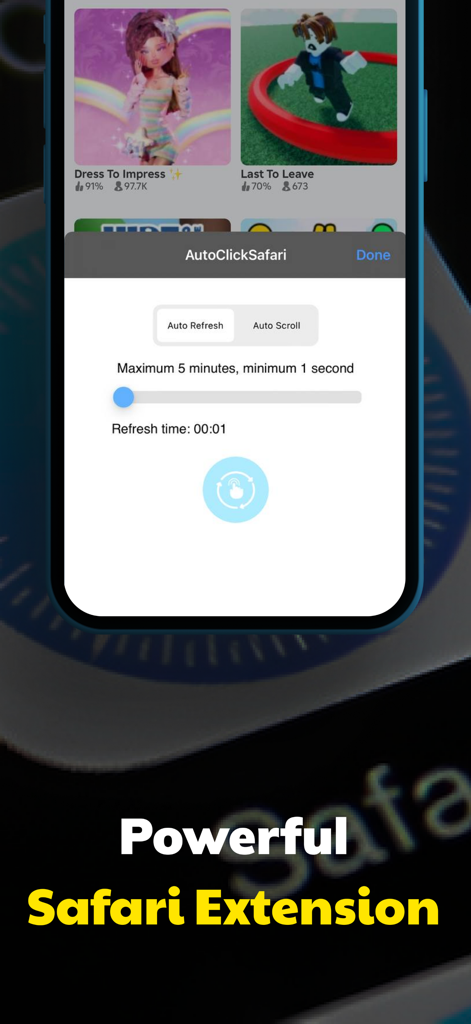
自動リフレッシュと自動スクロールコントロールを備えたAutoClicker Safari拡張機能のインターフェース
説明
Download
類似アプリ
同じカテゴリのトップランクアプリ

Google LLC

Google Chrome
Google LLC

中国移动(手机营业厅)
China Mobile Online Services Co., Ltd.

Google Authenticator
Google LLC

CNH do Brasil
Servicos e Informacoes do Brasil

Cleanup: Phone Storage Cleaner
DEEP FLOW SOFTWARE SERVICES - FZCO

gov.br
Servicos e Informacoes do Brasil

中国电信-全国统一官方服务平台
CHINA TELECOM Corporation Ltd.

Microsoft Edge: AI Browser
Microsoft Corporation
このページはアプリまたはその開発者の公式ページではなく、情報提供および論評を目的として作成された独立した編集出版物です。明示的に別段の記載がない限り、アプリおよびその開発者は、MWM、Apple、Google Play、アプリのパブリッシャー、またはアプリの開発者と提携、承認、後援、認可、またはその他の公式的な関係はなく、このページのいかなる内容も、アプリがMWMのサービスを使用して開発されたことを意味するものではありません。すべての商標、ロゴ、スクリーンショット、その他のコンテンツはそれぞれの所有者の財産です。