
このページはアプリまたはその開発者の公式ページではなく、情報提供および論評を目的として作成された独立した編集出版物です。明示的に別段の記載がない限り、アプリおよびその開発者は、MWM、Apple、Google Play、アプリのパブリッシャー、またはアプリの開発者と提携、承認、後援、認可、またはその他の公式的な関係はなく、このページのいかなる内容も、アプリがMWMのサービスを使用して開発されたことを意味するものではありません。すべての商標、ロゴ、スクリーンショット、その他のコンテンツはそれぞれの所有者の財産です。

Avi to Mp4 Video Converter
iPhoneでサポートされていない形式に悩むのはもうやめましょう。古いAVI動画を無料で高品質なMP4に簡単に変換できます。古い思い出や仕事のファイルをギャラリーやソーシャルメディアに直接共有するのに最適です。
ダウンロード
4K+ユーザー評価
評価数
0開発元
カテゴリ
Developer Tools対応言語
1最新バージョン
1.0サイズ
50.5 MBリリース日
2024年8月25日動画ライブラリを解放
強力で使いやすい変換ツールで、古い形式と最新のiPhoneの間のギャップを埋めます。
驚異的な高速変換
古いAVIファイルを数秒でモバイル対応MP4に変換し、時間とフラストレーションを節約します。
ソーシャルメディア対応
動画は写真アプリに直接保存されるため、TikTok、Instagram、iMessageですぐに共有できます。
以下のスクリーンショットと説明は、アプリの公式ストアリスティングから直接取得されたものであり、アプリ開発者の所有物です。
アプリストア
スクリーンショット
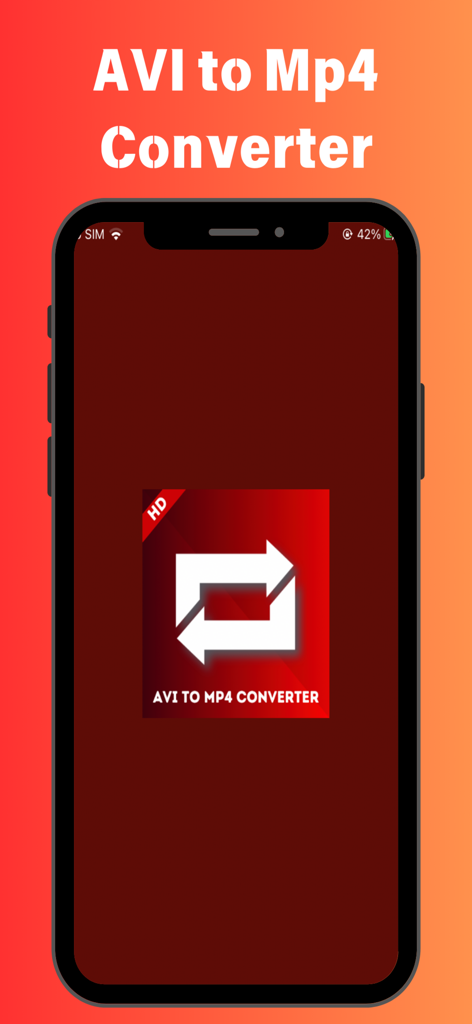
iPhone上のAvi to Mp4 Video Converterアプリのホーム画面
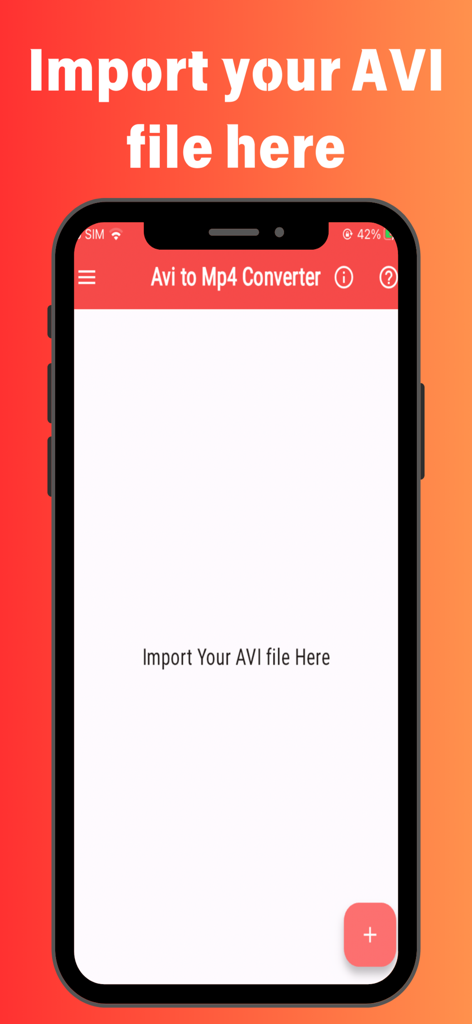
AVI to Mp4 Video Converterアプリのメイン画面、ファイルインポートインターフェースを表示
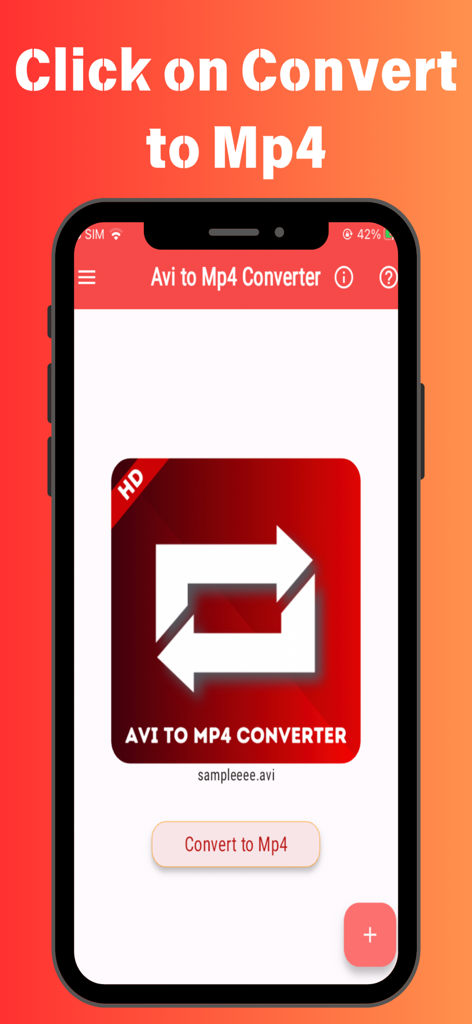
「MP4に変換」ボタンを備えたAvi to Mp4 Video Converterアプリのスマートフォン表示
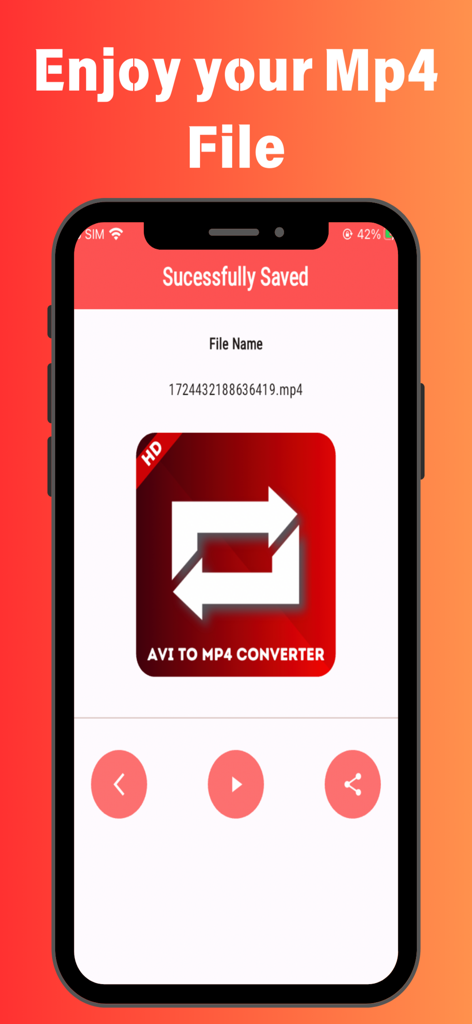
Avi to Mp4 Video Converterアプリの成功画面、動画が保存されたことを確認
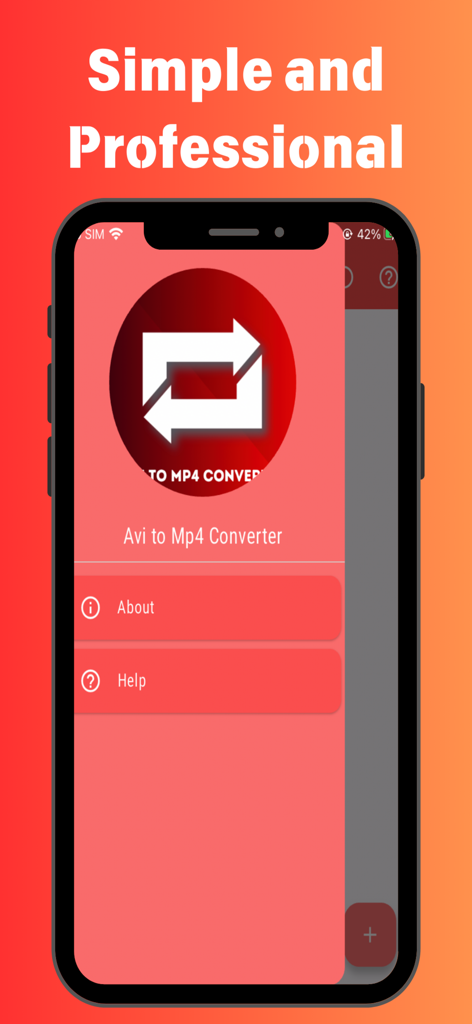
シンプルでプロフェッショナルな赤いインターフェースを備えたiPhone上のAvi to Mp4 Video Converterアプリのホーム画面。
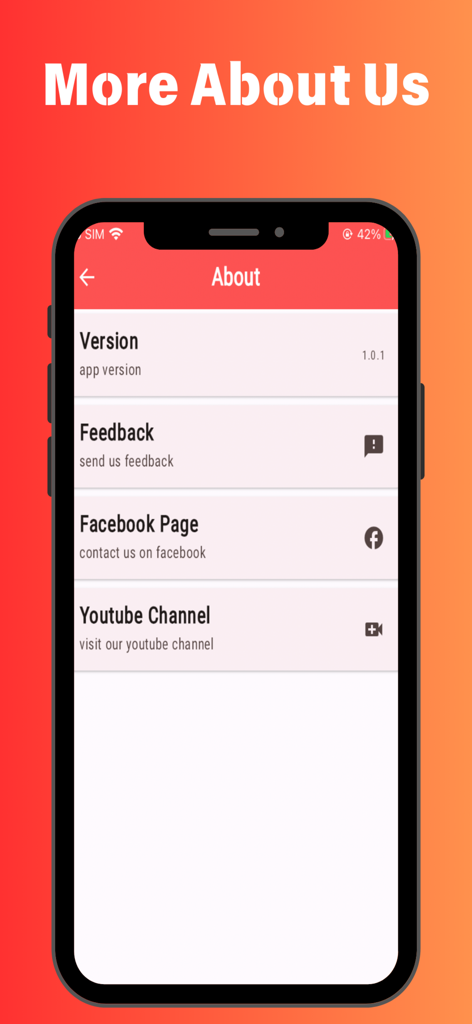
バージョン詳細とソーシャルメディアおよびフィードバックへのリンクを表示するAvi to Mp4 Video Converterアプリの「バージョン情報」画面
説明
Download
類似アプリ
同じカテゴリのトップランクアプリ

TestFlight
Apple Inc.

Replit: Vibe Code Apps
Replit, Inc

GitHub
GitHub

O-KAM Pro
Shenzhen VeePai IoT Intelligent Technology LLC

Apple Developer
Apple Inc.

Expo Go
650 Industries, Inc.

Scriptable
Simon Stovring

App Store Connect
Apple Inc.

Sekai: Create · Remix · Play
Versa AI, Inc.
このページはアプリまたはその開発者の公式ページではなく、情報提供および論評を目的として作成された独立した編集出版物です。明示的に別段の記載がない限り、アプリおよびその開発者は、MWM、Apple、Google Play、アプリのパブリッシャー、またはアプリの開発者と提携、承認、後援、認可、またはその他の公式的な関係はなく、このページのいかなる内容も、アプリがMWMのサービスを使用して開発されたことを意味するものではありません。すべての商標、ロゴ、スクリーンショット、その他のコンテンツはそれぞれの所有者の財産です。