
このページはアプリまたはその開発者の公式ページではなく、情報提供および論評を目的として作成された独立した編集出版物です。明示的に別段の記載がない限り、アプリおよびその開発者は、MWM、Apple、Google Play、アプリのパブリッシャー、またはアプリの開発者と提携、承認、後援、認可、またはその他の公式的な関係はなく、このページのいかなる内容も、アプリがMWMのサービスを使用して開発されたことを意味するものではありません。すべての商標、ロゴ、スクリーンショット、その他のコンテンツはそれぞれの所有者の財産です。


Azure Information Protection
企業データは組織の生命線だ。このアプリは、その生命線がどこにあっても、権限のない手に触れることなく、ビジネスの動きに合わせて流れることを保証する。
ダウンロード
1M+ユーザー評価
評価数
236開発元
カテゴリ
Productivity対応言語
30最新バージョン
2.1.4サイズ
242.3 MBリリース日
2013年10月10日データセキュリティとコンプライアンス強化のための主要機能評価
Azure Information Protection アプリケーション分析
IT管理者による展開と管理 (Intune連携)
IT管理者はIntuneと連携して本アプリをデバイスに展開・管理することで、組織全体のデータ保護とコンプライアンスを効率的に実現できます。
多様な保護ファイルの閲覧
権利保護された電子メール、PDF、画像、テキストファイル、およびその他の保護されたファイル形式を、モバイルデバイス上で安全に閲覧することが可能です。
安全な情報共有とコラボレーション
本アプリは、他のユーザーとの保護された情報の安全な共有を可能にし、機密性を維持しながらコラボレーションを促進することで、ビジネスプロセスを円滑に進めます。
共有コンテンツへのセキュアなアクセス
ユーザーは、他のユーザーから共有された権利保護されたコンテンツに対し、場所を問わず安全にアクセスし、その内容を確認・利用することが可能です。
よくある質問
について知っておくべきこと Azure Information Protection
What is the primary function of the Azure Information Protection app?
The Azure Information Protection app allows users to view protected files, such as rights-protected email messages, PDF files, pictures, text files, and any other file format protected as a .pfile.
Do I need an Office 365 account to use Azure Information Protection?
Yes, to use the Azure Information Protection app, you must have an Office 365 account. It is not possible to sign in with a Microsoft Account (Live, Hotmail, or Outlook.com).
Can IT administrators manage the Azure Information Protection app for enterprise devices?
IT administrators can deploy and manage the Azure Information Protection app for devices that are enrolled by Intune, enabling centralized control and configuration.
Can the Azure Information Protection app open protected PDF files?
Yes, the Azure Information Protection app can open protected PDF files, including those shared via SharePoint and OneDrive for Business, as shown in the app's interface.
What file types does Azure Information Protection support for viewing?
The Azure Information Protection app supports viewing protected files with extensions like .pdf, .ppdf, .pjpg, .ppng, and .ptxt, among others, as illustrated by the app's interface.
How does Azure Information Protection handle protected emails?
The Azure Information Protection app works with your email application to help you open protected emails and their attachments securely, such as .rpmsg files.
以下のスクリーンショットと説明は、アプリの公式ストアリスティングから直接取得されたものであり、アプリ開発者の所有物です。
アプリストア
スクリーンショット
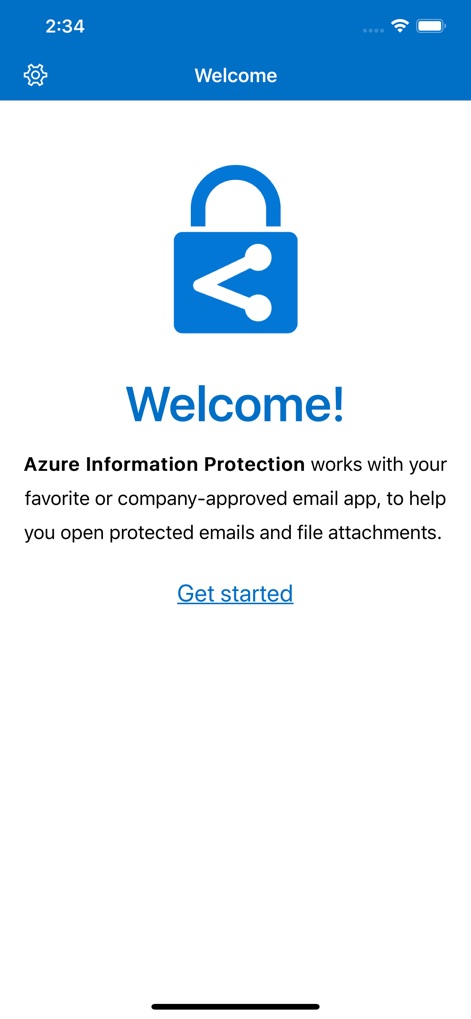
本アプリは、保護されたメールやファイル添付を開くための安全な環境を提供し、ユーザーは特徴的なロックアイコンと「Welcome!」のメッセージからその目的を直感的に理解できます。
安全なコラボレーション開始
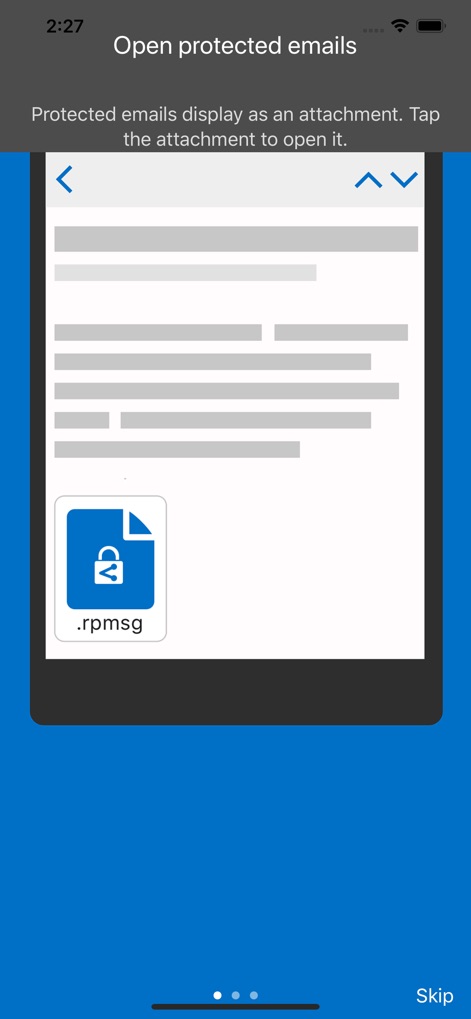
ユーザーは、保護されたメールがファイル添付として表示されることを確認でき、特に「.rpmsg」拡張子のアイコンが視覚的にその種類を示しています。
保護されたメールを開く
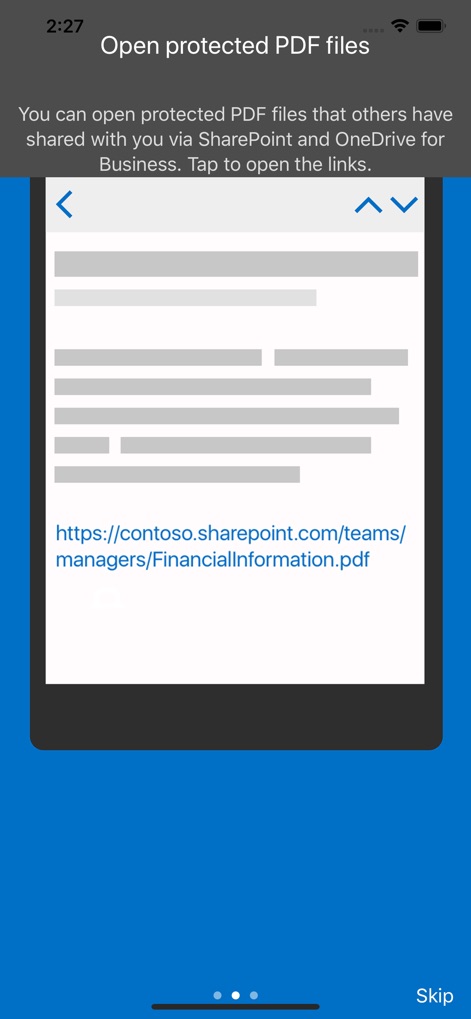
本アプリでは、SharePointやOneDrive for Businessを介して共有された保護されたPDFファイルへのリンクを直接開くことができ、具体的なURL表示がその利用シナリオを示唆しています。
PDFファイルを保護して開く
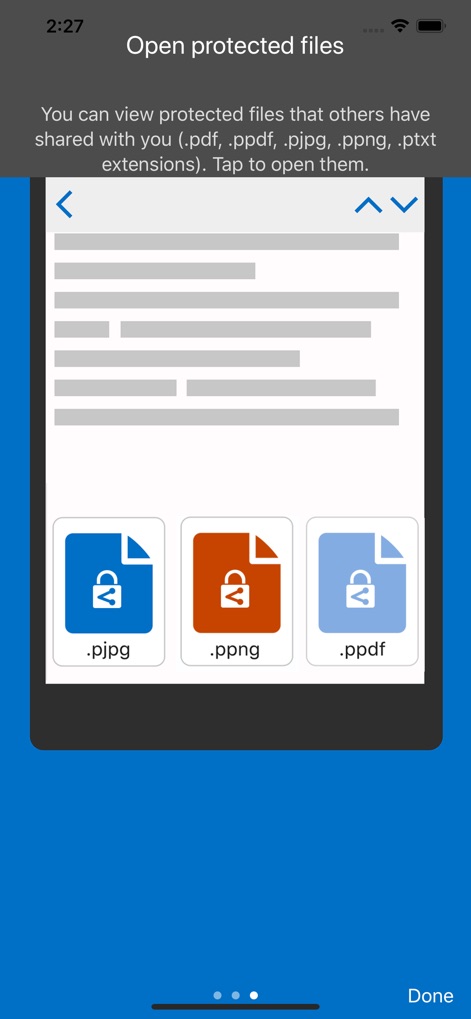
ユーザーは、複数の異なる保護ファイル拡張子(.pjpg, .ppng, .ppdfなど)のアイコンを確認でき、対応するファイルの種類を示す説明文から本アプリの幅広い互換性を把握できます。
多様な保護ファイル対応
説明
Download
類似アプリ
似た機能とユーザー体験を持つアプリ

Content - Workspace ONE
Wandering WiFi LLC

智建存档
QuShuo Network Technology Co.Ltd

SharePlus for Office 365
Infragistics Business Solutions, Inc.

ADDISON OneClick Lohnordner
Wolters Kluwer Tax & Accounting Deutschland GmbH

Secure Reader for BlackBerry
Good.iWare, Inc.

ONP Solicitors
Lavatech Limited

PaperCut Hive - Secure Print
PaperCut Software International Pty Ltd

Access Evo
Access UK Ltd
このページはアプリまたはその開発者の公式ページではなく、情報提供および論評を目的として作成された独立した編集出版物です。明示的に別段の記載がない限り、アプリおよびその開発者は、MWM、Apple、Google Play、アプリのパブリッシャー、またはアプリの開発者と提携、承認、後援、認可、またはその他の公式的な関係はなく、このページのいかなる内容も、アプリがMWMのサービスを使用して開発されたことを意味するものではありません。すべての商標、ロゴ、スクリーンショット、その他のコンテンツはそれぞれの所有者の財産です。