
このページはアプリまたはその開発者の公式ページではなく、情報提供および論評を目的として作成された独立した編集出版物です。明示的に別段の記載がない限り、アプリおよびその開発者は、MWM、Apple、Google Play、アプリのパブリッシャー、またはアプリの開発者と提携、承認、後援、認可、またはその他の公式的な関係はなく、このページのいかなる内容も、アプリがMWMのサービスを使用して開発されたことを意味するものではありません。すべての商標、ロゴ、スクリーンショット、その他のコンテンツはそれぞれの所有者の財産です。


Box: The Content Cloud
エンタープライズレベルのセキュリティでプロジェクトをキャプチャ、スキャン、共有しましょう。10GBの無料ストレージから始め、あらゆるデバイスでデジタルワークスペース全体をシームレスに管理する、何百万人ものハイパフォーマーに加わりましょう。
ダウンロード
7M+ユーザー評価
評価数
295K+開発元
カテゴリ
Productivity対応言語
20最新バージョン
5.53.0サイズ
285.6 MBリリース日
2019年2月12日プロフェッショナルな生産性を向上させる
現代のハイパフォーマーのために、セキュアな共同作業、高度なドキュメント管理、シームレスなモバイルワークフローで設計されたオールインワンのコンテンツクラウド。
エンタープライズレベルのセキュリティ
ファイルレベルの暗号化とHIPAAやFINRAなどの業界をリードするコンプライアンス基準により、知的財産を保護します。
スマートモバイルスキャンとOCR
真のペーパーレスオフィスを実現するために、高品質なOCRテクノロジーで物理的なレシートや契約書を検索可能なPDFに即座に変換します。
よくある質問
について知っておくべきこと Box: The Content Cloud
Box AIとは何ですか?また、どのような機能がありますか?
Box AIを使用すると、Boxアプリ内で直接質問したり、ドキュメントを要約したり、ワークフローを自動化したりできます。洞察の抽出とワークフローの最適化を促進します。
Box AIは携帯電話で使用できますか?
はい、Box AIはモバイルデバイスで利用できます。この機能を使用するには、Business、Business Plus、またはEnterpriseプランが必要です。
Boxはコンテンツへのオフラインアクセスを提供しますか?
はい、Boxはファイルとフォルダへのオフラインアクセスを提供します。ユーザーはインターネット接続がなくても、いつでもどこでもコンテンツを操作できます。
Boxアプリでドキュメントをスキャンするにはどうすればよいですか?
Boxでは、アプリ内で直接ドキュメントをスキャンできます。OCRを使用してドキュメントを検索可能なPDFに変換し、写真、ビデオ、音声もキャプチャします。
Boxはビジネスコンテンツや機密データのセキュリティは確保されていますか?
はい、Boxはエンタープライズレベルのセキュリティ、コンプライアンス、ファイル暗号化により、エンタープライズグレードの保護を保証します。会社および個人デバイス全体でのデータ漏洩を防ぎます。
Boxはドキュメントのリアルタイム共同編集をサポートしていますか?
はい、Boxは共同編集を容易にします。ユーザーはファイルを安全に共有し、Box Notesをリアルタイムで共同編集し、ドキュメントに注釈を付け、iPadでApple Pencilを使用して手書きを文字に変換できます。
Boxのサブスクリプションは自動更新されますか?
はい、Boxのサブスクリプションは毎月自動更新されます。支払いは、現在の期間終了前の24時間以内にiTunesアカウントを通じて処理されます。
Boxのサブスクリプションをキャンセルするにはどうすればよいですか?
購入後、アカウント設定でBoxサブスクリプションの自動更新をオフにすることができます。ただし、アクティブなサブスクリプション期間中のキャンセルは許可されていません。
Boxでサポートされているファイルの種類は何ですか?
Boxでは、数百種類のファイルタイプをアップロード、表示、検索できます。これには、PDF、Microsoft Officeドキュメント、Google Workspaceファイルなどの一般的な形式が含まれます。
Box内で割り当てられたタスクを承認または拒否できますか?
はい、Boxでは、受信トレイから直接タスクを表示、承認、または拒否できます。この機能は、ワークロードの効果的な管理と外出先でのドキュメントの電子署名をサポートします。
以下のスクリーンショットと説明は、アプリの公式ストアリスティングから直接取得されたものであり、アプリ開発者の所有物です。
アプリストア
スクリーンショット
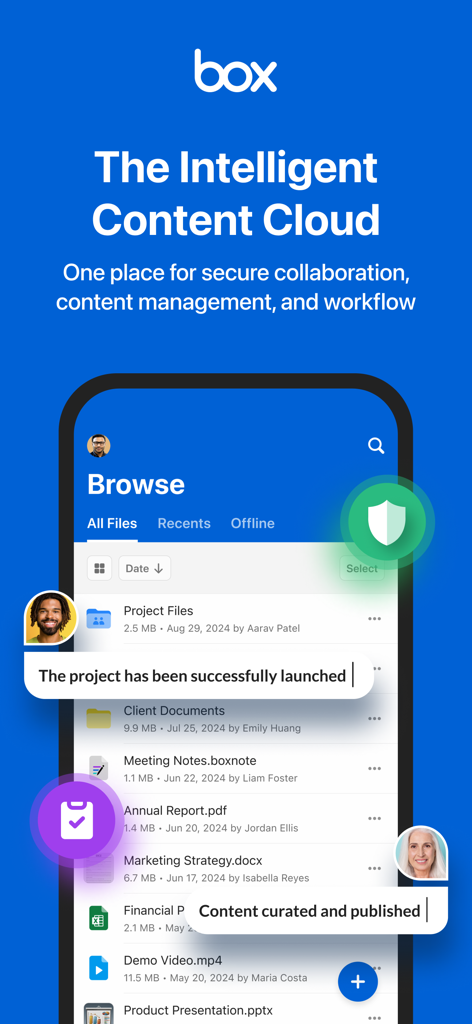
Boxモバイルアプリのインターフェース。セキュアなファイルストレージとチームコラボレーションツールが表示されています。
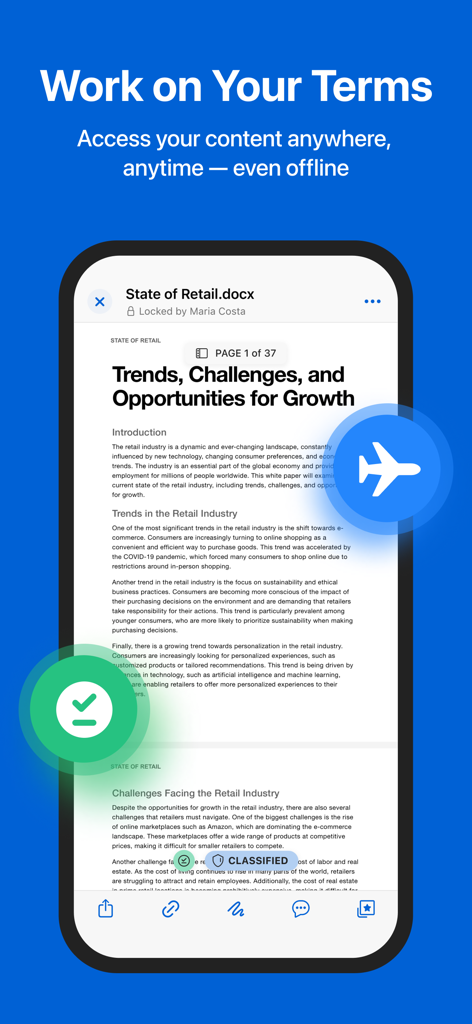
Boxアプリで開かれたビジネスドキュメント。オフラインアクセスとセキュリティ機能が表示されています。
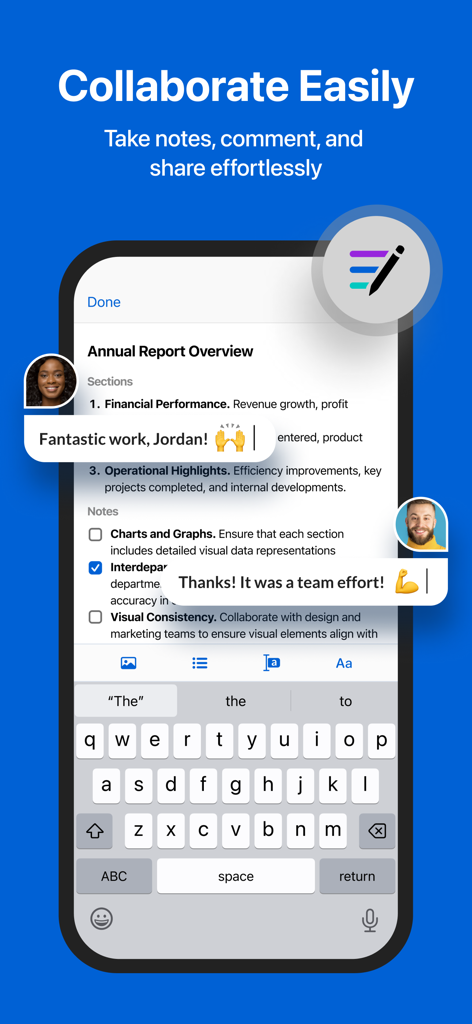
Boxアプリのインターフェース。リアルタイムのコメントとメモによるモバイルドキュメントコラボレーションが表示されています。
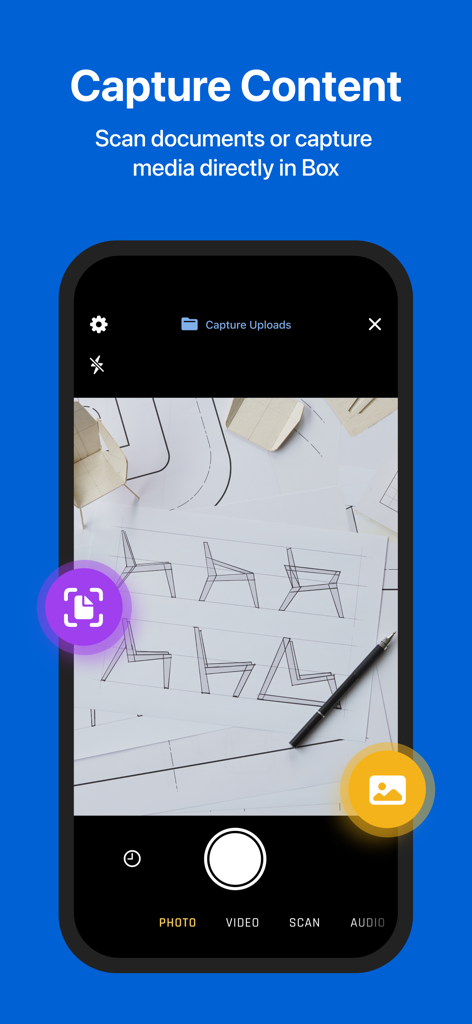
Boxモバイルアプリのインターフェース。ドキュメントスキャンとコンテンツキャプチャ機能が表示されています。
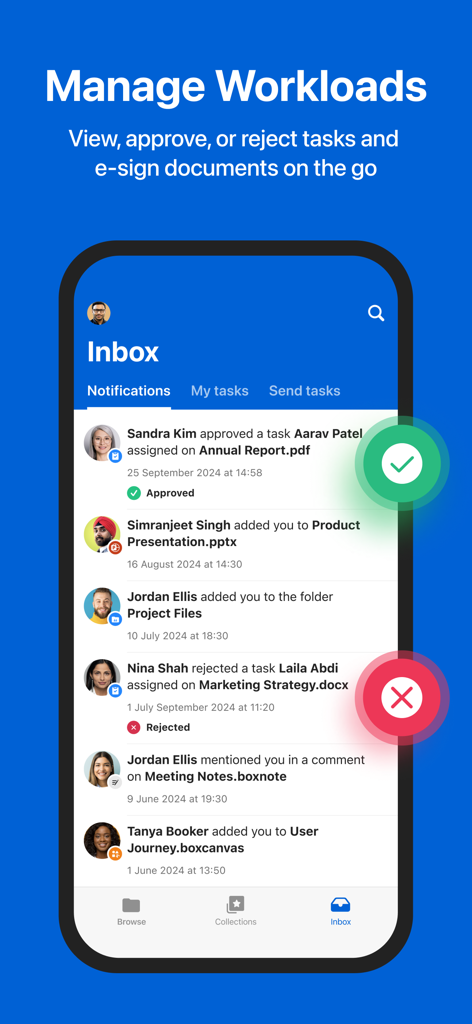
Boxモバイルアプリの受信トレイ画面。ワークロード管理とタスク通知が表示されています。
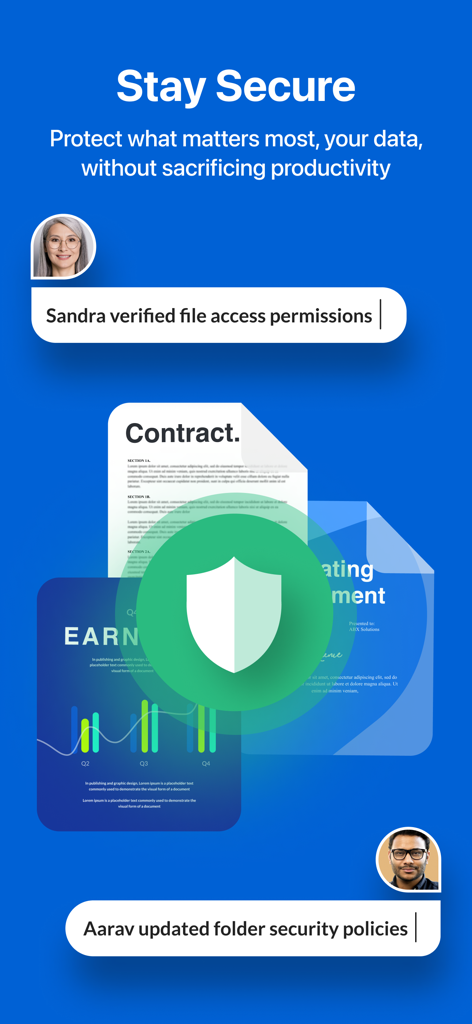
Boxアプリのインターフェース。盾のアイコンとユーザー権限のアクティビティログによるセキュアなドキュメント管理が表示されています。
説明
Download
類似アプリ
似た機能とユーザー体験を持つアプリ

MEGA
Mega Limited

Microsoft SharePoint
Microsoft Corporation

Zoho WorkDrive
Zoho Corporation

阿里邮箱
Alibaba Cloud Computing Ltd.

Dropbox EMM
Dropbox, Inc.

Syncer
ARCTERA AM, LLC

SeaTalk
SEATALK PRIVATE LIMITED

Signet
SIGNET TECHNOLOGY PLATFORM COMPANY LIMITED

WPS会议
Zhuhai Kingsoft Office Software Co.,Ltd
このページはアプリまたはその開発者の公式ページではなく、情報提供および論評を目的として作成された独立した編集出版物です。明示的に別段の記載がない限り、アプリおよびその開発者は、MWM、Apple、Google Play、アプリのパブリッシャー、またはアプリの開発者と提携、承認、後援、認可、またはその他の公式的な関係はなく、このページのいかなる内容も、アプリがMWMのサービスを使用して開発されたことを意味するものではありません。すべての商標、ロゴ、スクリーンショット、その他のコンテンツはそれぞれの所有者の財産です。