
このページはアプリまたはその開発者の公式ページではなく、情報提供および論評を目的として作成された独立した編集出版物です。明示的に別段の記載がない限り、アプリおよびその開発者は、MWM、Apple、Google Play、アプリのパブリッシャー、またはアプリの開発者と提携、承認、後援、認可、またはその他の公式的な関係はなく、このページのいかなる内容も、アプリがMWMのサービスを使用して開発されたことを意味するものではありません。すべての商標、ロゴ、スクリーンショット、その他のコンテンツはそれぞれの所有者の財産です。


µBrowser - Safe, Fast, Private
シークレットモードを超えて。Web履歴を保護し、機密ファイルをロックし、究極のデジタルプライバシーのために設計されたパスコード保護ブラウザであなたの空間をパーソナライズしましょう。
ダウンロード
409K+ユーザー評価
評価数
4K+開発元
カテゴリ
Productivity対応言語
1最新バージョン
1.0サイズ
4.9 MBリリース日
2024年10月10日あなたのセキュアなデジタルサンクチュアリ
µBrowserは、高速ナビゲーションとプライベート保管庫を融合させ、あなたのブラウジング習慣と個人的なメディアがあなた以外には見えないようにします。
鉄壁のパスコードセキュリティ
必須のパスコードでブラウジング体験全体をロックし、詮索好きな目から履歴とタブを安全に保ちます。
プライベートメディア保管庫
写真や動画をアプリ内で直接インポート・管理し、機密ファイルをメインの写真ライブラリやiCloudから隔離します。
よくある質問
について知っておくべきこと µBrowser - Safe, Fast, Private
µBrowserとは何ですか?
µBrowserは、プライバシーを重視した高機能ブラウザで、強力な検索機能、ドキュメント管理、毎日更新される壁紙、安全なブラウジングのためのパスコード保護を提供します。
µBrowserは私のプライバシーを保護しますか?
はい、µBrowserはパスコードでアプリケーションを保護することにより、プライバシーを保護します。これにより、ウェブブラウジング、画像、ビデオはプライベートで安全に保たれます。
µBrowserはドキュメント管理のためにどのような機能を提供していますか?
µBrowserでは、フォトライブラリまたはファイルアプリから直接アプリにファイル、画像、またはビデオを追加できるため、メディア管理が便利です。
µBrowserでプレミアム機能を入手するにはどうすればよいですか?
iTunesアカウントを通じて、週次、月次、年次、または生涯サブスクリプションプランを購入することで、µBrowserのすべてのPro機能をアンロックできます。
µBrowserは生涯購入オプションを提供していますか?
はい、µBrowserはPro機能の生涯パッケージを提供しています。これには、すべてのプレミアム機能への永続的なアクセスに対して1回限りの支払いが必要です。
µBrowserのサブスクリプションを管理するにはどうすればよいですか?
iTunesアカウントを通じてアカウント設定にアクセスすることで、いつでもµBrowserのサブスクリプションステータスを管理できます。
µBrowserは毎日の壁紙を提供していますか?
はい、µBrowserは毎日更新される高品質の壁紙を提供しています。これらの壁紙は、新鮮な背景オプションでデバイスの美観を高めます。
µBrowserは標準のブラウジング機能を提供していますか?
はい、µBrowserは高機能なブラウジング機能を提供しています。これには、強力な検索機能に加えて、シームレスなナビゲーションのための戻る、進む、履歴、更新オプションが含まれます。
µBrowserのプライバシーポリシーはどこで見つけられますか?
µBrowserのプライバシーポリシーは、アプリの説明にあるリンク(http://surl.li/dddqgv)からアクセスできます。
µBrowserのサブスクリプションの払い戻しは受けられますか?
いいえ、µBrowserは未使用のサブスクリプション部分の払い戻しは提供していません。払い戻しに関する詳細については、Appleのポリシーを参照してください。
以下のスクリーンショットと説明は、アプリの公式ストアリスティングから直接取得されたものであり、アプリ開発者の所有物です。
アプリストア
スクリーンショット
緑色の背景にセキュアなWebブラウジングメッセージを表示するuBrowserウェルカムスクリーン
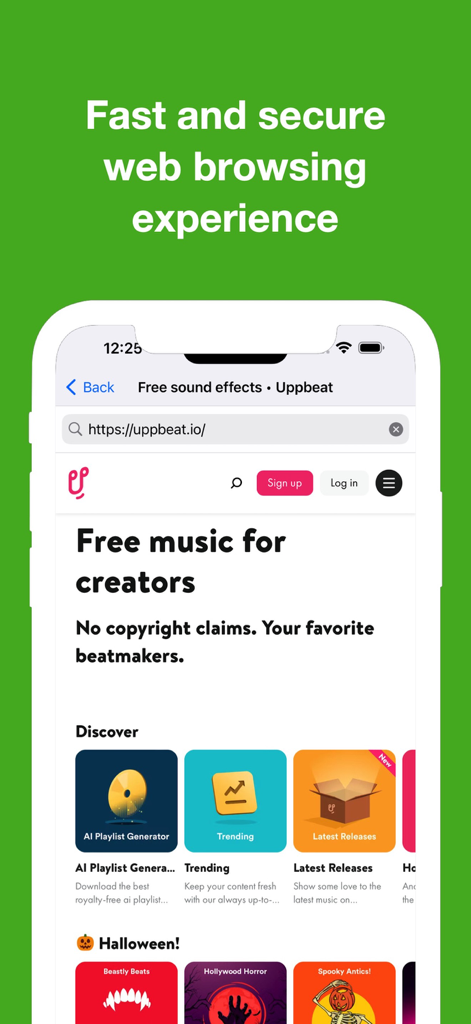
セキュアなWebブラウジングセッションを示すubrowserアプリのモバイルインターフェース
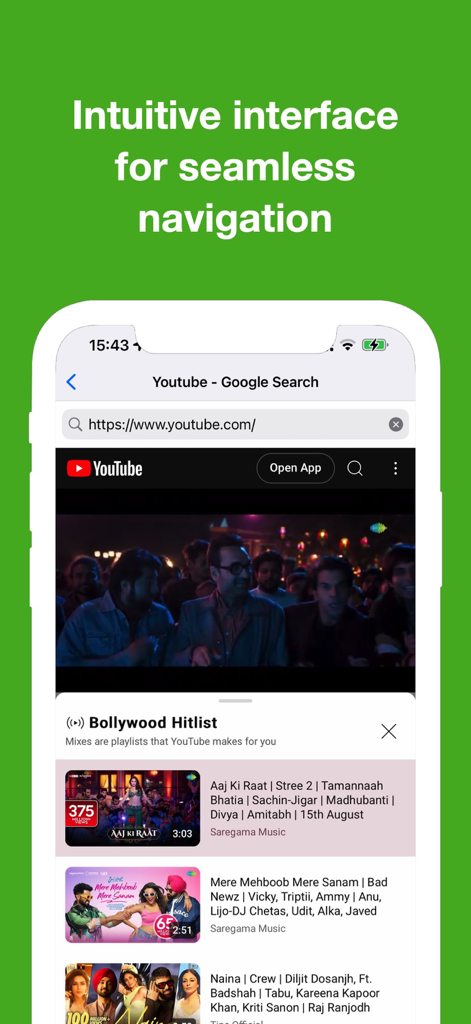
YouTubeの検索結果を表示するuBrowserモバイルアプリインターフェース。
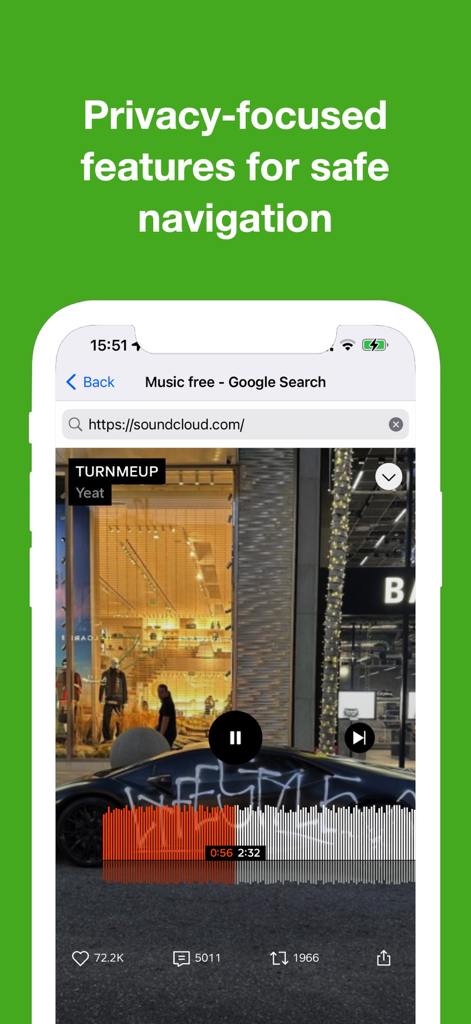
プライバシー機能と再生中のミュージックビデオが表示されたuBrowserインターフェースを示すスマートフォン
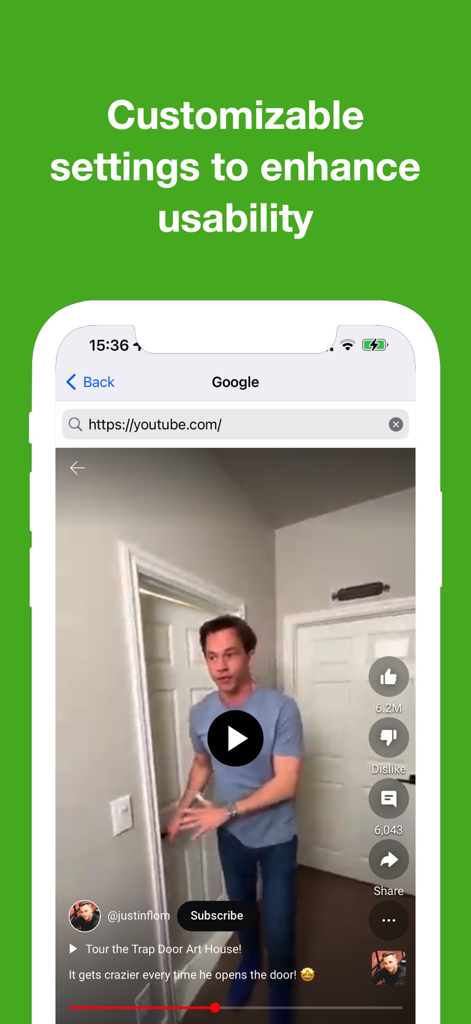
YouTube動画とカスタマイズ可能な設定に関するテキストが表示されたubrowserアプリを示すスマートフォンスクリーン。
説明
Download
類似アプリ
似た機能とユーザー体験を持つアプリ

Bolt Browser and Documents
Danyil Vasilenko

Offline: Files, Browser, VPN
SAEED ABDULLAH ALHAJRI

密盒-私密空间
Succulent Technology Chongqing Co., Ltd.

MyMusic - Audio Player
Liana Kelerman

X Browser PRO - Private & Safe
Sani Dhola

All Video Downloader -RingPlus
SOON BODYWERKZ AUTO PTE. LTD.

AdBlock for Private Browsing
Iurban Mob Limited

Advanced Security: Web Protect
TOKTAMYS-ZHARY, TOO

Norton Private Browser
Gen Digital Inc.
このページはアプリまたはその開発者の公式ページではなく、情報提供および論評を目的として作成された独立した編集出版物です。明示的に別段の記載がない限り、アプリおよびその開発者は、MWM、Apple、Google Play、アプリのパブリッシャー、またはアプリの開発者と提携、承認、後援、認可、またはその他の公式的な関係はなく、このページのいかなる内容も、アプリがMWMのサービスを使用して開発されたことを意味するものではありません。すべての商標、ロゴ、スクリーンショット、その他のコンテンツはそれぞれの所有者の財産です。