
This page is not an official page of the app or its developer, but an independent editorial publication created for informational and commentary purposes. Unless expressly stated otherwise, neither the app nor its developer is affiliated with, endorsed by, sponsored by, authorized by, or otherwise officially connected with MWM, Apple, Google Play, the app publisher, or the app's developer, and nothing on this page implies that the app was developed using MWM's services. Any trademarks, logos, screenshots, and other content remain the property of their respective owners.

Budget Sync: Shared Expenses
The ultimate financial dashboard for couples and families. Track shared spending in real-time, set smart limits, and reach your savings goals as a team—all without the mess of spreadsheets.
Downloads
100+User Rating
Total Ratings
0Publisher
Category
FinanceLocales
6Latest Version
1.2.6Size
58.7 MBFirst Released
Jan 15, 2026Financial Harmony for Modern Households
Stop the guesswork and eliminate money-related stress. Budget Sync provides a collaborative, real-time dashboard designed for couples, families, and roommates who value transparency and efficiency.
Collaborative Team Budgeting
Invite up to 6 members to track expenses together. Assign roles and set category limits to ensure everyone stays on track without the need for constant follow-up texts or messy spreadsheets.
Unlimited Tracking, Zero Barriers
Log every transaction without ever hitting a paywall. Our free tier offers unlimited entries, making it the perfect tool for high-activity households that need a complete view of their daily spending.
The following screenshots and description are sourced directly from the app's official store listing and are the property of the app developer.
App Store
Screenshots
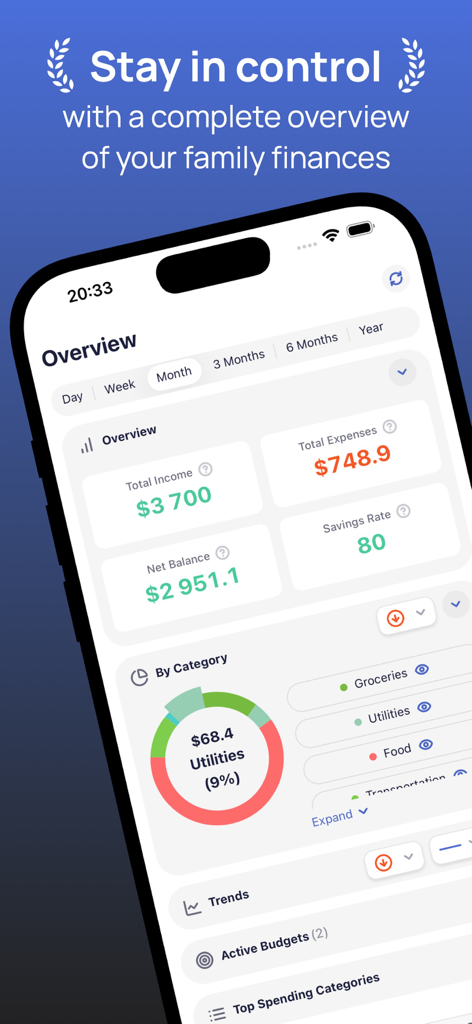
Budget Sync app dashboard showing family income and expenses overview
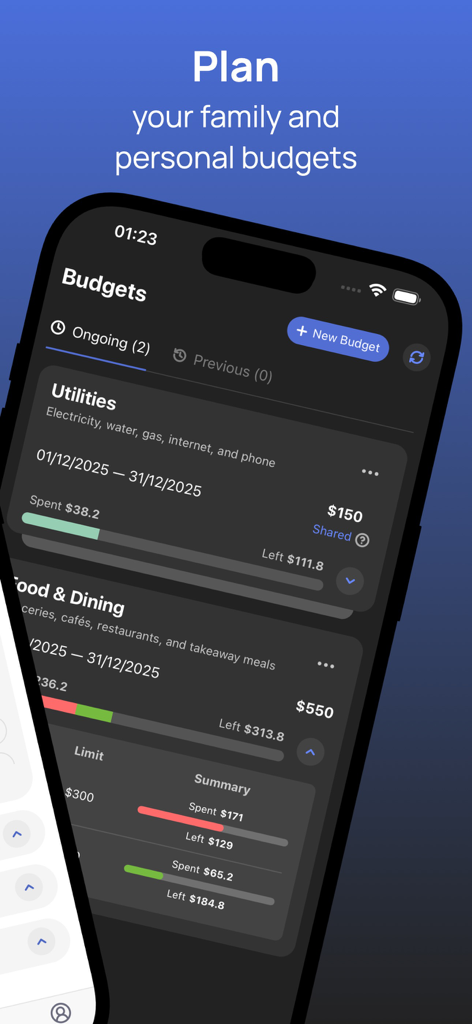
Mobile app screen displaying shared budget categories and spending progress bars for family expenses
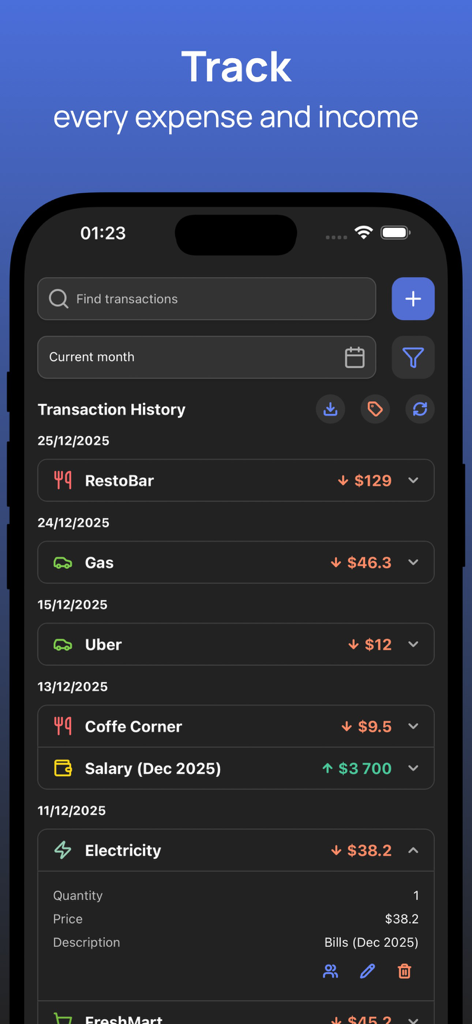
Shared transaction history in the Budget Sync app tracking expenses and income
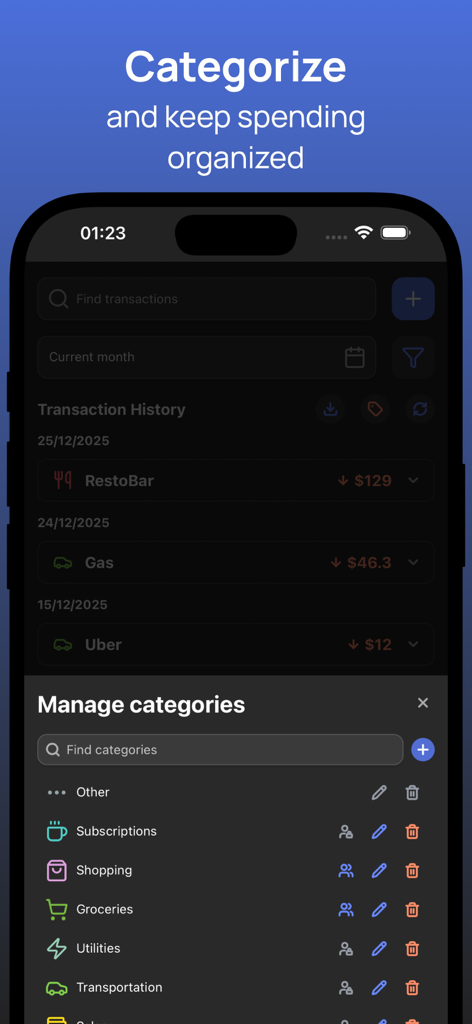
Interface of the Budget Sync app showing the manage categories screen with various spending icons like groceries and utilities
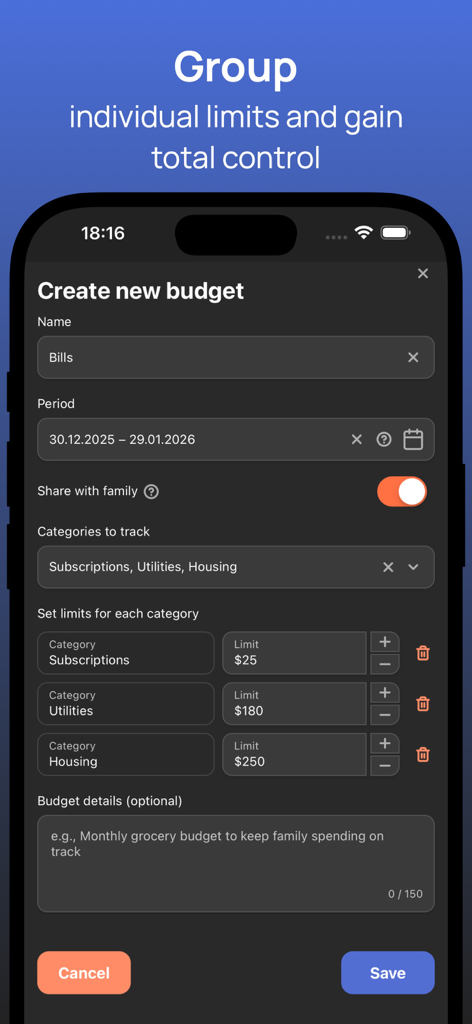
Mobile app screen showing the creation of a new budget with category spending limits and family sharing enabled
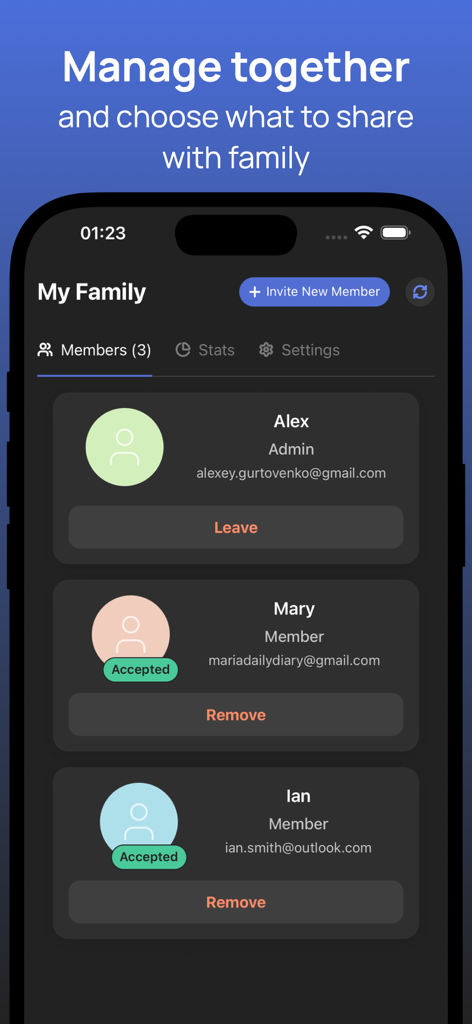
Budget Sync app interface for managing family members and shared budget roles
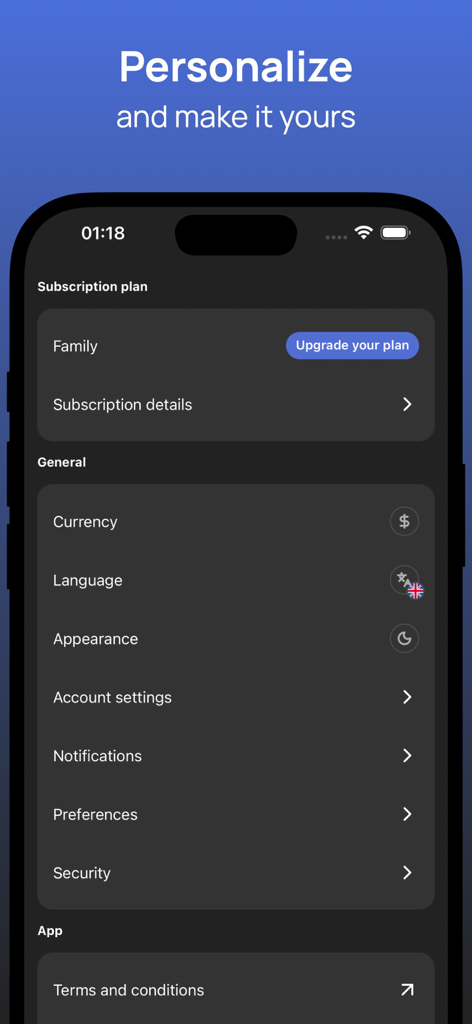
Settings screen of the Budget Sync app showing options to personalize currency language and app appearance
Description
Download
More Like This
Top-ranked apps in the same category

UnionPay APP
China Unionpay Co.,Ltd.

PayPal - Pay, Send, Save
PayPal, Inc.

Mercado Pago: cuenta digital
MercadoLibre S.A.

个人所得税
State Administration of Taxation

TurboTax: File Your Tax Return
Intuit Inc.

中国农业银行
AGRICULTURAL BANK OF CHINA LIMITED

Revolut: Send, spend and save
Revolut Ltd

中国工商银行
Industrial and Commercial Bank of China

电子税务局
State Administration of Taxation
This page is not an official page of the app or its developer, but an independent editorial publication created for informational and commentary purposes. Unless expressly stated otherwise, neither the app nor its developer is affiliated with, endorsed by, sponsored by, authorized by, or otherwise officially connected with MWM, Apple, Google Play, the app publisher, or the app's developer, and nothing on this page implies that the app was developed using MWM's services. Any trademarks, logos, screenshots, and other content remain the property of their respective owners.