Business Card Scanner + Reader

Business Card Scanner + Reader

ダウンロード: App Storeダウンロード: Google Play
ロゴ: Business Card Scanner + Reader

名刺スキャナー&リーダー:すべての握手をデジタルリードに変える

手作業でのデータ入力に何時間も費やすのはやめましょう。高度なOCR技術と安全なクラウド同期で、連絡先を楽にスキャン、整理、エクスポートできます。

開発元

Asad Ahsan

カテゴリ

Business

ダウンロード

26K+

ユーザー評価

4.5/5

評価数

1K+

対応言語

69

効率性を垣間見る

このインターフェースを利用する 26K+ 人のユーザー.

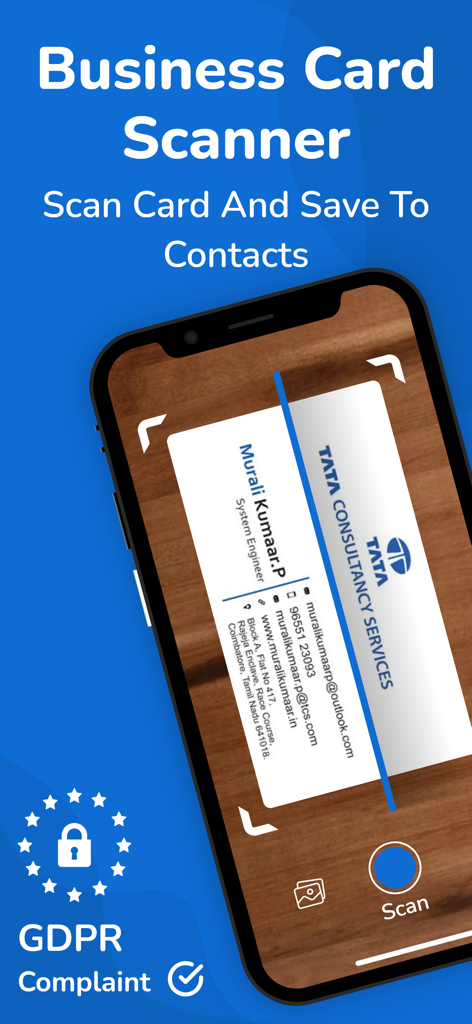
スマートフォンで物理的な名刺をスキャンして、連絡先情報をデジタル保存している様子
スマートフォンで物理的な名刺をスキャンして、連絡先情報をデジタル保存している様子

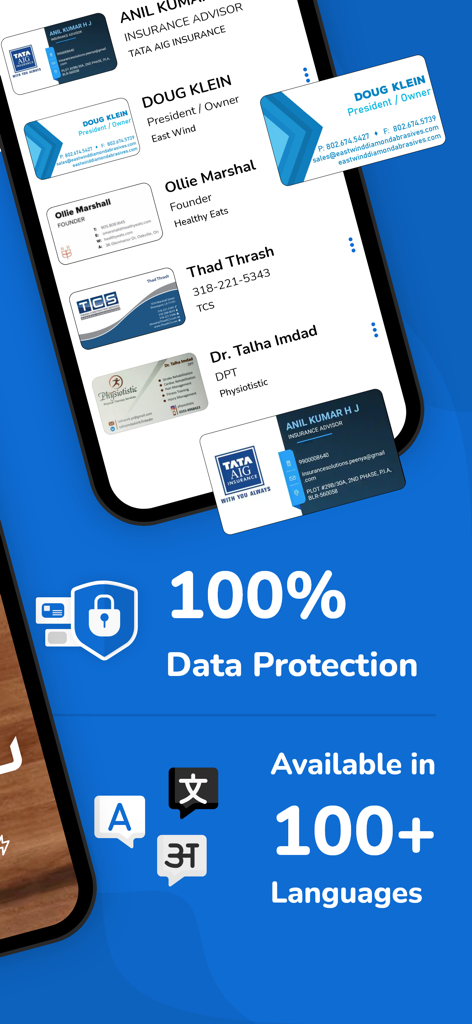
名刺スキャナーアプリのインターフェース。データ保護機能と100以上の言語サポートを強調表示。
名刺スキャナーアプリのインターフェース。データ保護機能と100以上の言語サポートを強調表示。

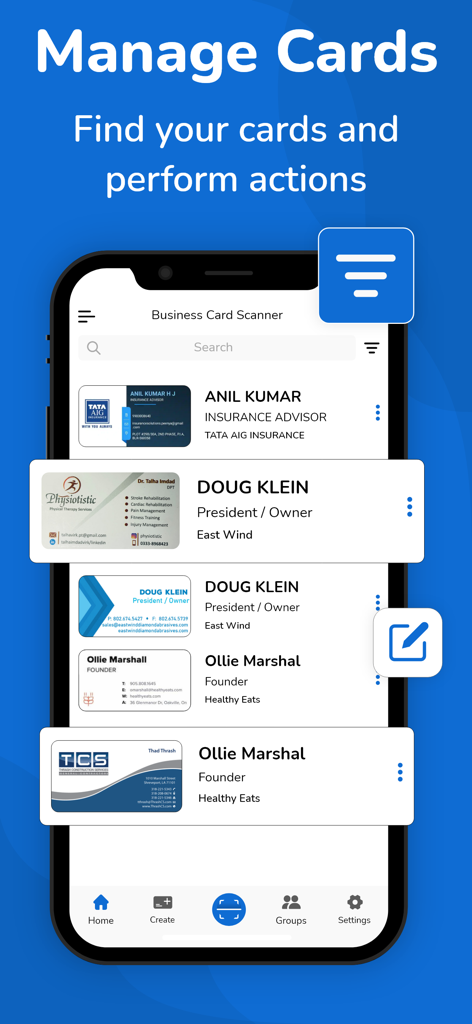
名刺スキャナーアプリの「カード管理」機能を表示する携帯電話画面。デジタル化された連絡先リストが表示されている。
名刺スキャナーアプリの「カード管理」機能を表示する携帯電話画面。デジタル化された連絡先リストが表示されている。

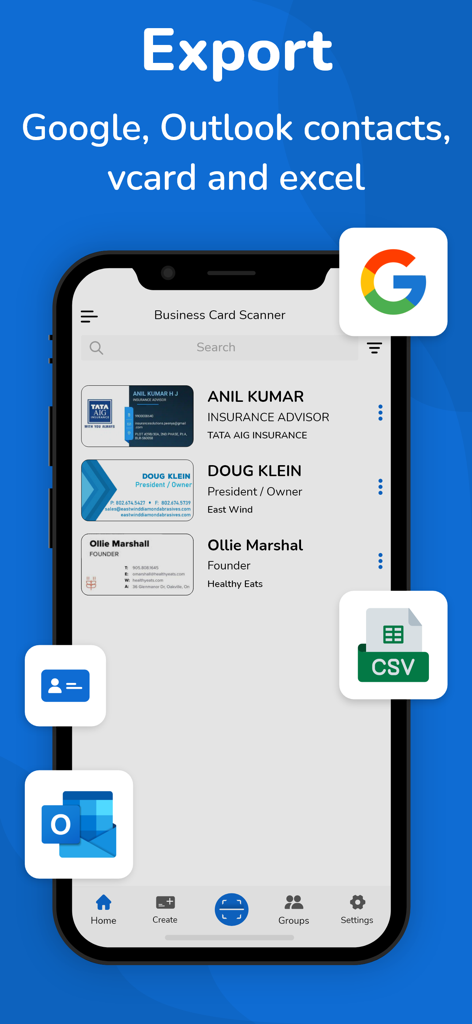
名刺スキャナーアプリのインターフェース。Google、Outlook、vCard、CSVへのエクスポートオプションが表示されている。
名刺スキャナーアプリのインターフェース。Google、Outlook、vCard、CSVへのエクスポートオプションが表示されている。

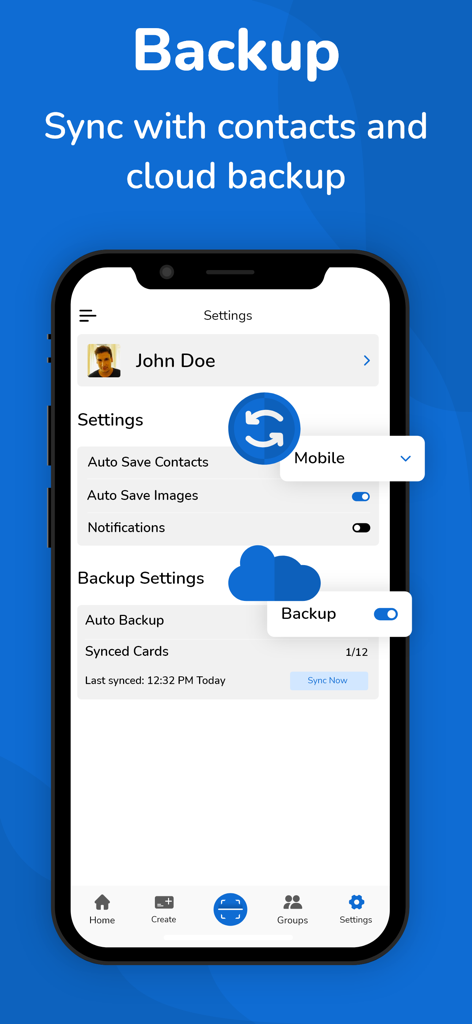
名刺スキャナーアプリの設定画面。クラウドバックアップと連絡先同期オプションが表示されている。
名刺スキャナーアプリの設定画面。クラウドバックアップと連絡先同期オプションが表示されている。

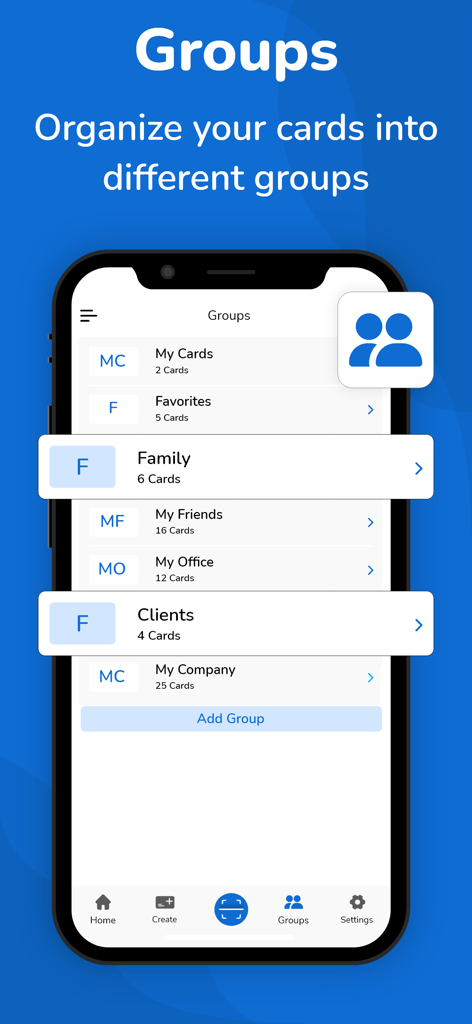
名刺スキャナーアプリのインターフェース。クライアントやオフィスなどのグループに連絡先が分類されている様子。
名刺スキャナーアプリのインターフェース。クライアントやオフィスなどのグループに連絡先が分類されている様子。

すべての握手をデジタル接続に変える

このアプリを際立たせるツール、 26K+ 人のユーザーが選択.

高精度AIスキャン

高度なOCR技術が、名前、役職、メールアドレスをほぼ完璧な精度で数秒でキャプチャし、退屈な作業時間を節約します。

☁️

クラウドバックアップ&同期

自動クラウド同期と安全なストレージにより、プロフェッショナルネットワークをすべてのデバイスで安全かつアクセス可能に保ちます。

📤

シームレスなCRMエクスポート

連絡先をGoogle、Outlook、またはCSVファイルに直接エクスポートして、すぐにフォローアップし、セールスパイプラインを強化しましょう。

アプリについて

について知っておくべきこと Business Card Scanner + Reader.

説明

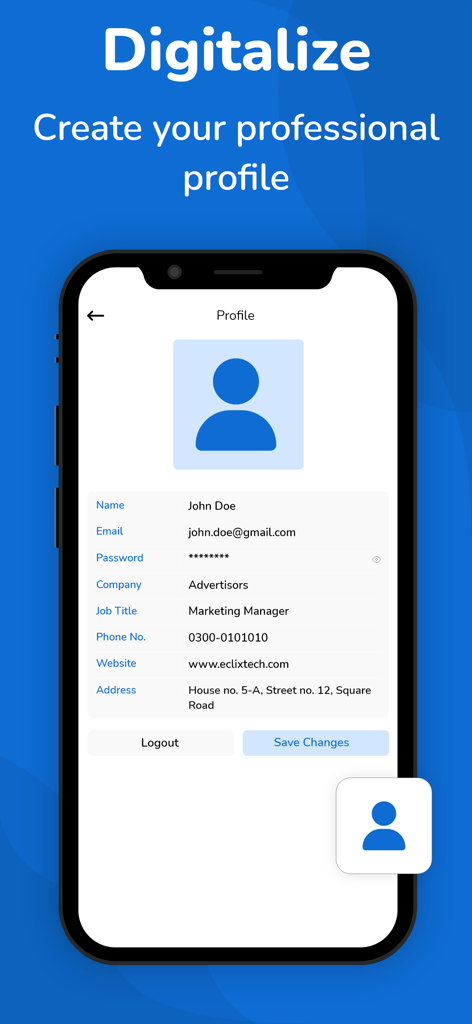
Business card scanner is also a digital business card reader. Now, you no longer need to spend a couple of hours manually entering a stack of business cards into your database. The business card scanner + reader can do it for you by quickly transferring and organizing business card contact information into digitally transcribed contacts. Now, you can scan many cards using the online business card organizer app. No doubt this business card scanner makes it easy for you to remember more about the individuals you meet. The free business card scanner app scans business cards with Optical Character Recognition (OCR) and everything into a contact note, including: • Name, company, title, and other contact information • An image of the card How Does a Business Card Scanner App Work? Business cards play a crucial role in quickly sharing contact information with someone. It gives a professional first impression especially when you meet with a potential client. There’s no doubt these cards remain a constant even as people use the business card scanner + reader app to store their paper cards into digital business cards. The business card scanner app for iOS helps to scan business cards and organize the contact information into the contact list of your phone. The business card reader app uses your phone's camera for card scanning stores the entire information in a digitized way and converts a card to a virtual business card. Ease of Use: The business card organizer app makes organizing, scanning, and transcribing business cards relatively simple. What Look For The Best Business Card Reader App: Aim for a business card scanner app that provides you with advanced OCR features, a high degree of accuracy, ease of use, device capability, and additional features such as different OCR language support. For most individuals, the free version of the business card organizer app will be sufficient according to their needs. The free version of the business card keeper will quickly and accurately save the information for your new contact. However, marketers may account for a paid version of the card scanner app so they can readily & accurately save their cards in a single place and access them when required. Best Features Provided By Business Card Scanner App: Let’s take a look at the advanced features of this app. • The app uses advanced OCR technology to scan business cards, it recognizes the text of cards and transcribes them in digital form • Business card reader scans QR Code and fetches the contact information • Allow you to store business cards in a digitized way • Allow auto-sync of contacts • Support a cloud-based (auto backup) system for your contacts • Export business contacts help to export scanned contacts to Google (CSV), Outlook (CSV), and vcard files. • Import allows you to import the contacts from the vcard file to your app • The business card scanner allows you to read and scan the multilanguage cards. This business card app supports more than 30 languages • Scanning limits: When it comes to a free plan, users get limited card scanning, to enjoy unlimited scanning you have to head to the business card scanner app pro version Let’s Sum Up: So, say goodbye to piles of paper business cards right now, and scan and organize your card contacts into a digitized form using the business card organizer app. Disclaimer: This app is originally built and not copied from any other source. Your privacy is fully respected - we do not share your personal data with any third parties. - Privacy policy https://www.cardscanner.co/privacy - Terms of Services https://www.cardscanner.co/terms - Website https://www.cardscanner.co/ - Contact Email cardscannerpro@gmail.com

最新バージョン

1.0.50

サイズ

59.7 MB

リリース日

2021年2月6日

すべての握手をデジタルリードに変える

手作業でのデータ入力に何時間も費やすのはやめましょう。AI搭載OCRを使用して、数秒で連絡先をデジタル化、同期、エクスポートする、26,000人以上のプロフェッショナルに加わりましょう。

ダウンロード: App Storeダウンロード: Google Play

App information, icons, screenshots, and descriptions displayed on this page are sourced from the Apple App Store and are the property of their respective developers. Download estimates and rankings are based on MWM's proprietary models and may not reflect actual figures. This page is provided for informational and analytical purposes only.

Believe this page infringes your intellectual property? File a dispute