C Vault : Privacy Vault

C Vault : Privacy Vault

ダウンロード: App Store
ロゴ: C Vault : Privacy Vault

C Vault:本物の時計の裏に隠されたステルスプライバシー

写真、動画、プライベートメモのための究極の不可視ロッカー。時計の針のパスワードでメディアを保護し、侵入者の自撮り写真をキャプチャし、痕跡を残さずにウェブを閲覧します。

開発元

FENIL PATEL

カテゴリ

Utilities

ダウンロード

84K+

ユーザー評価

4.6/5

評価数

3K+

対応言語

9

時計の裏側を覗く

このインターフェースを利用する 84K+ 人のユーザー.

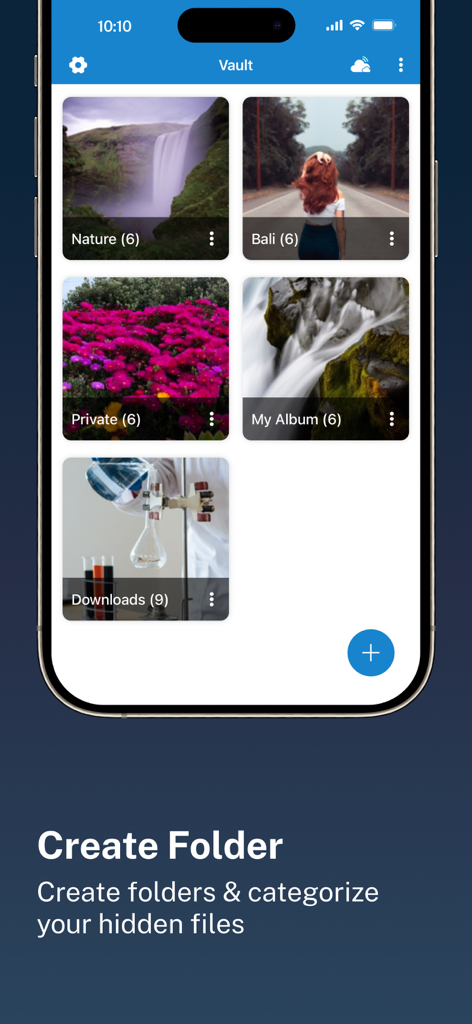
C Vaultアプリのインターフェース。隠された写真やファイルを分類するための複数のアルバムを表示しています。
C Vaultアプリのインターフェース。隠された写真やファイルを分類するための複数のアルバムを表示しています。

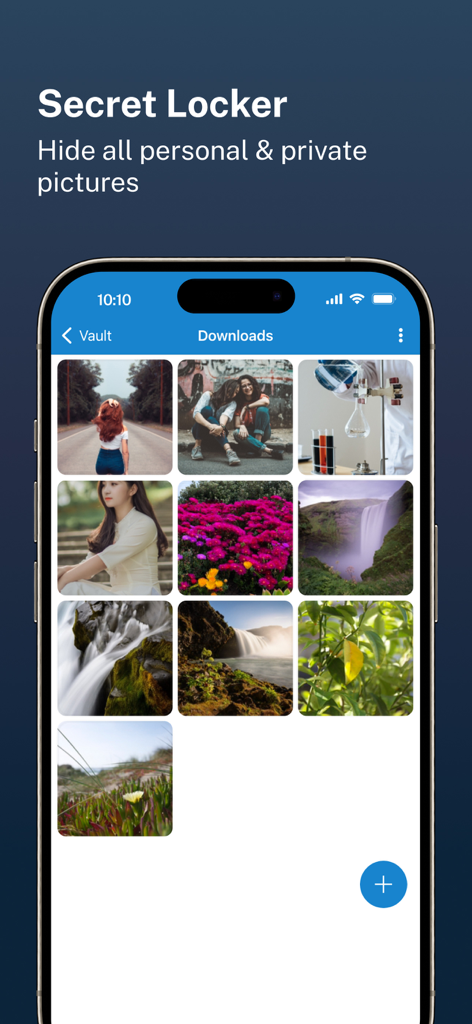
C Vaultアプリのインターフェース。秘密のロッカーに隠された個人的な写真のギャラリーを表示しています。
C Vaultアプリのインターフェース。秘密のロッカーに隠された個人的な写真のギャラリーを表示しています。

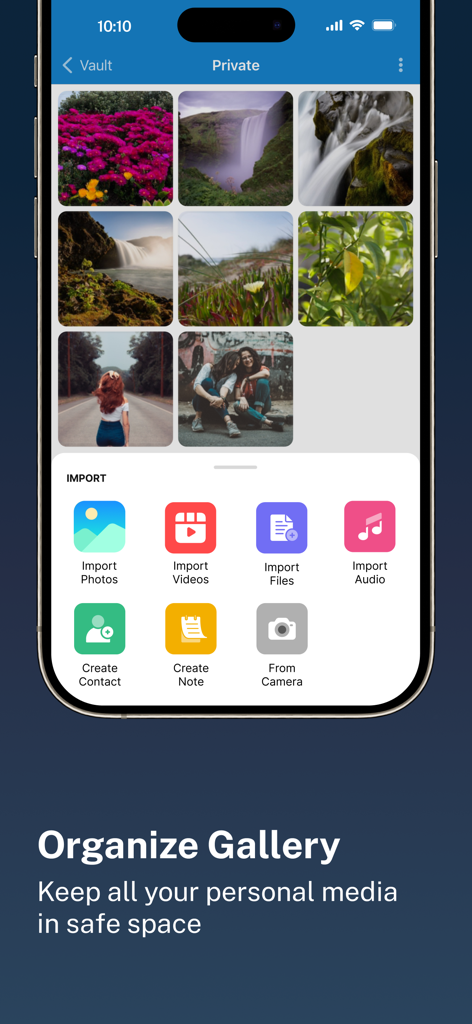
C Vaultアプリのインターフェース。整理されたプライベート写真ギャラリーと、さまざまなファイルタイプをインポートするためのメニューを表示しています。
C Vaultアプリのインターフェース。整理されたプライベート写真ギャラリーと、さまざまなファイルタイプをインポートするためのメニューを表示しています。

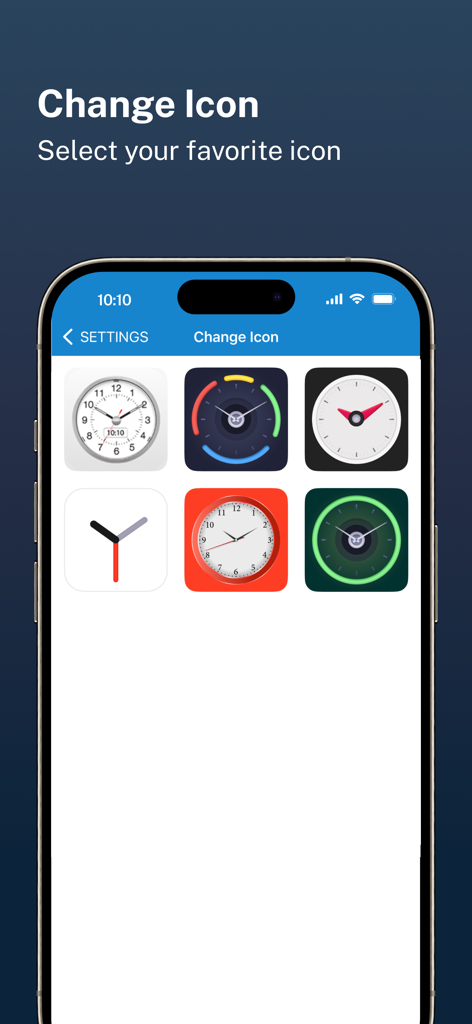
C Vaultプライバシーアプリのインターフェース用の時計をテーマにしたアイコンのセレクション。
C Vaultプライバシーアプリのインターフェース用の時計をテーマにしたアイコンのセレクション。

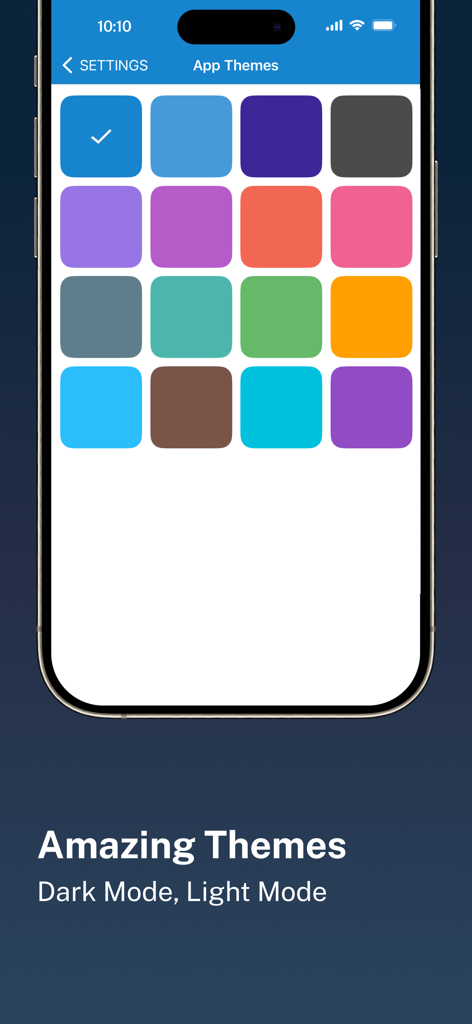
C Vaultプライバシーアプリ用の、カラフルなアプリテーマオプションの様々なモバイルインターフェースを表示しています。
C Vaultプライバシーアプリ用の、カラフルなアプリテーマオプションの様々なモバイルインターフェースを表示しています。

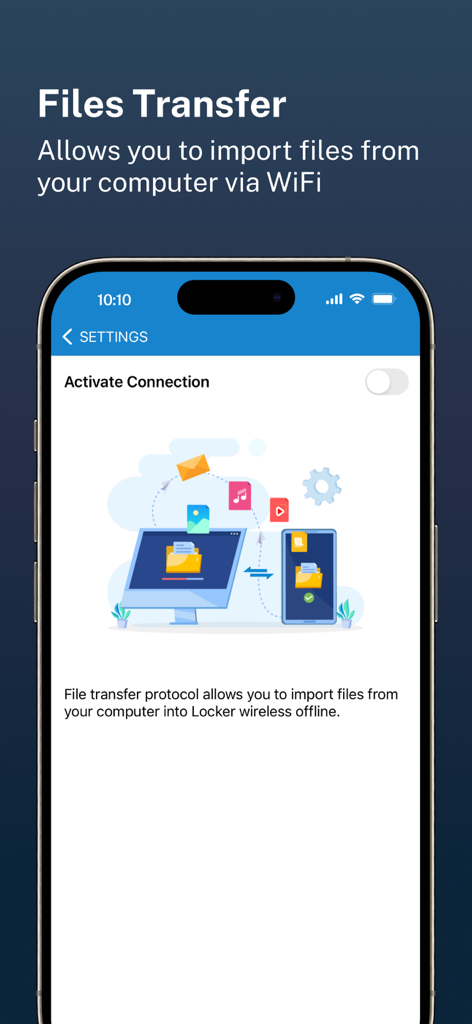
C Vaultアプリの画面。WiFi経由でコンピューターから電話へワイヤレスファイル転送を表示しています。

C Vaultアプリの画面。WiFi経由でコンピューターから電話へワイヤレスファイル転送を表示しています。

あなたのプライベート空間、丸見えのまま隠す

このアプリを際立たせるツール、 84K+ 人のユーザーが選択.

🕒

ステルスクロックインターフェース

秘密の時間はあなただけが知っています。あなたの隠し場所は他者には見えず、ホーム画面では標準的なユーティリティ時計として表示され、好奇心を避けます。

📸

侵入者アラートと自撮り

泥棒を現行犯で捕らえます。間違ったパスワードで隠し場所へのアクセスを試みた人物の写真を自動的にキャプチャし、即座に証拠を提供します。

☁️

完全なデータ所有権

あなたのデータはあなたのものです。当社はサーバーにファイルを保存しません。個人のドライブへの安全で暗号化されたバックアップを直接お楽しみください。完全な制御とプライバシーを確保します。

アプリについて

について知っておくべきこと C Vault : Privacy Vault.

説明

C Vault is photo locker & video locker app with great privacy protection to easily hide photos, hide videos & files. 
Top Features:

 • Import Pictures & Videos: Keep photos & videos safe into the Cloak⁺. View hidden photos inside the C Vault app. You can hide video in many formats. You can also play videos inside vault without unlock the file.
 • Private Audio: Hide music and voice notes. • Notes & Contacts: Whether you want to create a list of things you keep in your documents or write down your private feelings. you can do so securely with the ‘Create Notes’ feature. You can also create contacts inside this C Vault app. 
• Album Cover: You can set your desired album cover..

 • Private Browser: Private web browser to download and Lock photos, hide videos and music audios from the Internet. 

• Save Intruder Photos: Capture a picture of anyone who tries to open C Vault using wrong time password.

 • Themes: Choose different type of locker theme colours to beautify your app experience. • Cloud Backup: Easily backup your private photos, videos and files into your own Drive. Helps to prevent loss of important data and restore your data in case of loss or theft of device. • Device migration: Transfer all files seamlessly to the new device app works like the old one. How to set up the password?
 Step 1: Launch the ClockV app and the clock hands will be moved at 00:00 position for password setup.
 Step 2: Move the hour and/or minute clock hand to set a desired time password and press the Center button of the clock to confirm.
 Step 3: Now repeat the same password again and press the Center button of the clock to confirm. The vault will be open!

 How to unlock the app?
 Step 1: Launch ClockV, Press the Center button of the clock. The Clock Hands will be moved to the 00:00 positions.
 Step 2: Now you can move the clock hour and/or minute hands manually to your password position and press the Center button again to validate. Now you can hide photos, videos & other files. 

Forgot password?
 Question: What can I do if I forgot my password?
 Answer: Launch ClockV and press the Center button of the clock. Set 10:10 time by moving hour and minute clock hands and press the Center button again. It will open password recovery option. You must have set the password recovery option in order to use it. Disclaimer: To ensure your utmost security, C Vault does not keep your photos or data on any kind of our server. It uses the internal storage of your device for local storage and your own Drive account to backup and restore from online. If you delete the app, your photos & data saved in the app locally will also be deleted. So make sure to export your photos, videos and files from the app to your device's public storage if you need to delete the app for any reason! Premium Subscription: C Vault includes an optional auto-renewable subscription to access current and future premium categories: Note: Check within the app for exact pricing for your region - 1 month subscription USD 2.99 - 1 year subscription with 7 days free trial USD 9.99 - Lifetime premium subscription USD 19.99 • Payment will be charged to your iTunes account at confirmation of purchase and will automatically renew (at the duration/price selected) unless auto-renew is turned off at least 24 hours before the end of the current period. • Account will be charged for renewal within 24-hours prior to the end of the current period, and identify the cost of the renewal. • Any unused portion of a free trial period, if offered, will be forfeited when the user purchases a subscription to that publication, where applicable. • You can manage your subscription and/or turn off auto-renewal by going to your iTunes Account Settings, but refunds will not be given for any unused portion of the term. Terms of Service: https://clock-the-vault.web.app/terms-of-use-ios.html Privacy Policy: https://clock-the-vault.web.app/privacy-policy-ios.html

最新バージョン

32.0

サイズ

76.7 MB

リリース日

2021年4月30日

丸見えのままプライバシーを取り戻す

84,000人以上のユーザーが、究極の時計の偽装の裏に写真、動画、メモを保護しています。今すぐデジタルライフを安全にしましょう。

ダウンロード: App Store

App information, icons, screenshots, and descriptions displayed on this page are sourced from the Apple App Store and are the property of their respective developers. Download estimates and rankings are based on MWM's proprietary models and may not reflect actual figures. This page is provided for informational and analytical purposes only.

Believe this page infringes your intellectual property? File a dispute