Clone My Data-Sync&Backup Data
ダウンロード: App Store

このページはアプリまたはその開発者の公式ページではなく、情報提供および論評を目的として作成された独立した編集出版物です。明示的に別段の記載がない限り、アプリおよびその開発者は、MWM、Apple、Google Play、アプリのパブリッシャー、またはアプリの開発者と提携、承認、後援、認可、またはその他の公式的な関係はなく、このページのいかなる内容も、アプリがMWMのサービスを使用して開発されたことを意味するものではありません。すべての商標、ロゴ、スクリーンショット、その他のコンテンツはそれぞれの所有者の財産です。

ロゴ: Clone My Data-Sync&Backup Data
ダウンロード: App Store

Clone My Data-Sync&Backup Data

iCloudストレージの制限と遅いアップロードはもう不要です。数分で、iPhone、iPad、Mac間で写真、動画、連絡先を安全に移行します。異なるApple ID間でも可能です。

主要数値

ダウンロード

64K+

ユーザー評価

4.5/5

評価数

200

開発元

Beijing Elinasoft Technologies Company Limited

カテゴリ

Utilities

対応言語

12

最新バージョン

3.22

サイズ

33.1 MB

リリース日

2021年1月16日
機能

データ移行をコントロールする

iCloudストレージの制限やサブスクリプション料金から解放されます。技術的な専門知識や共有Apple IDなしで、デバイス間で写真、連絡先、ファイルをシームレスにクローンします。

アカウント制限なしで転送

異なるApple ID間で簡単にデータを移動できます。家族、カップル、または仕事とプライベートの生活を分離するのに最適です。ネイティブエコシステムの制限はありません。

超高速、クラウドなし同期

遅いアップロードはもう不要です。インターネット接続がない場合でも、ローカルWi-FiまたはBluetoothを使用して、大量の4Kビデオライブラリや高解像度の写真を数分で転送します。

以下のスクリーンショットと説明は、アプリの公式ストアリスティングから直接取得されたものであり、アプリ開発者の所有物です。

アプリストア

スクリーンショット
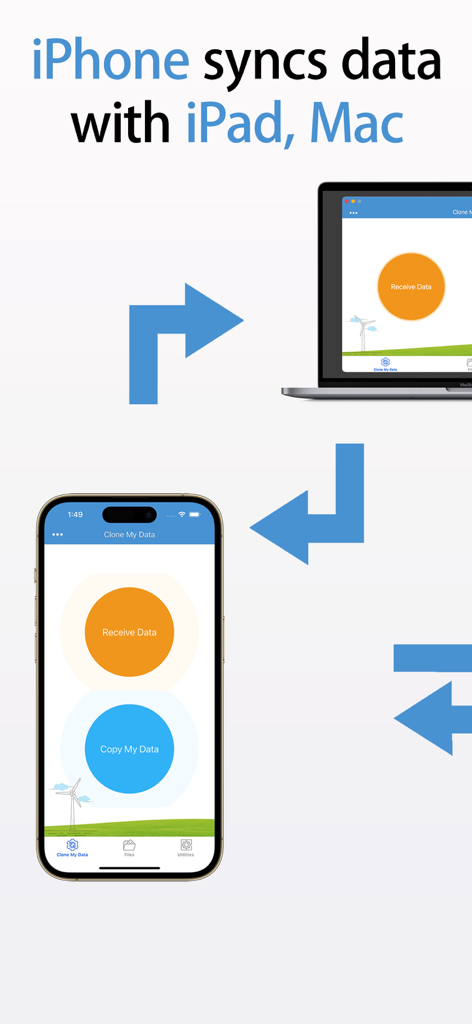
Clone My Data-Sync&Backup Data - Clone My Dataアプリを使用してiPhoneがMacやiPadとデータを同期している様子
Clone My Dataアプリを使用してiPhoneがMacやiPadとデータを同期している様子

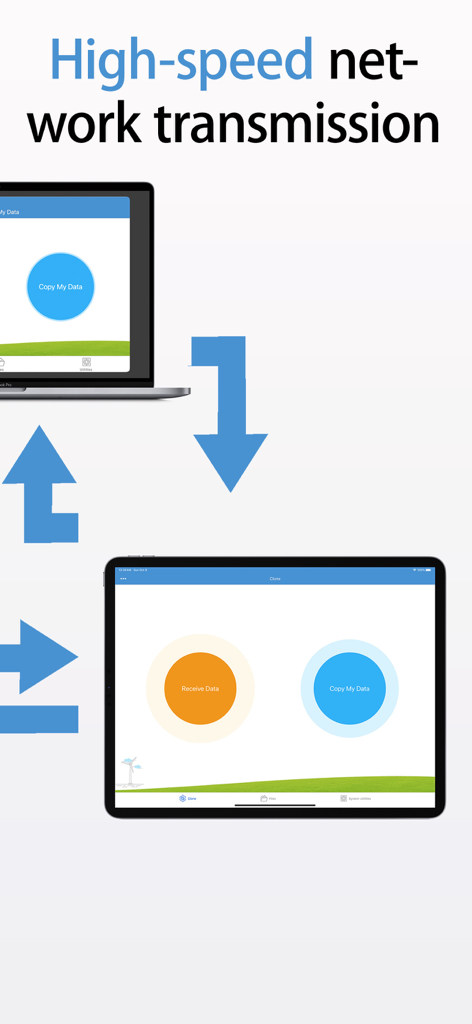
Clone My Data-Sync&Backup Data - データ転送のためにラップトップとタブレット間の高速ネットワーク送信

データ転送のためにラップトップとタブレット間の高速ネットワーク送信

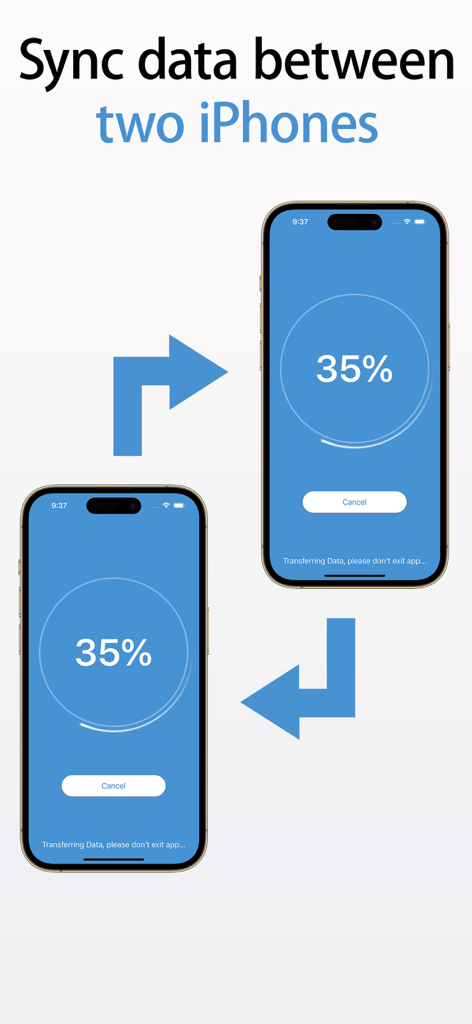
Clone My Data-Sync&Backup Data - 2台のiPhoneが35パーセントの進捗インジケーターと転送矢印でデータを同期している様子
2台のiPhoneが35パーセントの進捗インジケーターと転送矢印でデータを同期している様子

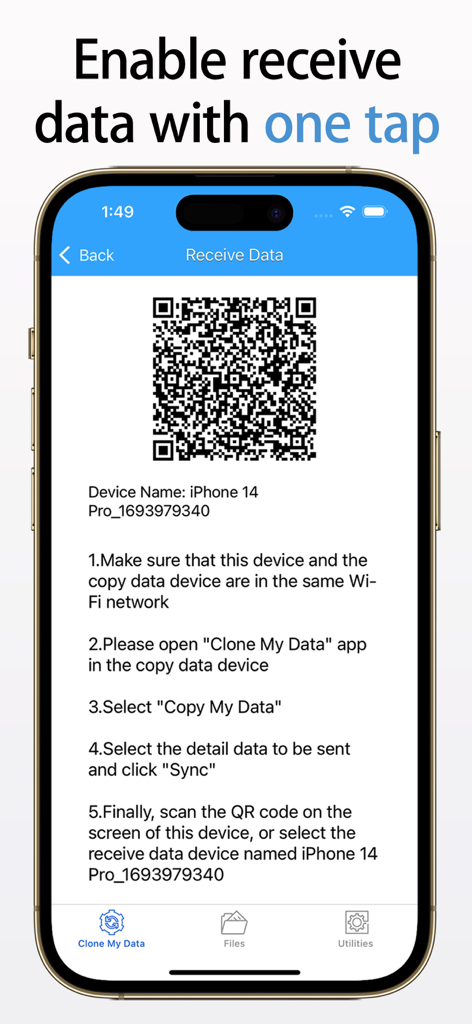
Clone My Data-Sync&Backup Data - Clone My Dataアプリでデータ受信用のQRコード画面

Clone My Dataアプリでデータ受信用のQRコード画面

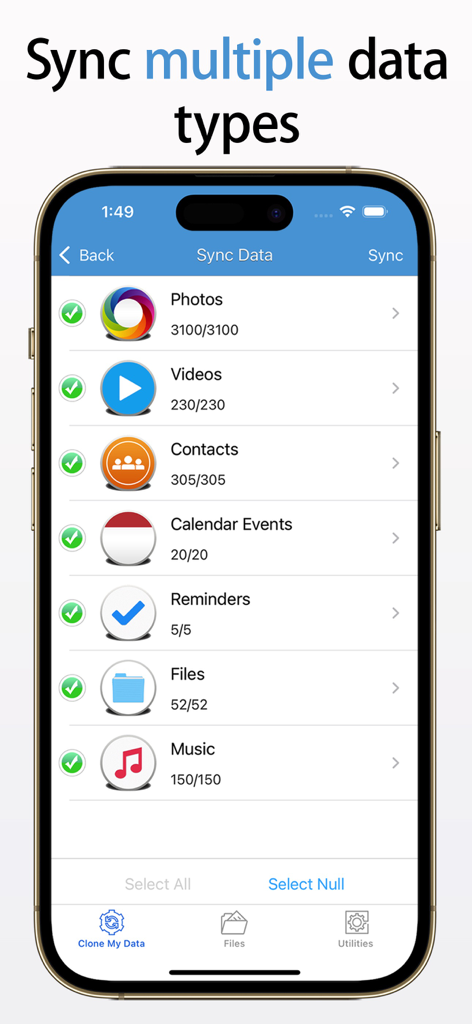
Clone My Data-Sync&Backup Data - Clone My Dataアプリのインターフェースに、写真や連絡先などの同期可能なデータタイプのリストが表示されている様子
Clone My Dataアプリのインターフェースに、写真や連絡先などの同期可能なデータタイプのリストが表示されている様子

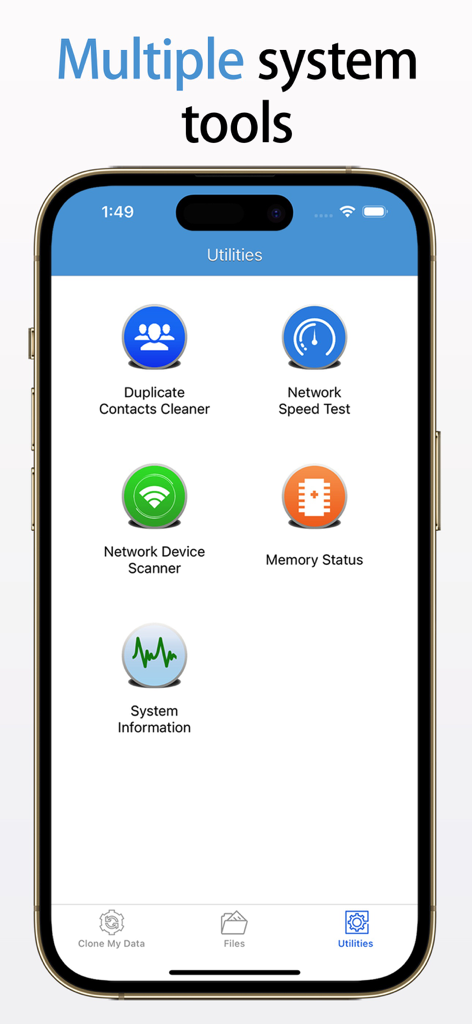
Clone My Data-Sync&Backup Data - iPhoneアプリのインターフェースに、連絡先クリーナーやネットワーク速度テストなどの複数のシステムユーティリティツールが表示されている様子

iPhoneアプリのインターフェースに、連絡先クリーナーやネットワーク速度テストなどの複数のシステムユーティリティツールが表示されている様子

説明

Clone My Data provides a fast and easy way to transfer data and files to and from iPhone, iPad and Mac computers. It supports transferring photos, videos, contacts, calendar items, reminders, personal files and music from one device to another, enabling data synchronization or phone cloning. Simply download the app on both devices and it will guide you through the process of copying your data in a few easy steps. You can migrate your content between devices securely & quickly. Transfer files without losing the quality of content. * * * * * * * * * * * * * * * * * * * * Please note that data transfer between two devices does not require the same Apple account. * * * * * * * * * * * * * * * * * * * * Features: - Support to transfer photos, videos, contacts information, calendar items, reminders, files and music between two devices - Not through any third-party equipment - In the absence of WiFi network, use Bluetooth for short-distance transmission, data migration is more convenient. - It is recommended to connect to a WiFi network for high-speed transmission. Make sure that both devices are connected to the same WiFi network and that the network is not configured to block device communication. Most home networks allow connected devices to communicate, but some corporate and public networks can be configured to prevent this . - Built-in system tools to detect network conditions, including cleaning duplicate contact information, network speed test, checking network link devices, memory status information * * * * * * * * * If you enjoy using Clone My Data please give us a 5-star rating. Your 5-star rating for each version will keep the updates coming. Thanks in advance. ◆ Subscription Terms ◆ • You can subscribe for unlimited access to all features within Clone My Data. • Subscriptions are billed annually, monthly, or weekly at the rate selected depending on the subscription plan. Payment will be charged to App Store Account at confirmation of purchase By using Clone My Data, you agree to our Privacy Policy and Terms of Use: http://www.elinapp.com/privacy_policy.html http://www.elinapp.com/terms_clone_my_data.html

Download

ダウンロード: App Store

このページはアプリまたはその開発者の公式ページではなく、情報提供および論評を目的として作成された独立した編集出版物です。明示的に別段の記載がない限り、アプリおよびその開発者は、MWM、Apple、Google Play、アプリのパブリッシャー、またはアプリの開発者と提携、承認、後援、認可、またはその他の公式的な関係はなく、このページのいかなる内容も、アプリがMWMのサービスを使用して開発されたことを意味するものではありません。すべての商標、ロゴ、スクリーンショット、その他のコンテンツはそれぞれの所有者の財産です。