
このページはアプリまたはその開発者の公式ページではなく、情報提供および論評を目的として作成された独立した編集出版物です。明示的に別段の記載がない限り、アプリおよびその開発者は、MWM、Apple、Google Play、アプリのパブリッシャー、またはアプリの開発者と提携、承認、後援、認可、またはその他の公式的な関係はなく、このページのいかなる内容も、アプリがMWMのサービスを使用して開発されたことを意味するものではありません。すべての商標、ロゴ、スクリーンショット、その他のコンテンツはそれぞれの所有者の財産です。

CNC Lathe Simulator
エンジニアリング学生や機械工見習いにとって不可欠な仮想トレーニングラボ。リスクのない環境で、プログラミング、3D工具経路の視覚化、機械加工スキルの習得を行いましょう。実際の機械に触れる前に。
ダウンロード
68K+ユーザー評価
評価数
100開発元
カテゴリ
Education対応言語
1最新バージョン
3.0.5サイズ
37.6 MBリリース日
2020年2月15日リスクなしでCNC操作をマスターする
エンジニアリング学生や見習いが教室から実際の作業場へのギャップを埋めるのに役立つように設計された、プロフェッショナルグレードのGコードシミュレーター。
安全な練習環境
高価な作業場の機器を損傷したり、材料を無駄にしたりする恐れなく、複雑な旋削操作をマスターし、Gコードをテストしてください。
完全なISO Gコードサポート
標準のGコードプログラムを作成、編集、デバッグして、プロの機械加工キャリアに必要な業界標準の筋力トレーニングを構築してください。
以下のスクリーンショットと説明は、アプリの公式ストアリスティングから直接取得されたものであり、アプリ開発者の所有物です。
アプリストア
スクリーンショット
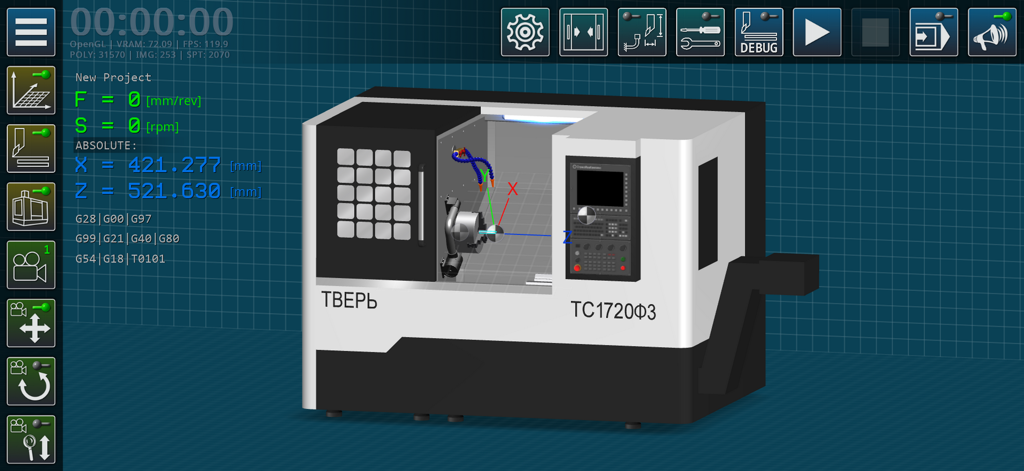
CNC旋盤機械の3Dモデルに、技術インターフェースとGコードデータが表示されています。
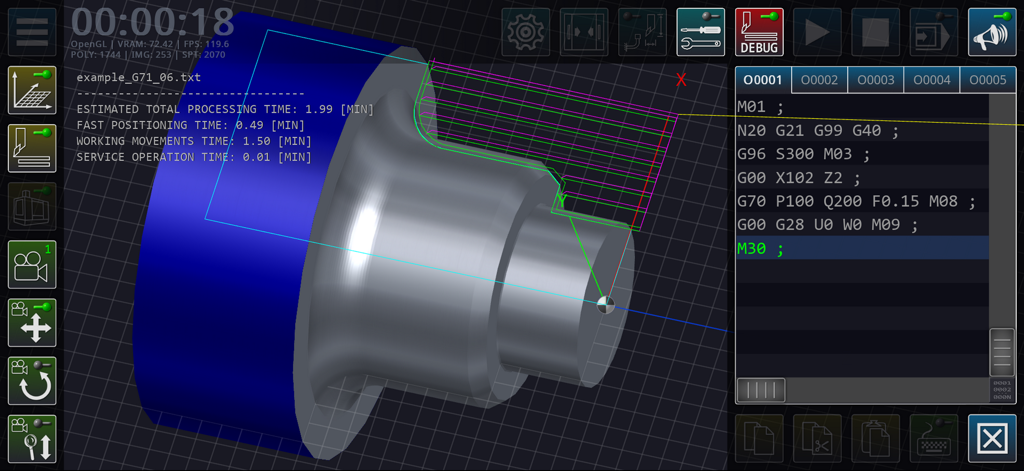
CNC旋盤シミュレーターのインターフェースに、3D部品の視覚化と処理時間計算付きのGコードエディターが表示されています。
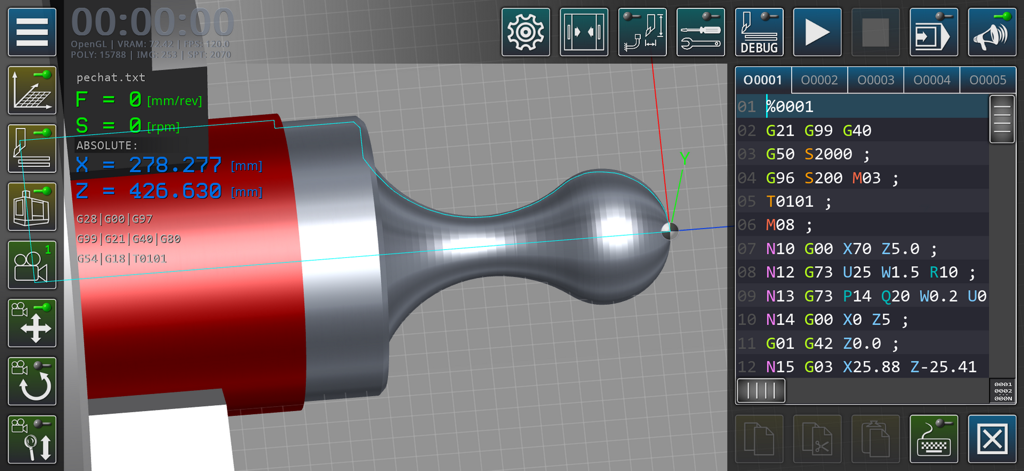
CNC旋盤シミュレーターアプリのインターフェースに、3D機械加工ビューとGコードエディターが表示されています。
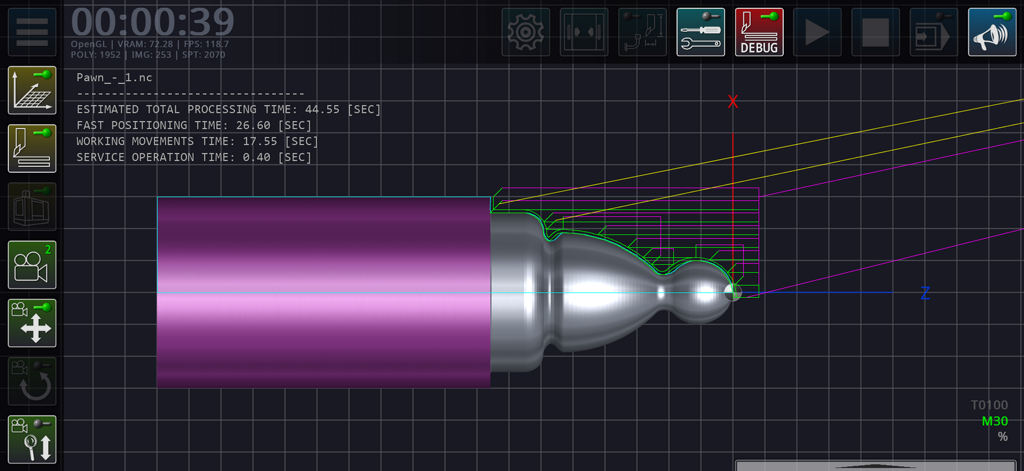
CNC旋盤シミュレーターアプリで金属部品が機械加工されている3D工具経路の視覚化。処理時間と軸が表示されています。
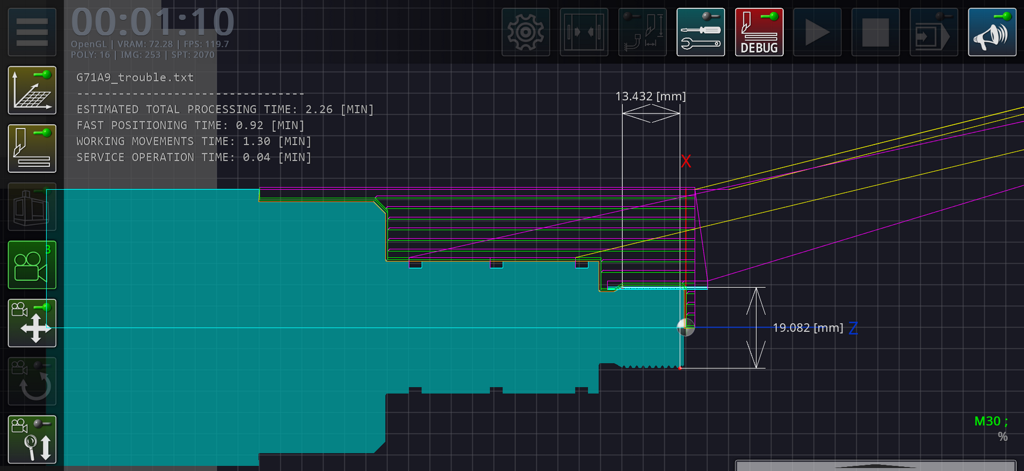
CNC旋盤シミュレーターのインターフェースに、工具経路の視覚化と推定処理時間の計算が表示されています。
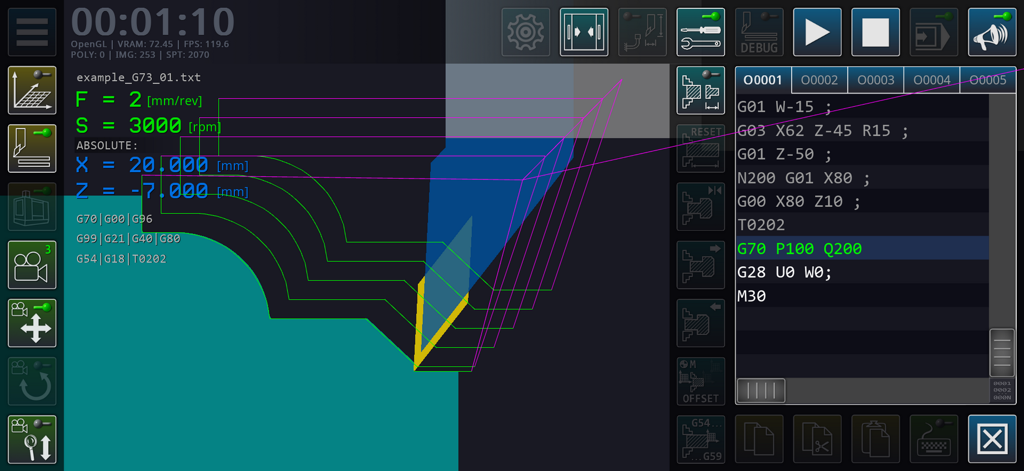
CNC旋盤シミュレーターのインターフェースに、Gコードエディターと技術的な工具経路の視覚化が表示されています。
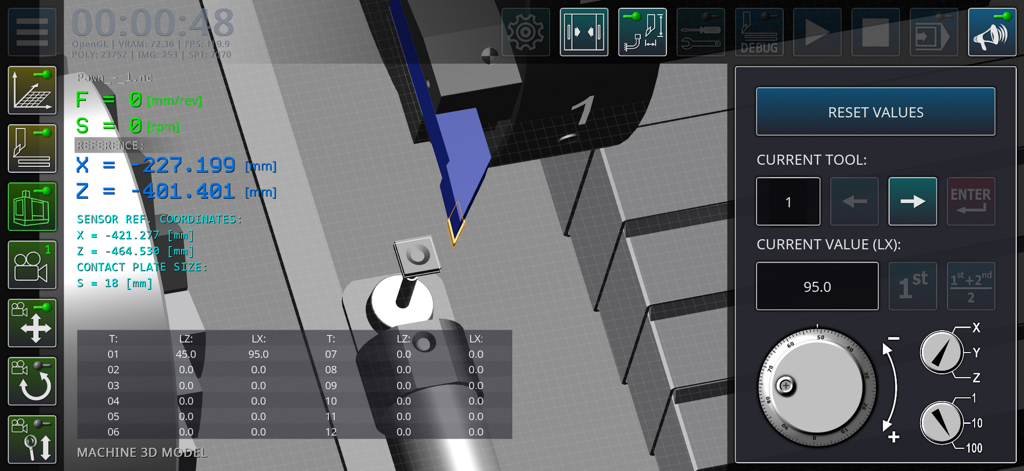
CNC旋盤機械の3Dシミュレーションに、座標と手動ダイヤル付きのコントロールパネルが表示されています。
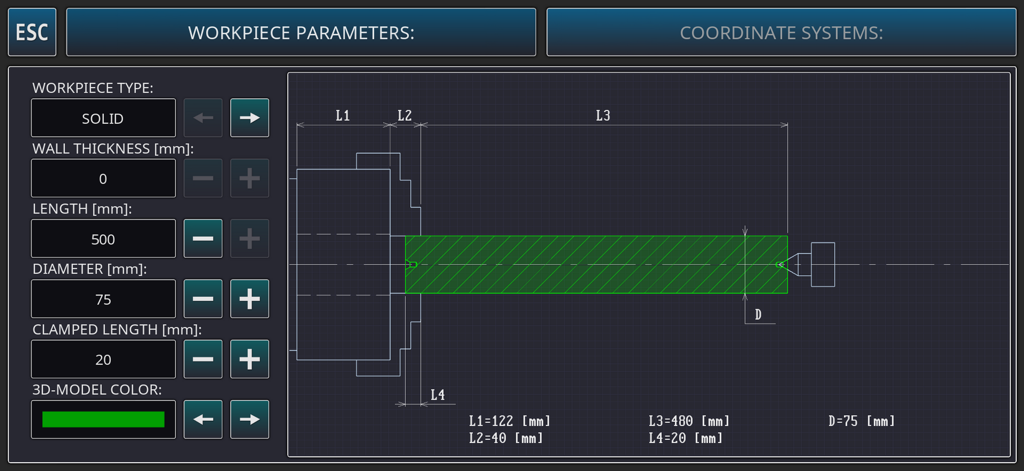
CNC旋盤シミュレーターで、ワークピースの寸法とパラメータを設定するためのインターフェース。
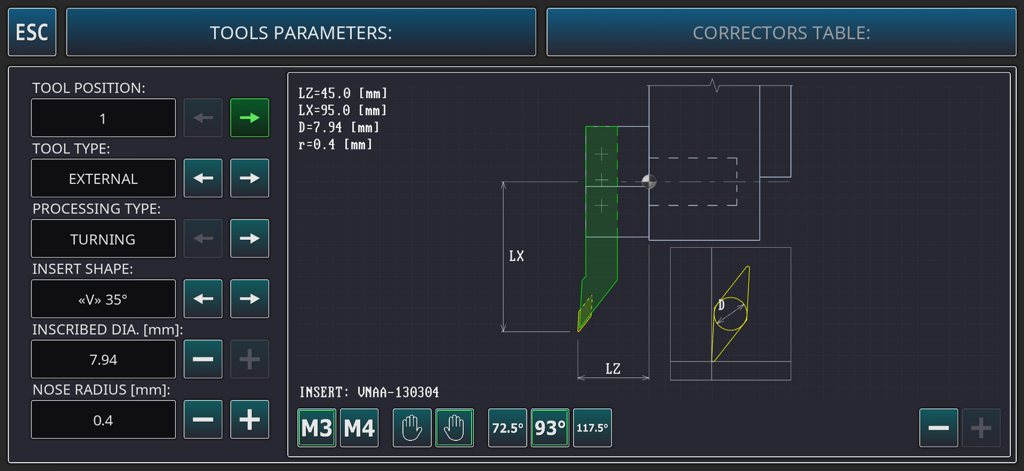
CNC旋盤シミュレーターアプリで、工具のパラメータとジオメトリを設定するためのインターフェース。
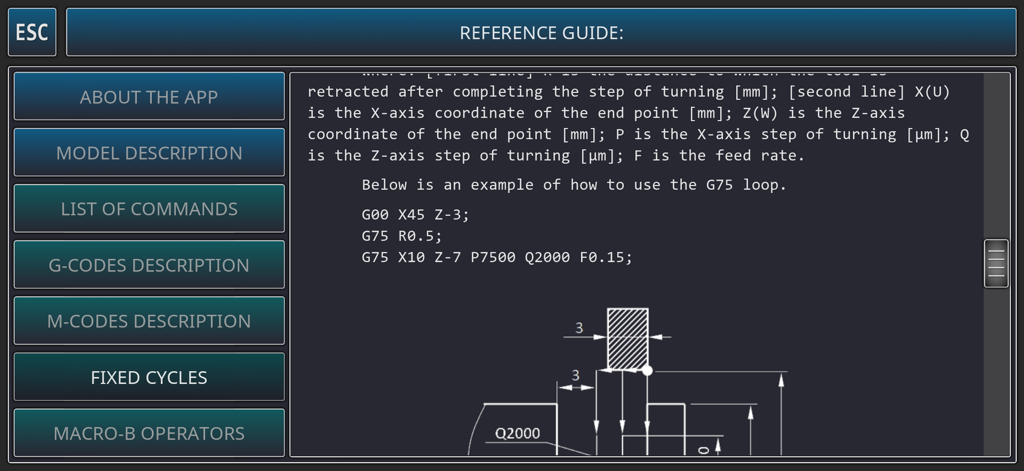
CNC旋盤シミュレーターアプリのリファレンスガイドに、Gコード固定サイクルと技術図が表示されています。
説明
Download
類似アプリ
同じカテゴリのトップランクアプリ

Duolingo - Language Lessons
Duolingo, Inc

Speak & Learn English: Learna
DEEP FLOW SOFTWARE SERVICES - FZCO

驾考宝典-科一科四驾驶证考试驾考通
Wuhan Jiakaobaodian Information Service Co., Ltd.

Toca Boca World
Toca Boca AB

Google Classroom
Google LLC

作业帮-中小学家长作业检查和辅导工具
Guangzhou Polar Future Culture Technology Co., Ltd

学信网
Student Information Consultation Service Co., Ltd.

Gauth: AI Study Companion
GAUTHTECH PTE. LTD.

ArtWorkout: Learn How to Draw
Aleksandr Ulitin
このページはアプリまたはその開発者の公式ページではなく、情報提供および論評を目的として作成された独立した編集出版物です。明示的に別段の記載がない限り、アプリおよびその開発者は、MWM、Apple、Google Play、アプリのパブリッシャー、またはアプリの開発者と提携、承認、後援、認可、またはその他の公式的な関係はなく、このページのいかなる内容も、アプリがMWMのサービスを使用して開発されたことを意味するものではありません。すべての商標、ロゴ、スクリーンショット、その他のコンテンツはそれぞれの所有者の財産です。