Codea
Codea
ダウンロード: App Store

このページはアプリまたはその開発者の公式ページではなく、情報提供および論評を目的として作成された独立した編集出版物です。明示的に別段の記載がない限り、アプリおよびその開発者は、MWM、Apple、Google Play、アプリのパブリッシャー、またはアプリの開発者と提携、承認、後援、認可、またはその他の公式的な関係はなく、このページのいかなる内容も、アプリがMWMのサービスを使用して開発されたことを意味するものではありません。すべての商標、ロゴ、スクリーンショット、その他のコンテンツはそれぞれの所有者の財産です。

ロゴ: Codea
ダウンロード: App Store

Codea

iPad向けの最もエレガントなコードエディタを体験してください。クリエイティブな思考者向けに設計されたビジュアル環境で、インタラクティブな2Dおよび3Dプロジェクトを構築し、作成したものを直接Xcodeにエクスポートしましょう。

主要数値

ダウンロード

183K+

ユーザー評価

4.7/5

評価数

100

開発元

Two Lives Left

カテゴリ

Developer Tools

対応言語

10

最新バージョン

3.15

サイズ

197.5 MB

リリース日

2011年10月26日
機能

iPadをクリエイティブなパワーステーションに

Codeaは、タッチ操作のために設計された最初のコードエディタであり、ソファに座ったままゲーム、シミュレーション、インタラクティブアートを簡単に作成できます。

コードに触れる

構文の苦労は不要です。色、画像、サウンドをタップするとビジュアルエディタが表示され、指先でデザインできます。

プロトタイプからApp Storeへ

プロジェクトをXcodeにエクスポートして、アイデアをさらに発展させましょう。モバイルスケッチを、世界に向けて公開できるプロのiOSアプリに変えましょう。

以下のスクリーンショットと説明は、アプリの公式ストアリスティングから直接取得されたものであり、アプリ開発者の所有物です。

アプリストア

スクリーンショット
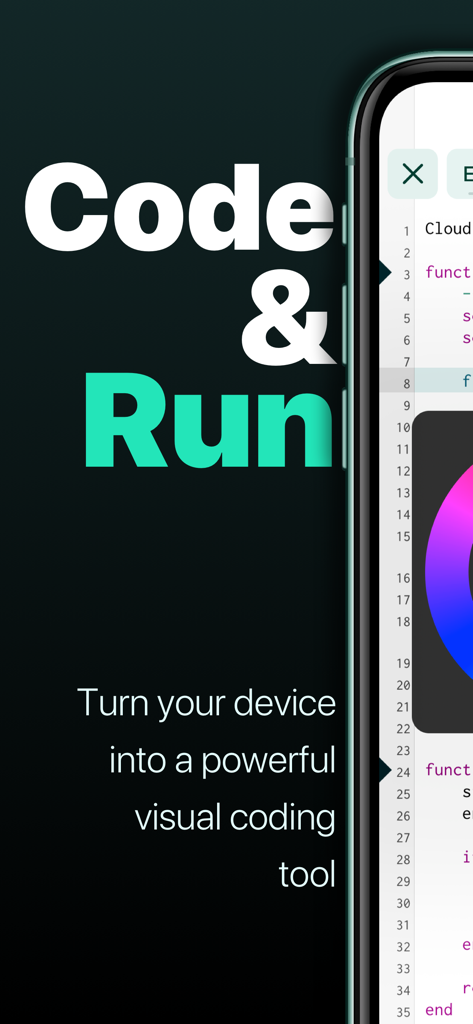
Codea - コードとビジュアルカラーピッカーホイールが表示されたCodeaアプリのインターフェースを示すスマートフォン
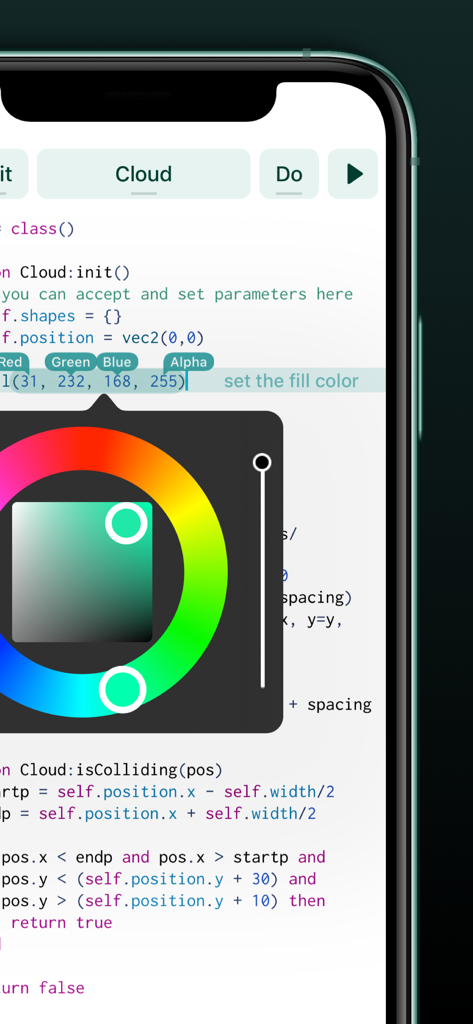
コードとビジュアルカラーピッカーホイールが表示されたCodeaアプリのインターフェースを示すスマートフォン

Codea - Codeaモバイルアプリのエディタ内でLuaコード上にオーバーレイされたビジュアルカラーピッカーツール
Codeaモバイルアプリのエディタ内でLuaコード上にオーバーレイされたビジュアルカラーピッカーツール

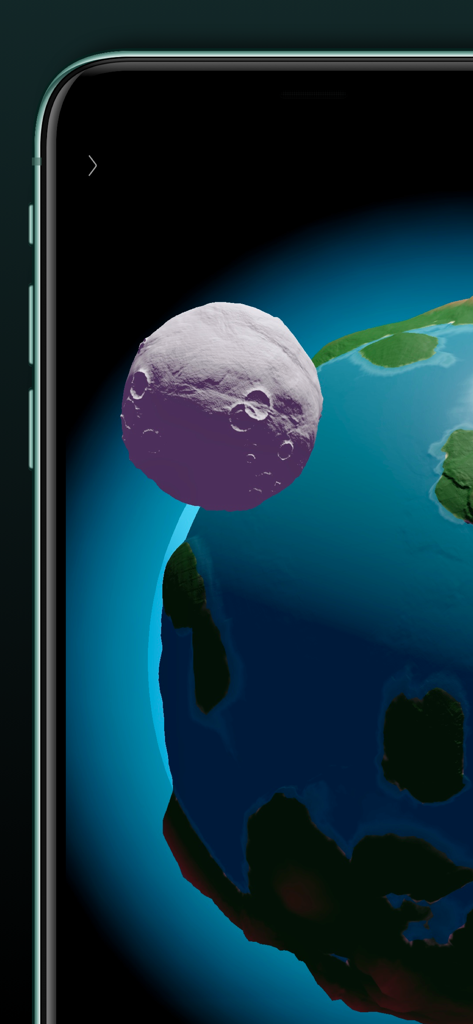
Codea - Codeaで惑星の周りを公転する紫色の月を3Dレンダリング

Codeaで惑星の周りを公転する紫色の月を3Dレンダリング

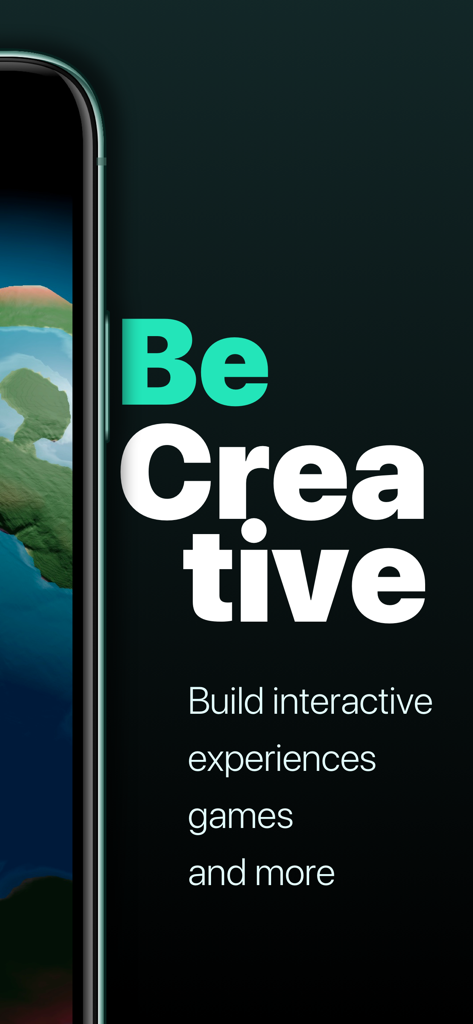
Codea - 「Be Creative」と「Build interactive experiences games and more.」というテキストが表示されたCodeaアプリのプロモーション画面
「Be Creative」と「Build interactive experiences games and more.」というテキストが表示されたCodeaアプリのプロモーション画面

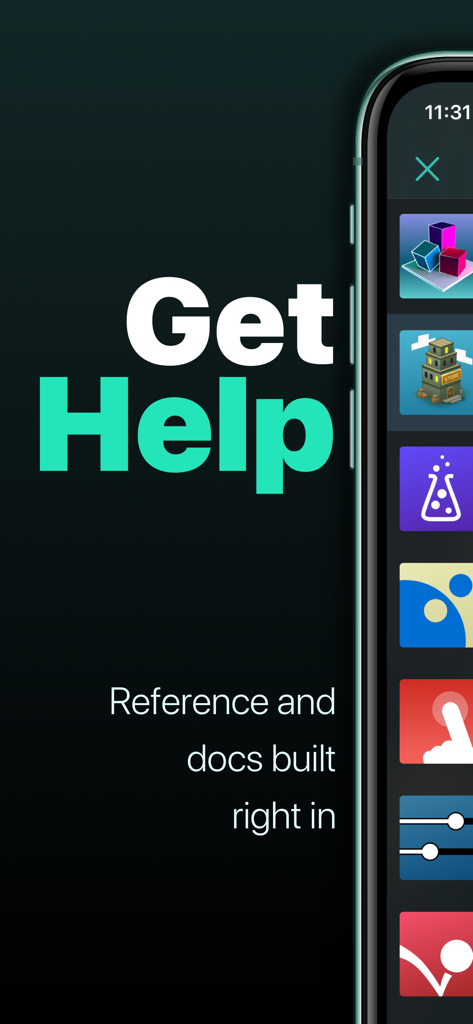
Codea - Codeaアプリのヘルプセクションと組み込みの参照およびドキュメント機能を示す画面
Codeaアプリのヘルプセクションと組み込みの参照およびドキュメント機能を示す画面

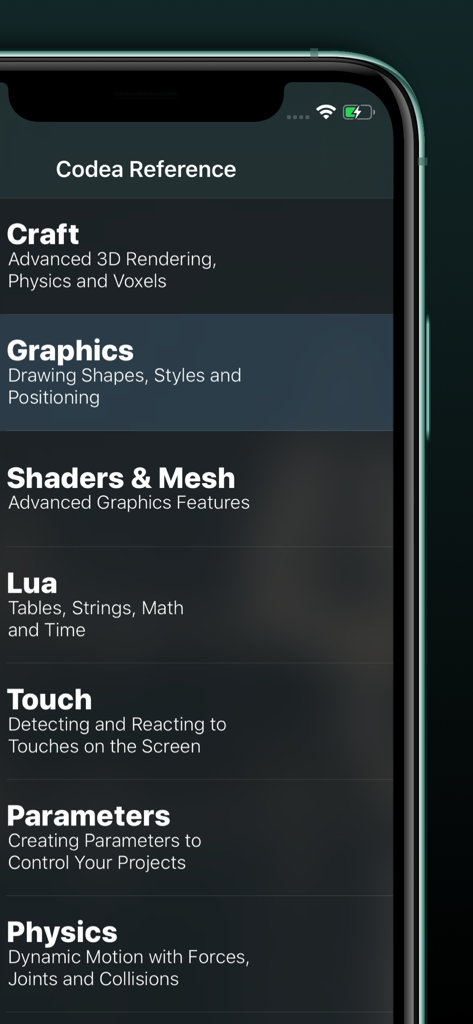
Codea - Craft Graphics Lua Physicsなどのトピックを含むCodeaアプリの参照ガイドを示すモバイル画面
Craft Graphics Lua Physicsなどのトピックを含むCodeaアプリの参照ガイドを示すモバイル画面

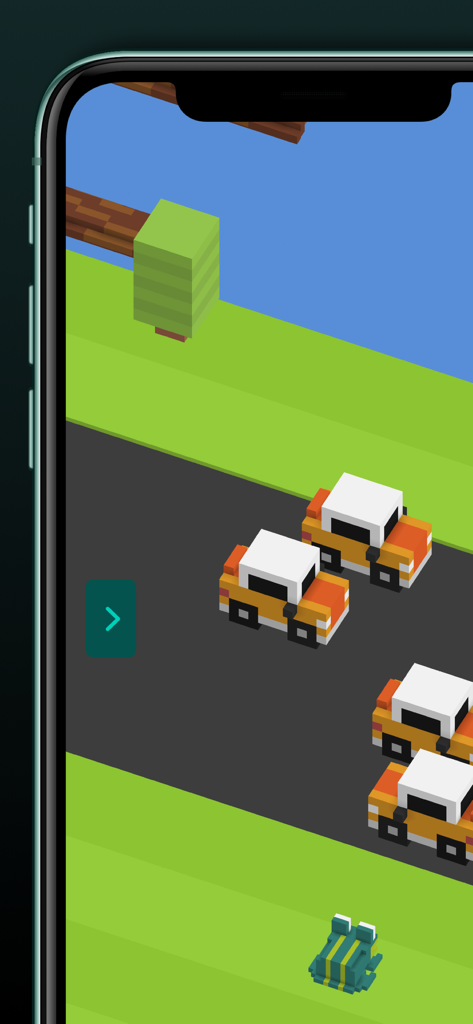
Codea - 道路上のカエルと車を特徴とするCodeaで作成された3Dボクセルゲーム

道路上のカエルと車を特徴とするCodeaで作成された3Dボクセルゲーム

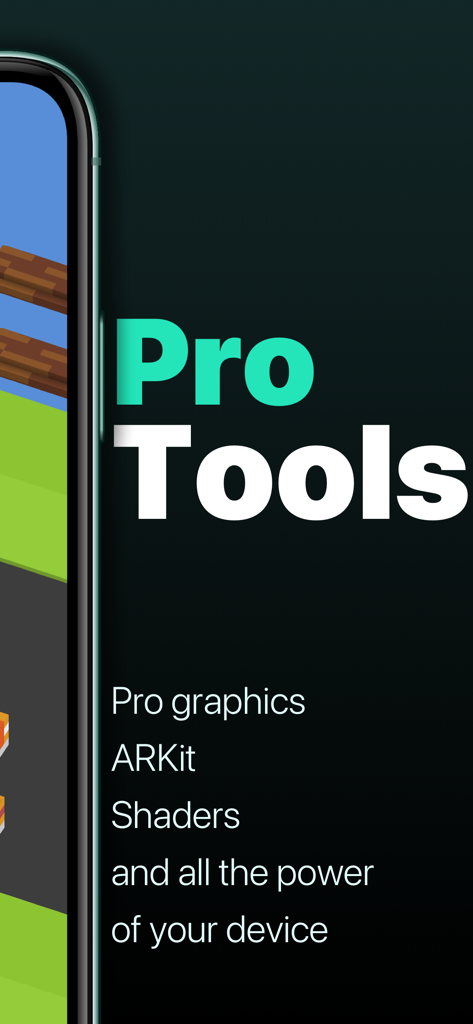
Codea - ARKitシェーダーやグラフィックスツールなどのプロ機能を示すCodeaアプリのスクリーンショット

ARKitシェーダーやグラフィックスツールなどのプロ機能を示すCodeaアプリのスクリーンショット

説明

"It’s kind of like the Garage Band of coding." – Wired "Codea for iPad is a super slick way to write and run programs on your iPad." – Gizmodo Codea lets you create games and simulations — or just about any visual idea you have. Turn your thoughts into interactive creations that make use of iPad features like Multi-Touch and the accelerometer. We think Codea is the most beautiful code editor you'll use, and it's easy. Codea is designed to let you touch your code. Want to change a color, or an image? Tapping will bring up visual editors that let you choose exactly what you want. Codea is built on the Lua programming language. A simple, elegant language that doesn't rely too much on symbols — a perfect match for iPad. Here's how you use it: type your code. Press play to watch it run. Interact with it. Get creative. FEATURES • A fully featured 2D and 3D renderer • Lots of great example projects to learn from, including games • Touch your code: tap colors, images and sounds to adjust them • Export your finished projects to Xcode to produce real apps • Complete in-line reference documentation accessible from keyboard • Intelligent syntax highlighting and auto-completing code editor • Import your own assets from Dropbox • Full 2D and 3D physics engines for complex motion • Add parameters so you can tweak variables at runtime • Interact with accelerometer and multi-touch on your device • Generate retro-game sound effects • GLSL Shader Language support with live shader editor • Bluetooth keyboard support and keyboard shortcuts • Air Code: code live from your PC using WiFi • Much, much more IMPORTANT INFORMATION • Join the forums at https://talk.codea.io to ask questions, share ideas and get help when you need it • If you need help or wish to get in contact with us, please use the support link on this page • Privacy policy https://codea.io/privacy • Terms https://www.apple.com/legal/internet-services/itunes/dev/stdeula/ SUBSCRIPTION • Codea is free to use for projects up to 500 lines, after which you can subscribe to Codea Pro for access to advanced features and unlimited project size • Monthly and yearly plans available • Lifetime one-time purchase also available • Pricing may vary by region. Your subscription will automatically renew unless auto-renew is turned off at least 24 hours before the end of the current period. You can manage or cancel your subscription in your App Store account settings.

Download

ダウンロード: App Store

このページはアプリまたはその開発者の公式ページではなく、情報提供および論評を目的として作成された独立した編集出版物です。明示的に別段の記載がない限り、アプリおよびその開発者は、MWM、Apple、Google Play、アプリのパブリッシャー、またはアプリの開発者と提携、承認、後援、認可、またはその他の公式的な関係はなく、このページのいかなる内容も、アプリがMWMのサービスを使用して開発されたことを意味するものではありません。すべての商標、ロゴ、スクリーンショット、その他のコンテンツはそれぞれの所有者の財産です。