Collage Maker Photo Grid

Collage Maker Photo Grid

ダウンロード: App Store
ロゴ: Collage Maker Photo Grid

コラージュメーカー・フォトグリッド:写真、動画、音楽でおしゃれなストーリーを作成

ソーシャルクリエイターのためのオールインワンスタジオ。複数のクリップを繋ぎ合わせ、魅力的なポスターをデザインし、プロ仕様のレタッチツールで思い出を輝かせましょう。

ダウンロード: App Store

開発元

out thinking private limited

カテゴリ

Photo & Video

ダウンロード

57K+

ユーザー評価

4.2/5

評価数

200

対応言語

1

思い出を形に

このインターフェースを利用する 57K+ 人のユーザー.

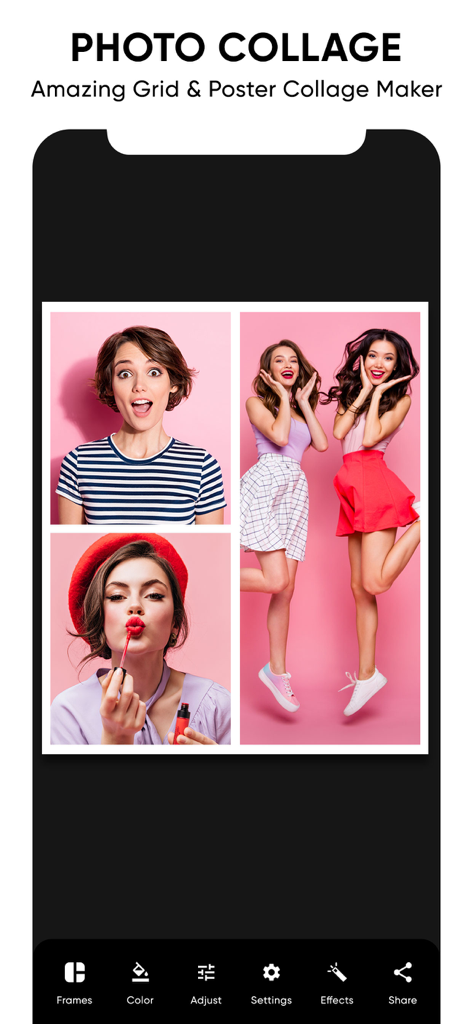
写真のグリッドとモバイル編集メニューが表示されている写真コラージュエディター
写真のグリッドとモバイル編集メニューが表示されている写真コラージュエディター

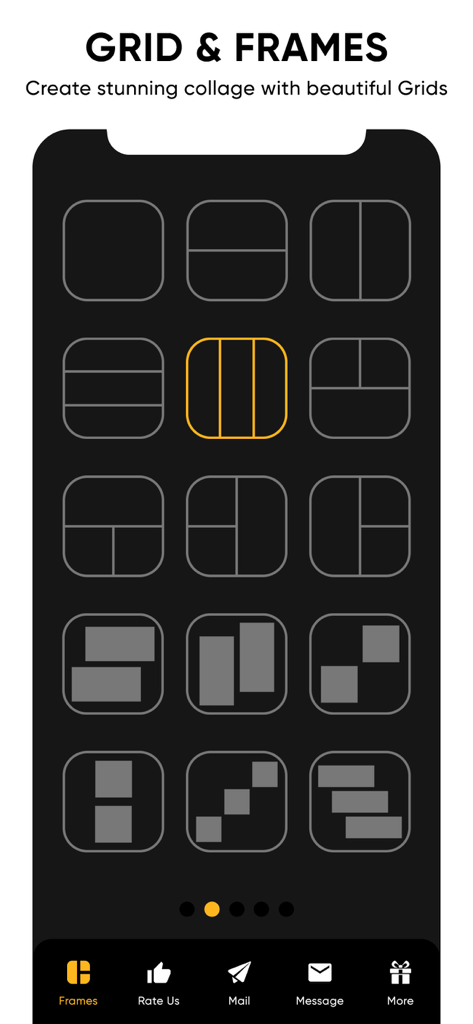
写真や動画のコラージュを作成するための様々なグリッドとフレームのレイアウト
写真や動画のコラージュを作成するための様々なグリッドとフレームのレイアウト

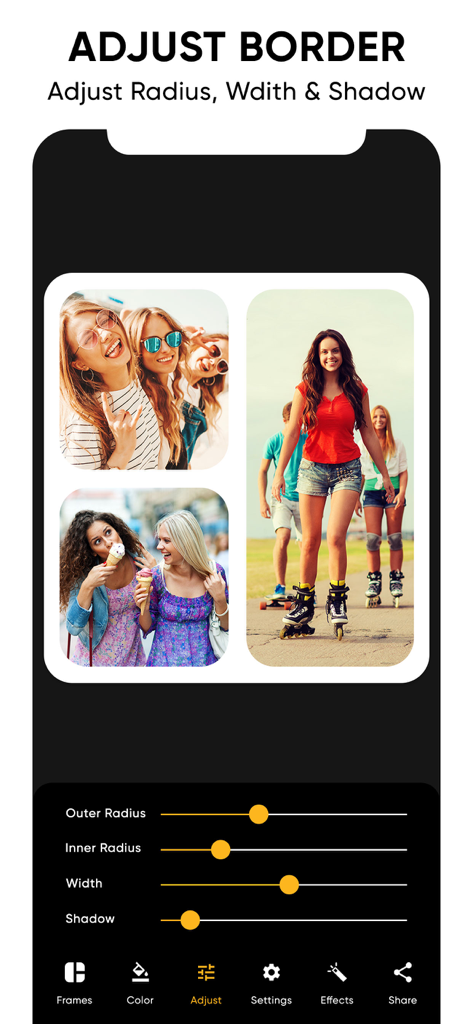
写真コラージュの境界線の角の丸み、太さ、影を調整する方法を示すアプリ画面
写真コラージュの境界線の角の丸み、太さ、影を調整する方法を示すアプリ画面

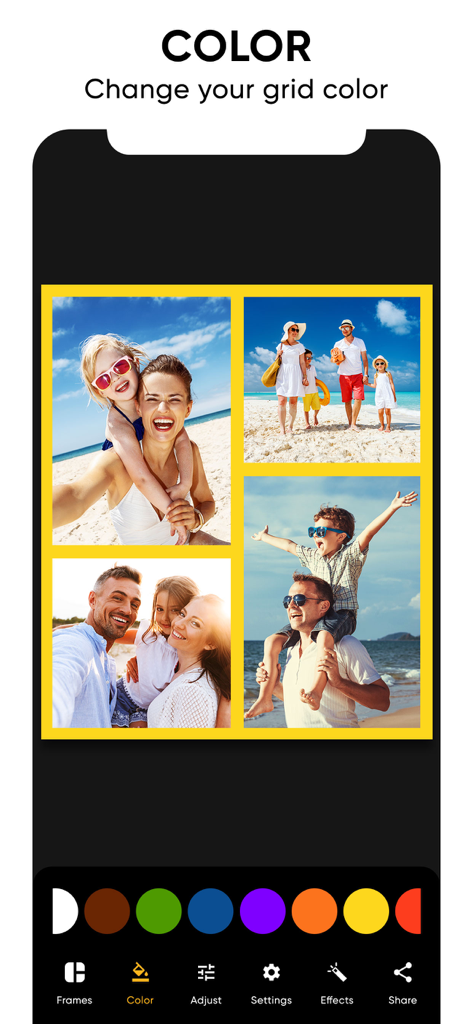
コラージュメーカーアプリで家族写真のコラージュのグリッド境界線の色を変更している様子
コラージュメーカーアプリで家族写真のコラージュのグリッド境界線の色を変更している様子

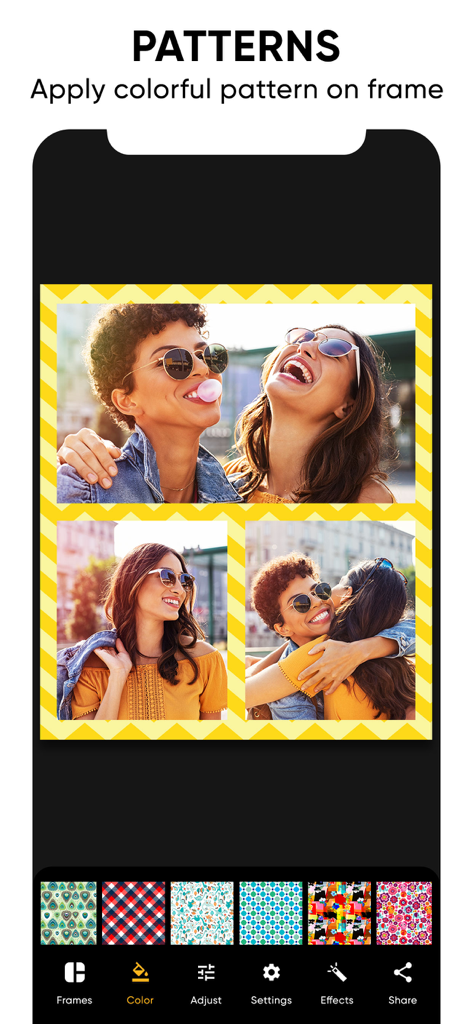
カスタマイズ可能な黄色のシェブロン境界線とパターン選択メニューが表示された、友達との写真コラージュ
カスタマイズ可能な黄色のシェブロン境界線とパターン選択メニューが表示された、友達との写真コラージュ

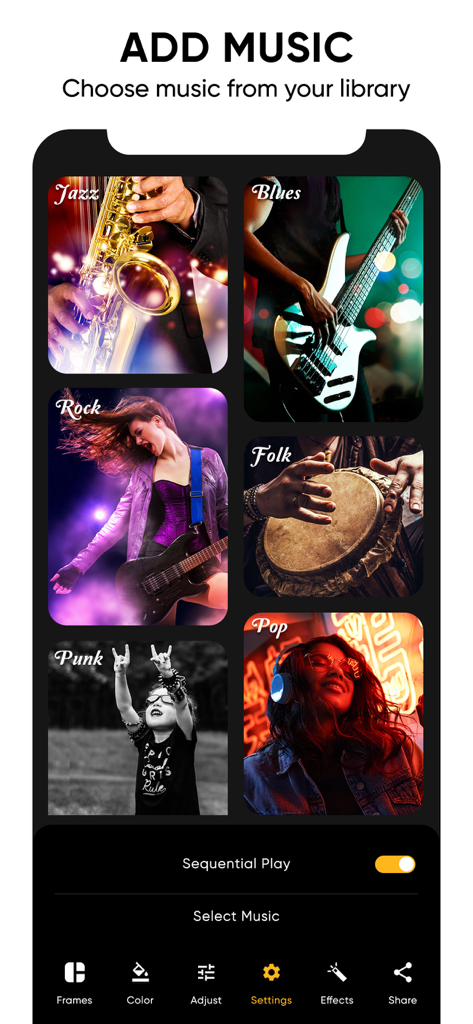
動画コラージュ用の様々な音楽ジャンルが並ぶ、コラージュメーカーアプリの音楽選択画面
動画コラージュ用の様々な音楽ジャンルが並ぶ、コラージュメーカーアプリの音楽選択画面

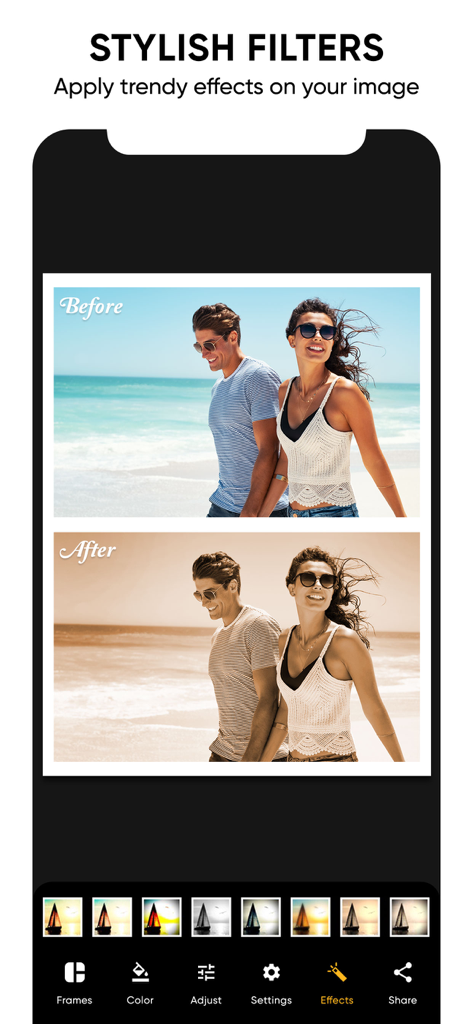
ビーチの写真でビフォー・アフター効果を示すスタイリッシュな写真フィルター
ビーチの写真でビフォー・アフター効果を示すスタイリッシュな写真フィルター

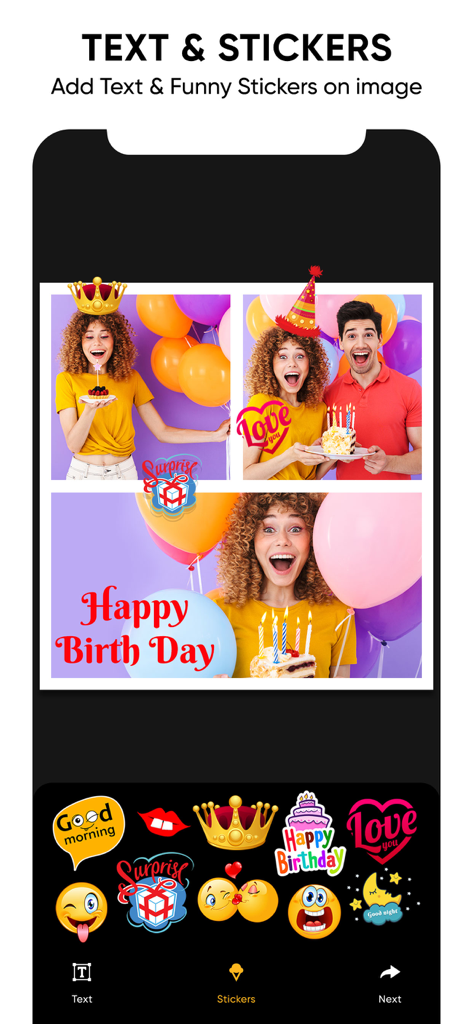
アプリで誕生日の写真コラージュにテキストやステッカーを追加している様子
アプリで誕生日の写真コラージュにテキストやステッカーを追加している様子

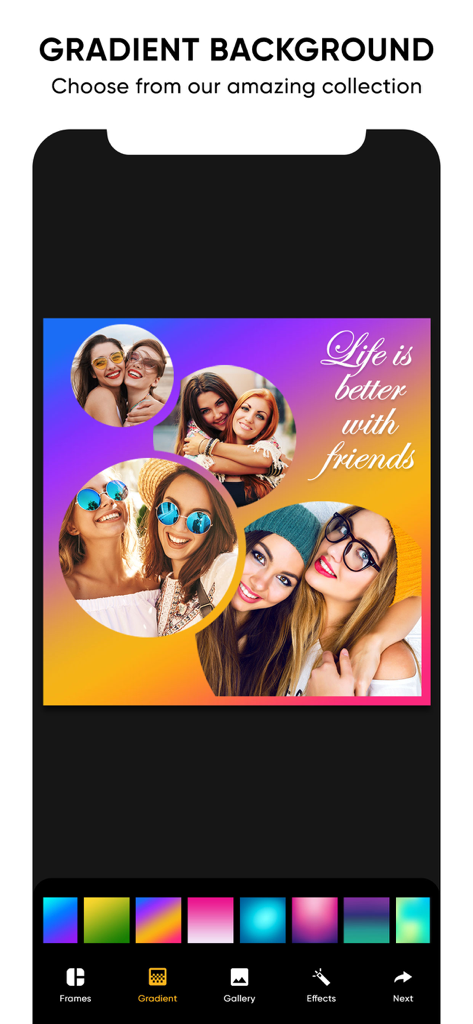
アプリ interface showing a photo collage with a vibrant gradient background and a quote about friends
アプリ interface showing a photo collage with a vibrant gradient background and a quote about friends

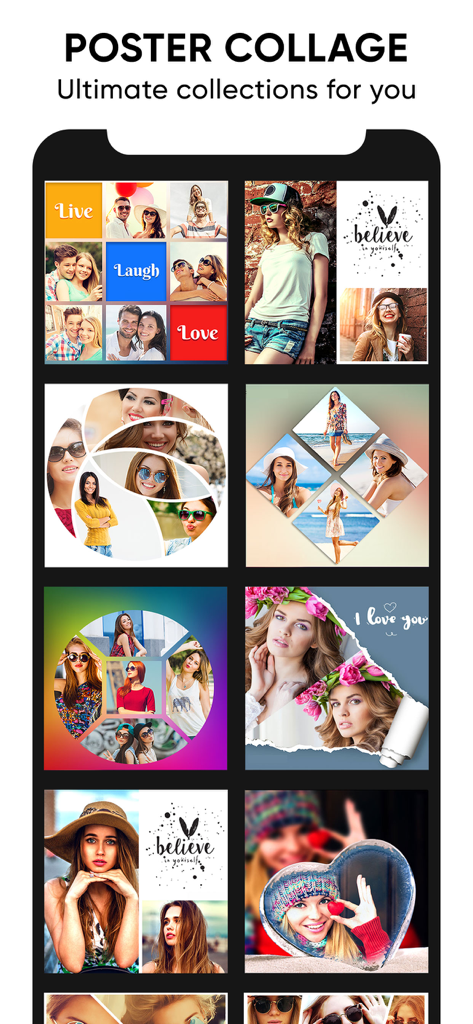
ソーシャルメディアのストーリーテリングのための、様々なクリエイティブなポスターコラージュテンプレートと写真グリッドレイアウト

ソーシャルメディアのストーリーテリングのための、様々なクリエイティブなポスターコラージュテンプレートと写真グリッドレイアウト

SNSでの存在感を高める

このアプリを際立たせるツール、 57K+ 人のユーザーが選択.

🎬

シームレスな写真&動画グリッド

お気に入りのショットやクリップをダイナミックなレイアウトにミックス。InstagramリールやTikTokで目を引くBGMを追加しましょう。

おしゃれなポスターテンプレート

プロが作成したレイアウトでデザイン作業を短縮。お気に入りの名言やアーティスティックなエフェクトを追加して、際立つデジタルスクラップブックを作成。

🤳

プロのレタッチ&美肌補正

直感的なツールでシミ消し、ホワイトニング、ライティング調整を行い、SNSに最適な完璧なポートレートを。

アプリについて

について知っておくべきこと Collage Maker Photo Grid.

説明

Photo video collage maker with music to combine multiple photos and videos together. Looking for some interesting photo collage and photo editing options? , Then opt for collage grid poster maker, and enjoy creating some amazing collages, and edit your pics, to give it an appealing look. The collage grid poster maker includes three options – Grid, Poster and Editor. The grid option enables you to select a frame with various options for layouts, make it look beautiful by giving effects, stitch pics, and also sequentially play videos by adding a background music to it. The poster option allows you to create a stunning collage with a poster look by adding your favourite thought and applying some effects. Here you also have a variety of amazing poster options to choose from. The editor option allows you to enhance your pic by adjusting its lighting, sharpness, and colour, giving it a proper orientation, adding various effects, and with many more options in store. Collage grid poster maker key features 1. Grid collage Numerous options for frame layouts Capability of stitching multiple pics. Create a photo and video sequence and play it by adding a background music. Add a colour and pattern to the frame border. Variety of options for effects. 2. Poster collage Variety of beautiful looking poster options. Add a background to your photo. Add a favourite thought to your collage. Apply some amazing effects to your collage. 3. Editor Photo enhancement. Apply different kinds of effects. Crop the image. Adjust lighting, sharpness, and colour. Remove blemishes and red eye. Whiten your pic. Give a vignette effect to your photo. Splash effect. 4. Save the collage to the phone’s photo gallery. 5. Share your pic through platforms like Facebook, Instagram, and gmail. Download the collage grid poster maker app to come up with some breath taking collages, and edit your pic to make it look appealing. Subscription Terms - Subscribe to get unlimited video collage app access to all features. - Upon confirmation of purchase, the payment will be charged to the iTunes account. - Until you turn off the auto-renew at least 24 hours before the end of the current. period it will be automatically renewed. - If you decide to turn off auto-renewal, you can turn it off maybe by going to account settings after purchase. -The renewal amount will be charged from the account within 24 hours before the end of the current period. -As per the policy, cancellation of the current subscription is not allowed during the active subscription period. Once purchased, refunds will not be returned for any unused portion of the subscription period. Terms of use - https://www.outthinkingindia.com/terms-of-use/ Privacy policy - https://www.outthinkingindia.com/privacy-policy/

最新バージョン

2.1

サイズ

49.4 MB

リリース日

2016年6月10日

フィードを新しく変える準備はできましたか?

音楽付きの素晴らしい写真・動画コラージュを作成している57,000人以上のクリエイターの仲間入りをしましょう。今すぐダウンロードして、自分らしいスタイルでストーリーを共有。

ダウンロード: App Store

App information, icons, screenshots, and descriptions displayed on this page are sourced from the Apple App Store and are the property of their respective developers. Download estimates and rankings are based on MWM's proprietary models and may not reflect actual figures. This page is provided for informational and analytical purposes only.

Believe this page infringes your intellectual property? File a dispute