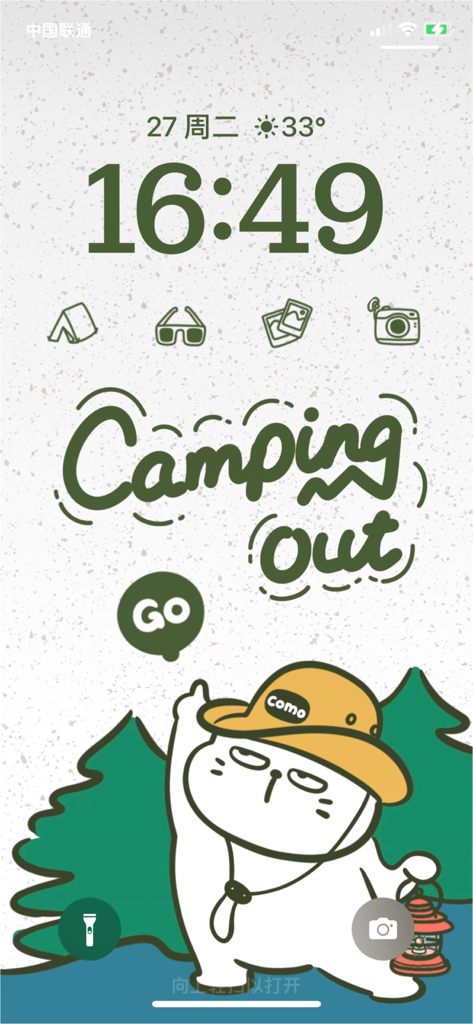
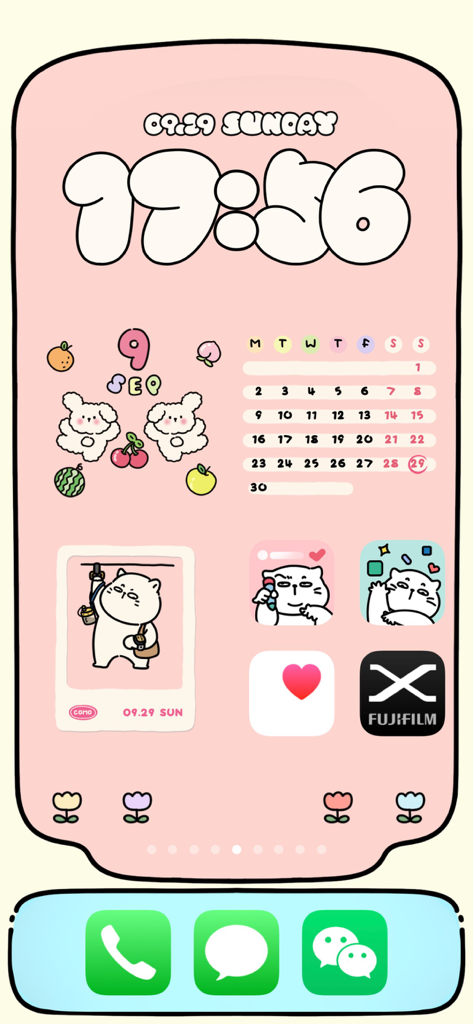
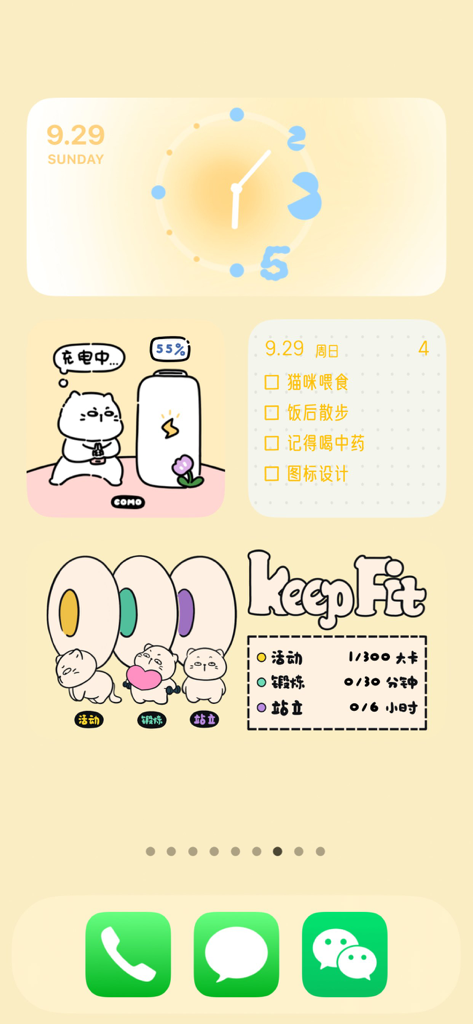
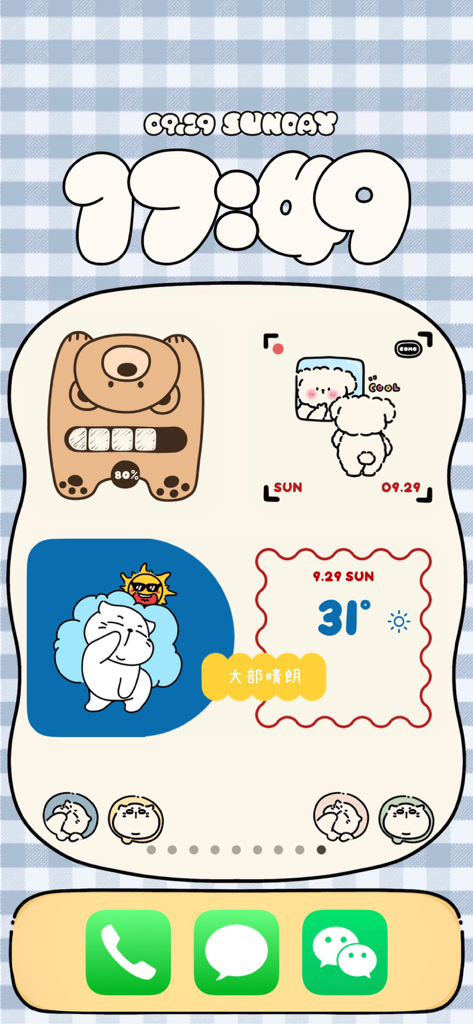
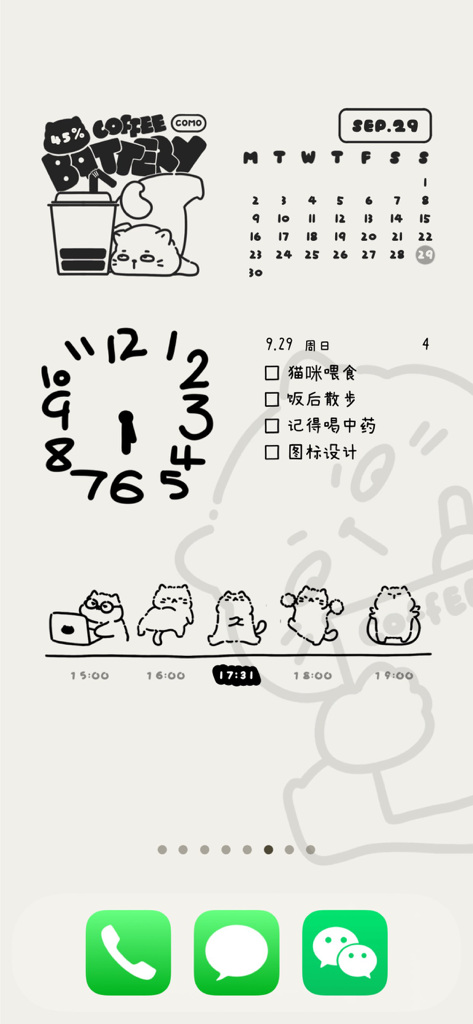
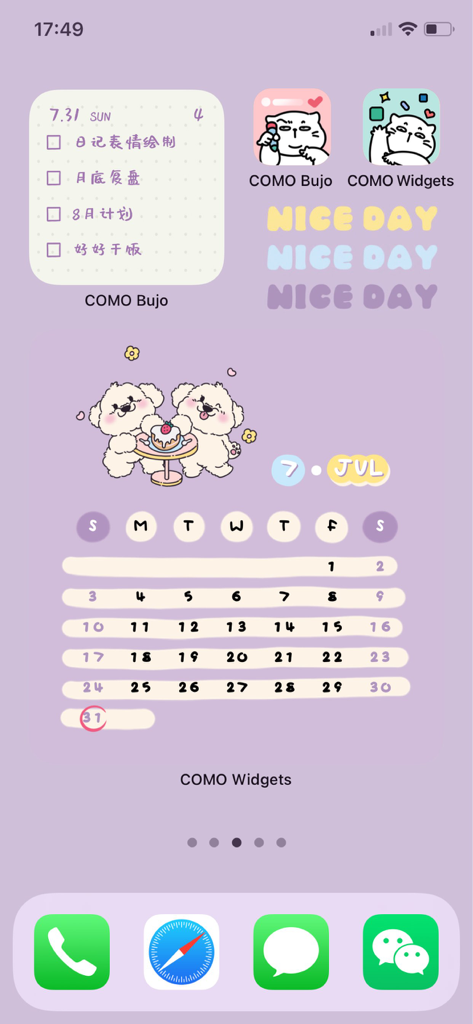
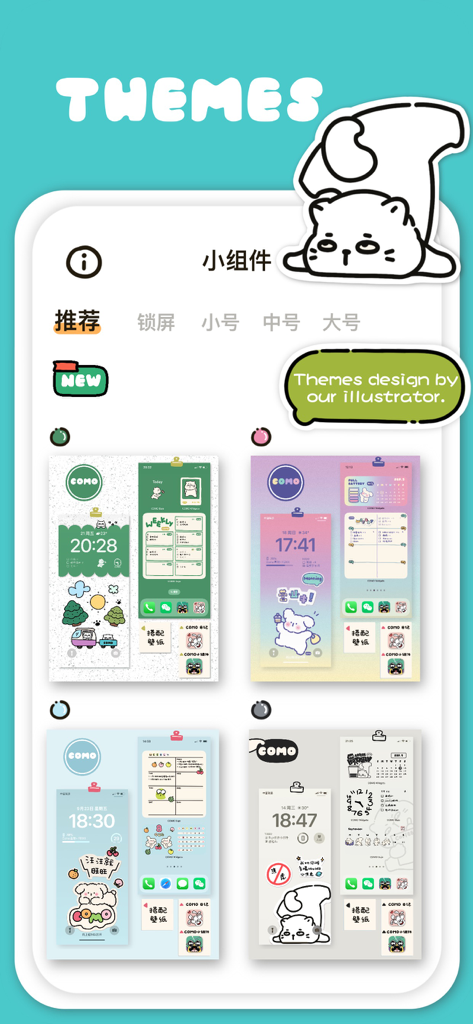
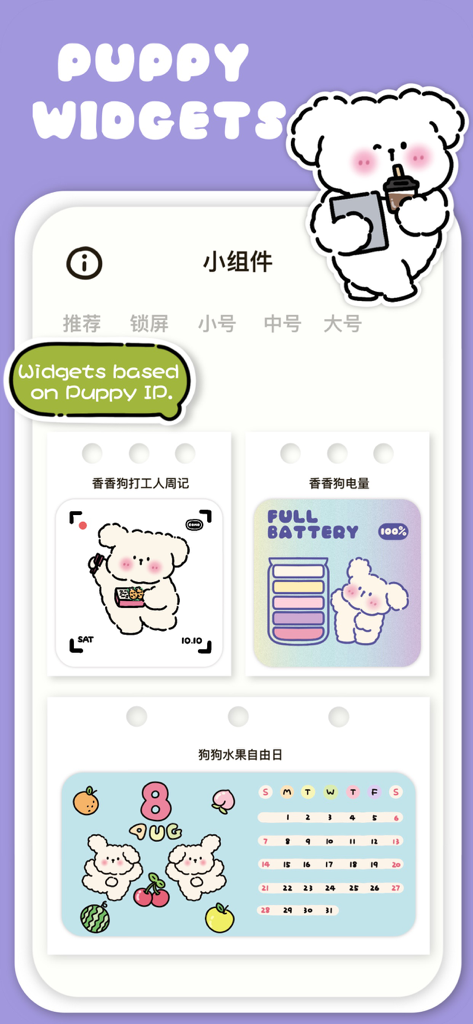
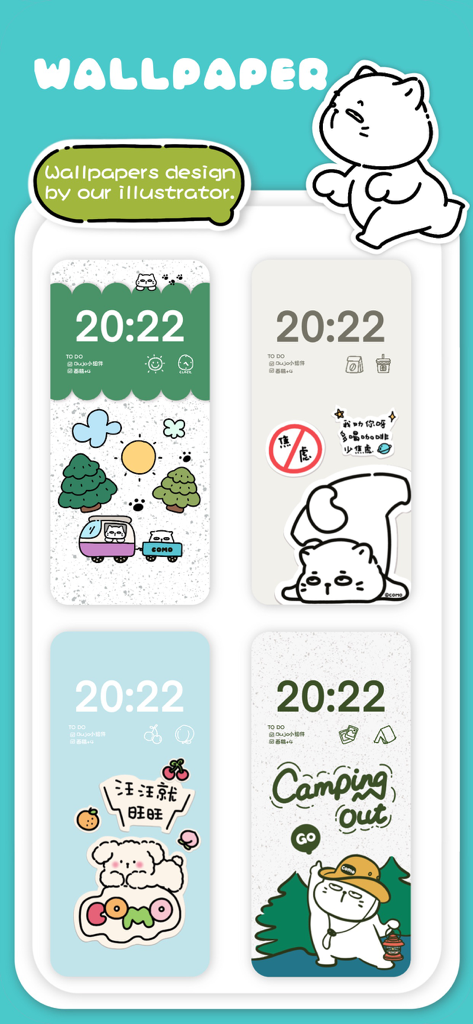
COMO Widgets is an adorable and healing all-in-one widget app that combines various types of desktop widgets such as wallpaper, clock, weather, health, battery, dynamic, calendar, photo frame, lock screen, etc.
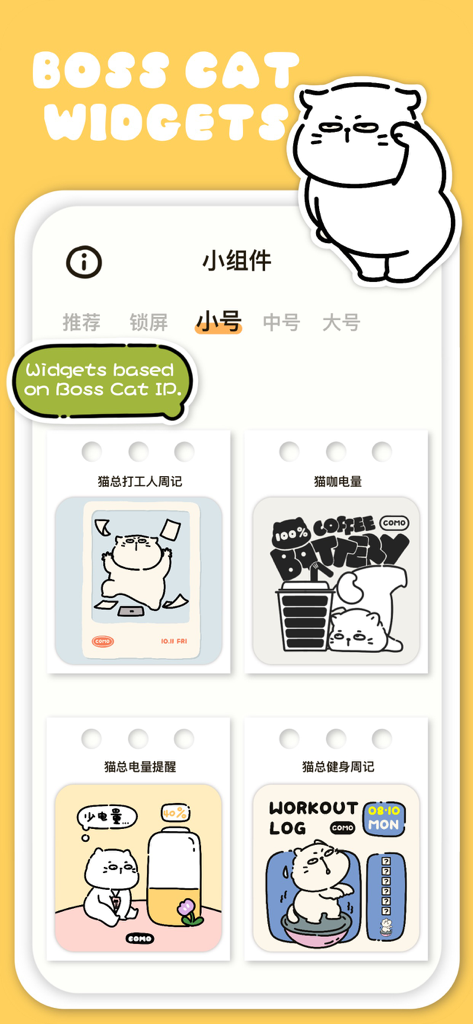
In our busy lives, work, and study, we always encounter some interesting and memorable people and things, or we are in a state of anxiety, happiness, surprise... COMO Widgets is inspired by this and creates various cute and healing widgets and themes with multiple functions around our original COMO family IP characters, such as "Boss Cat", "Fragrant Doggie", "Papa Bear", "Little Monster", "Cute Duck", etc.
In addition, COMO Widgets also provides a variety of personalized editing options, such as transparent backgrounds, custom background colors, custom background images, and various cute fonts. You can easily create a personalized phone desktop without too many complex steps and DIY your phone home screen!
Currently, we have the following widget categories:
##Clock Widgets
- Lock Screen Clock Widgets, such as "Hand-painted Digital Clock" etc.
- Small Size Widgets, such as "Papa Bear Clock", "Boss Cat Lazy Clock (Dynamic Widget)" etc.
- Medium Size Widgets, such as "New Year Clock", "Custom Clock" etc.
- Large Size Widgets, such as "Foodie Clock", "Photo Clock", etc.
##Weather Widgets
Small and medium size widgets with "Boss Cat Weather Widget", and more will be added in the future!
When adding weather widgets, we will ask for location permission to obtain weather data for the current city, so as to display weather information in the weather-related widgets.
##Health Widgets
"Boss Cat Combination Widget" and "Boss Cat Life Calendar Widget"
When adding health widgets, we will ask for permission to access HealthKit data to obtain daily step count and calorie consumption data, to display exercise data in the health-related widgets.
##Battery Widgets
"Papa Bear Battery Widget", "Boss Cat Battery Widget", "Fragrant Dog Battery Widget", etc.
##Dynamic Widgets
These are GIF-type widgets that move automatically when added to the phone's home screen or lock screen.
##Calendar Widgets
"Boss Cat Work Calendar Widget", "Fragrant Dog Work Calendar Widget", "Boss Cat Fitness Calendar Widget", "Custom Calendar Widget", "Christmas Tree Calendar Widget", etc.
##Photo Frame Widgets
"Custom Photo Widget", "Transparent Photo Widget", "Mirror Photo Frame Widget", etc.
##Quick Launch Lock Screen Widgets
These are quick launch icons that can be set on the lock screen, and our illustrator has drawn hundreds of hand-drawn icons to support binding to apps that support URL schemes. You can freely set the jump according to your preferences.
##Privacy Statement
【HealthKit】 - COMO Widgets has integrated with HealthKit to sync health data to the APP. When displaying daily step count data in COMO Widgets, we will ask for permission to access HealthKit data to display exercise data in step-related widgets.
【Location Information】 - When using weather widgets, we need to obtain location permission to get weather information for the current location and display it in related widgets.
【Photo Permission】 - When setting the background for widgets, we need to obtain photo permission to upload the background image. We also need this permission when saving images to your phone.
* Subscription payments will be charged to your iTunes account at confirmation of your purchase.
* Subscriptions will automatically renew and payment will be charged to your iTunes account unless auto-renew is turned off at least 24 hours before the end of the current
Terms of Use:
We use Apple's standard End User License Agreement (EULA) https://www.apple.com/legal/internet-services/itunes/dev/stdeula/
Additional terms [https://comostudio.super.site/como-widgets/terms-of-use] (In case of conflicts between these terms and the EULA, these terms shall prevail.)
Privacy Policy:[https://comostudio.super.site/como-widgets/privacy-policy]