Copy My Data
Copy My Data
ダウンロード: App Store

このページはアプリまたはその開発者の公式ページではなく、情報提供および論評を目的として作成された独立した編集出版物です。明示的に別段の記載がない限り、アプリおよびその開発者は、MWM、Apple、Google Play、アプリのパブリッシャー、またはアプリの開発者と提携、承認、後援、認可、またはその他の公式的な関係はなく、このページのいかなる内容も、アプリがMWMのサービスを使用して開発されたことを意味するものではありません。すべての商標、ロゴ、スクリーンショット、その他のコンテンツはそれぞれの所有者の財産です。

ロゴ: Copy My Data
ダウンロード: App Store

Copy My Data

あなたのデジタルライフを完全にコントロールしましょう。複雑なクラウド設定不要で、直感的なツールを使って写真の移行、連絡先の保護、ファイルの管理を簡単に行う58万人以上のユーザーに加わりましょう。

主要数値

ダウンロード

583K+

ユーザー評価

4.6/5

評価数

3K+

開発元

Herbert Lederer

カテゴリ

Utilities

対応言語

1

最新バージョン

1.0.2

サイズ

12.8 MB

リリース日

2022年11月21日
機能

デジタルライフを楽にマスター

クラウド同期の複雑さをスキップしましょう。当社の直感的なツールは、すべてのiOSデバイス間で最も重要なデータを移動、バックアップ、整理するための完全なコントロールを提供します。

シームレスなデバイス移行

新しいiPhoneやiPadに移行しますか?iCloudの面倒を避け、数回のタップで写真、動画、ドキュメントを楽に転送できます。

鉄壁の連絡先バックアップ

プロフェッショナルおよび個人のネットワークを保護します。アップグレード中に接続を失うことのないように、連絡先リスト全体を安全にバックアップします。

以下のスクリーンショットと説明は、アプリの公式ストアリスティングから直接取得されたものであり、アプリ開発者の所有物です。

アプリストア

スクリーンショット
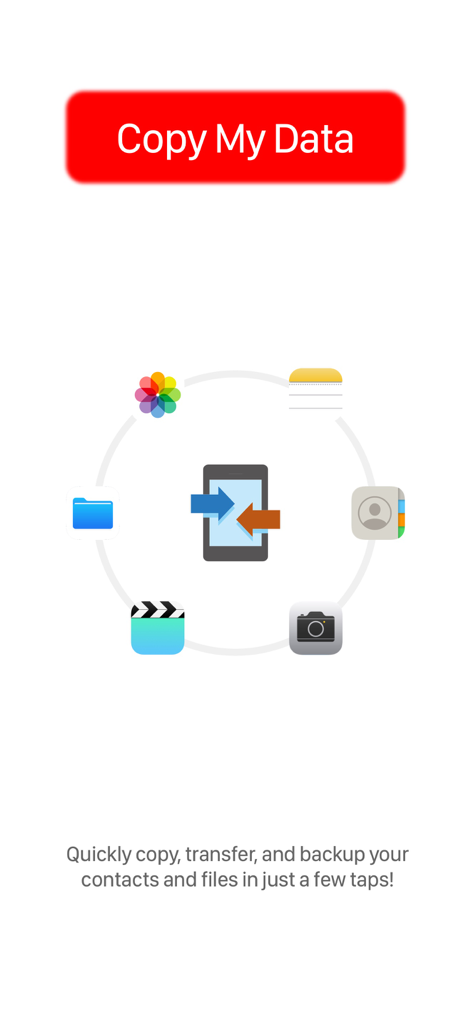
Copy My Data - Copy My Dataアプリのスプラッシュスクリーン。写真、連絡先、ファイルのデータ転送アイコンが表示されています。
Copy My Dataアプリのスプラッシュスクリーン。写真、連絡先、ファイルのデータ転送アイコンが表示されています。

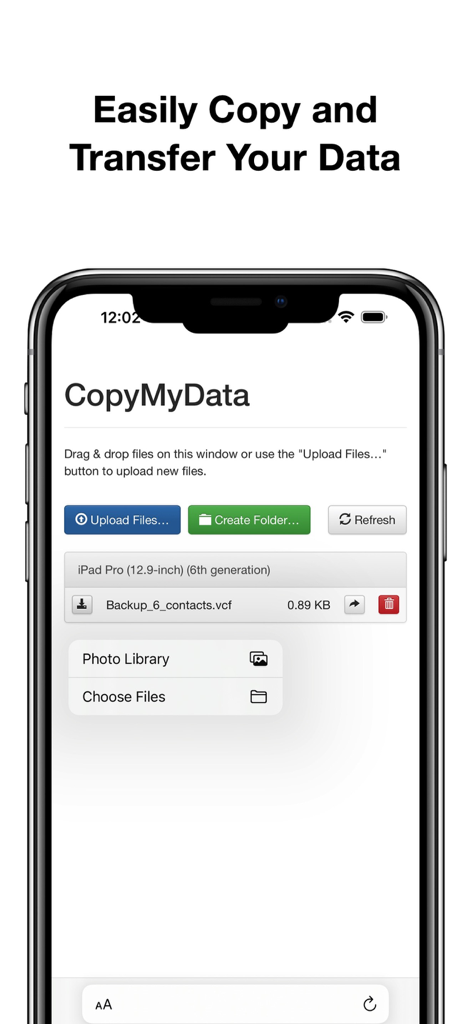
Copy My Data - ファイルと連絡先の転送用のCopy My Dataアプリインターフェースを示すスマートフォンの画面。
ファイルと連絡先の転送用のCopy My Dataアプリインターフェースを示すスマートフォンの画面。

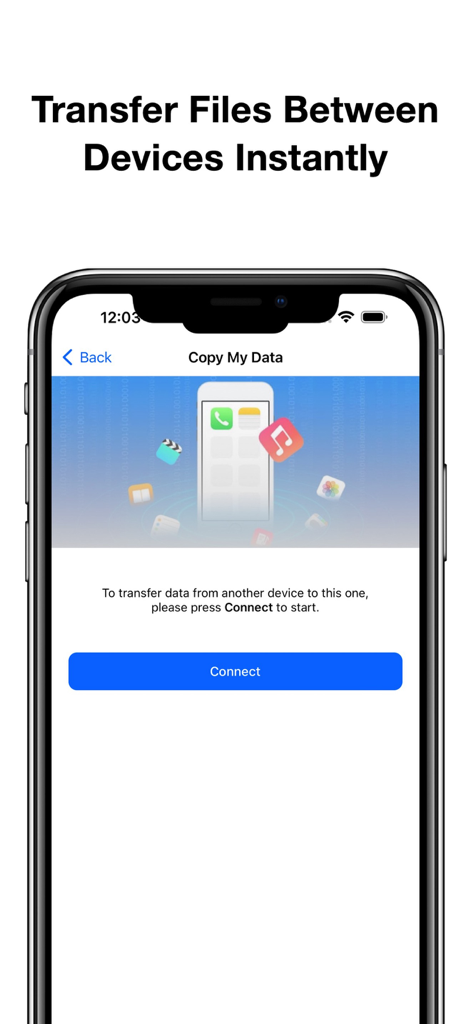
Copy My Data - 青い接続ボタンが表示されたファイル転送設定画面を示すCopy My Dataアプリインターフェースのスクリーンショット。
青い接続ボタンが表示されたファイル転送設定画面を示すCopy My Dataアプリインターフェースのスクリーンショット。

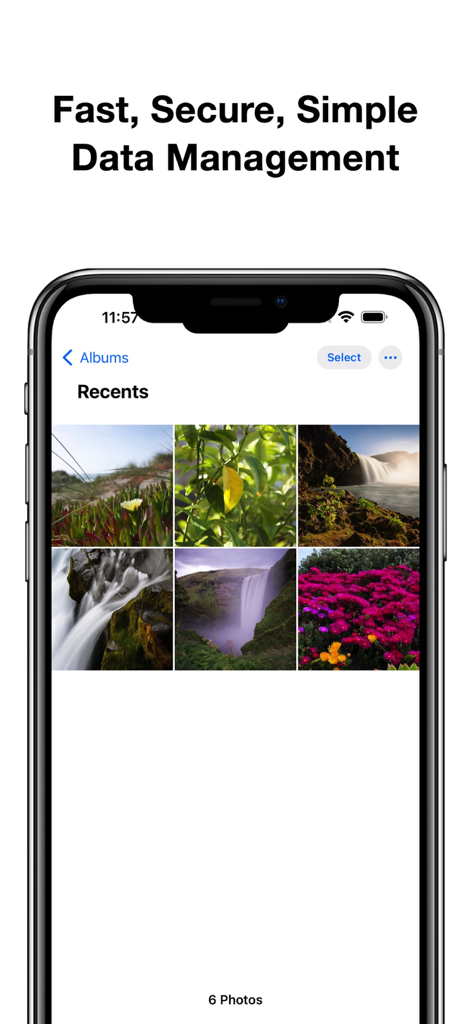
Copy My Data - 「高速で安全なデータ管理」という見出しの下に自然の画像が表示された写真ギャラリーを示すiPhone画面。
「高速で安全なデータ管理」という見出しの下に自然の画像が表示された写真ギャラリーを示すiPhone画面。

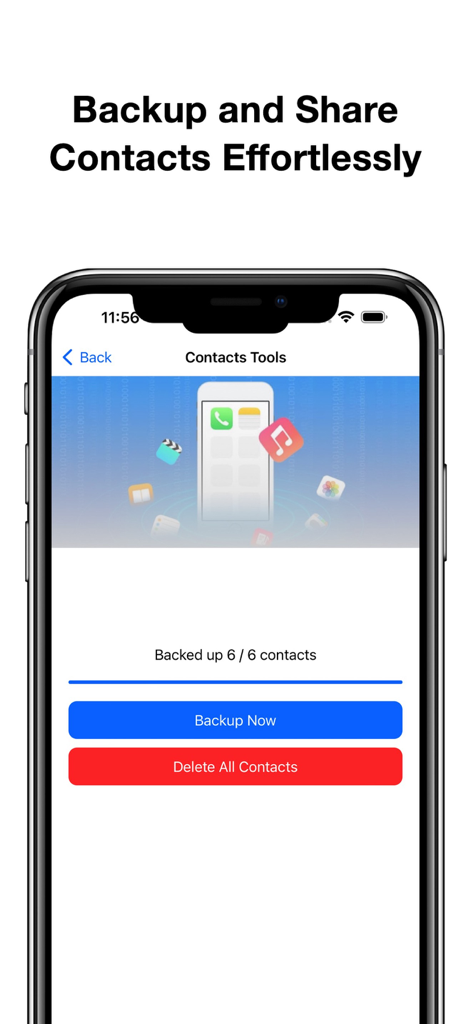
Copy My Data - 連絡先のバックアップと管理用のCopy My Dataアプリ画面。

連絡先のバックアップと管理用のCopy My Dataアプリ画面。

説明

Copy My Data is the essential app for effortlessly managing your digital files. With our intuitive interface, you can easily copy and transfer any files between devices in just a few taps. Whether you’re moving important documents, sharing photos, or transferring videos, our app ensures a smooth and secure experience. Key Features: - Effortless File Transfers: Quickly copy and transfer any files between your devices. Simply select the files you want to move, and our app handles the rest. - Access from Photos and Files App: Seamlessly retrieve files directly from your device’s Photos and Files apps. Enjoy the convenience of managing all your important data from one centralized location. - Favorite Media Collection: Add your favorite photos and videos to the app for easy access and sharing. Create personalized collections to keep your cherished memories close at hand. - Backup and Copy Contacts: Safeguard your important contacts with our reliable backup feature. Easily copy your contacts to ensure they are secure and easily accessible whenever you need them. - Regularly Updated Wallpaper Collection: Explore our stunning and regularly updated collection of wallpapers to personalize your device. Choose from a variety of beautiful designs that enhance your home screen and make your device truly yours. Flexible Subscription Plans Unlock the full potential of Copy My Data with our flexible subscription plans designed to enhance your experience: - Weekly Subscription: Enjoy full Pro access for one week, perfect for short-term users who need premium features temporarily. - Monthly Subscription: Our most popular plan allows you to enjoy a full month of premium features for seamless data management and enhanced functionality. - Yearly Subscription: Experience uninterrupted Pro access for an entire year, providing you with all the features without the hassle of monthly payments. - Lifetime Subscription: Make a one-time payment for lifetime access to all Pro features, ensuring you’ll always enjoy the best experience without ongoing payments. Subscription and Billing Information - Payment: Subscriptions are charged based on the plan you select and processed through your iTunes account after purchase confirmation. - Auto-Renewal: All subscriptions automatically renew unless you disable auto-renewal at least 24 hours before the end of the current subscription period. Renewal charges will be applied within 24 hours of the end of your current subscription term. - Managing Subscriptions: You can manage or cancel your subscription at any time via your Account Settings, giving you full control over payment options and subscription status. Free Trial and Refunds - Trial Period: If you take advantage of a free trial, any unused portion will be forfeited upon subscription purchase. - Refund Policy: Refunds are not provided for unused portions of the subscription. Please review Apple's App Store policies for more detailed information. - For any inquiries or assistance, feel free to contact our support team through the provided channels. Privacy Policy: https://telegra.ph/privacy-policy-09-30-35 Terms of Service: https://telegra.ph/terms-of-use-09-30

Download

ダウンロード: App Store

このページはアプリまたはその開発者の公式ページではなく、情報提供および論評を目的として作成された独立した編集出版物です。明示的に別段の記載がない限り、アプリおよびその開発者は、MWM、Apple、Google Play、アプリのパブリッシャー、またはアプリの開発者と提携、承認、後援、認可、またはその他の公式的な関係はなく、このページのいかなる内容も、アプリがMWMのサービスを使用して開発されたことを意味するものではありません。すべての商標、ロゴ、スクリーンショット、その他のコンテンツはそれぞれの所有者の財産です。








