Core Image Tools
Core Image Tools
ダウンロード: App Store

このページはアプリまたはその開発者の公式ページではなく、情報提供および論評を目的として作成された独立した編集出版物です。明示的に別段の記載がない限り、アプリおよびその開発者は、MWM、Apple、Google Play、アプリのパブリッシャー、またはアプリの開発者と提携、承認、後援、認可、またはその他の公式的な関係はなく、このページのいかなる内容も、アプリがMWMのサービスを使用して開発されたことを意味するものではありません。すべての商標、ロゴ、スクリーンショット、その他のコンテンツはそれぞれの所有者の財産です。

ロゴ: Core Image Tools
ダウンロード: App Store

Core Image Tools

あなたの写真のための軽量スイスアーミーナイフ。iPhone、iPad、Mac、Vision Pro全体で、シンプルなワンタップワークフローでリサイズ、クロマキー、3Dアセットを作成できます。

主要数値

ダウンロード

200

ユーザー評価

1.0/5

評価数

0

開発元

Lino Bailey

カテゴリ

Graphics & Design

対応言語

1

最新バージョン

4.0

サイズ

41.6 MB

リリース日

2025年7月5日
機能

Appleエコシステム全体のためのプロフェッショナルツールボックス

複雑なレイヤーや高価なサブスクリプションはスキップしましょう。iPhone、Mac、Vision Pro全体で、スピード、精度、高性能な結果のために設計された100以上の強力な画像編集ツールにアクセスできます。

プロのための技術的精度

実際のピクセルリサイズ、3Dテクスチャマッピング、開発者およびインディークリエイター向けのプロフェッショナルアプリアイコン生成で、基本的なフィルターを超えましょう。

摩擦のないマルチデバイスワークフロー

手動のファイル管理の必要性をなくす、シームレスな「選択、適用、保存」ループにより、デスクトップおよびモバイルデバイス全体で楽にイテレーションできます。

以下のスクリーンショットと説明は、アプリの公式ストアリスティングから直接取得されたものであり、アプリ開発者の所有物です。

アプリストア

スクリーンショット
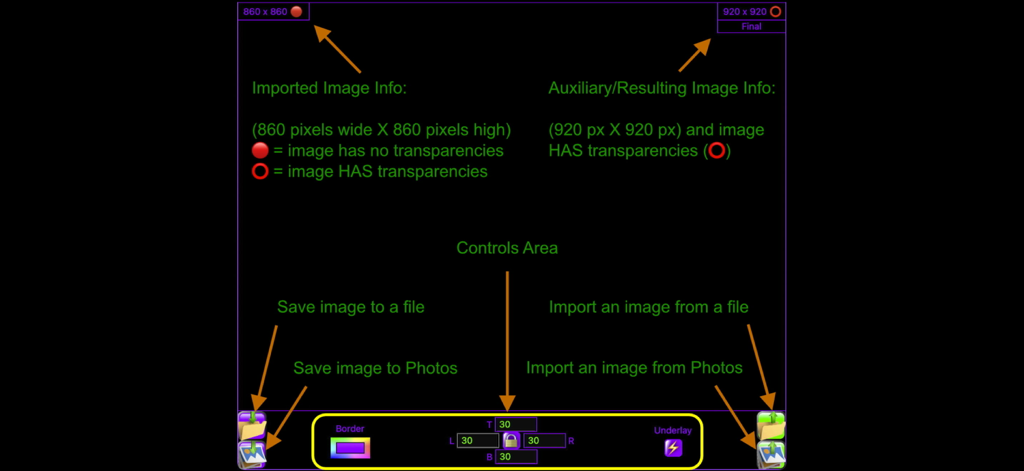
Core Image Tools - Core Image Toolsアプリのユーザーインターフェースを説明する図。画像メタデータとファイルコントロールが含まれます。
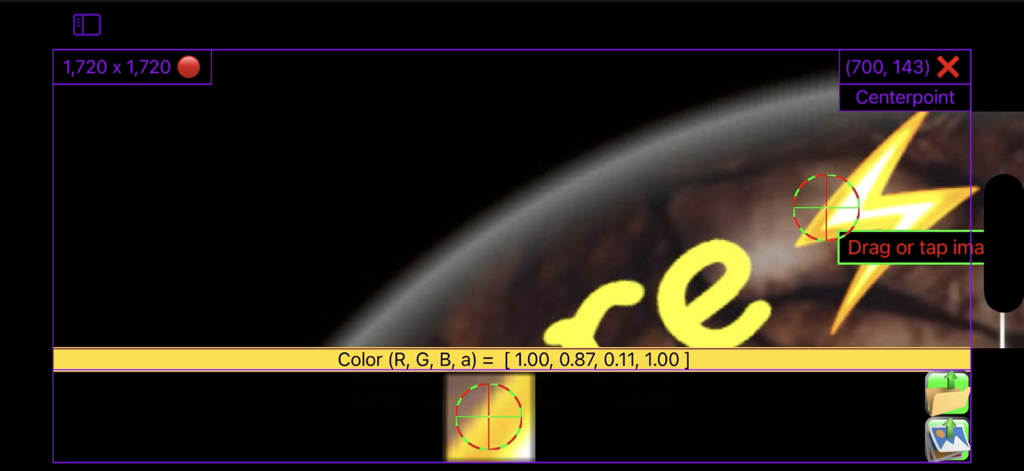
Core Image Toolsアプリのユーザーインターフェースを説明する図。画像メタデータとファイルコントロールが含まれます。

Core Image Tools - Core Image Toolsアプリのユーザーインターフェース。画像編集のための技術的座標とRGBAカラーデータが表示されます。
Core Image Toolsアプリのユーザーインターフェース。画像編集のための技術的座標とRGBAカラーデータが表示されます。

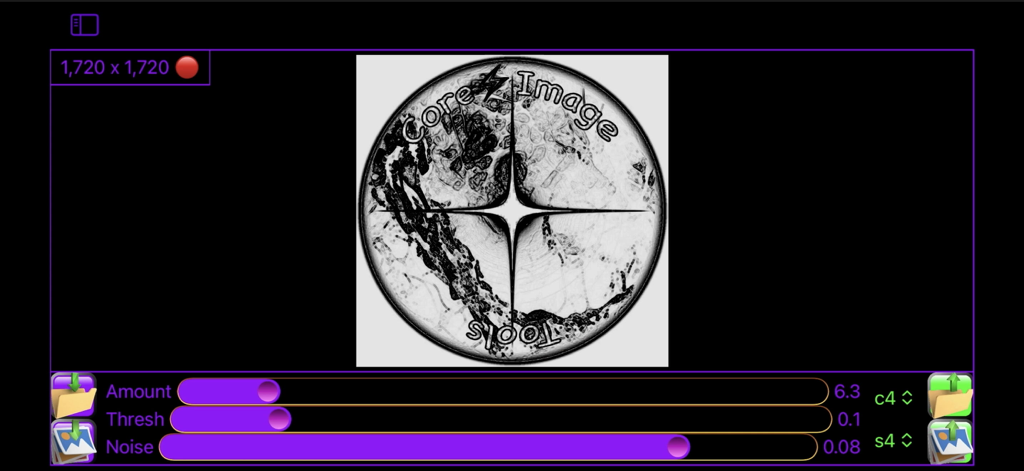
Core Image Tools - Core Image Toolsアプリケーションインターフェース。円形ロゴの量しきい値とノイズの画像編集スライダーが表示されます。
Core Image Toolsアプリケーションインターフェース。円形ロゴの量しきい値とノイズの画像編集スライダーが表示されます。

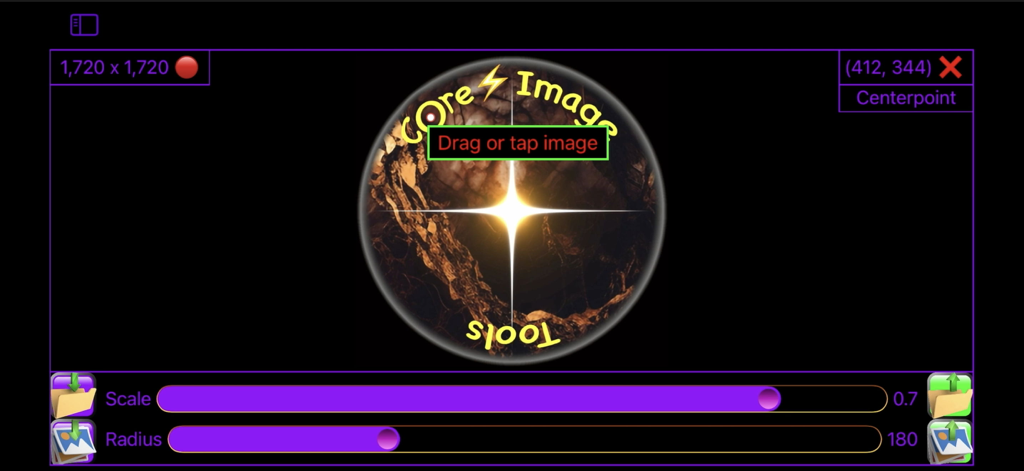
Core Image Tools - Core Image Toolsモバイルアプリケーションインターフェース。スケールと半径調整スライダーが表示されます。
Core Image Toolsモバイルアプリケーションインターフェース。スケールと半径調整スライダーが表示されます。

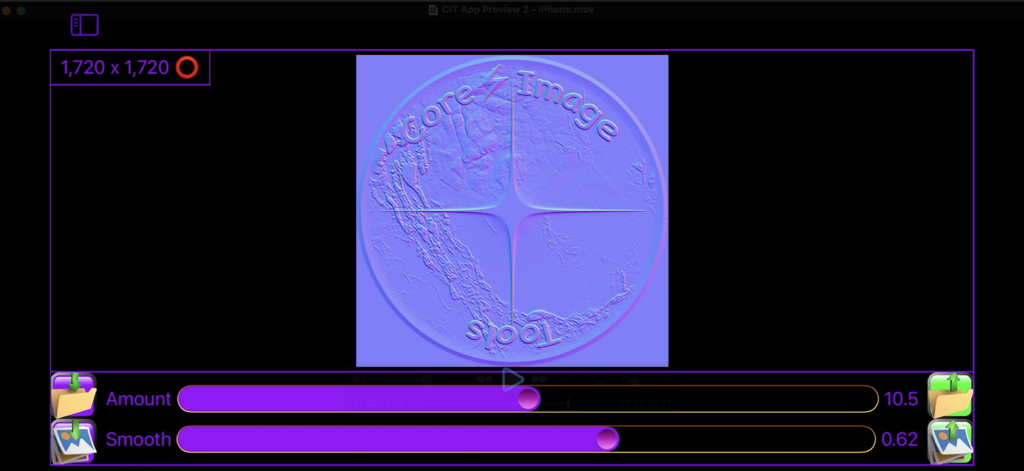
Core Image Tools - Core Image Toolsインターフェース。量とスムーズスライダーを備えたロゴのノーマルマップテクスチャ生成が表示されます。
Core Image Toolsインターフェース。量とスムーズスライダーを備えたロゴのノーマルマップテクスチャ生成が表示されます。

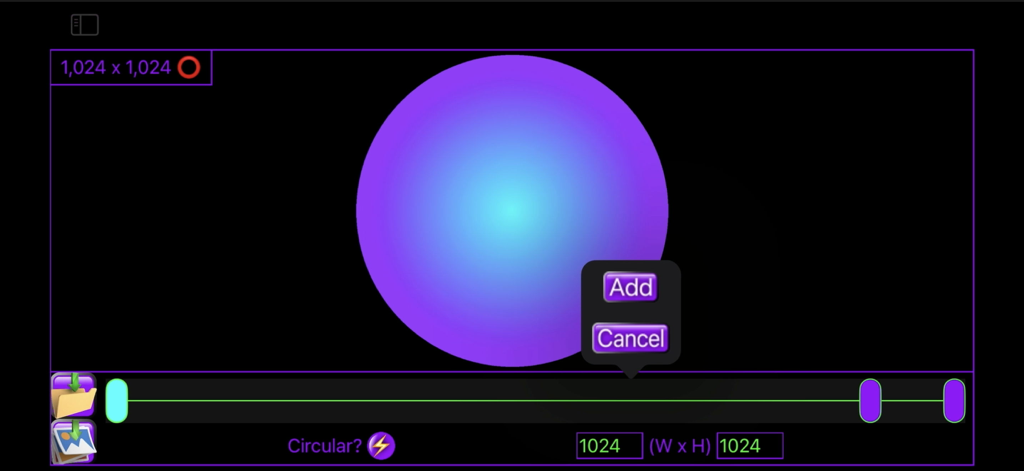
Core Image Tools - ユーザーインターフェース。1024 x 1024の寸法設定と追加ボタンで放射状グラデーション円が作成されています。
ユーザーインターフェース。1024 x 1024の寸法設定と追加ボタンで放射状グラデーション円が作成されています。

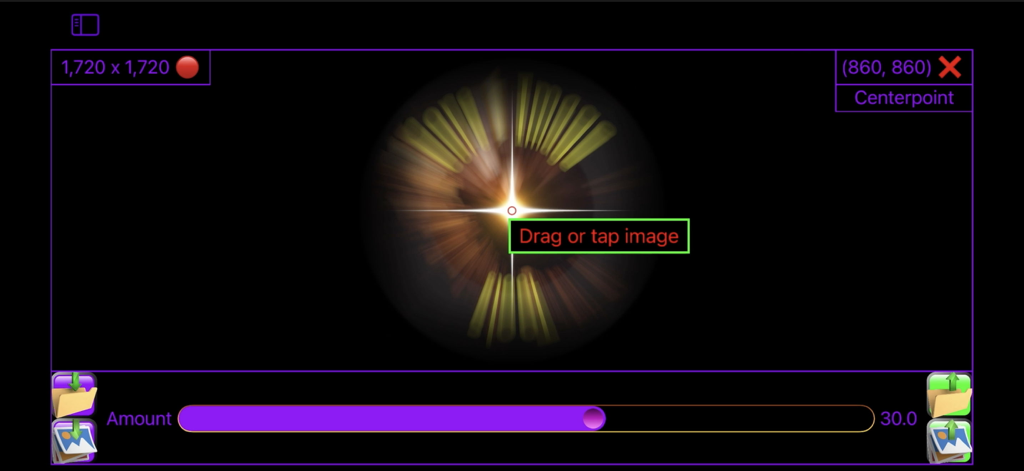
Core Image Tools - Core Image Toolsアプリインターフェース。コントロールスライダーと座標表示を備えた放射状ズームブラーエフェクトが表示されます。
Core Image Toolsアプリインターフェース。コントロールスライダーと座標表示を備えた放射状ズームブラーエフェクトが表示されます。

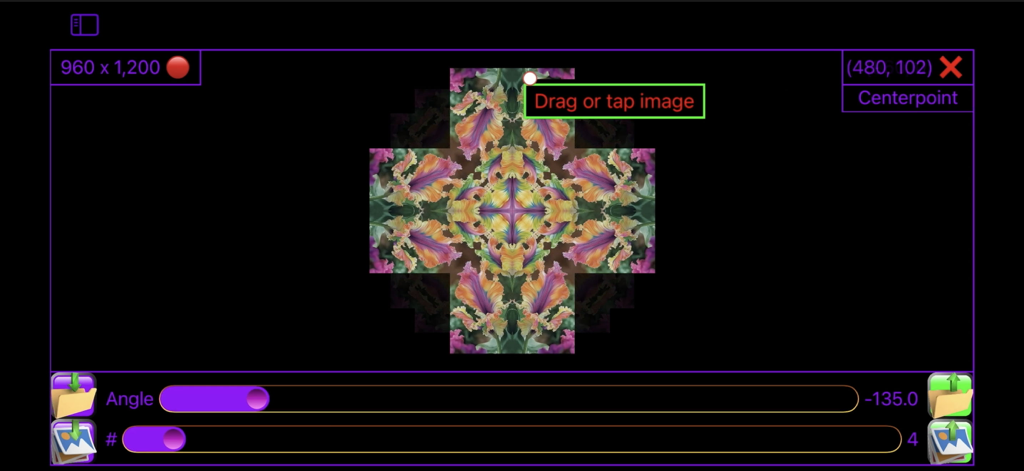
Core Image Tools - Core Image Toolsアプリのユーザーインターフェース。角度と反射数スライダーを備えた花の万華鏡効果が表示されます。
Core Image Toolsアプリのユーザーインターフェース。角度と反射数スライダーを備えた花の万華鏡効果が表示されます。

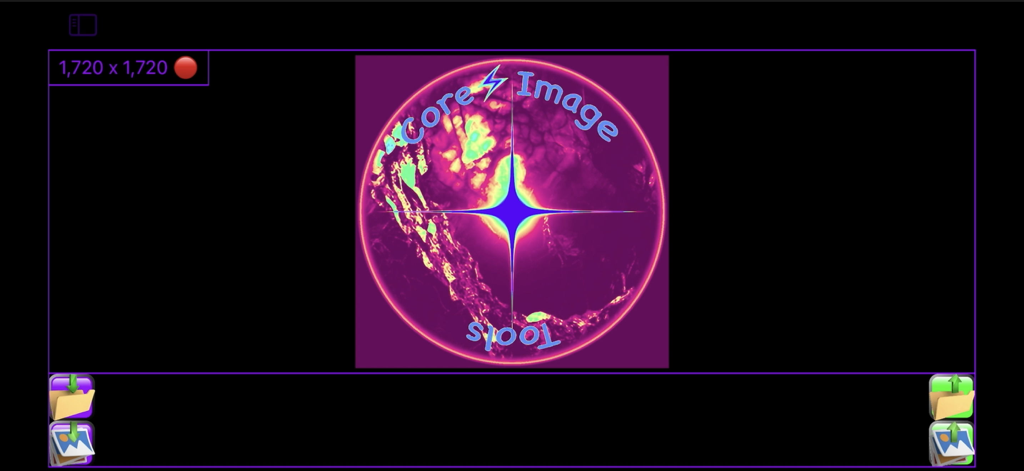
Core Image Tools - Core Image Toolsアプリのメイン画面。光るロゴと画像解像度ディスプレイが特徴です。
Core Image Toolsアプリのメイン画面。光るロゴと画像解像度ディスプレイが特徴です。

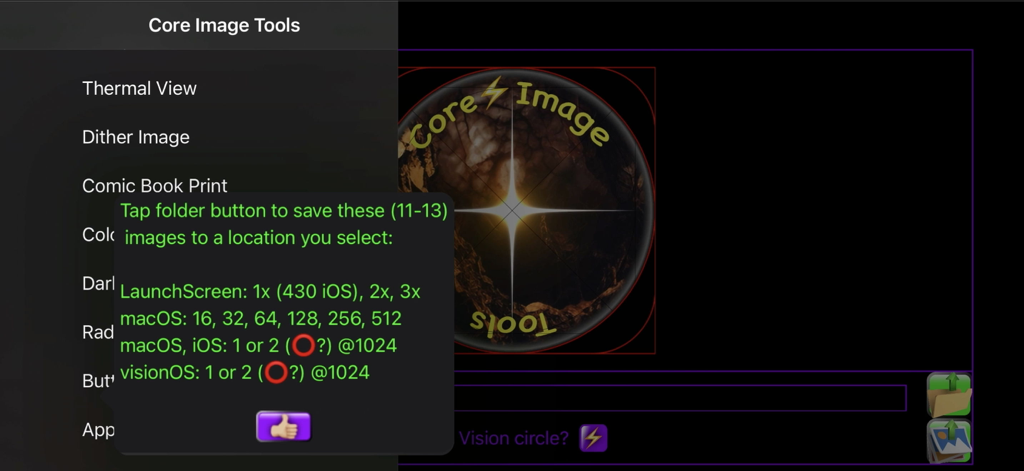
Core Image Tools - Core Image Toolsアプリのエクスポートオプション画面。iOS、macOS、visionOSアイコンのエクスポートオプションが表示されます。

Core Image Toolsアプリのエクスポートオプション画面。iOS、macOS、visionOSアイコンのエクスポートオプションが表示されます。

説明

Over 100 code files of powerful image editing tools, presented in the simplest user interface. Like most workshops, you use several tools to accomplish a task. Core Image Tools is a large toolbox to reach into, to accomplish many complex effects, one simple step at a time. Lightweight yet Powerful: Edit, enhance, resize, rotate, & add effects to your photos|images from the palm of your hand, while you're on the go, or also from your desktop|laptop. Multi-Platform: Use the same app across your devices - iPhones, iPads, Macs, & Vision. Super-Simple Workflow: Pick a Photos image, apply an effect, tap save - done! Want more? Pick that saved image, apply some other effect to it, tap save - done! Loop the image through as many edits|effects as desired & always have a hardcopy in Photos of each step along the way. Plus you'll always have your original, & never had to type in a single filename throughout the entire process. Resize Images: ACTUALLY resize images, not just crop them down or zoom in. Also, you can ADD color|transparent|semi-transparent pixels to any edge of an image to resize it, or offset it, using 'Border'. Flip|Mirror: Quickly mask|mirror a brand name out of your selfie. Flip|mirror an image, horizontally and|or vertically, with one tap. Use 'Skew' to straighten, keystone-correct, zoom, mirror, & crop all at once. Smooth: Use 'Blur, Selfie Smoother' to iron out a few wrinkles, de-focus skin blemishes, or smooth out other unwanted details. Line|Edge Drawn: Make an image look as if it was drawn|sketched using an ink pen, pencil, charcoal, colored pencils, colored chalk, light-pen, watercolored, wax-scratched (scratch-art), or made entirely out of dots|square pixels|points|hex-pixels|or crystalized. Bump Distortion: Kids of all ages (Mom? Dad?) love to swell up, or shrink down, faces & parts of people - give dad a superhero chin, a sibling one big eye & one little one, a bubbled alien-forehead of a friend - endless fun. Wish you had a smaller nose - shrink it. Wish you had bigger biceps or shoulders - pump 'em up. Wonder what implants would look like - find out. Zoom in on, & bring attention to, any feature in an image, especially for technical uses, like highlighting a capacitor on a PCB, or a component of a wiring schematic. Overlay Images: Including resizing, repositioning, & rotating them. Overlay your logo or business card over an image. Also, you can make an entire image of a transparent, or semi-transparent color & overlay that over your image, adding a color filter effect to the entire image. Chroma-Keyers (6 types!): Remove red, green, or blue-screen, or any color. Maybe make transparent overlays out of them? Maybe use 'Polygon|Star' to make color-keyed shapes for transparency masks. Checkerboard: Make checkerboard designs - just pick your colors, including clear|transparent. Blurs: Gaussian Blur, Zoom Blur, Motion Blur, Glow|Bloom, & other blur effects. 3D|Graphics|Cube Images: Make your textures|shaders, tile them, rotate them, make normal|bump maps from them for enhanced lighting effects. Mirrored|seamless tiles, multicolored gradients (linear & radial, plus gradients scale perfectly & tile infinitely from one small image - very efficient). Use 'Alpha to Grayscale' to map out image transparencies for your texture|shader's opacity channel. The best skybox|cube image tools too! Color & Light Adjusters: Many options - brightness, contrast, saturation, exposure, gamma, vibrance, opacity. Try 'Dark Document Enhancer' on a dark document or a scan that you want to enhance. Grayscale Images: Select from 5 grayscale modes each honed for specific imaging challenges. Animated Image Player: Play, pause, slow down, speed-up, & reverse animated images. Kaleidoscopes: Do you like kaleidoscopes? Oh yeah! Gotcha covered there! Over a dozen types. Infinite possibilities just from one image, & the default image is of the most beautifully colored flowers. Developers: Make App Icons, Buttons, & Radio buttons.

Download

ダウンロード: App Store

このページはアプリまたはその開発者の公式ページではなく、情報提供および論評を目的として作成された独立した編集出版物です。明示的に別段の記載がない限り、アプリおよびその開発者は、MWM、Apple、Google Play、アプリのパブリッシャー、またはアプリの開発者と提携、承認、後援、認可、またはその他の公式的な関係はなく、このページのいかなる内容も、アプリがMWMのサービスを使用して開発されたことを意味するものではありません。すべての商標、ロゴ、スクリーンショット、その他のコンテンツはそれぞれの所有者の財産です。







