Crane Finder
Crane Finder
ダウンロード: App Store

このページはアプリまたはその開発者の公式ページではなく、情報提供および論評を目的として作成された独立した編集出版物です。明示的に別段の記載がない限り、アプリおよびその開発者は、MWM、Apple、Google Play、アプリのパブリッシャー、またはアプリの開発者と提携、承認、後援、認可、またはその他の公式的な関係はなく、このページのいかなる内容も、アプリがMWMのサービスを使用して開発されたことを意味するものではありません。すべての商標、ロゴ、スクリーンショット、その他のコンテンツはそれぞれの所有者の財産です。


ロゴ: Crane Finder
ダウンロード: App Store

Crane Finder

積荷表をめくるのはもうやめましょう。Liebherrのプロフェッショナルな計画ツールで、積荷、半径、高さを瞬時に特定し、最も効率的なクレーンを見つけ、フリートの稼働率を最大化し、運用コストを削減します。

主要数値

ダウンロード

0

ユーザー評価

5.0/5

評価数

0

開発元

Liebherr-International Deutschland GmbH

カテゴリ

Business

対応言語

4

最新バージョン

2.0.0

サイズ

48.5 MB

リリース日

2024年5月29日
機能

精密リフティングをシンプルに

数秒で完璧なクレーン構成を計算し、既存のフリートを最適化し、現場から直接運用コストを削減します。

瞬時構成

積荷、半径、高さを入力して、手作業の積荷表なしで、その作業に最適な、最も効率的なクレーンを見つけます。

スマートフリート統合

My Fleet機能で在庫を同期し、所有クレーンを優先して、機器の稼働率を最大化します。

以下のスクリーンショットと説明は、アプリの公式ストアリスティングから直接取得されたものであり、アプリ開発者の所有物です。

アプリストア

スクリーンショット
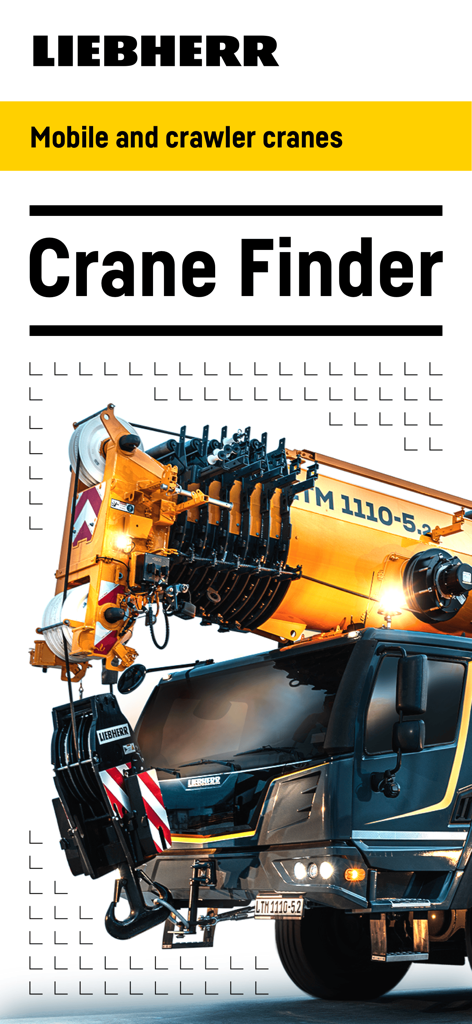
Crane Finder - Liebherr Crane Finderアプリのインターフェース、黄色いモバイルクレーンが表示されている
Liebherr Crane Finderアプリのインターフェース、黄色いモバイルクレーンが表示されている

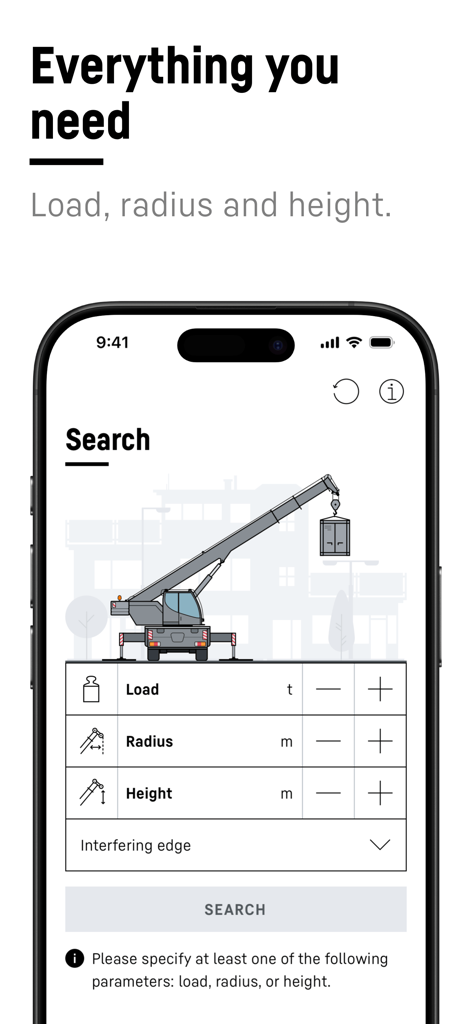
Crane Finder - Liebherr Crane Finderアプリの検索インターフェース、積荷の半径と高さのパラメーターの入力フィールドが表示されている
Liebherr Crane Finderアプリの検索インターフェース、積荷の半径と高さのパラメーターの入力フィールドが表示されている

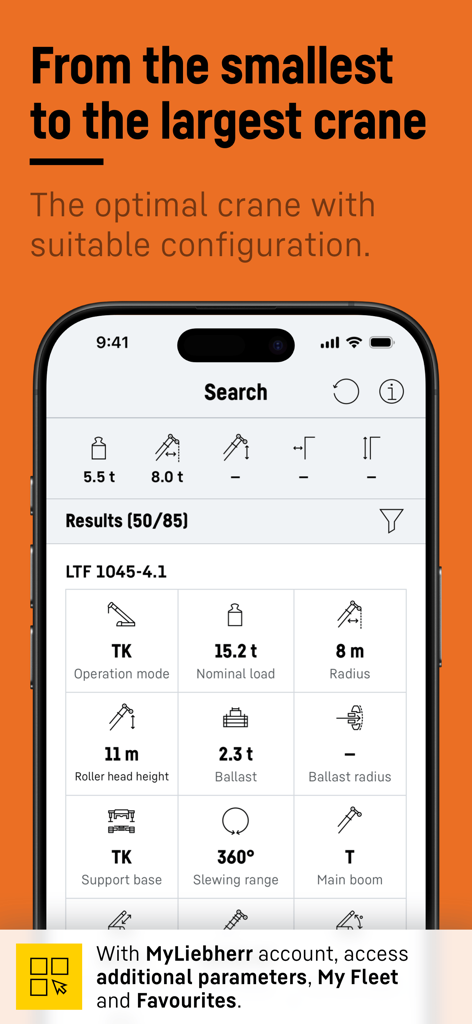
Crane Finder - Liebherr Crane Finderアプリの検索インターフェース、最適なクレーン構成と技術的なリフトパラメーターが表示されている
Liebherr Crane Finderアプリの検索インターフェース、最適なクレーン構成と技術的なリフトパラメーターが表示されている

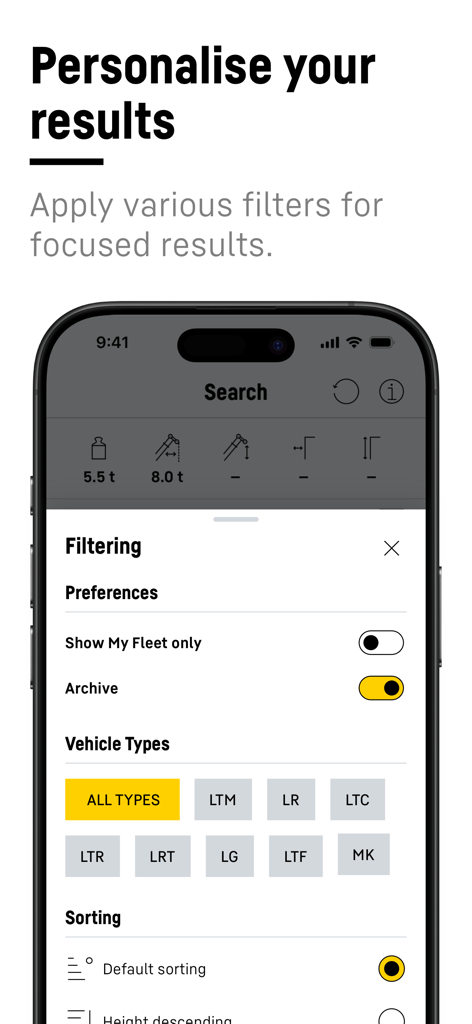
Crane Finder - Crane Finderアプリのパーソナライズされたフィルタリングインターフェース、車両タイプとフリートの好みが表示されている
Crane Finderアプリのパーソナライズされたフィルタリングインターフェース、車両タイプとフリートの好みが表示されている

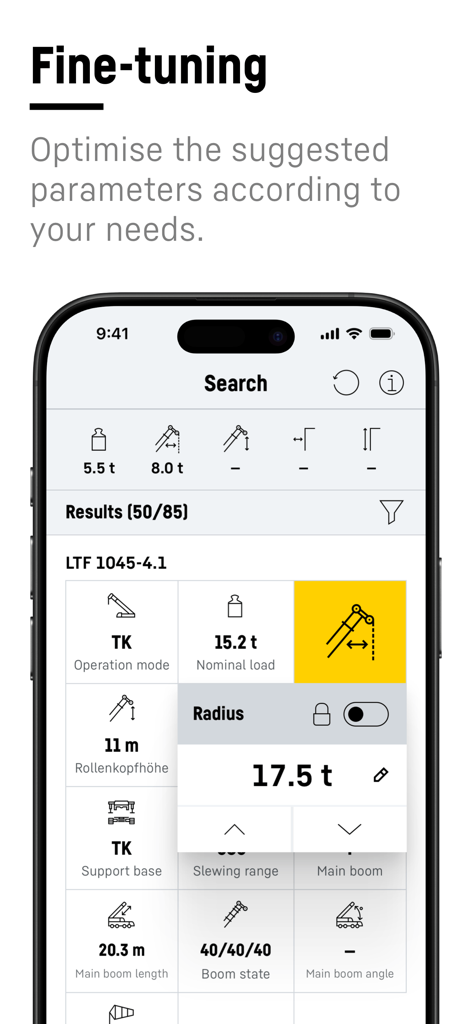
Crane Finder - Liebherr Crane Finderモバイルアプリでクレーン構成パラメーターを微調整している
Liebherr Crane Finderモバイルアプリでクレーン構成パラメーターを微調整している

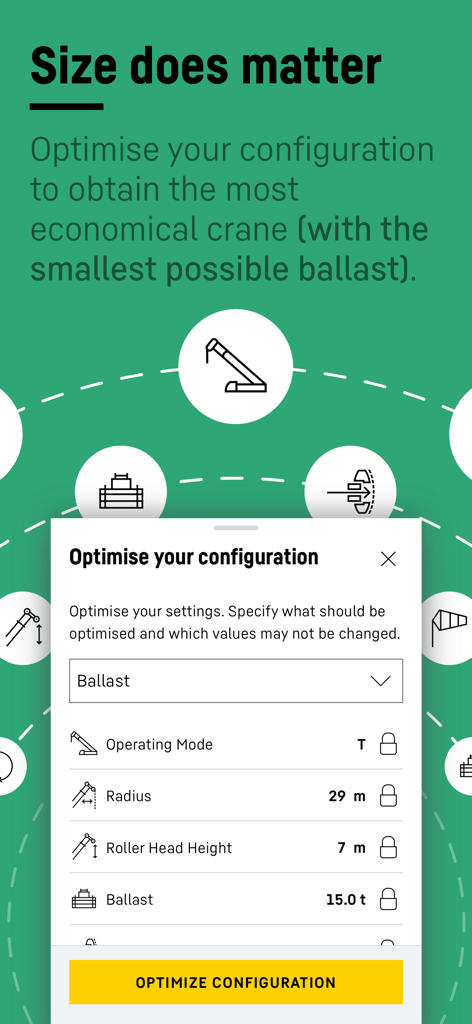
Crane Finder - Liebherr Crane Finderアプリのクレーン構成とバラスト設定を最適化するためのインターフェース
Liebherr Crane Finderアプリのクレーン構成とバラスト設定を最適化するためのインターフェース

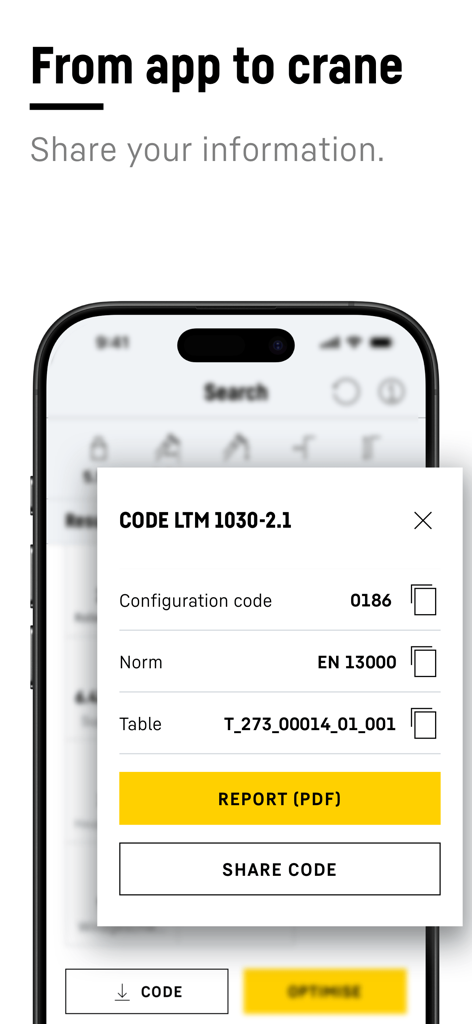
Crane Finder - Crane Finderアプリのポップアップ、クレーン構成コードの共有またはPDFレポートの生成オプションが表示されている
Crane Finderアプリのポップアップ、クレーン構成コードの共有またはPDFレポートの生成オプションが表示されている

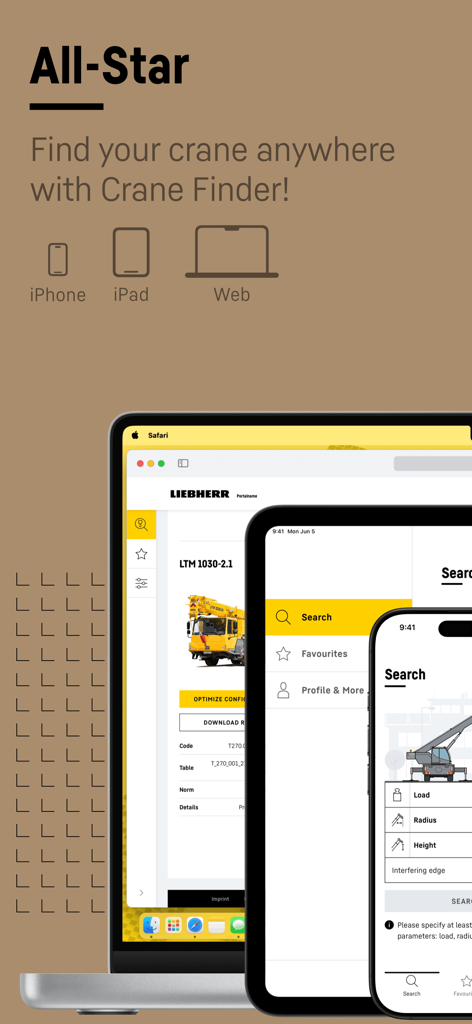
Crane Finder - iPhone、iPad、およびWebブラウザに表示されているLiebherr Crane Finderアプリのインターフェース

iPhone、iPad、およびWebブラウザに表示されているLiebherr Crane Finderアプリのインターフェース

説明

Discover the Liebherr Crane Finder app – your indispensable tool for selecting the perfect crane for every job. Simply enter the load, radius and height and receive the optimum and smallest possible crane with the appropriate configuration within seconds. Your fleet in view: With the "My fleet" function, you can immediately see which cranes in the results list are already part of your crane fleet. These cranes are displayed at the top of the results list. This saves you valuable time when planning your deployment. Practical favourites list: As a crane operator, for example, you can define your favourites and limit the results list to the cranes you use most frequently. This saves time and increases efficiency. Optimise configuration: Optimise the crane configuration fully automatically at the click of a button to save ballast and reduce transport costs, fuel consumption and CO2 emissions - sustainably and efficiently. Action Pad: Optimise your settings with the Action Pad! Navigate conveniently through values using the arrow keys or scroll function. Use the refresh function to restore the original configuration. See at a glance which value was previously selected. Lock values: Lock certain values so that they remain the same when other parameters are changed. Useful, for example, if you only have a certain amount of ballast available on site. Register free of charge and without obligation in the MyLiebherr portal to gain access to the app's extended functions and thus make your crane selection even easier. Download the Crane Finder app now and experience a new dimension in crane planning!

Download

ダウンロード: App Store

このページはアプリまたはその開発者の公式ページではなく、情報提供および論評を目的として作成された独立した編集出版物です。明示的に別段の記載がない限り、アプリおよびその開発者は、MWM、Apple、Google Play、アプリのパブリッシャー、またはアプリの開発者と提携、承認、後援、認可、またはその他の公式的な関係はなく、このページのいかなる内容も、アプリがMWMのサービスを使用して開発されたことを意味するものではありません。すべての商標、ロゴ、スクリーンショット、その他のコンテンツはそれぞれの所有者の財産です。








