
このページはアプリまたはその開発者の公式ページではなく、情報提供および論評を目的として作成された独立した編集出版物です。明示的に別段の記載がない限り、アプリおよびその開発者は、MWM、Apple、Google Play、アプリのパブリッシャー、またはアプリの開発者と提携、承認、後援、認可、またはその他の公式的な関係はなく、このページのいかなる内容も、アプリがMWMのサービスを使用して開発されたことを意味するものではありません。すべての商標、ロゴ、スクリーンショット、その他のコンテンツはそれぞれの所有者の財産です。


Cross Stitch Pattern Maker
お気に入りの写真を数秒でお気に入りのニードルポイントパターンに変換。ペットのポートレートからモダンなインテリアデコレーションまで、直感的なデジタルマークアップツールでチャートをデザインし、すべてのステッチを追跡しましょう。
ダウンロード
1K+ユーザー評価
評価数
0開発元
カテゴリ
Utilities対応言語
11最新バージョン
1.7.5サイズ
12.8 MBリリース日
2024年4月3日あなたのビジョンをすべてのステッチに
カスタム写真変換からデジタル進捗追跡まで、見事なニードルワークプロジェクトをデザインし、完了するために必要なすべてがあなたの指先にあります。
写真からパターンへの魔法
ペットのポートレートからウェディング写真まで、お気に入りの思い出を、スマートな画像コンバーターと不透明度スライダーを使用してカスタムクロスステッチチャートに変換します。
デジタルマークアップツール
紙のチャートや散らかったハイライトペンはもう必要ありません。アプリ内で直接日々の進捗を追跡できるため、次にどこにステッチを置けばよいかが常にわかります。
以下のスクリーンショットと説明は、アプリの公式ストアリスティングから直接取得されたものであり、アプリ開発者の所有物です。
アプリストア
スクリーンショット
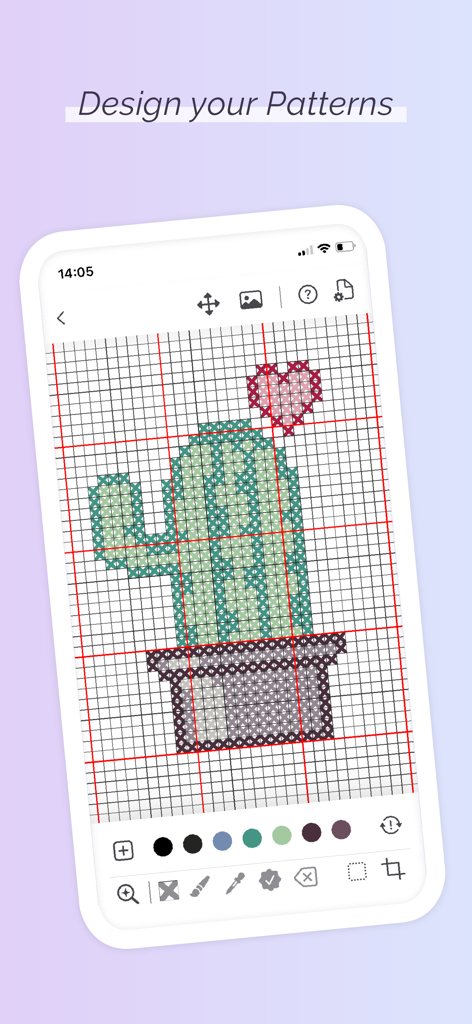
クロスステッチ パターンメーカーのアプリインターフェースで、グリッド内にデザインされたサボテンのクロスステッチパターンを表示しているスマートフォンの画面
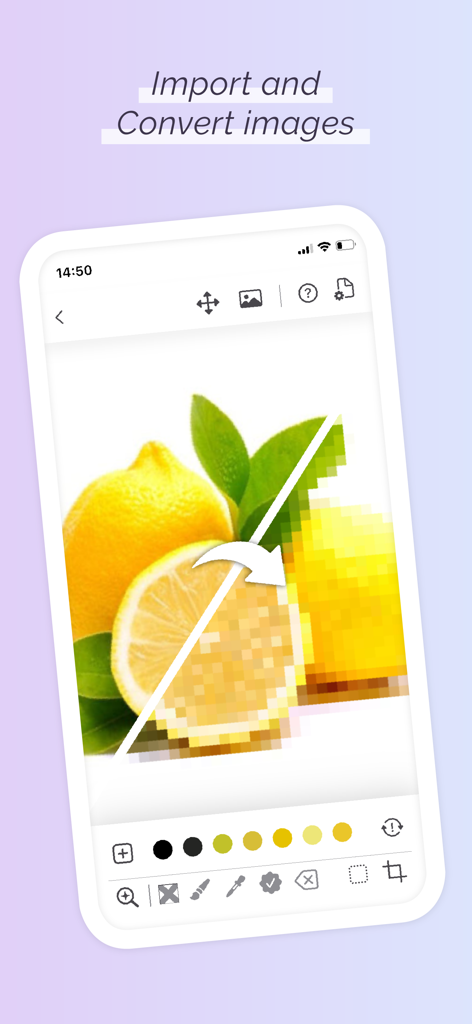
レモン写真がピクセル化されたクロスステッチパターンに変換されている様子を表示しているスマートフォン
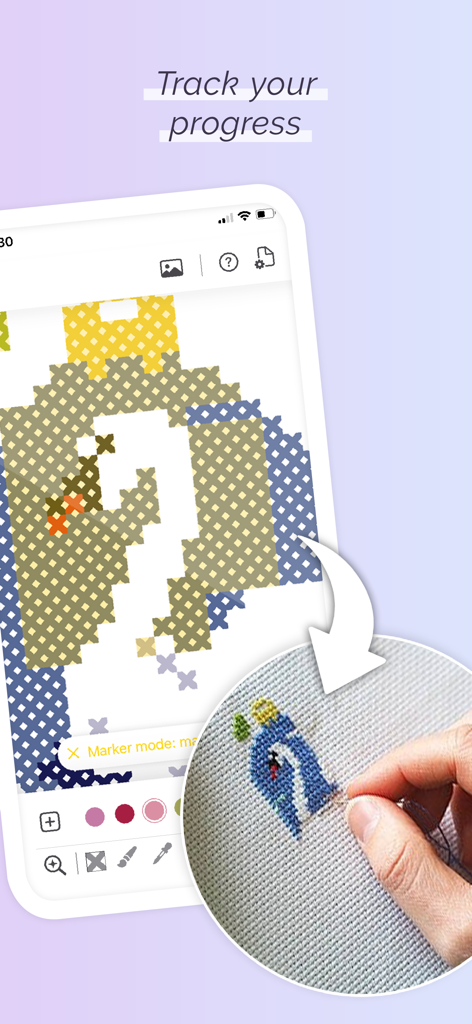
デジタルパターンの進捗を縫いながら追跡するために、クロスステッチマークアップツールを使用している人物
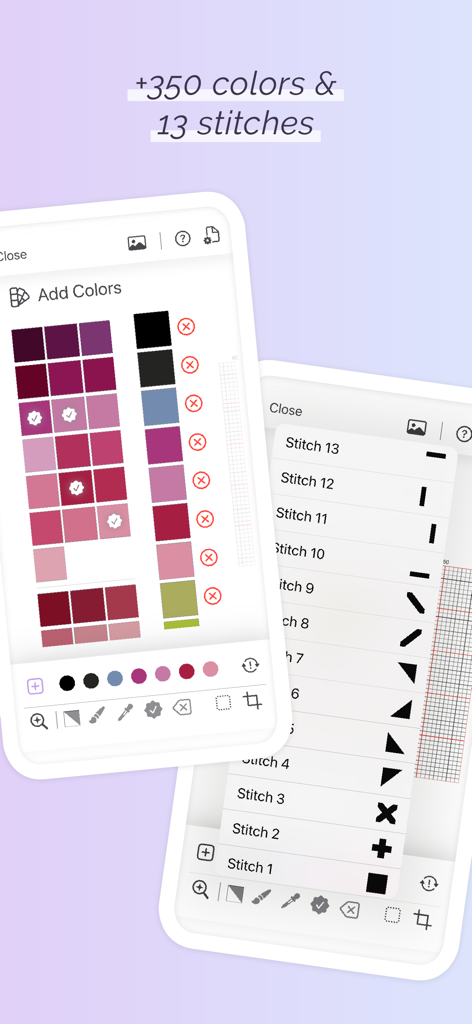
クロスステッチ パターンメーカーのモバイルアプリインターフェースで、カラー選択パレットとさまざまなステッチタイプのリストを表示
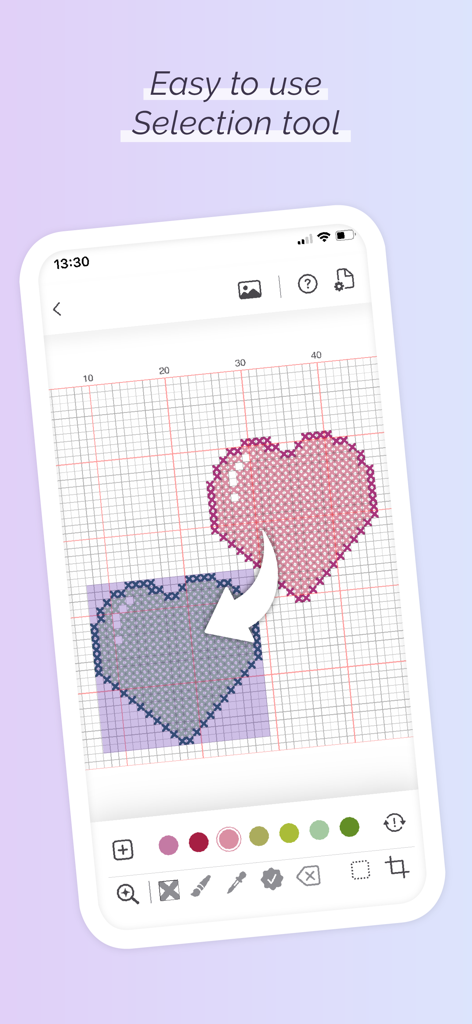
グリッド上にハートのデザインが表示された、使いやすい選択ツールを示すクロスステッチ パターンメーカーアプリのモバイルインターフェース
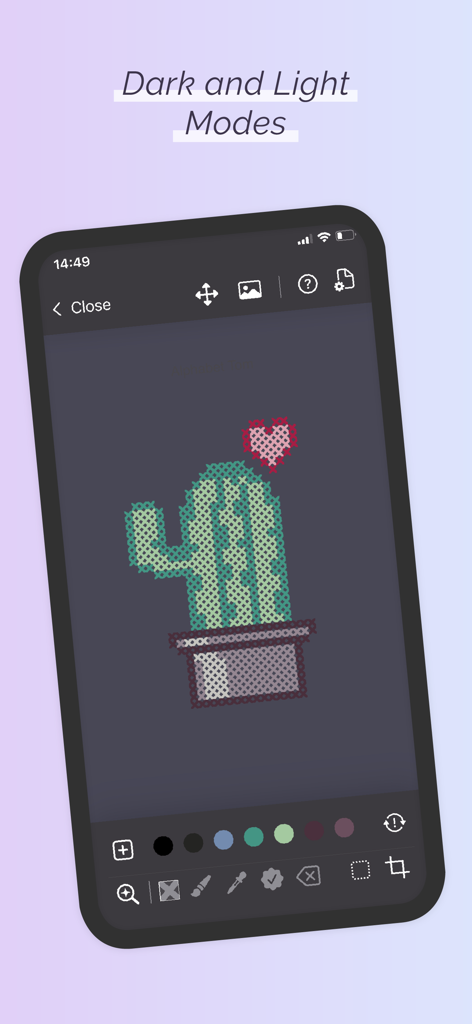
クロスステッチ パターンメーカーアプリのインターフェースで、ダークモードのサボテンパターンを表示
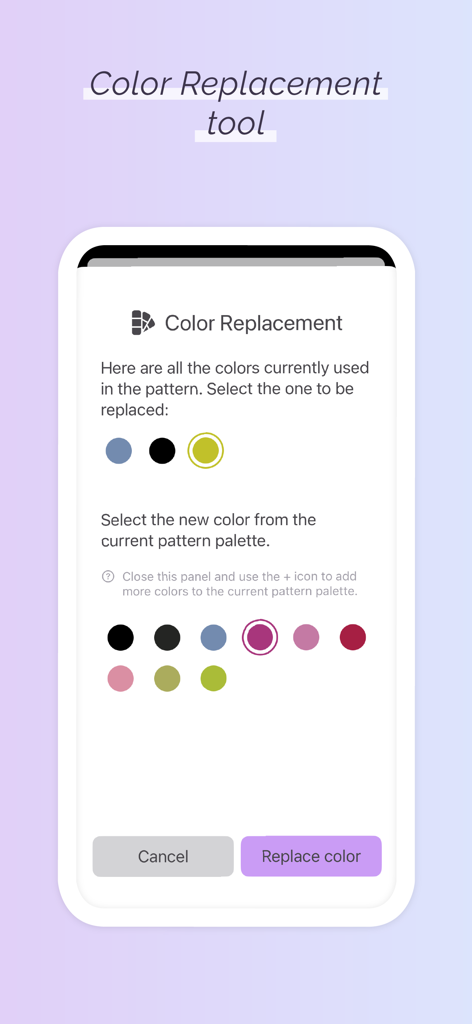
カラーパレットの選択を示す、クロスステッチ パターンメーカーアプリのカラー置換ツールのインターフェース
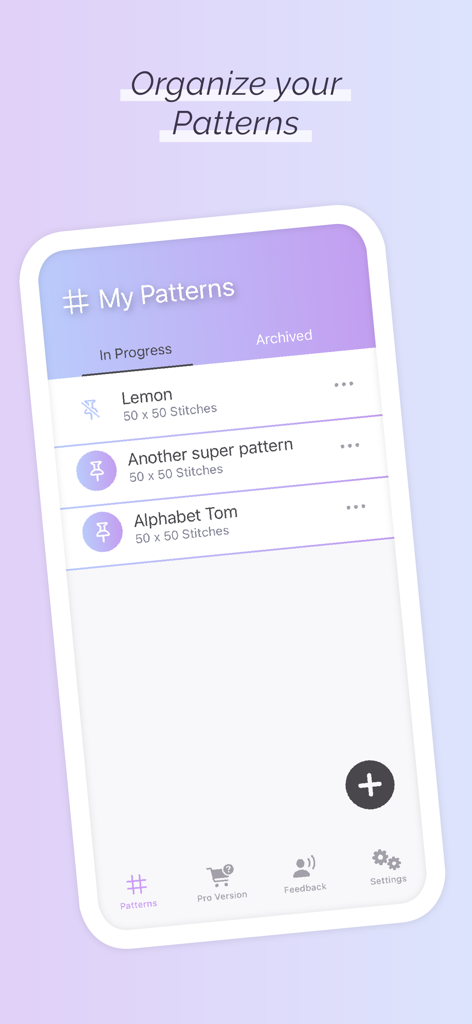
マイパターン画面でクロスステッチパターンを整理する
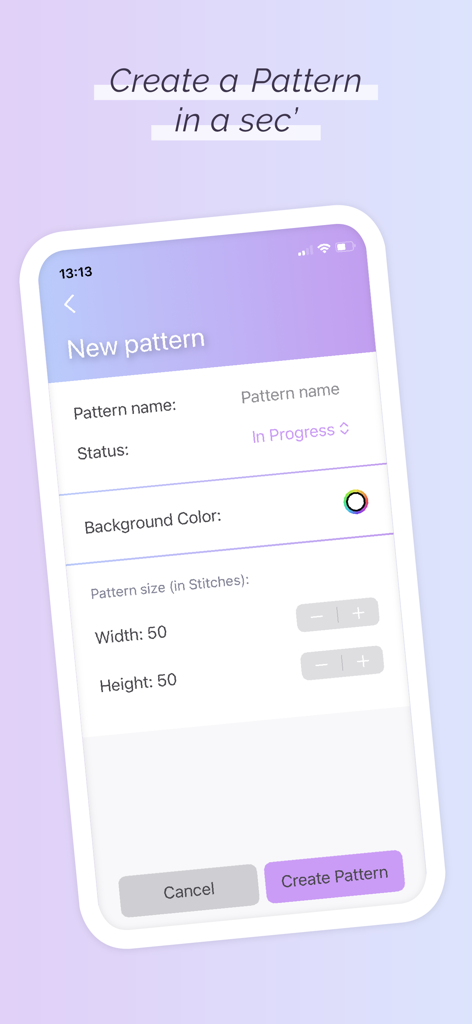
サイズと背景色の設定で新しいクロスステッチパターンを作成するためのアプリインターフェース
説明
Download
類似アプリ
同じカテゴリのトップランクアプリ

Google LLC

Google Chrome
Google LLC

中国移动(手机营业厅)
China Mobile Online Services Co., Ltd.

Google Authenticator
Google LLC

CNH do Brasil
Servicos e Informacoes do Brasil

Cleanup: Phone Storage Cleaner
DEEP FLOW SOFTWARE SERVICES - FZCO

gov.br
Servicos e Informacoes do Brasil

中国电信-全国统一官方服务平台
CHINA TELECOM Corporation Ltd.

Microsoft Edge: AI Browser
Microsoft Corporation
このページはアプリまたはその開発者の公式ページではなく、情報提供および論評を目的として作成された独立した編集出版物です。明示的に別段の記載がない限り、アプリおよびその開発者は、MWM、Apple、Google Play、アプリのパブリッシャー、またはアプリの開発者と提携、承認、後援、認可、またはその他の公式的な関係はなく、このページのいかなる内容も、アプリがMWMのサービスを使用して開発されたことを意味するものではありません。すべての商標、ロゴ、スクリーンショット、その他のコンテンツはそれぞれの所有者の財産です。