
このページはアプリまたはその開発者の公式ページではなく、情報提供および論評を目的として作成された独立した編集出版物です。明示的に別段の記載がない限り、アプリおよびその開発者は、MWM、Apple、Google Play、アプリのパブリッシャー、またはアプリの開発者と提携、承認、後援、認可、またはその他の公式的な関係はなく、このページのいかなる内容も、アプリがMWMのサービスを使用して開発されたことを意味するものではありません。すべての商標、ロゴ、スクリーンショット、その他のコンテンツはそれぞれの所有者の財産です。


Cue - Smart AI Meeting Notes
ハイパフォーマーのためのハンズフリーAIアシスタント。会議や講義を瞬時に明確な要約と実行可能なToDoリストに変換し、あなたがその場に集中して会話をリードできるようにします。
ダウンロード
575K+ユーザー評価
評価数
4K+開発元
カテゴリ
Productivity対応言語
1最新バージョン
0.24.11サイズ
156.1 MBリリース日
2025年3月19日ペンを手に取ることなく、すべてのインサイトをキャプチャ
Cueは、会話を整理された実行可能なインテリジェンスに変換し、ドキュメント作成を私たちに任せながら、あなたは瞬間に完全に集中できます。
瞬時のAI要約
面倒なトランスクリプトはスキップ。高度なAIが数時間の議論を簡潔で高精度の要約と主要なテイクアウェイに凝縮します。
アクション準備完了のToDoリスト
締め切りを逃すことはもうありません。Cueはタスクと次のステップを自動的に抽出し、会話を実行可能な明確な計画に変換します。
よくある質問
について知っておくべきこと Cue - Smart AI Meeting Notes
Cue - Smart AI Meeting Notesとは何ですか?
Cueは、会話をキャプチャして正確な要約、アクションアイテム、および重要な情報を即座に生成するAI会議ノートテイカーです。手動でのノート作成なしに、ユーザーが会議に集中できるようになります。
Cueはどのようにして私のメモや録音のプライバシーとセキュリティを確保していますか?
Cueは、録音やトランスクリプトを第三者に販売またはアクセスを許可しないことで、プライバシーとセキュリティを確保しています。あなたのデータはあなたのものであり、いつでもファイルをエクスポート、共有、または削除できます。
Cueは複数の言語で文字起こしと要約ができますか?
はい、Cueは文字起こしと要約のための多言語サポートを提供しています。スペイン語などのさまざまな言語の文字起こしを処理し、英語の要約を提供することで、多様なチーム間のコラボレーションを促進します。
Cue - Smart AI Meeting Notesはカレンダーアプリケーションと連携しますか?
はい、CueはGoogle、iCloud、Microsoftカレンダーと連携します。このスマート同期により、イベント前にタイムリーなリマインダーが提供され、ユーザーは重要な洞察を捉え、すぐに録音を開始する準備ができます。
Cueはキャプチャされた会話からどのような情報を提供しますか?
Cueは、会話から正確な要約、アクションアイテム、および重要な情報を生成します。長時間の会話を、実行可能なToDoリストや明確な次のステップを含む、簡潔で消化しやすいコンテンツに凝縮します。
Cueでトランスクリプトについて検索したり、AI駆動の質問をしたりできますか?
はい、Cueではトランスクリプト内のキーワードを検索して重要な詳細を取得できます。「月曜日の会議で決定された締め切りはどれですか?」などの特定の質問に答えるAI駆動のクエリも提供しています。
Cueはビジネス会議と学術講義の両方に適していますか?
はい、Cueはビジネス会議、カンファレンス、講義に適しています。リアルタイムの音声を、話者ラベル付きの洗練されたメモに変換し、個人の学習コンパニオンとして機能します。
Cueからメモや要約を共有またはエクスポートするにはどうすればよいですか?
Cueでは、トランスクリプトまたは要約をPDF、メール、またはURLとしてエクスポートできます。この機能は、レビューと編集後にチームやクラスメートと共有できるようにすることで、簡単なコラボレーションをサポートします。
Cue - Smart AI Meeting Notesはビデオ会議プラットフォームから音声を録音しますか?
はい、Cueはあらゆるビデオ通話から音声を録音および要約します。Google Meet、Microsoft Teams、Zoomなどの人気のあるプラットフォームをサポートしており、仮想ディスカッション中の包括的なノート作成を保証します。
Cueは会議メモに話者ラベルを含んでいますか?
はい、Cueは洗練された会議メモ内に話者ラベルを提供します。この機能は、リアルタイムの音声を変換する機能の一部であり、トランスクリプションの明瞭さと組織性を向上させます。
以下のスクリーンショットと説明は、アプリの公式ストアリスティングから直接取得されたものであり、アプリ開発者の所有物です。
アプリストア
スクリーンショット
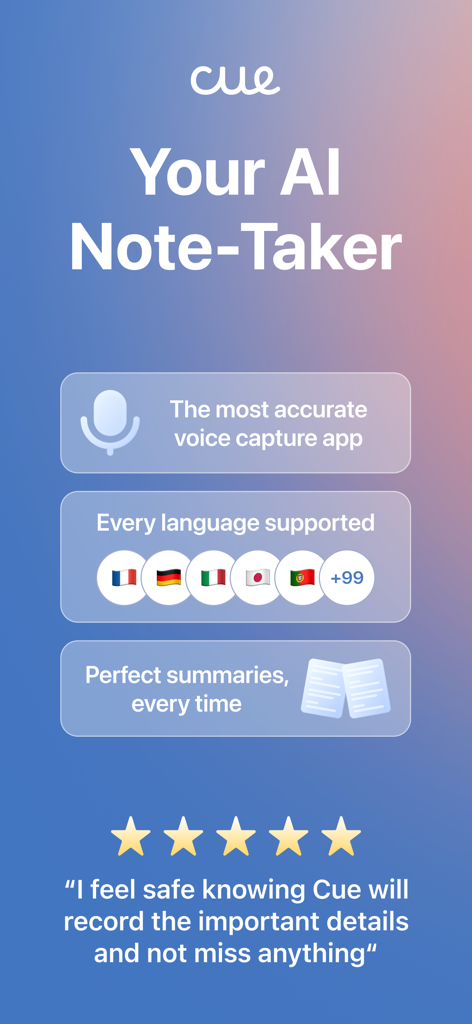
Cue AI会議ノートアプリの画面。音声キャプチャと多言語サポートが表示されています。
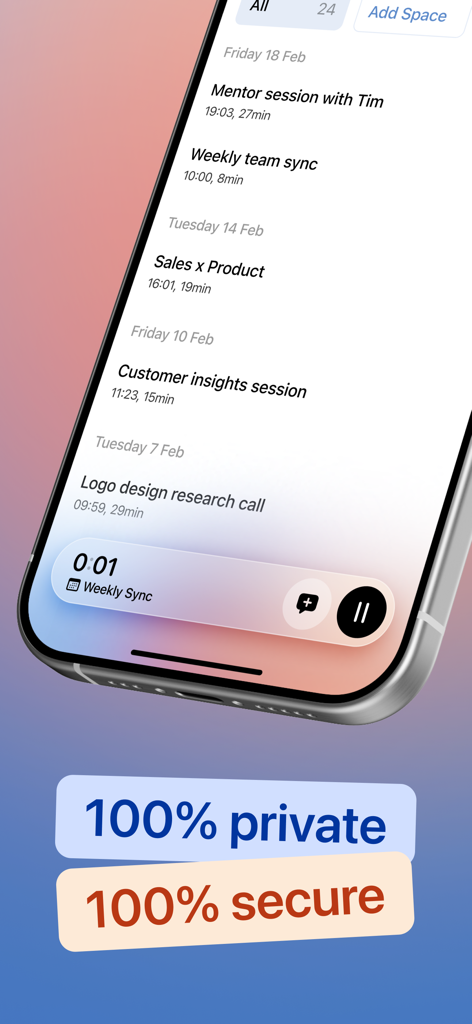
Cueアプリの会議履歴リストがプライバシーとセキュリティの目立つラベルとともに表示されているスマートフォンの画面。
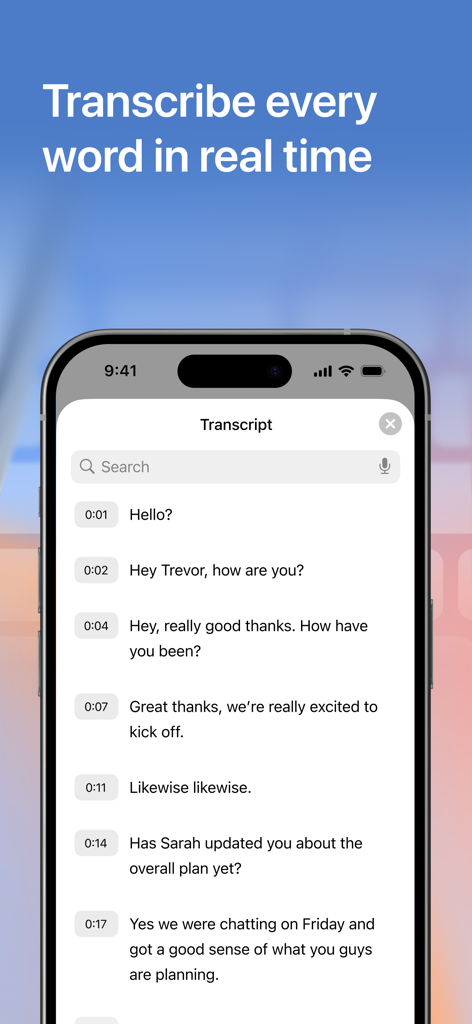
Cue AIアプリでタイムスタンプ付きのリアルタイム会話トランスクリプトが表示されているiPhone画面。
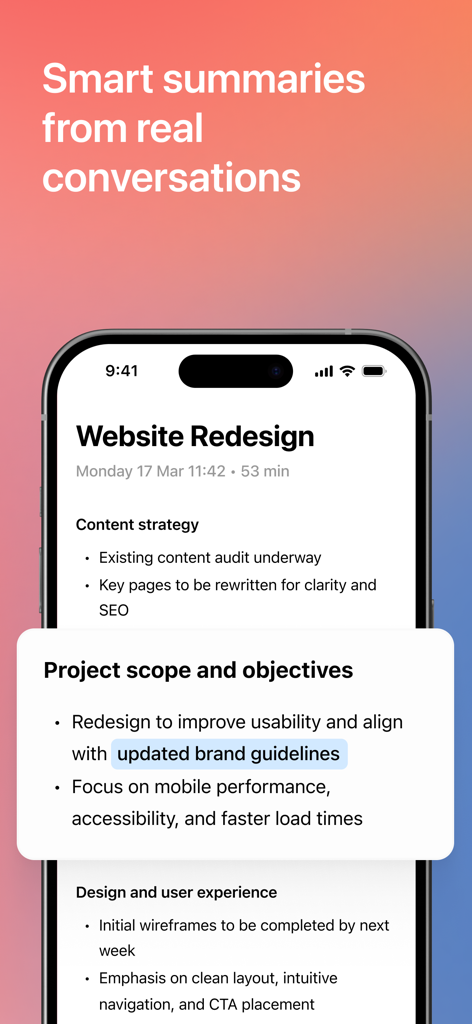
ウェブサイト再設計のためのAI生成会議ノートとプロジェクト要約を表示するiPhone画面。

会議、大学の講義、ブレインストーミングセッション、インタビュー、医師の診察など、Cue AIの使用例のコラージュ。
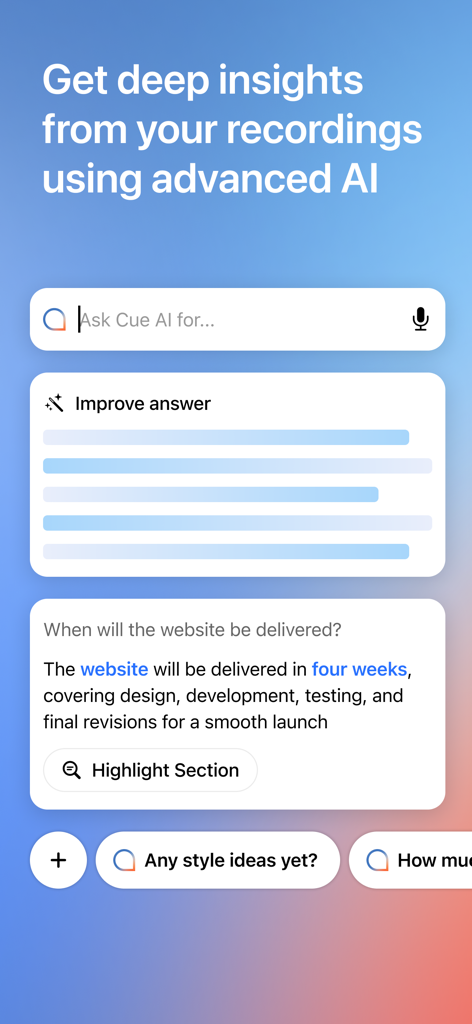
Cueアプリのインターフェース。AI搭載のインサイトと会議録音に関する質問をするための検索バーが表示されています。
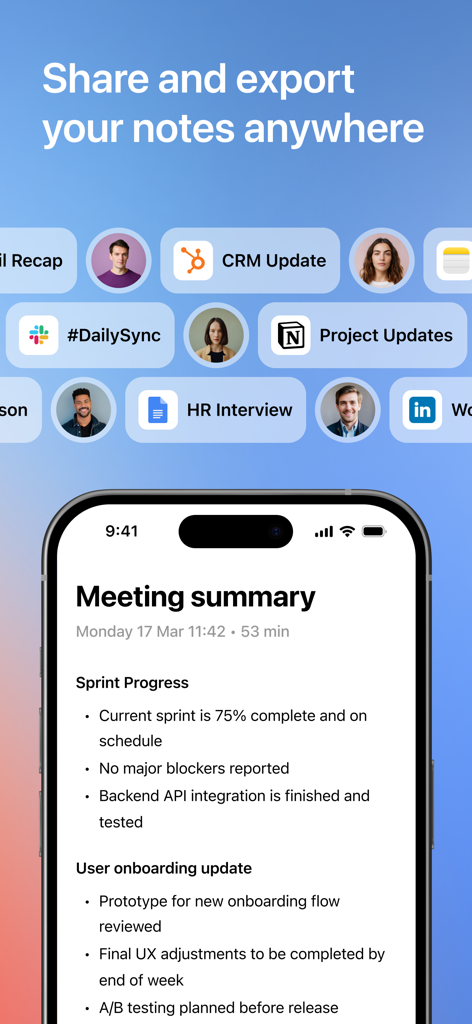
Slack、Notion、HubSpotのエクスポートアイコンが多数表示されたAI会議要約を表示するスマートフォン画面。
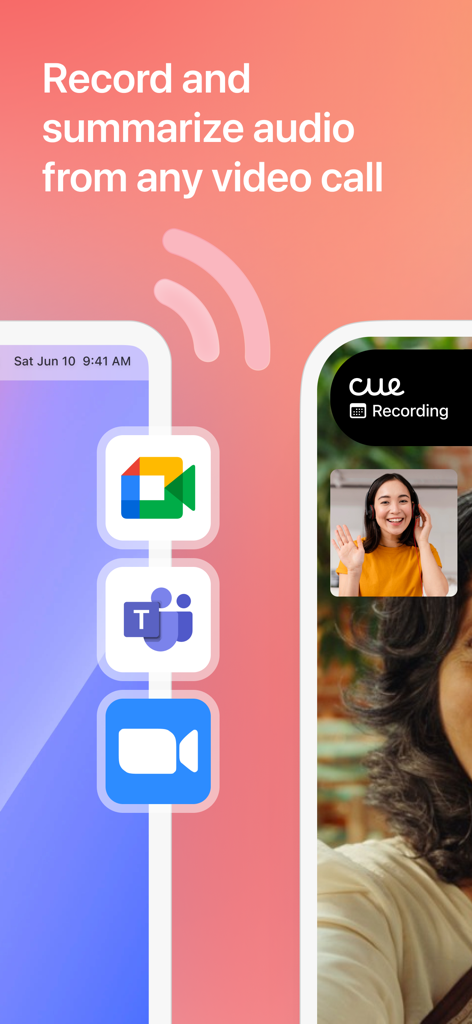
Zoom、Teams、Google Meetなどのビデオ通話からのオーディオを録音・要約するCueアプリを示すグラフィック。
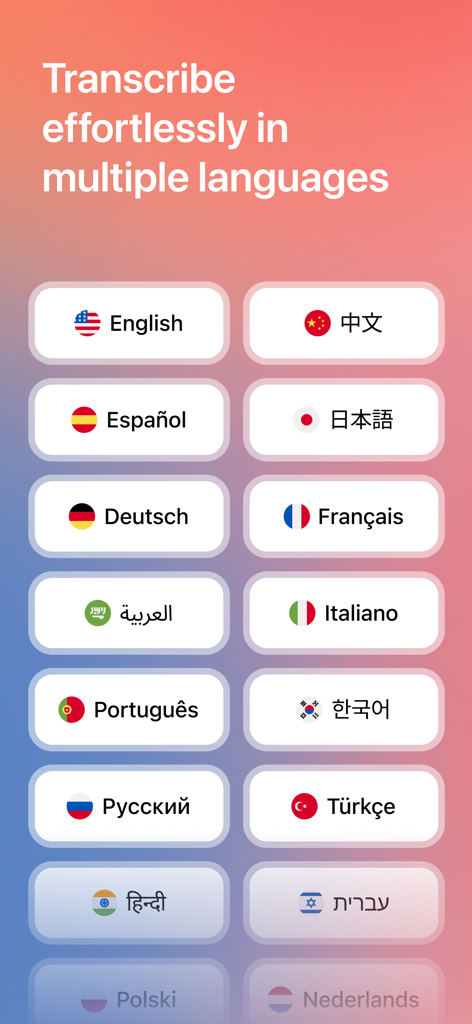
Cue会議ノートアプリでAI文字起こしのためのさまざまな言語オプションが表示されている画面。
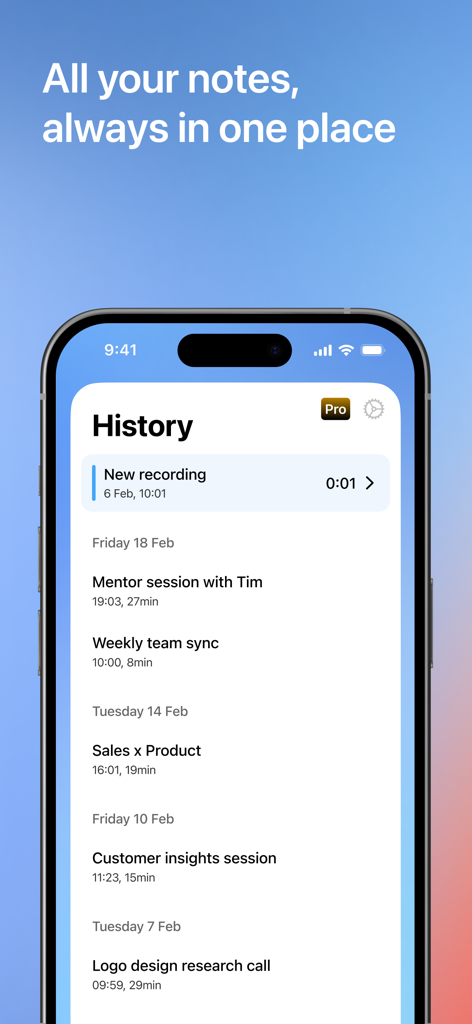
iPhoneのCueアプリ履歴画面にある録音済み会議ノートのリスト。
説明
Download
類似アプリ
似た機能とユーザー体験を持つアプリ

Plaud: AI Note Taker
PLAUD LLC

Notee: AI Note Taker
GM UniverseApps Limited

클로바노트 - 음성 그 이상의 기록
NAVER Corp.

录音专家-专业录音转文字助手
Chongqing Yeyuegua Technology Co., Ltd

听脑AI - 实时录音转文字总结助手
Shanghai Xiuyu Network Technology Co., Ltd

Granola - AI Meeting Notes
Granola inc

Transkriptor - Speech to Text
Textintel FZE

Minutes: AI Meeting Note Taker
Minutes AI, LLC

Fireflies: AI notetaker
FIREFLIES.AI CORP.
このページはアプリまたはその開発者の公式ページではなく、情報提供および論評を目的として作成された独立した編集出版物です。明示的に別段の記載がない限り、アプリおよびその開発者は、MWM、Apple、Google Play、アプリのパブリッシャー、またはアプリの開発者と提携、承認、後援、認可、またはその他の公式的な関係はなく、このページのいかなる内容も、アプリがMWMのサービスを使用して開発されたことを意味するものではありません。すべての商標、ロゴ、スクリーンショット、その他のコンテンツはそれぞれの所有者の財産です。