
このページはアプリまたはその開発者の公式ページではなく、情報提供および論評を目的として作成された独立した編集出版物です。明示的に別段の記載がない限り、アプリおよびその開発者は、MWM、Apple、Google Play、アプリのパブリッシャー、またはアプリの開発者と提携、承認、後援、認可、またはその他の公式的な関係はなく、このページのいかなる内容も、アプリがMWMのサービスを使用して開発されたことを意味するものではありません。すべての商標、ロゴ、スクリーンショット、その他のコンテンツはそれぞれの所有者の財産です。


Deltek Costpoint
生体認証でCostpointの全機能スイートにアクセス。時間入力から請求書承認まで、あらゆるモバイルデバイスで生産性とコンプライアンスを維持。
ダウンロード
3K+ユーザー評価
評価数
100開発元
カテゴリ
Business対応言語
1最新バージョン
8.0サイズ
4.7 MBリリース日
2023年3月31日ポケットの中の完全なERPパワー
移動中でも、あらゆるDeltek Costpoint機能にアクセス。DCAA準拠の時間入力から、高度な請求書承認まで、デスクトップ版と同じ精度でエンタープライズワークフローを管理。
簡単な時間&経費管理
数秒でタイムシートを提出し、請求書を承認。通勤中やクライアントとのミーティングの合間でもDCAAコンプライアンスを維持。
エンタープライズグレードのセキュリティ
組み込みの生体認証で機密性の高い契約データを保護。FaceIDまたはTouchIDを使用して、パスワードなしで安全にアクセス。
以下のスクリーンショットと説明は、アプリの公式ストアリスティングから直接取得されたものであり、アプリ開発者の所有物です。
アプリストア
スクリーンショット
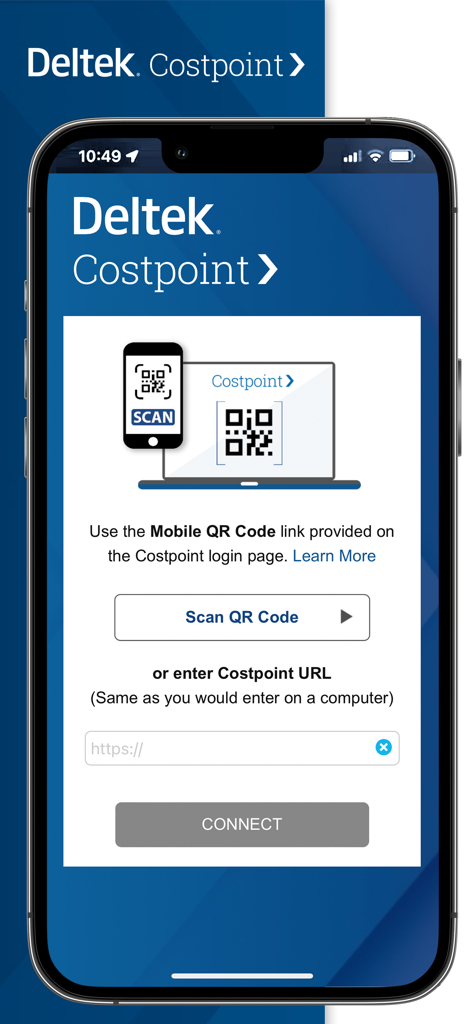
Deltek Costpointアプリのセットアップ画面。エンタープライズシステムへの接続用にQRコードスキャンとURL入力オプションが表示されています。
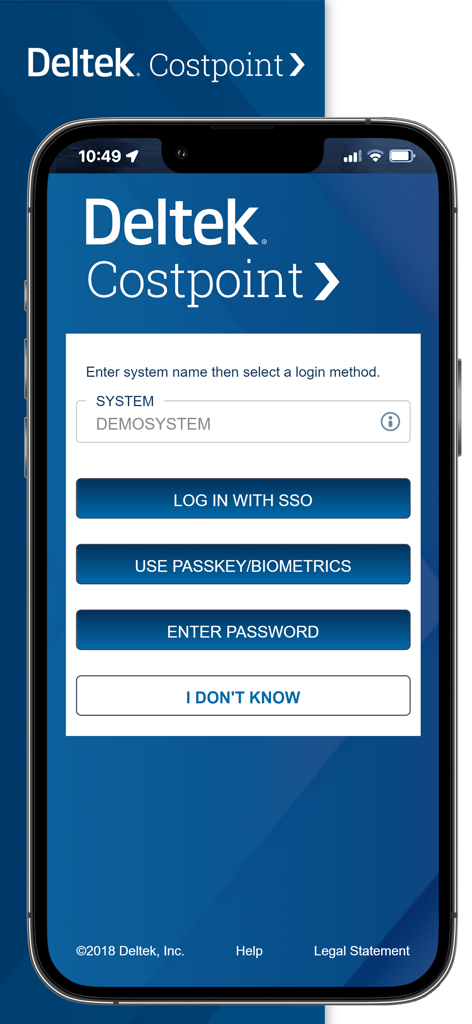
Deltek Costpointモバイルアプリのログイン画面。SSOおよび生体認証オプションがあります。
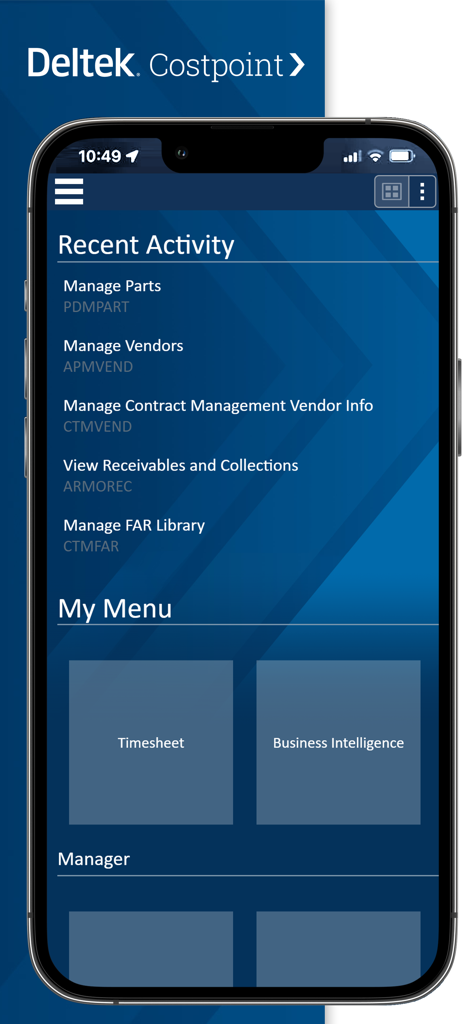
Deltek Costpointダッシュボード。最近のアクティビティリストと、タイムシートおよびビジネスインテリジェンス用のメニュータイルが表示されます。
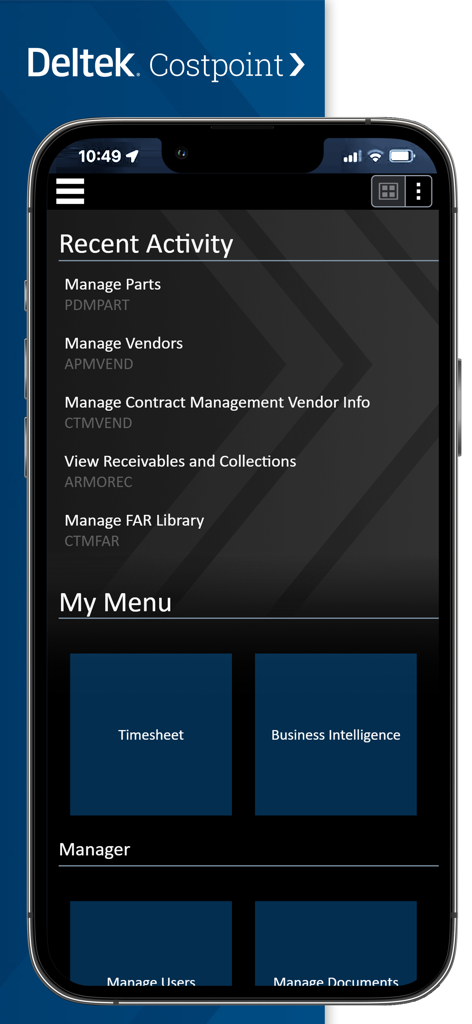
Deltek Costpointモバイルアプリのダッシュボード。最近のアクティビティと、タイムシートおよびビジネスインテリジェンス用のメニューショートカットが表示されます。
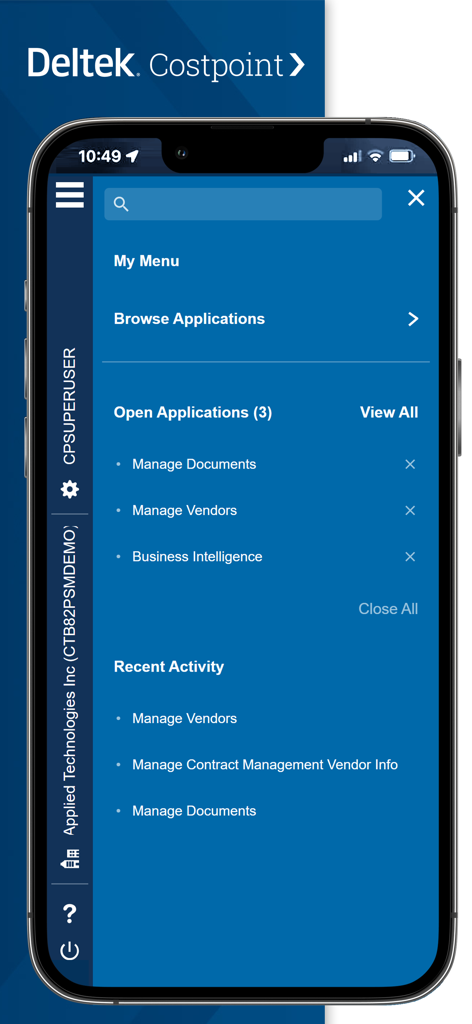
Deltek Costpointモバイルアプリのダッシュボード。メインメニュー、開いているアプリケーション、および最近のアクティビティが表示されます。
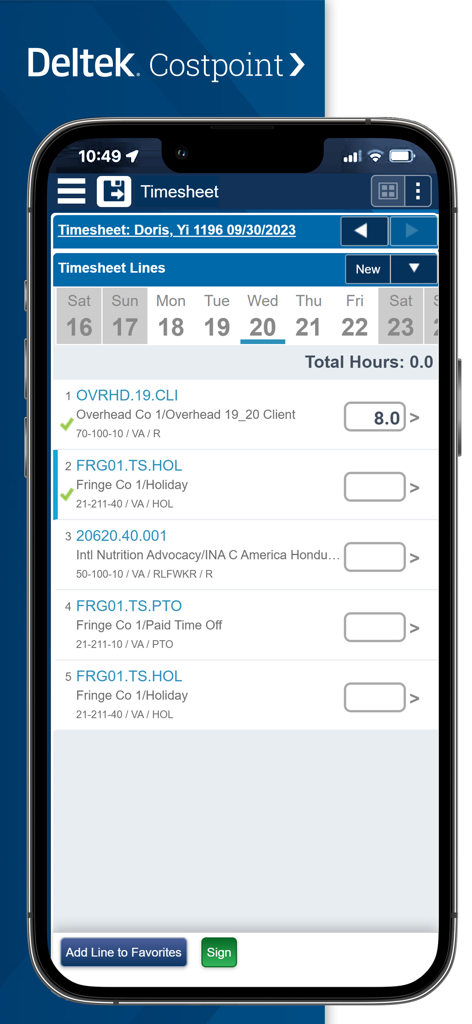
Deltek Costpointモバイルアプリ。従業員の時間追跡用のタイムシート入力画面が表示されます。
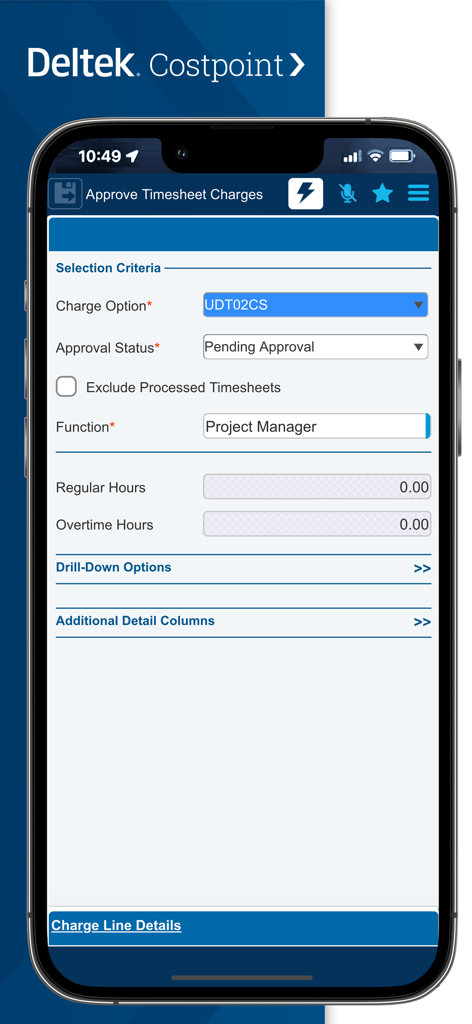
Deltek Costpointモバイルアプリ。タイムシートのチャージ承認画面。
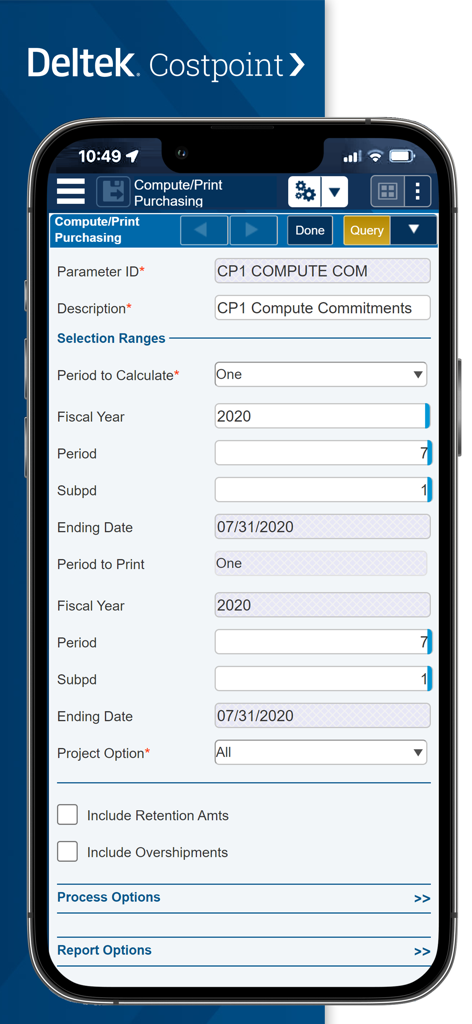
Deltek Costpointのモバイルインターフェース。購入パラメータと選択範囲フォームが表示されています。
説明
Download
類似アプリ
同じカテゴリのトップランクアプリ

Microsoft Teams
Microsoft Corporation

Zoom Workplace
Zoom Communications, Inc.

WhatsApp Business
WhatsApp Inc.

Indeed Job Search
Indeed Inc.

LinkedIn: Network & Job Finder
LinkedIn Corporation

Adobe Acrobat Reader: Sign PDF
Adobe Inc.

WeCom-Work Communication&Tools
Tencent Technology (Shenzhen) Company Limited

BOSS直聘-招聘求职找工作神器
Beijing China Product Bo Farce Network Technology Co., Ltd.

DingDing - Redefine Work in AI
DingTalk Technology Co., Ltd.
このページはアプリまたはその開発者の公式ページではなく、情報提供および論評を目的として作成された独立した編集出版物です。明示的に別段の記載がない限り、アプリおよびその開発者は、MWM、Apple、Google Play、アプリのパブリッシャー、またはアプリの開発者と提携、承認、後援、認可、またはその他の公式的な関係はなく、このページのいかなる内容も、アプリがMWMのサービスを使用して開発されたことを意味するものではありません。すべての商標、ロゴ、スクリーンショット、その他のコンテンツはそれぞれの所有者の財産です。