Designs For Cricut Space
ダウンロード: App Store

このページはアプリまたはその開発者の公式ページではなく、情報提供および論評を目的として作成された独立した編集出版物です。明示的に別段の記載がない限り、アプリおよびその開発者は、MWM、Apple、Google Play、アプリのパブリッシャー、またはアプリの開発者と提携、承認、後援、認可、またはその他の公式的な関係はなく、このページのいかなる内容も、アプリがMWMのサービスを使用して開発されたことを意味するものではありません。すべての商標、ロゴ、スクリーンショット、その他のコンテンツはそれぞれの所有者の財産です。


ロゴ: Designs For Cricut Space
ダウンロード: App Store

Designs For Cricut Space

Cricutマシン用の何千ものSVGデザイン、プレミアムフォント、すぐに作れるテンプレートのロックを解除します。Pinterestで話題の家の装飾からパーソナライズされたEtsyショップの商品まで、iPhoneまたはiPadから直接プロレベルのクラフトをデザインしましょう。

主要数値

ダウンロード

2K+

ユーザー評価

4.6/5

評価数

200

開発元

Babar Jan

カテゴリ

Business

対応言語

1

最新バージョン

1.7

サイズ

172.3 MB

リリース日

2023年12月9日
機能

創造的な可能性を解き放つ

素晴らしいすぐに作れるプロジェクトからプロレベルのデザインツールまで、DIYホビイストや小規模ビジネスのメーカーに究極のクリエイティブツールキットを提供します。

巨大なクリエイティブライブラリ

ステッカー、家の装飾、パーソナライズされたギフトに最適な、何千ものユニークなSVGデザイン、トレンドのフォント、すぐにカットできるテンプレートにアクセスできます。

いつでもどこでもデザイン

シームレスなクラウド同期でiPhoneまたはiPadでクラフト。外出先でプロジェクトを開始し、準備ができたらCricutマシンに送信します。

以下のスクリーンショットと説明は、アプリの公式ストアリスティングから直接取得されたものであり、アプリ開発者の所有物です。

アプリストア

スクリーンショット
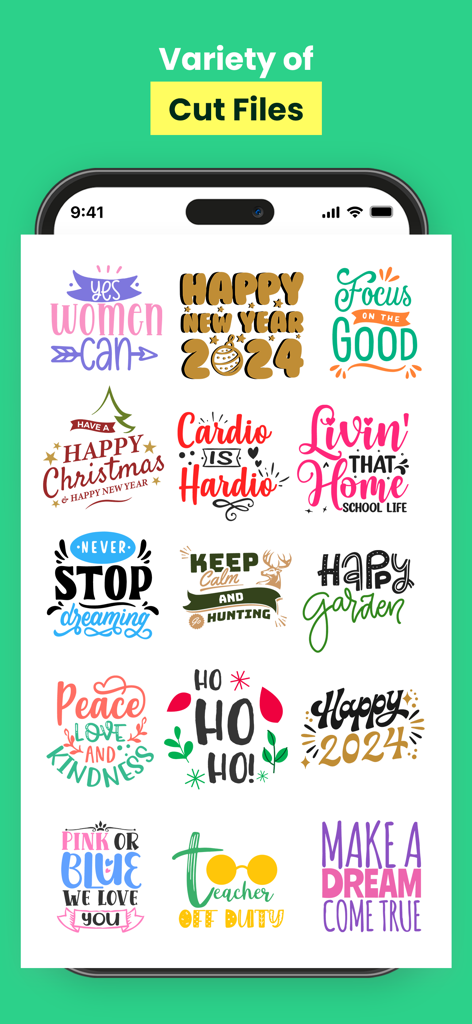
Designs For Cricut Space - Cricutプロジェクト用のクラフトデザインカテゴリとSVGカットファイルを示すアプリインターフェイス
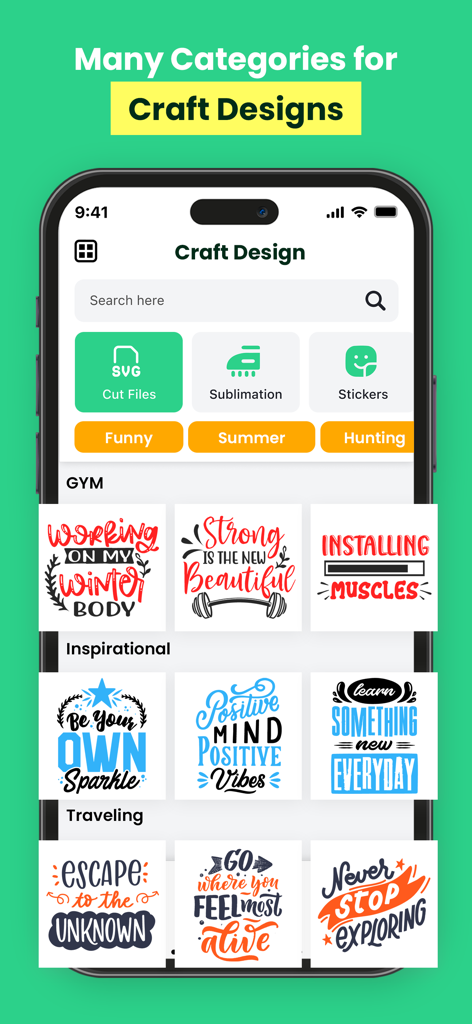
Cricutプロジェクト用のクラフトデザインカテゴリとSVGカットファイルを示すアプリインターフェイス

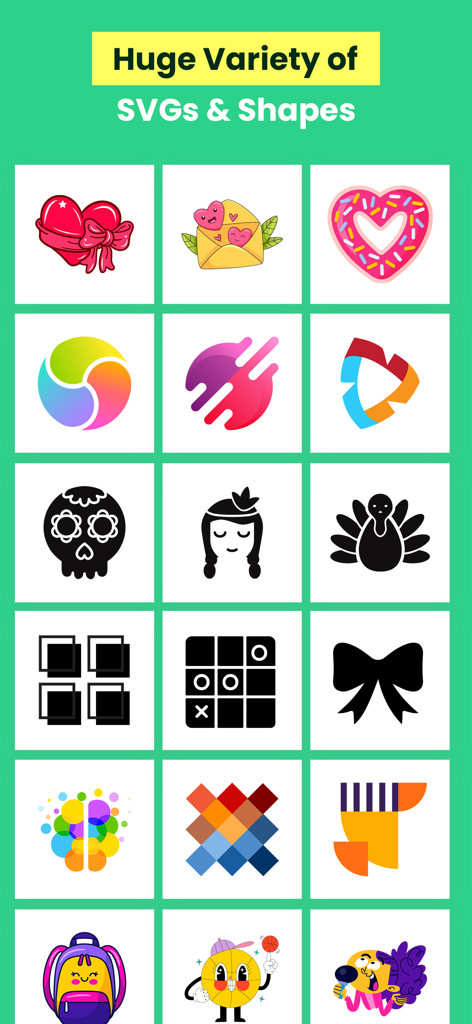
Designs For Cricut Space - クラフトやDIYプロジェクト用のさまざまなSVGデザインや形状のグリッド表示。
クラフトやDIYプロジェクト用のさまざまなSVGデザインや形状のグリッド表示。

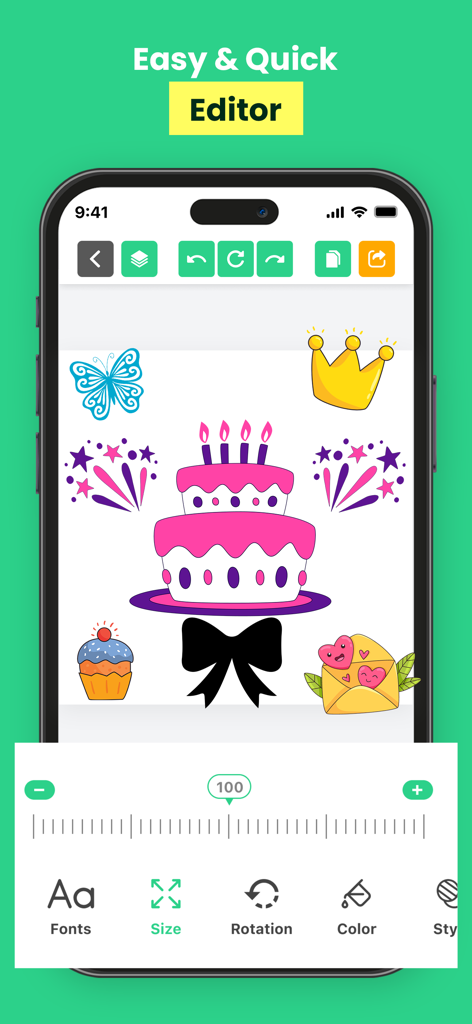
Designs For Cricut Space - ケーキや王冠などのさまざまなグラフィックステッカーとサイズ調整ツールを示す、Designs for Cricut Spaceアプリのモバイルエディタインターフェイス
ケーキや王冠などのさまざまなグラフィックステッカーとサイズ調整ツールを示す、Designs for Cricut Spaceアプリのモバイルエディタインターフェイス

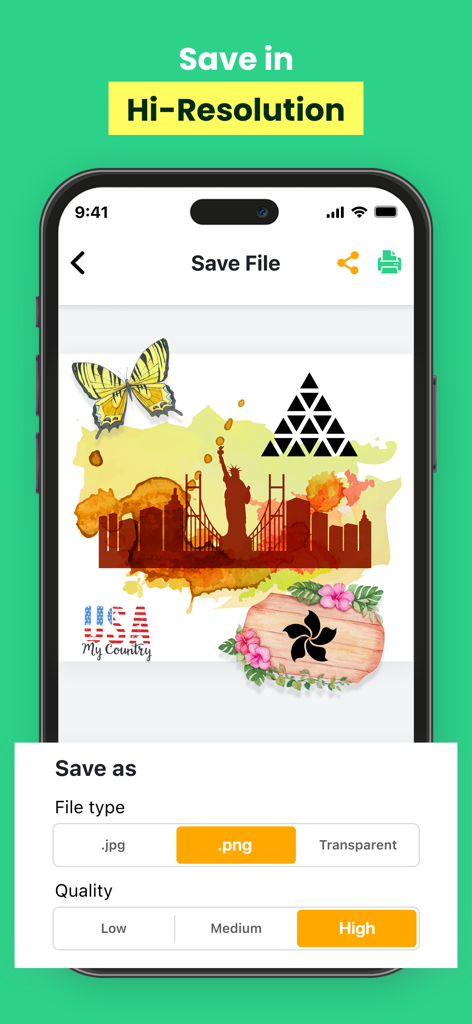
Designs For Cricut Space - 高品質のPNGファイルとしてクラフトプロジェクトを保存するオプションを示す、Designs for Cricut Spaceアプリのインターフェイス。
高品質のPNGファイルとしてクラフトプロジェクトを保存するオプションを示す、Designs for Cricut Spaceアプリのインターフェイス。

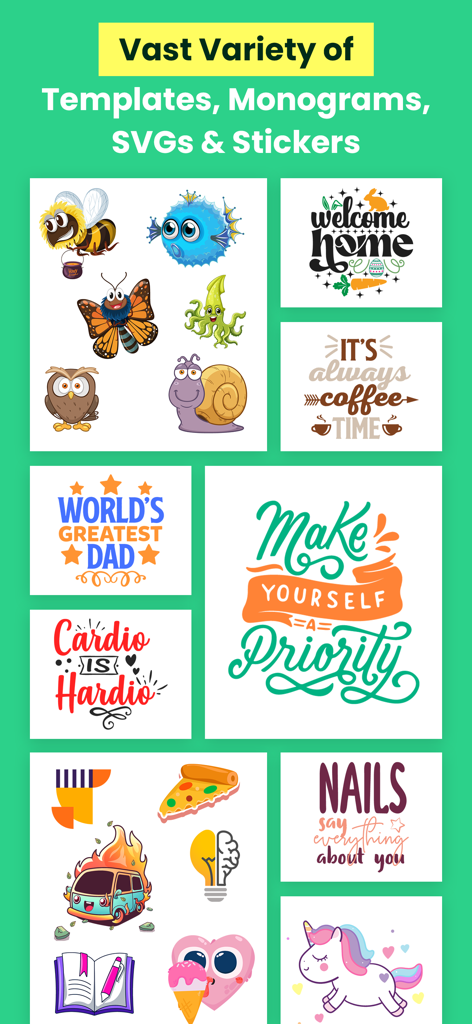
Designs For Cricut Space - Cricutクラフト用のテンプレート、モノグラム、SVG、ステッカーのセレクション
Cricutクラフト用のテンプレート、モノグラム、SVG、ステッカーのセレクション

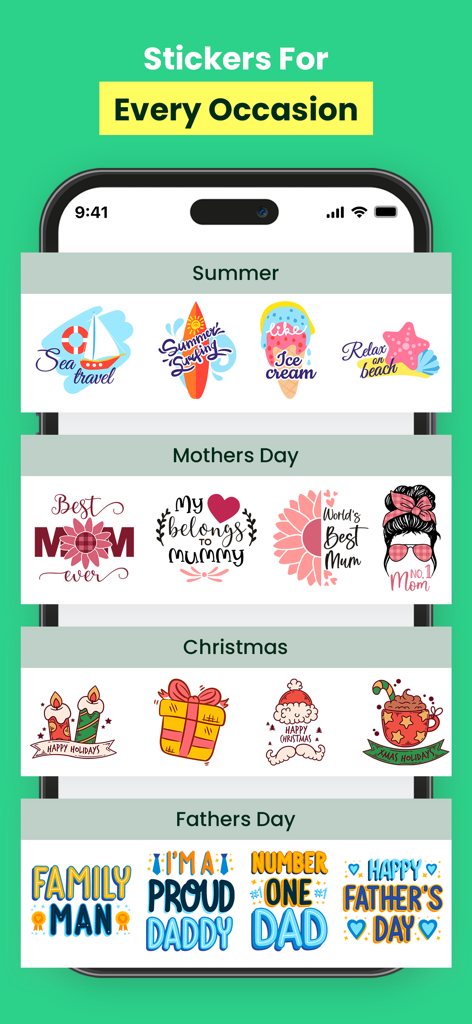
Designs For Cricut Space - モバイルアプリインターフェイスに、夏、母の日、クリスマスなどのさまざまな機会のためのステッカーのコレクション
モバイルアプリインターフェイスに、夏、母の日、クリスマスなどのさまざまな機会のためのステッカーのコレクション

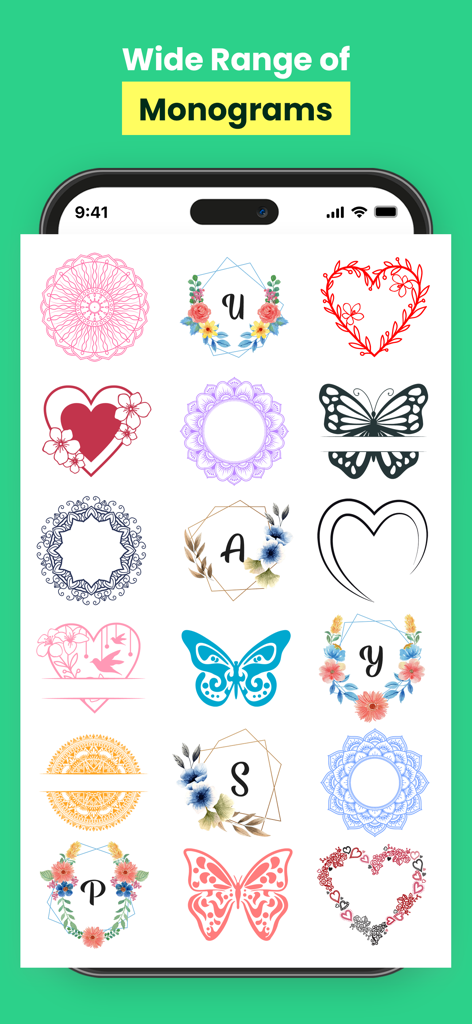
Designs For Cricut Space - クラフト用のさまざまな花柄や幾何学的なモノグラムデザインを表示するモバイルアプリ画面
クラフト用のさまざまな花柄や幾何学的なモノグラムデザインを表示するモバイルアプリ画面

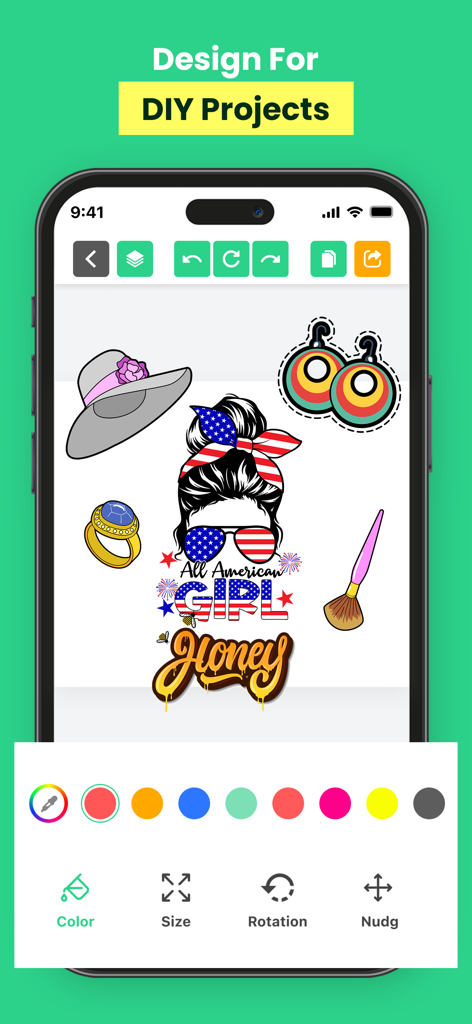
Designs For Cricut Space - DIYステッカーやデカール用の編集ツールを備えた、Cricutデザイン用のモバイルアプリインターフェイス。
DIYステッカーやデカール用の編集ツールを備えた、Cricutデザイン用のモバイルアプリインターフェイス。

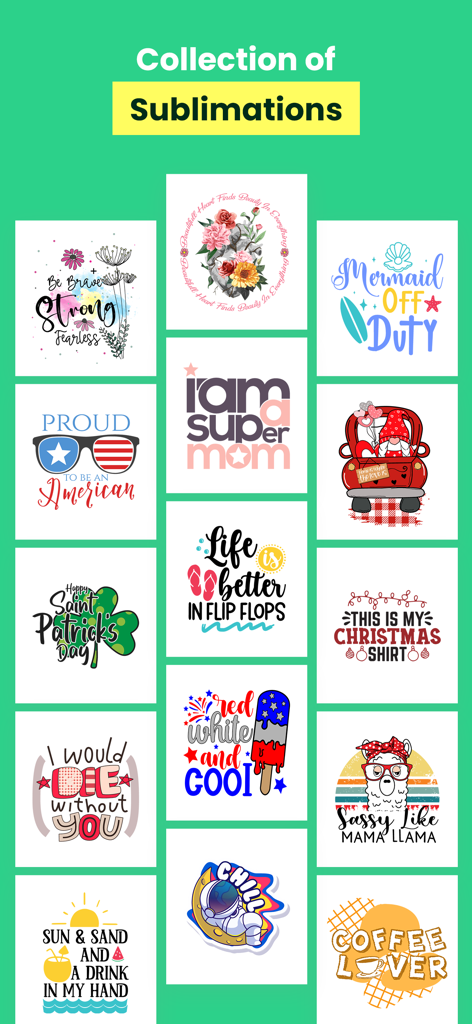
Designs For Cricut Space - DIYクラフトプロジェクト用のカラフルな昇華デザインのコレクション

DIYクラフトプロジェクト用のカラフルな昇華デザインのコレクション

Designs For Cricut Space - DIYクラフトプロジェクト用のカラフルなタイポグラフィデザインテンプレートのグリッド

DIYクラフトプロジェクト用のカラフルなタイポグラフィデザインテンプレートのグリッド

説明

DIY & Crafting Designs For Cricut Space app for iOS is an innovative crafting tool designed to enhance the capabilities of Cricut cutting machines. Offering a seamless mobile experience, this app enables users to create, design, and customize a wide range of projects right from their iPhone or iPad. With the Cricut app, users can access a vast library of ready-to-make projects, including designs for cards, decals, stickers, iron-on transfers, home decor, and much more. The app provides intuitive design tools, allowing users to personalize their projects by uploading their own images, creating unique designs, and adding text in various fonts and styles. Moreover, the app enables users to browse and purchase digital images, fonts, and ready-to-make projects from the Cricut library, expanding their creative options. Once designs are created or selected, the app seamlessly connects to compatible Cricut machines, enabling users to wirelessly cut or draw their creations with precision. The user-friendly interface of the Cricut app simplifies the crafting process, offering step-by-step instructions, tutorials, and helpful tips to assist both beginners and experienced crafters. Users can also save their projects in the app's cloud storage, allowing for easy access and editing across multiple devices. Overall, the Cricut app for iOS empowers users to unleash their creativity, offering a convenient, versatile, and intuitive platform to design and produce personalized crafts with precision and ease." Please note that there might have been updates or changes to the app since my last update, so it's a good idea to check the latest version on the App Store for the most current features and functionalities. These prices are for United States customers. Pricing in other countries may vary and actual charges may be converted to your local currency depending on the country of residence. • Payment will be charged to iTunes Account at confirmation of purchase • Subscription automatically renews unless auto-renew is turned off at least 24-hours before the end of the current period • Account will be charged for renewal within 24-hours prior to the end of the current period, and identify the cost of the renewal • Subscriptions may be managed by the user and auto-renewal may be turned off by going to the user's Account Settings after purchase • Any unused portion of a free trial period, if offered, will be forfeited when the user purchases a subscription to that publication, where applicable Read our privacy policy: https://fineartdroid.com/Fineart_Privacy_Policy.html Terms of use: https://fineartdroid.com/ios/Terms_services.html

Download

ダウンロード: App Store

このページはアプリまたはその開発者の公式ページではなく、情報提供および論評を目的として作成された独立した編集出版物です。明示的に別段の記載がない限り、アプリおよびその開発者は、MWM、Apple、Google Play、アプリのパブリッシャー、またはアプリの開発者と提携、承認、後援、認可、またはその他の公式的な関係はなく、このページのいかなる内容も、アプリがMWMのサービスを使用して開発されたことを意味するものではありません。すべての商標、ロゴ、スクリーンショット、その他のコンテンツはそれぞれの所有者の財産です。