DEVONthink To Go 3
DEVONthink To Go 3
ダウンロード: App Store

このページはアプリまたはその開発者の公式ページではなく、情報提供および論評を目的として作成された独立した編集出版物です。明示的に別段の記載がない限り、アプリおよびその開発者は、MWM、Apple、Google Play、アプリのパブリッシャー、またはアプリの開発者と提携、承認、後援、認可、またはその他の公式的な関係はなく、このページのいかなる内容も、アプリがMWMのサービスを使用して開発されたことを意味するものではありません。すべての商標、ロゴ、スクリーンショット、その他のコンテンツはそれぞれの所有者の財産です。


ロゴ: DEVONthink To Go 3
ダウンロード: App Store

DEVONthink To Go 3

セカンドブレインのためのプロフェッショナルグレードのツール、オンデバイスOCR、完全なプライバシーでドキュメントを収集、整理、自動化。

主要数値

ダウンロード

5K+

ユーザー評価

4.7/5

評価数

5K+

開発元

DEVONtechnologies, LLC

カテゴリ

Productivity

対応言語

3

最新バージョン

3.8.14

サイズ

134.5 MB

リリース日

2021年2月10日
機能

プロフェッショナルグレードのナレッジマネジメント

iPadとiPhoneのための究極の「セカンドブレイン」。デスクトップクラスのパワーで最も重要なドキュメントを整理、自動化、保護。

オンデバイスインテリジェンス&OCR

スキャンや画像を即座に検索可能なPDFに変換。デバイス上でローカルにすべてを処理し、最大限のスピードと完全なプライバシーを確保します。

鉄壁のプライバシー&同期

エンドツーエンド暗号化でデータを管理。ファイルを第三者に公開することなく、ローカルWi-Fiまたはクラウドプロバイダー経由で同期します。

以下のスクリーンショットと説明は、アプリの公式ストアリスティングから直接取得されたものであり、アプリ開発者の所有物です。

アプリストア

スクリーンショット
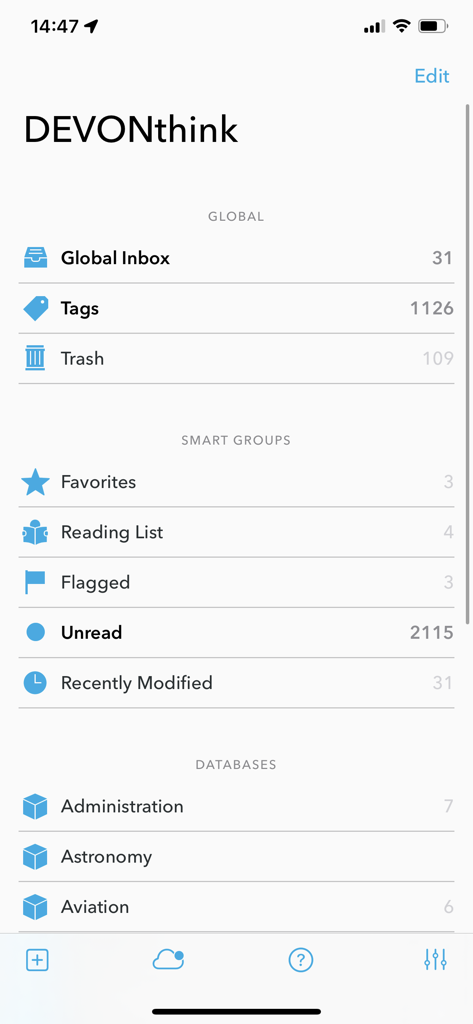
DEVONthink To Go 3 - DEVONthink To Go 3のメインインターフェース。ドキュメントデータベースとスマートグループが表示されています。
DEVONthink To Go 3のメインインターフェース。ドキュメントデータベースとスマートグループが表示されています。

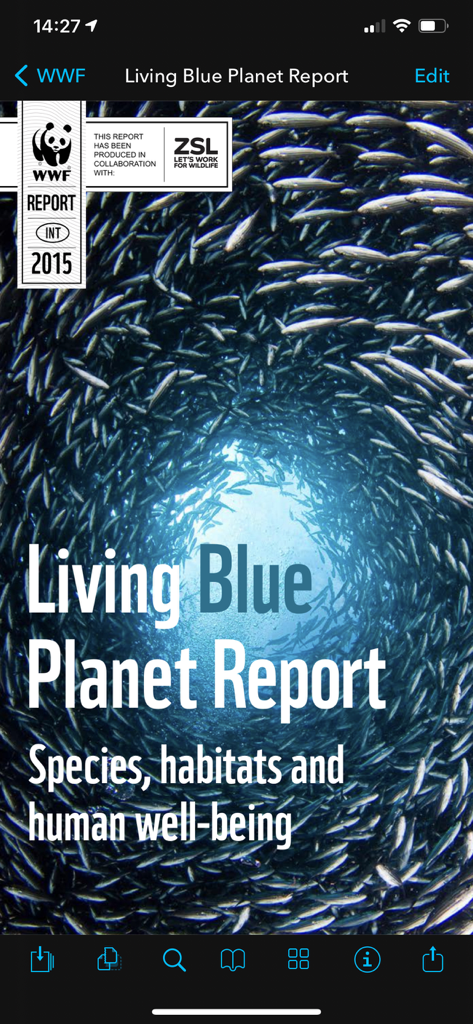
DEVONthink To Go 3 - DEVONthink To Go 3モバイルアプリで開かれたPDFドキュメント。Living Blue Planet Reportの表紙が表示されています。
DEVONthink To Go 3モバイルアプリで開かれたPDFドキュメント。Living Blue Planet Reportの表紙が表示されています。

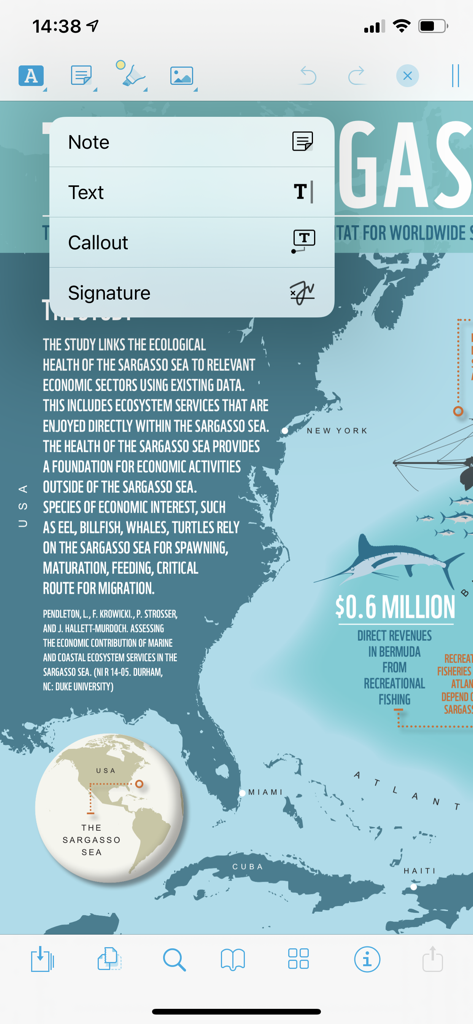
DEVONthink To Go 3 - DEVONthink To Go 3のPDFドキュメント注釈インターフェース。メモとコールアウトのオプションが表示されています。
DEVONthink To Go 3のPDFドキュメント注釈インターフェース。メモとコールアウトのオプションが表示されています。

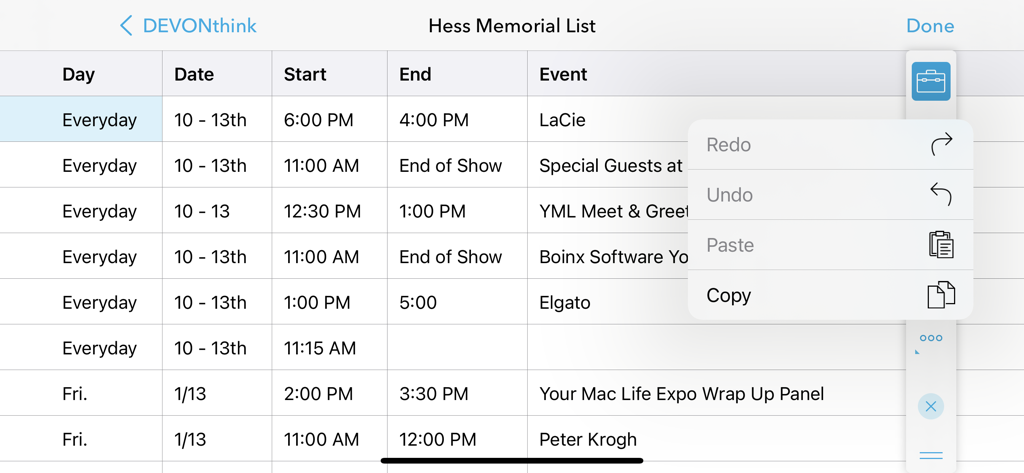
DEVONthink To Go 3 - DEVONthink To Go 3のスプレッドシートビュー。コピー&ペースト機能の編集メニューが開いています。
DEVONthink To Go 3のスプレッドシートビュー。コピー&ペースト機能の編集メニューが開いています。

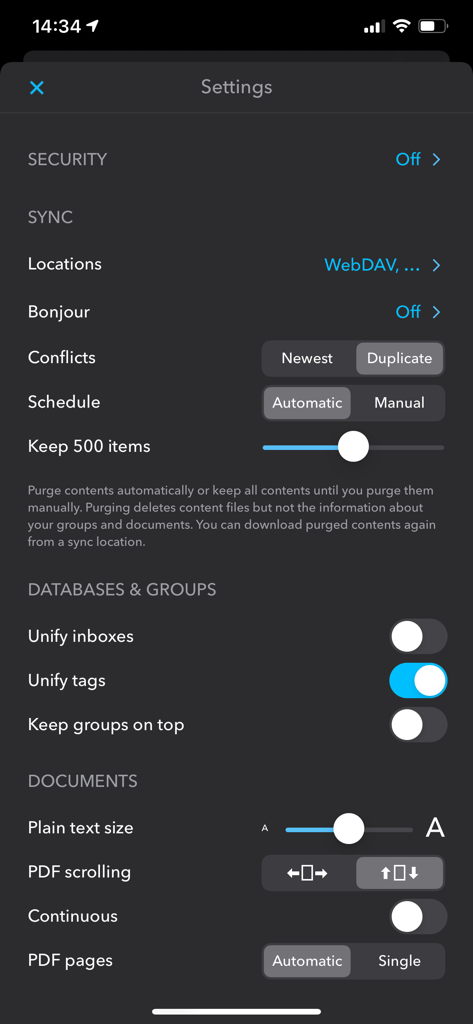
DEVONthink To Go 3 - DEVONthink To Go 3の設定画面。同期とデータベース構成オプションが表示されています。

DEVONthink To Go 3の設定画面。同期とデータベース構成オプションが表示されています。

説明

If you're serious about working on iOS, DEVONthink To Go is your document repository when you're not at your Mac. Collect, organize, edit, and annotate. Automate with Shortcuts. Keep your document collection always in sync between your Mac, iPad, and iPhone. Privately and securely. DEVONthink To Go lets you take your important documents with you on your iPad or iPhone. Browse PDFs, notes, images, bookmarks, and just about any file type, neatly organized into databases and groups. View many types of them without opening them in another app. Edit texts, Markdown files, or rich text documents, or open files in other apps if the built-in editing capabilities are not sufficient. Read web pages as if they were local documents. Clip data from web pages or just any iOS app through the Share menu. DEVONthink To Go is also deeply integrated into the Files app so that your databases appear like a local file system to other apps. Save files, via Files and iOS’ file provider mechanism, directly to DEVONthink To Go. Use drag-and-drop both inside the app as well as with other apps. Like DEVONthink for Mac, DEVONthink To Go offers many ways to organize your document collection. Sort documents into groups, add them to more than one group at a time without duplicating them, or add tags. Flag items, mark them as unread, or give them a star rating. Predefined smart groups show you, e.g., all your flagged or unread documents. Find what you’re looking for with fast full-text search. Annotate PDFs with all common tools and annotation types. Rearrange pages, rotate or delete them. Run scans, PDFs or images, through the built-in, on-device text recognition (OCR) to make them searchable. Add links to your documents to all apps that take web addresses, e.g. OmniFocus or Apple Notes, or export your documents in their original file formats to the Files app and all other apps that support it. DEVONthink To Go is best used with DEVONthink for Mac and on multiple devices. Synchronize your databases securely and privately over the local network or through a cloud service of your choice. You decide what data is synced, when, and where. Strong encryption makes sure that your data belongs to you, not to your service provider or us. Shortcuts lets you automate repetitive tasks without becoming a programmer. Use DEVONthink To Go’s Shortcuts actions to integrate it with other apps. Set up workflows with all the steps from creating new documents to reorganizing your databases along rules you set up. Privacy policy: https://www.devontechnologies.com/r/privacy End user license agreement: https://www.devontechnologies.com/r/eula

Download

ダウンロード: App Store

このページはアプリまたはその開発者の公式ページではなく、情報提供および論評を目的として作成された独立した編集出版物です。明示的に別段の記載がない限り、アプリおよびその開発者は、MWM、Apple、Google Play、アプリのパブリッシャー、またはアプリの開発者と提携、承認、後援、認可、またはその他の公式的な関係はなく、このページのいかなる内容も、アプリがMWMのサービスを使用して開発されたことを意味するものではありません。すべての商標、ロゴ、スクリーンショット、その他のコンテンツはそれぞれの所有者の財産です。