Diptic

Diptic

ダウンロード: App Store
ロゴ: Diptic

Diptic: 美しい写真・動画コラージュであなたのストーリーを語ろう

思い出を整理する最もカスタマイズ性の高い方法。写真と動画を、完全にクリエイティブなコントロールで、驚くほど高解像度のレイアウトにまとめましょう。

開発元

Peak Systems

カテゴリ

Photo & Video

ダウンロード

503K+

ユーザー評価

4.3/5

評価数

16K+

対応言語

1

一目でわかるストーリーテリング

このインターフェースを利用する 503K+ 人のユーザー.

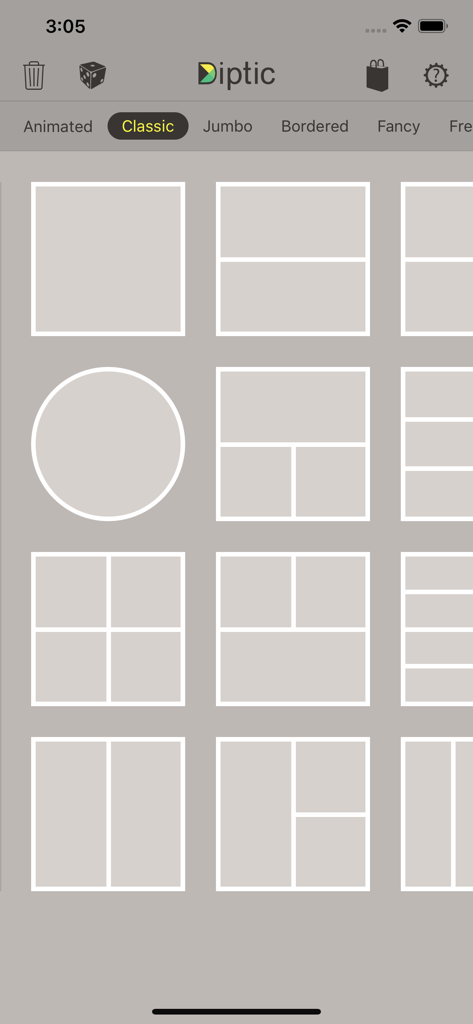
Dipticアプリのインターフェース。クラシックな写真コラージュレイアウトオプションのグリッドを表示。
Dipticアプリのインターフェース。クラシックな写真コラージュレイアウトオプションのグリッドを表示。

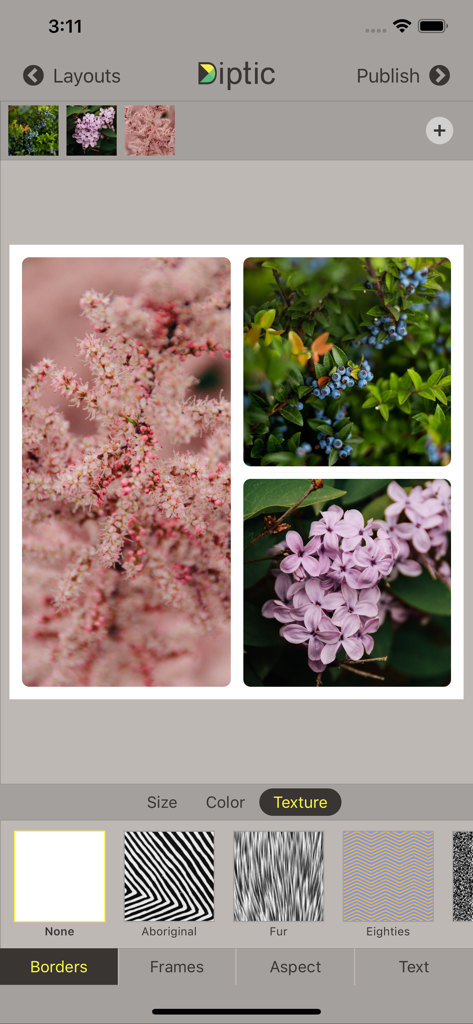
Dipticアプリの画面。花のフォトコラージュにボーダーテクスチャ調整オプションを表示。
Dipticアプリの画面。花のフォトコラージュにボーダーテクスチャ調整オプションを表示。

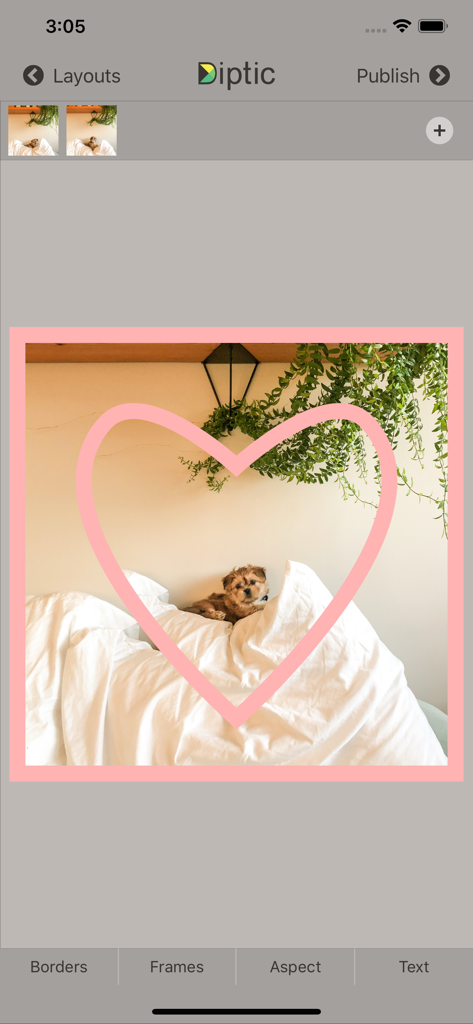
Dipticアプリのインターフェース。ピンクのハートフレームオーバーレイで、子犬の写真を表示。
Dipticアプリのインターフェース。ピンクのハートフレームオーバーレイで、子犬の写真を表示。

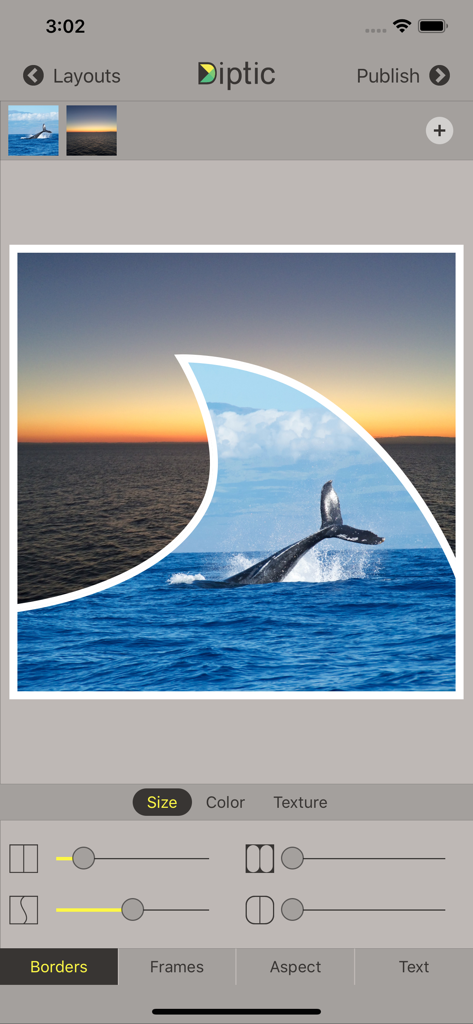
Dipticアプリのインターフェース。クジラの写真と、ヒレの形をしたフレーム、ボーダー調整スライダーを備えたカスタムフォトコラージュを表示。
Dipticアプリのインターフェース。クジラの写真と、ヒレの形をしたフレーム、ボーダー調整スライダーを備えたカスタムフォトコラージュを表示。

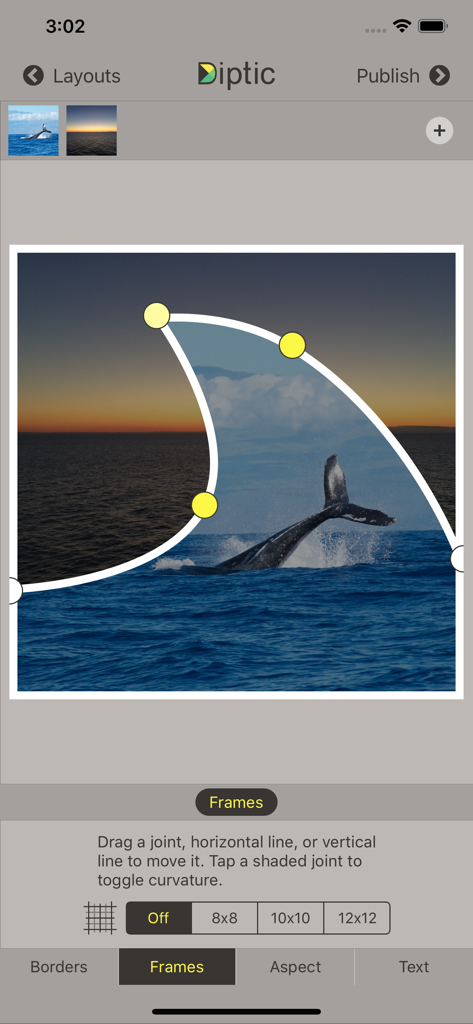
Dipticアプリのインターフェース。クジラと夕日の写真コラージュに調整可能な曲線フレームジョイントを表示。
Dipticアプリのインターフェース。クジラと夕日の写真コラージュに調整可能な曲線フレームジョイントを表示。

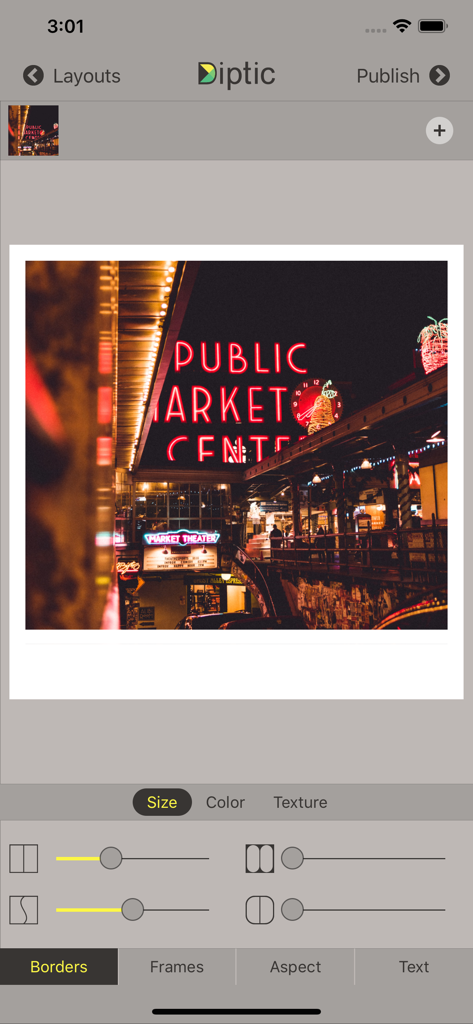
Dipticアプリのインターフェース。ボーダーカスタマイズツールと、パブリックマーケットセンターのネオンサインの写真を表示。

Dipticアプリのインターフェース。ボーダーカスタマイズツールと、パブリックマーケットセンターのネオンサインの写真を表示。

思い出を傑作に変えよう

このアプリを際立たせるツール、 503K+ 人のユーザーが選択.

📐

レイアウトの完全な精度

硬直したテンプレートを超えましょう。内部のフレームラインをスライドさせ、ジョイントを移動させて、すべてのレイアウトを写真に合わせてカスタマイズします。写真に合わせてレイアウトをカスタマイズするのではありません。

🎞️

ダイナミックなマルチメディアストーリー

最大9枚の写真と動画を1つのフレームにシームレスに組み合わせます。お気に入りの音楽を追加し、開始時間をカスタマイズして、映画のような体験を。

印刷対応の高解像度

自信を持って作成しましょう。作品を高解像度でエクスポートし、ピクセルパーフェクトなソーシャルメディア投稿や、大切な家族の記念品に最適です。

アプリについて

について知っておくべきこと Diptic.

説明

Diptic, a former App Store App of the Week, helps you create and share beautiful photo and video collages. See for yourself why millions of people have downloaded this app!

 "A simple, elegant way to use pictures to tell your story." – Macworld DIPTIC 101 • Create collages with photos and videos • Super Customizable — Tons of layouts to choose from plus tons of ways to enhance each one. Save your own customized layouts for re-use • Add text captions, filters, colored borders, textured borders & more LAYOUTS AND BORDERS • Choose from 194+ layouts (additional layouts are available as in-app purchases) • Combine up to nine photos and/or videos in each layout • Customize your layouts to better fit your video or images by sliding interior frame lines or moving joints along the line • Create rectangular Diptics (great for printing) with Expandable Layouts (in-app purchase) • Round the inner and outer borders, as well as modify thickness and color, and apply textures to videos and images IMAGE ADJUSTMENTS • Choose from 14 filters, as well as adjust brightness, contrast, hue and color saturation • Pan, rotate, mirror, flip, and zoom individual photos TEXT CAPTIONS • Personalize your Diptic photo and video creations with a text caption • Adjust the font, style, color and size of the text VIDEO ADJUSTMENTS • Add music to any video collage and adjust audio start and stop time • Pick any song from your Music library • Customize video start and stop time IMPORT/EXPORT OPTIONS • Create Diptics with photos or videos from your library, Instagram, Dropbox, Facebook or Flickr, or take a photo on the spot with the camera • Save Diptics for safe keeping or share them with friends. You can send via email, or share by uploading directly to Instagram, Facebook, Twitter, Tumblr or any app that accepts JPGs and/or video files • High-resolution export for pixel-perfect images • Import multiple photos and videos at once and swap media between frames • Add music from your music library to any of your videos 

 Let’s connect!

 Twitter: @dipticapp
 Instagram: @dipticapp
 Facebook: facebook.com/dipticapp 
 Flickr: flickr.com/groups/diptic  Please reach out to us at support@dipticapp.com if you have any suggestions for the new video features or anything else you’d like to see... we’d love to hear from you!

最新バージョン

10.1.1

サイズ

21.5 MB

リリース日

2010年6月23日

あなたのストーリーを語る準備はできましたか?

何百万ものクリエイターが、お気に入りの写真や動画を美しく高解像度のコラージュに変えています。今すぐDipticをダウンロードして、あなたの特別な瞬間を世界と共有し始めましょう。

ダウンロード: App Store

App information, icons, screenshots, and descriptions displayed on this page are sourced from the Apple App Store and are the property of their respective developers. Download estimates and rankings are based on MWM's proprietary models and may not reflect actual figures. This page is provided for informational and analytical purposes only.

Believe this page infringes your intellectual property? File a dispute