
このページはアプリまたはその開発者の公式ページではなく、情報提供および論評を目的として作成された独立した編集出版物です。明示的に別段の記載がない限り、アプリおよびその開発者は、MWM、Apple、Google Play、アプリのパブリッシャー、またはアプリの開発者と提携、承認、後援、認可、またはその他の公式的な関係はなく、このページのいかなる内容も、アプリがMWMのサービスを使用して開発されたことを意味するものではありません。すべての商標、ロゴ、スクリーンショット、その他のコンテンツはそれぞれの所有者の財産です。

DoCast: Screen Mirroring to TV
お気に入りの写真、動画、アプリをRoku、Chromecast、またはFire TVに超低遅延でストリーミングします。iPhoneから大画面への完璧なユニバーサルブリッジ – Apple TVは不要です。
ダウンロード
563K+ユーザー評価
評価数
4K+開発元
カテゴリ
Utilities対応言語
11最新バージョン
5.5サイズ
47.0 MBリリース日
2023年6月1日iPhoneとテレビの間のギャップを埋める
ユニバーサル接続の自由を体験してください。DoCastを使えば、画面をミラーリングし、個人メディアをRoku、Fire TV、Chromecastなどにストリーミングできます – 手間なしで高画質です。
あらゆる画面に対応する1つのアプリ
Roku、Fire TV、Chromecast、主要なスマートTVにシームレスに接続します。ブランドに関係なく、DoCastはiPhoneと家庭用ハードウェアの間のギャップを埋めます。
リアルタイム画面ミラーリング
ソーシャルメディアの閲覧、プレゼンテーション、またはアプリの共有のために、1秒未満の遅延を維持する高性能接続で超低遅延ミラーリングをお楽しみください。
よくある質問
について知っておくべきこと DoCast: Screen Mirroring to TV
DoCast: Screen Mirroring to TV とは何ですか?
DoCastはiPhoneとiPad用のスクリーンミラーリングアプリです。デバイスの画面を任意のスマートTVにミラーリングしたり、音楽、ビデオ、写真などのメディアコンテンツを高画質・低遅延でストリーミングしたりできます。
DoCast を使用して iPhone をスマート TV にスクリーンミラーリングするにはどうすればよいですか?
まず、DoCast を開き、TV を選択します。次に、「Screen」ボタンを押し、設定を構成してから「Start mirroring」をタップします。セッションを終了するには、アプリ画面で「Stop mirroring」をタップします。
DoCast は Samsung スマート TV で動作しますか?
はい、DoCast は Samsung スマート TV と互換性があります。このアプリは、Samsung、LG、Sony、Hisense、Panasonic、その他の DLNA 対応 TV を含む、幅広いスマート TV をサポートしています。
DoCast で写真や動画を無料でキャストできますか?
はい、DoCast では無料かつ無制限の写真キャストが可能です。無料版では、ビデオセッションは 3 分、音楽セッションは 15 分に制限されています。スクリーンミラーリングには有料版が必要です。
DoCast アプリと互換性のあるデバイスは何ですか?
DoCast は、スマート TV(Samsung、LG、Sony)、Roku、Chromecast、Fire TV デバイス、Xiaomi Mi Box、Nvidia Shield TV、その他の Android TV ボックスに接続します。
DoCast は Netflix などのサービスからの著作権で保護されたコンテンツのストリーミングをサポートしていますか?
いいえ、DoCast は Netflix、Apple TV+、Amazon Prime などのプラットフォームからの著作権で保護されたコンテンツのストリーミングをサポートしていません。これらの制限は、アプリ自体によるものではなく、ストリーミングサービスによるものです。
DoCast の無料版でスクリーンミラーリングは利用できますか?
いいえ、DoCast のスクリーンミラーリング機能は、アプリの有料版でのみ利用できます。無料版では、写真、音楽、ビデオのキャストが制限されています。
DoCast を使用したスクリーンミラーリングの遅延はどのくらいですか?
DoCast は低遅延のスクリーンミラーリングを提供します。堅牢な Wi-Fi 接続を使用している場合、遅延は通常 1 秒未満であり、リアルタイムのインタラクションを保証します。
DoCast スクリーンミラーリングの接続を良好に保つにはどうすればよいですか?
最適なパフォーマンスを得るには、iPhone または iPad が、キャストデバイス(スマート TV またはストリーミングデバイス)と同じルーターおよび Wi-Fi ネットワークに接続されていることを確認してください。
以下のスクリーンショットと説明は、アプリの公式ストアリスティングから直接取得されたものであり、アプリ開発者の所有物です。
アプリストア
スクリーンショット
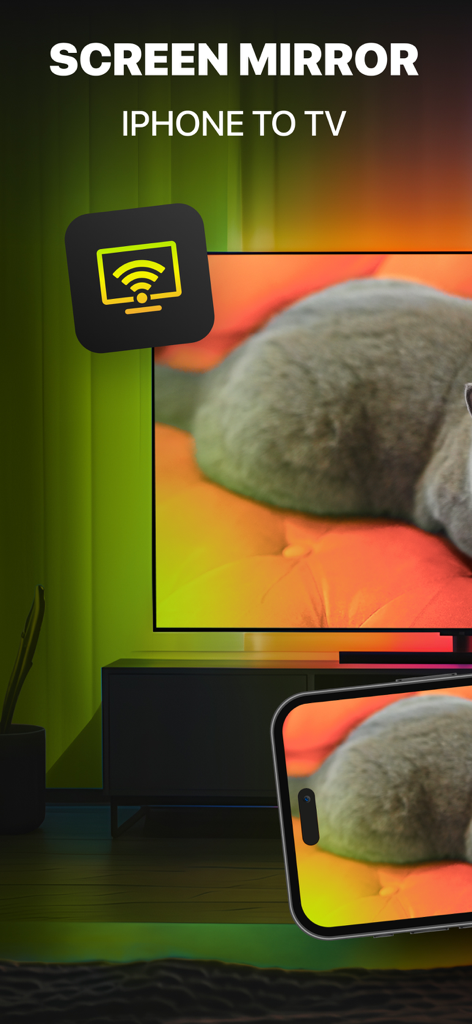
DoCastアプリを使用して、猫の写真が映し出されたiPhone画面が大きなスマートTVにミラーリングされている様子
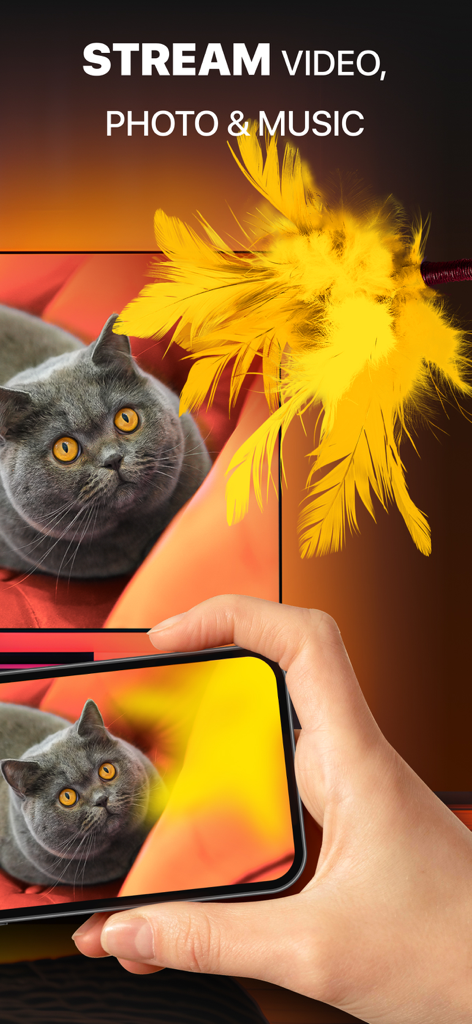
DoCastを使用して、iPhoneから大きなテレビ画面に猫の写真のミラーリングを行っている人
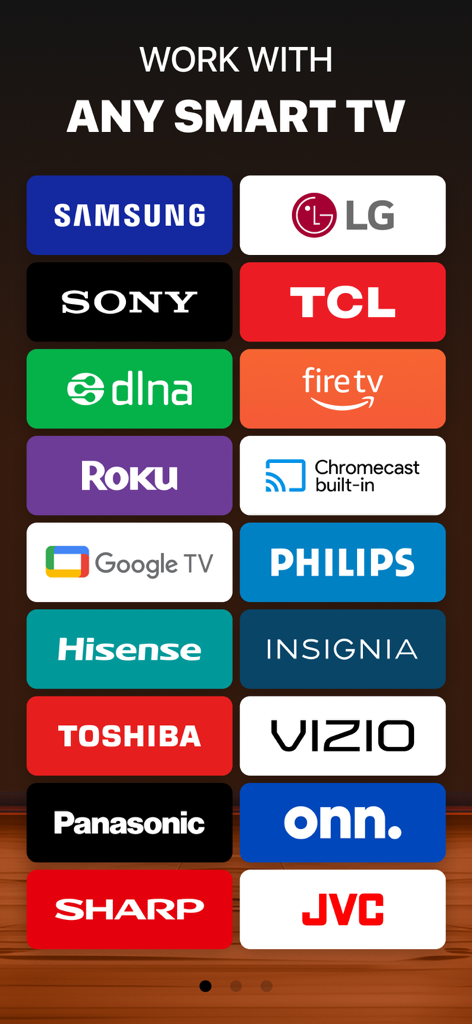
Samsung、LG、Roku、Fire TVなどのDoCast画面ミラーリングに対応するスマートTVブランドのリスト
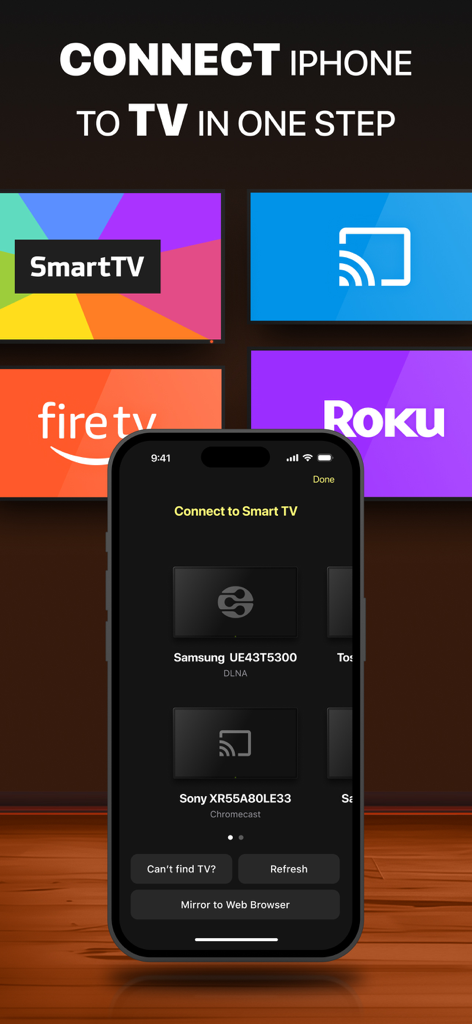
iPhone上のDoCastアプリのインターフェース。画面ミラーリング用に利用可能なスマートTVデバイスが表示されています。
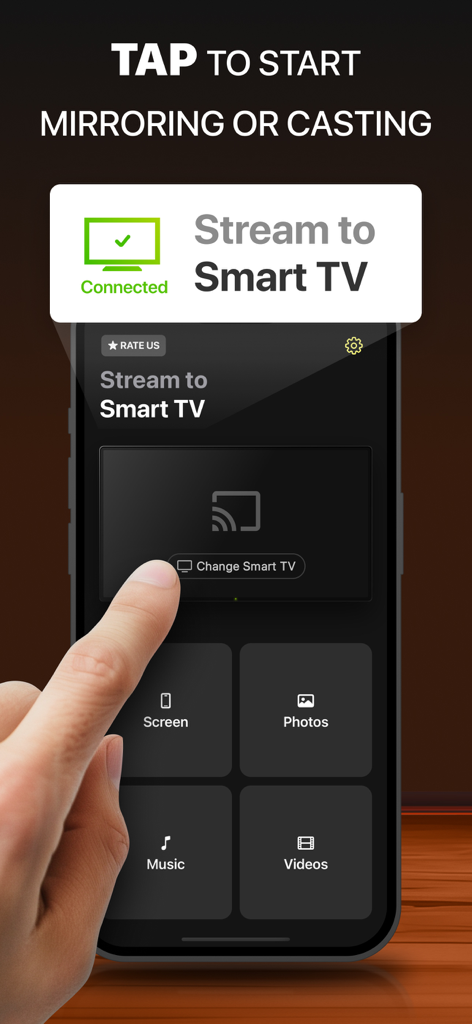
iPhone上のDoCastアプリのインターフェース。接続されたスマートTVへの画面ミラーリングとメディアキャストのオプションが表示されています。
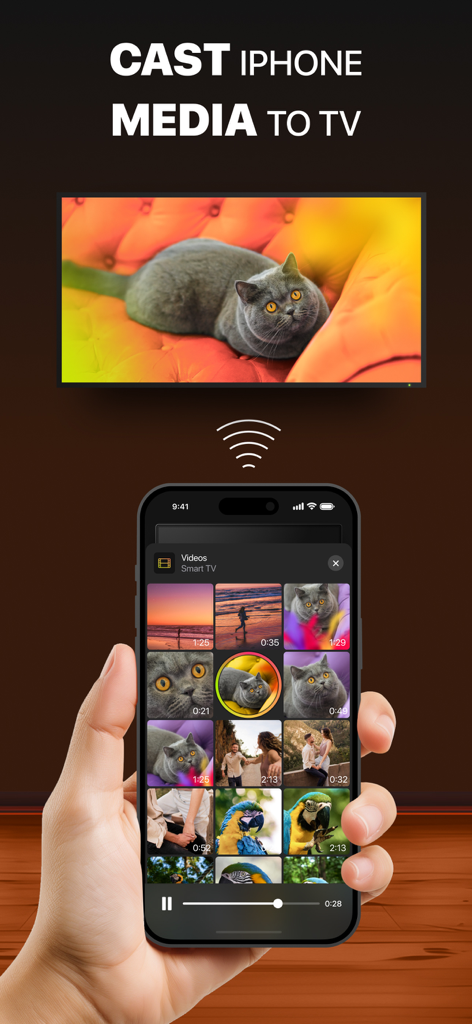
スマートTVに猫の動画をキャストしているiPhone
説明
Download
類似アプリ
似た機能とユーザー体験を持つアプリ

Web Video Cast | Browser to TV
InstantBits Inc

PigeonCast:Send by Google Cast
Sichuan FalconAI Technology Co., Ltd.

Screen Mirroring • Smart TV
Mihkel Pikk

Screen Mirroring | Cast to TV
Ozuna Limited

Screen Mirroring・Smart View TV
TOGGLE APPS SP Z O O

UbeCast: Music Streamer & PiP
AER SOFTWARE COMPANY LIMITED

AirDroid Cast-screen mirroring
SAND STUDIO CORPORATION LIMITED

Miracast: Screen Mirroring TV
Hainan Delta Software Co., Ltd

Screen Mirroring・Air Cast TV
Dalma Innovation Solutions d.o.o.
このページはアプリまたはその開発者の公式ページではなく、情報提供および論評を目的として作成された独立した編集出版物です。明示的に別段の記載がない限り、アプリおよびその開発者は、MWM、Apple、Google Play、アプリのパブリッシャー、またはアプリの開発者と提携、承認、後援、認可、またはその他の公式的な関係はなく、このページのいかなる内容も、アプリがMWMのサービスを使用して開発されたことを意味するものではありません。すべての商標、ロゴ、スクリーンショット、その他のコンテンツはそれぞれの所有者の財産です。