Door to Door Navigation
ダウンロード: App Store

このページはアプリまたはその開発者の公式ページではなく、情報提供および論評を目的として作成された独立した編集出版物です。明示的に別段の記載がない限り、アプリおよびその開発者は、MWM、Apple、Google Play、アプリのパブリッシャー、またはアプリの開発者と提携、承認、後援、認可、またはその他の公式的な関係はなく、このページのいかなる内容も、アプリがMWMのサービスを使用して開発されたことを意味するものではありません。すべての商標、ロゴ、スクリーンショット、その他のコンテンツはそれぞれの所有者の財産です。

ロゴ: Door to Door Navigation
ダウンロード: App Store

Door to Door Navigation

目的地を日産車と同期させ、駐車した車を簡単に見つけ、ラストワンマイルのための徒歩ナビゲーションを取得しましょう。

主要数値

ダウンロード

163K+

ユーザー評価

2.2/5

評価数

100

開発元

NISSAN MOTOR CO., LTD.

カテゴリ

Navigation

対応言語

24

最新バージョン

2.0

サイズ

12.2 MB

リリース日

2017年10月2日
機能

最初から最後までシームレスなナビゲーション

現代の都市ドライバーのために設計された統合されたエクスペリエンスで、車両と目的地間のギャップを埋めます。

事前に計画し、即座に同期

面倒なダッシュボード入力はスキップ。スマートフォンで目的地を見つけ、日産のナビゲーションシステムに直接送信して、スムーズな出発を実現します。

ラストワンマイルをマスター

旅は駐車したときに終わりません。車から最終目的地までの徒歩ナビゲーションが自動的に表示されるため、スムーズに移動できます。

以下のスクリーンショットと説明は、アプリの公式ストアリスティングから直接取得されたものであり、アプリ開発者の所有物です。

アプリストア

スクリーンショット
Door to Door Navigation - 日産 ドア・ツー・ドア ナビゲーション アプリのスプラッシュスクリーンとロゴ
日産 ドア・ツー・ドア ナビゲーション アプリのスプラッシュスクリーンとロゴ

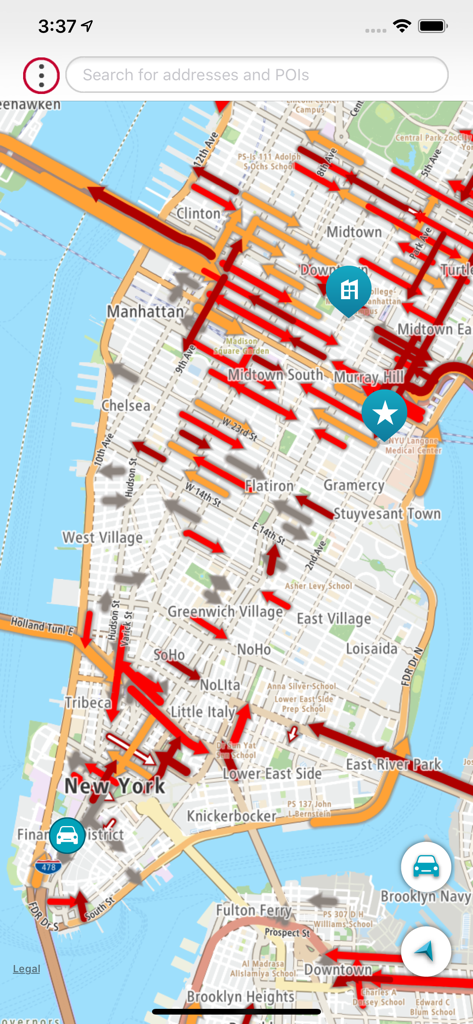
Door to Door Navigation - 日産 ドア・ツー・ドア ナビゲーション アプリのインターフェース。マンハッタンの詳細な地図にリアルタイムの交通状況と場所のピンが表示されています。
日産 ドア・ツー・ドア ナビゲーション アプリのインターフェース。マンハッタンの詳細な地図にリアルタイムの交通状況と場所のピンが表示されています。

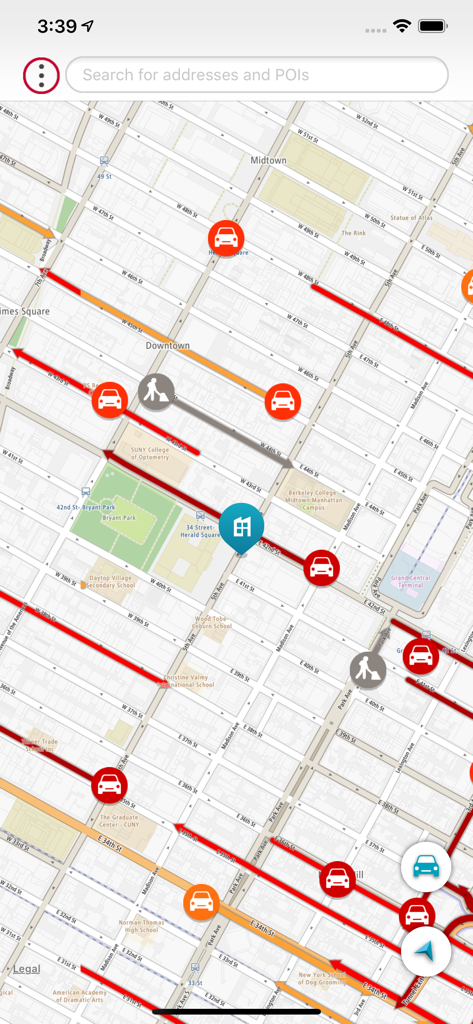
Door to Door Navigation - 日産 ドア・ツー・ドア ナビゲーション アプリの都市地図ビュー。都市部での交通状況と徒歩ルートが表示されています。
日産 ドア・ツー・ドア ナビゲーション アプリの都市地図ビュー。都市部での交通状況と徒歩ルートが表示されています。

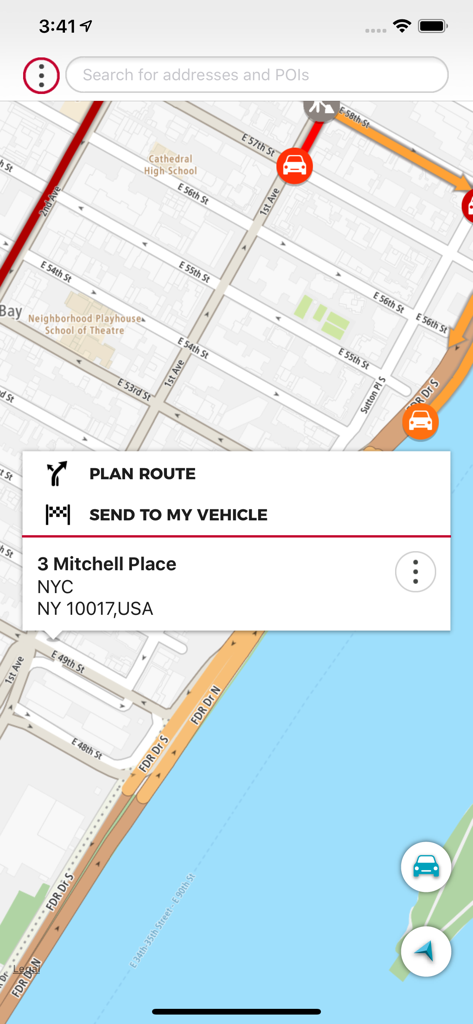
Door to Door Navigation - 日産 ドア・ツー・ドア ナビゲーション アプリのインターフェース。地図と「車に送信」機能が表示されています。
日産 ドア・ツー・ドア ナビゲーション アプリのインターフェース。地図と「車に送信」機能が表示されています。

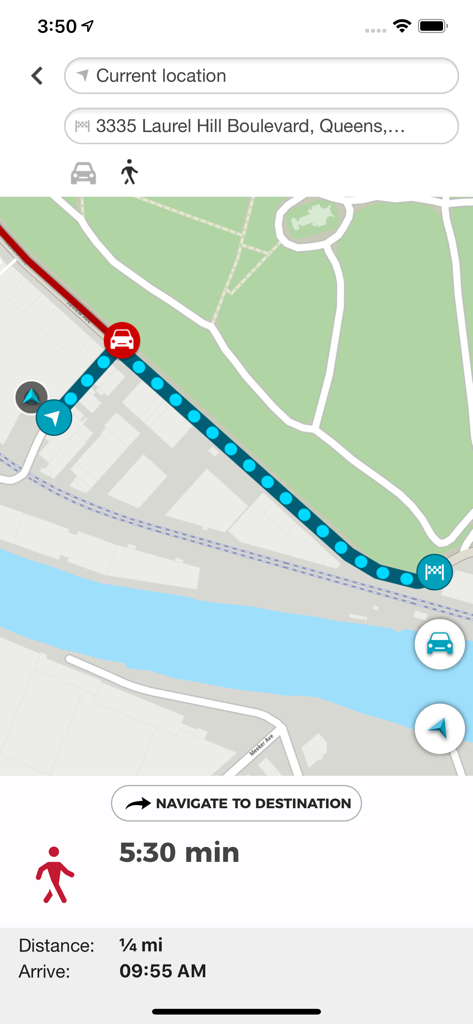
Door to Door Navigation - 日産 ドア・ツー・ドア ナビゲーション アプリの徒歩ルートマップ。距離と到着時間が表示されています。

日産 ドア・ツー・ドア ナビゲーション アプリの徒歩ルートマップ。距離と到着時間が表示されています。

説明

Disclaimer: System compatibility requirements - What you will need to use this app and service in your Nissan: • A compatible and equipped Nissan vehicle registered and located within supported countries. The Door to Door Navigation has the following features to help you get to your final destination: • It remembers your car’s location. You can use this feature to guide you back to your car again. • It guides you to your final destination, after you have parked your car. • It enables you to send a destination from your smartphone to your car’s navigation system. Find my car When your smartphone is connected to your car’s navigation system via Bluetooth, Door to Door Navigation receives the current location of the car. When you leave your vehicle, the Find My Car feature starts. You receive a notification on your phone and the car location will be shown on the map. A locate car symbol shows on the screen and a My Vehicle entry is added to your MY PLACES list. Touch the locate car symbol when you want to return to your car. You can then: • Select NAVIGATE TO DESTINATION to share your car location with a navigation application on your phone. • Select WALK HERE to get a walking route to your car. The walking route will be available if you are within 5 km of the car. If you are more than 5 km away from your car, a walking route will not be automatically generated. Final destination navigation When your smartphone is connected to your car’s navigation system via Bluetooth, Door to Door Navigation receives the current location of the car, the address of where you have parked, and it will be shown on the map. You will then be given the fastest walking route to your final destination. A walking route will be available to get you to your final destination if you are within 5 km of the final destination. If you are more than 5 km away from your final destination, a walking route will not be automatically generated. Send a destination to your vehicle Use Door to Door Navigation to find a destination and send it to your vehicle. Once your smartphone is connected to your vehicle’s navigation system, it will sync with the navigation system.

Download

ダウンロード: App Store

このページはアプリまたはその開発者の公式ページではなく、情報提供および論評を目的として作成された独立した編集出版物です。明示的に別段の記載がない限り、アプリおよびその開発者は、MWM、Apple、Google Play、アプリのパブリッシャー、またはアプリの開発者と提携、承認、後援、認可、またはその他の公式的な関係はなく、このページのいかなる内容も、アプリがMWMのサービスを使用して開発されたことを意味するものではありません。すべての商標、ロゴ、スクリーンショット、その他のコンテンツはそれぞれの所有者の財産です。