Drawing & Paint : Ar Drawing
ダウンロード: App Store

このページはアプリまたはその開発者の公式ページではなく、情報提供および論評を目的として作成された独立した編集出版物です。明示的に別段の記載がない限り、アプリおよびその開発者は、MWM、Apple、Google Play、アプリのパブリッシャー、またはアプリの開発者と提携、承認、後援、認可、またはその他の公式的な関係はなく、このページのいかなる内容も、アプリがMWMのサービスを使用して開発されたことを意味するものではありません。すべての商標、ロゴ、スクリーンショット、その他のコンテンツはそれぞれの所有者の財産です。

ロゴ: Drawing & Paint : Ar Drawing
ダウンロード: App Store

Drawing & Paint : Ar Drawing

あなたのスマホをプロのトレースプロジェクターに変えよう。バイラルなアニメスケッチからカスタムポートレートまで、ARガイドに従って想像力と紙の間のギャップを埋めよう。

主要数値

ダウンロード

15K+

ユーザー評価

4.1/5

評価数

200

開発元

KASIM CAN CAKICI

カテゴリ

Graphics & Design

対応言語

46

最新バージョン

1.27

サイズ

105.5 MB

リリース日

2024年5月24日
機能

ARで描画アートをマスターしよう

アニメのファンアートからリアルなポートレートまで、私たちの拡張現実テクノロジーは、あなたの想像力と紙の間のギャップを埋めます。

AR搭載スケッチプロジェクション

カメラを通して、あらゆる表面に輪郭を直接投影します。高価なライトボックスなしで、比率と線画を完璧に仕上げましょう。

アニメアートをレベルアップ

キャラクターデザインの専門カテゴリーに飛び込もう。トレンドのスタイルをマスターし、ステップバイステップのガイダンスであなたのお気に入りのマンガヒーローを再現しよう。

以下のスクリーンショットと説明は、アプリの公式ストアリスティングから直接取得されたものであり、アプリ開発者の所有物です。

アプリストア

スクリーンショット
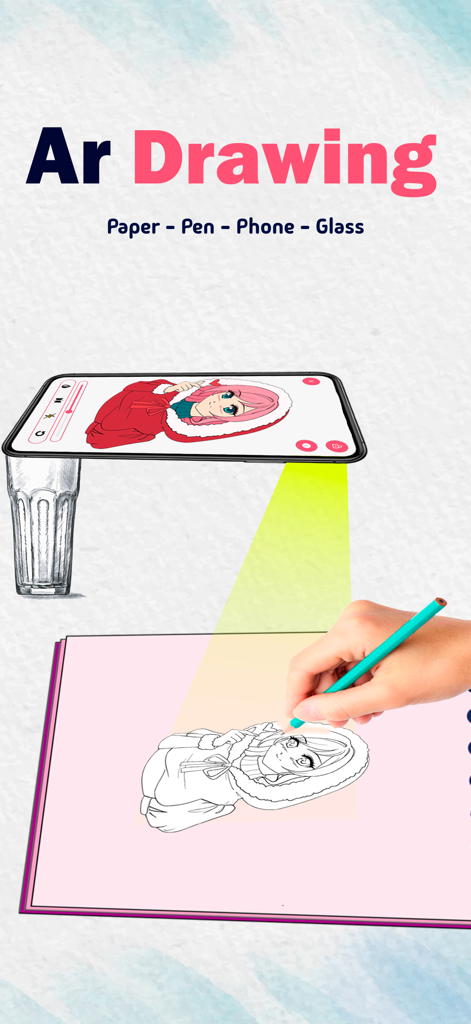
Drawing & Paint : Ar Drawing - スマートフォンARプロジェクションを使用して、紙にアニメキャラクターをトレースしている人
スマートフォンARプロジェクションを使用して、紙にアニメキャラクターをトレースしている人

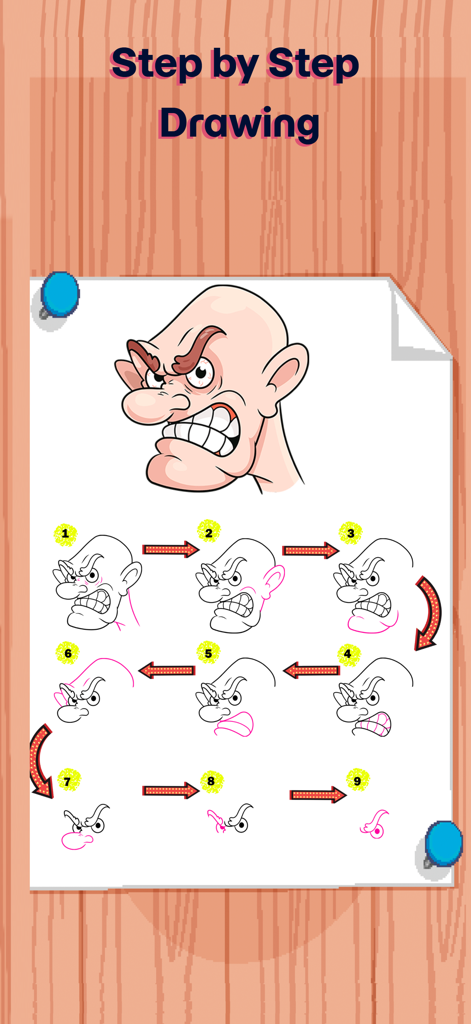
Drawing & Paint : Ar Drawing - 漫画キャラクターの頭のステップバイステップ描画チュートリアル

漫画キャラクターの頭のステップバイステップ描画チュートリアル

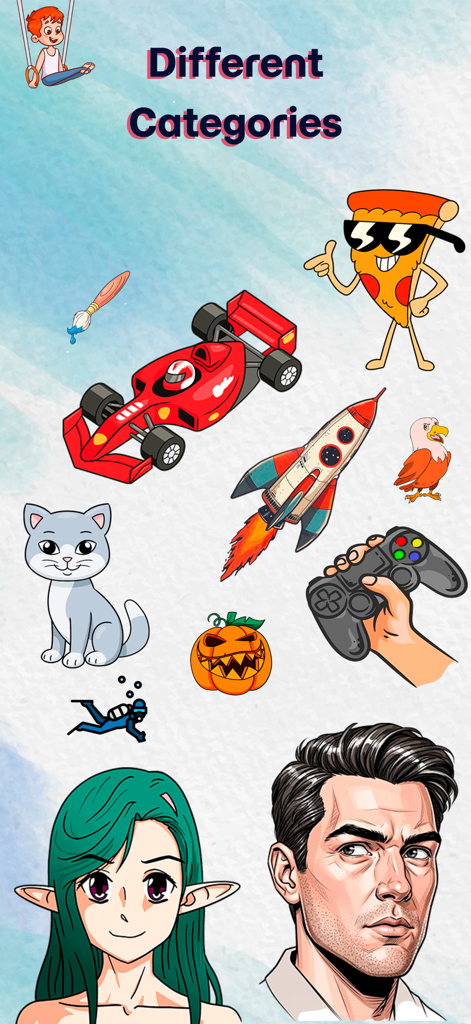
Drawing & Paint : Ar Drawing - 「さまざまなカテゴリー」という見出しの下に、アニメ、ポートレート、動物、乗り物など、さまざまな描画スケッチが表示されています。
「さまざまなカテゴリー」という見出しの下に、アニメ、ポートレート、動物、乗り物など、さまざまな描画スケッチが表示されています。

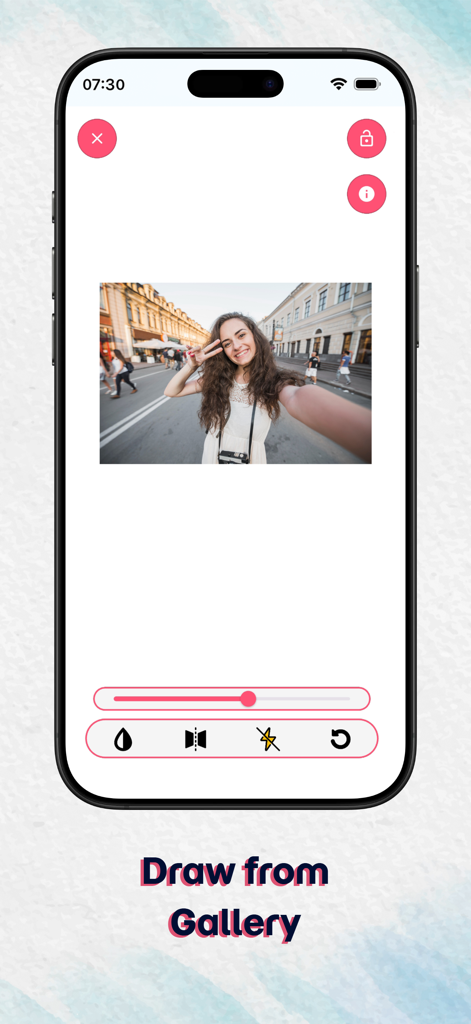
Drawing & Paint : Ar Drawing - トレース用の写真編集ツールを備えた、ギャラリーから描画機能を示すARドローイングアプリ画面
トレース用の写真編集ツールを備えた、ギャラリーから描画機能を示すARドローイングアプリ画面

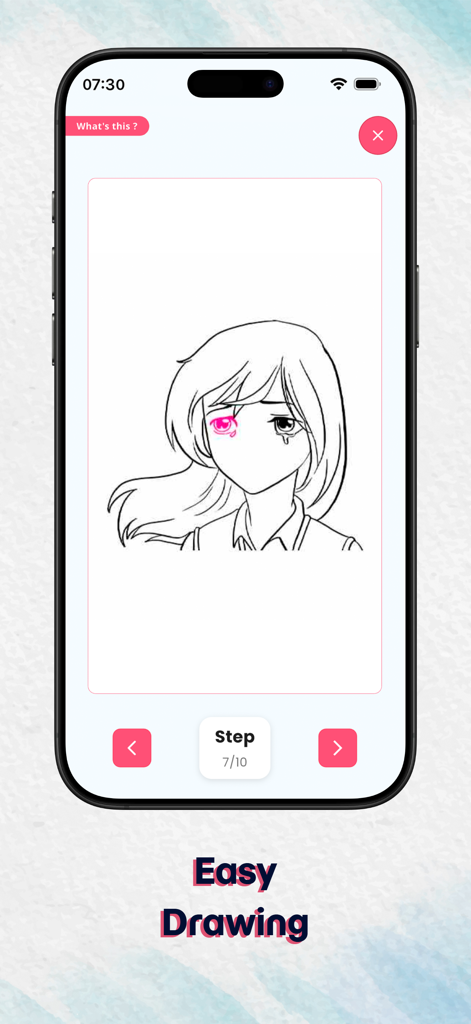
Drawing & Paint : Ar Drawing - ARドローイングアプリでステップバイステップのアニメ少女描画チュートリアルを示すモバイル画面
ARドローイングアプリでステップバイステップのアニメ少女描画チュートリアルを示すモバイル画面

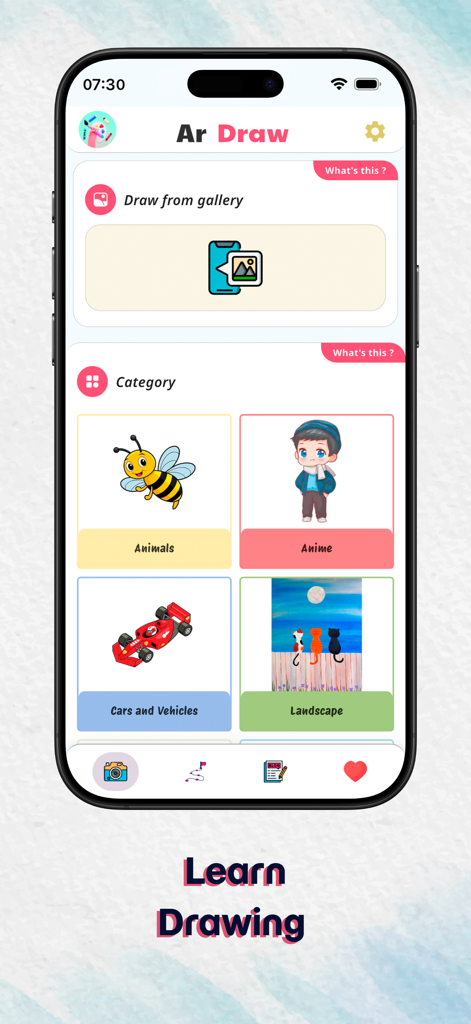
Drawing & Paint : Ar Drawing - ARドローイングアプリのホーム画面には、アニメや動物などの描画カテゴリーが表示されています
ARドローイングアプリのホーム画面には、アニメや動物などの描画カテゴリーが表示されています

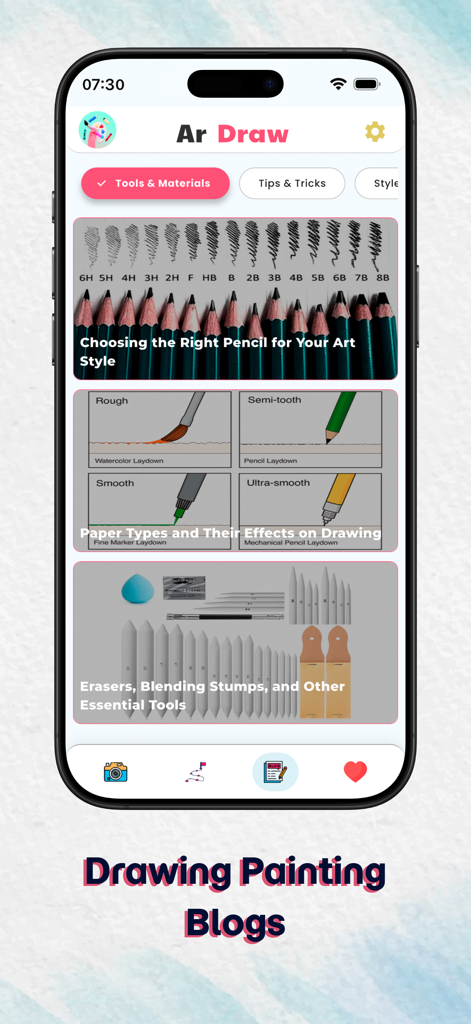
Drawing & Paint : Ar Drawing - ARドローイングアプリのブログインターフェースには、スケッチ鉛筆、紙の質感、必須のアート素材に関する記事が表示されています
ARドローイングアプリのブログインターフェースには、スケッチ鉛筆、紙の質感、必須のアート素材に関する記事が表示されています

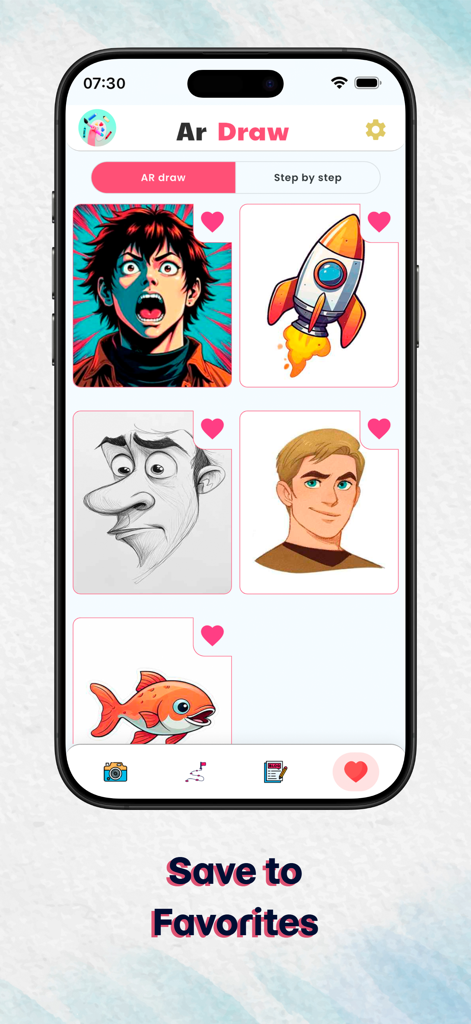
Drawing & Paint : Ar Drawing - ARキャラクターやカートゥーンなど、お気に入りの描画テンプレートのコレクションを表示するモバイルアプリインターフェース

ARキャラクターやカートゥーンなど、お気に入りの描画テンプレートのコレクションを表示するモバイルアプリインターフェース

説明

AR Drawing – Draw Sketch Camera Turn Your Ideas into Stunning Art with AR Technology Discover a whole new way to create art with AR Drawing, the powerful AR sketch camera that turns your ideas into real drawings using cutting-edge augmented reality. Whether you love anime drawing, realistic portrait sketching, step-by-step tutorials, character design, or simple trace drawing, AR Drawing makes the entire experience effortless, fun, and incredibly inspiring. How to Use AR Drawing Step 1: Start Drawing with the AR Sketch Camera Open the app, point your phone camera at any surface, and instantly see a sketch appear through AR drawing projection. Just trace the lines and start drawing anime characters, portraits, objects, animals, or any sketch style you like. Step 2: Stabilize Your Device Place your phone on a tripod or a stable surface to enjoy the smoothest, most accurate AR sketching experience. Step 3: Choose Your Drawing Inspiration Explore 10 different drawing categories including anime, portraits, animals, objects, and more. You can also upload your own photos to transform them into traceable AR sketches using the draw with camera feature. Step 4: Learn with Step-by-Step Drawing Mode Follow beginner-friendly guides that break every sketch into simple steps—from basic shapes to detailed line art. Perfect for anyone learning how to draw, from total beginners to advanced artists. Key Features to Boost Your Creativity 10 Categories of Ready-to-Draw Images Browse a rich library packed with anime sketches, portrait templates, character guides, object drawing, and more—ideal for every drawing level. Draw Using Your Gallery (Sketch Camera Import) Upload your own images and instantly convert them into AR-guided trace drawings, perfect for custom art and personal sketch projects. Step-by-Step Drawing Lessons Improve your sketching skills with detailed tutorials that teach proportions, shading, structure, line art, and anatomy basics. Drawing Blog & Creative Tips Access an ever-growing art blog featuring drawing tips, sketching guides, anime drawing lessons, character design basics, and inspiration for leveling up your creativity. Why Choose AR Drawing? AR Drawing isn’t just another drawing app—it’s a complete AR sketch learning platform. Whether you're improving your portrait sketching, starting anime drawing, or practicing character art, AR Drawing provides everything you need: - AR-powered drawing & sketch projection - Step-by-step drawing tutorials - Art blog with guides, tips & drawing inspiration - Custom image tracing from your gallery - Ideal for beginners and professional artists - Perfect for anime drawing and character design Ready to Unlock Your Artistic Potential ? Download AR Drawing – AR Sketch Camera now and create stunning, professional-looking drawings anywhere, anytime with the power of AR drawing and sketch tracing! Terms of Use: https://www.apple.com/legal/internet-services/itunes/dev/stdeula/ Privacy Policy: https://www.termsfeed.com/live/e96ecdc1-9583-4486-906f-b2fb8eae6663

Download

ダウンロード: App Store

このページはアプリまたはその開発者の公式ページではなく、情報提供および論評を目的として作成された独立した編集出版物です。明示的に別段の記載がない限り、アプリおよびその開発者は、MWM、Apple、Google Play、アプリのパブリッシャー、またはアプリの開発者と提携、承認、後援、認可、またはその他の公式的な関係はなく、このページのいかなる内容も、アプリがMWMのサービスを使用して開発されたことを意味するものではありません。すべての商標、ロゴ、スクリーンショット、その他のコンテンツはそれぞれの所有者の財産です。