
このページはアプリまたはその開発者の公式ページではなく、情報提供および論評を目的として作成された独立した編集出版物です。明示的に別段の記載がない限り、アプリおよびその開発者は、MWM、Apple、Google Play、アプリのパブリッシャー、またはアプリの開発者と提携、承認、後援、認可、またはその他の公式的な関係はなく、このページのいかなる内容も、アプリがMWMのサービスを使用して開発されたことを意味するものではありません。すべての商標、ロゴ、スクリーンショット、その他のコンテンツはそれぞれの所有者の財産です。


Endpoint Central
Windows、Mac、Linux システムを安全かつ簡単に管理。自動パッチ適用からリモートトラブルシューティングまで、デスクに縛られることなくグローバルなインフラを制御できます。
ダウンロード
6K+ユーザー評価
評価数
500開発元
カテゴリ
Business対応言語
2最新バージョン
25.08.01サイズ
53.5 MBリリース日
2016年2月4日外出先でも IT インフラをマスター
デスクから解放されましょう。Endpoint Central は、現代の多忙な IT プロフェッショナルのために設計された、モバイルインターフェースでエンタープライズデスクトップ管理スイートの全機能を提供します。
ワンタップのパッチ管理
脆弱性に先手を打つ。ノート PC を開くことなく、Windows、Mac、Linux システムの自動デプロイメントを承認、拒否、監視できます。
シームレスなリモートコントロール
ユーザーの問題をリアルタイムで解決。モバイルデバイスから直接リモートセッションに安全にアクセスし、コマンドプロンプトの実行などのクイックアクションを実行できます。
よくある質問
について知っておくべきこと Endpoint Central
Endpoint Centralとは何ですか?
Endpoint Centralは、IT管理者がWindows、Mac、Linuxコンピューターを管理するためのアプリです。デスクトップ管理、資産管理、パッチ管理、モバイルデバイス管理のルーチンをグローバルに一元化します。
Endpoint Centralはどのオペレーティングシステムを管理対象としてサポートしていますか?
Endpoint Centralは、Windows、Mac、Linuxコンピューターの管理をサポートしています。また、モバイルデバイスにも機能を拡張し、包括的なエンドポイント管理を可能にします。
Endpoint Centralアプリのコア機能は何ですか?
Endpoint Centralのコア機能には、管理範囲(SoM)、資産管理(インベントリ)、パッチ管理、ツール、モバイルデバイス管理が含まれます。エンドポイント管理のための完全なスイートを提供します。
Endpoint Centralはリモートコントロール機能を提供していますか?
はい、Endpoint Centralは、どこからでもデスクトップのトラブルシューティングのためのリモートコントロールを提供します。マルチモニターサポート、コマンドプロンプトアクセスなどのクイックアクション、プライバシーのためのユーザー許可を求めるオプションが含まれています。
Endpoint Centralはどのようにパッチを管理しますか?
Endpoint Centralは、脆弱なコンピューターを特定し、Windows、Mac、Linux、サードパーティアプリケーションの不足しているパッチを検出するためにスキャンします。管理者はパッチを承認または拒否し、自動展開を監視できます。
Endpoint Centralにはどのようなモバイルデバイス管理機能が含まれていますか?
Endpoint Centralは、リモートロック、リモートコントロール、リモートアラーム、完全/企業ワイプ、パスコードの消去/リセット、デバイスの場所特定、管理対象デバイスの紛失モードの有効化などのモバイルデバイス管理(MDM)機能を提供します。
Endpoint Centralアプリはリブランドされましたか?
はい、Endpoint Centralアプリは以前はDesktop Centralとして知られていました。リブランドの詳細は、アプリの説明に記載されている公式発表で確認できます。
Endpoint Central iOSアプリをアクティブ化するにはどうすればよいですか?
Endpoint Central iOSアプリをアクティブ化するには、アプリをインストールし、Endpoint Centralで使用されているサーバー名とポートを提供します。最後に、既存のEndpoint Central Consoleのユーザー名とパスワードでサインインします。
Endpoint CentralはAIアシスタントを統合していますか?
はい、Endpoint CentralはAI搭載のパーソナルアシスタントであるZiaを統合しています。Ziaは、完全なパッチサマリーなどの概要を提供し、さまざまな管理タスクを支援することで、ネットワークの管理に役立ちます。
Endpoint Centralは資産管理にどのような機能を提供しますか?
Endpoint Centralの資産管理は、システムをハードウェアおよびソフトウェア情報でスキャンし、ハードウェア資産を確認し、ソフトウェアライセンスコンプライアンスをチェックし、ソフトウェアの使用状況を分析し、管理者が特定のアプリケーションを禁止できるようにします。
以下のスクリーンショットと説明は、アプリの公式ストアリスティングから直接取得されたものであり、アプリ開発者の所有物です。
アプリストア
スクリーンショット
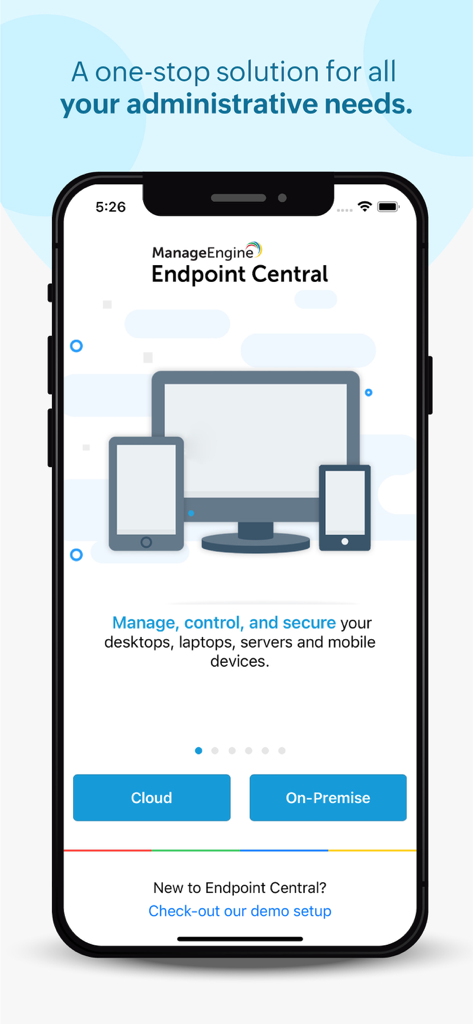
デスクトップおよびモバイルデバイス用の IT 管理ソリューションを提供する ManageEngine Endpoint Central アプリのウェルカム画面
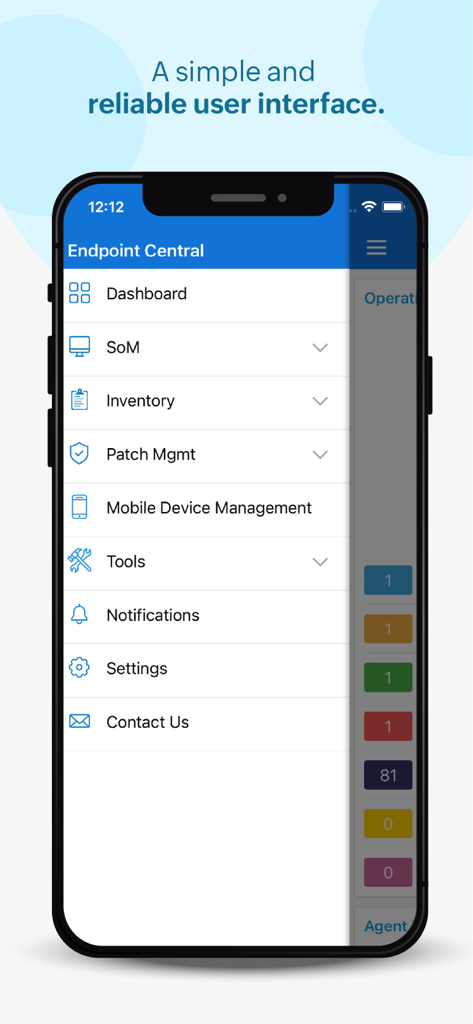
IT 管理用 Endpoint Central モバイルアプリのメインメニュー
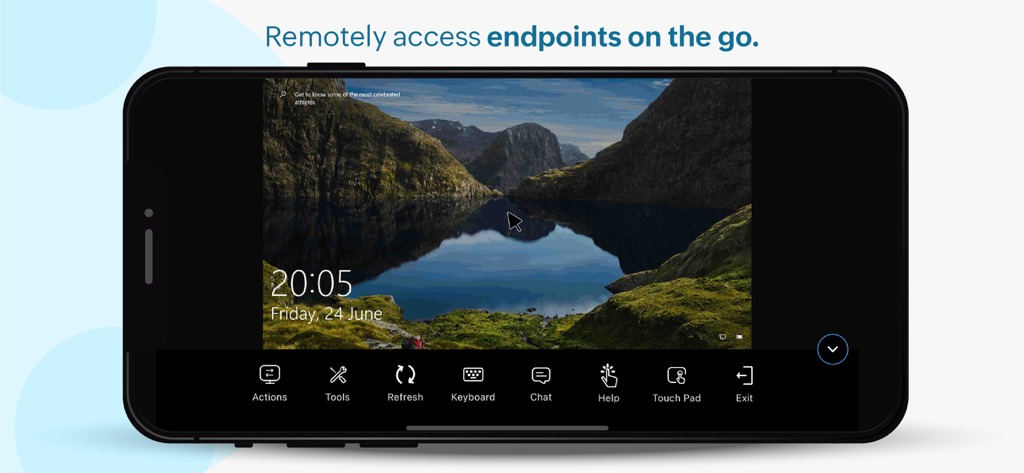
Endpoint Central 管理アプリを介したリモートデスクトップセッションを表示するスマートフォン
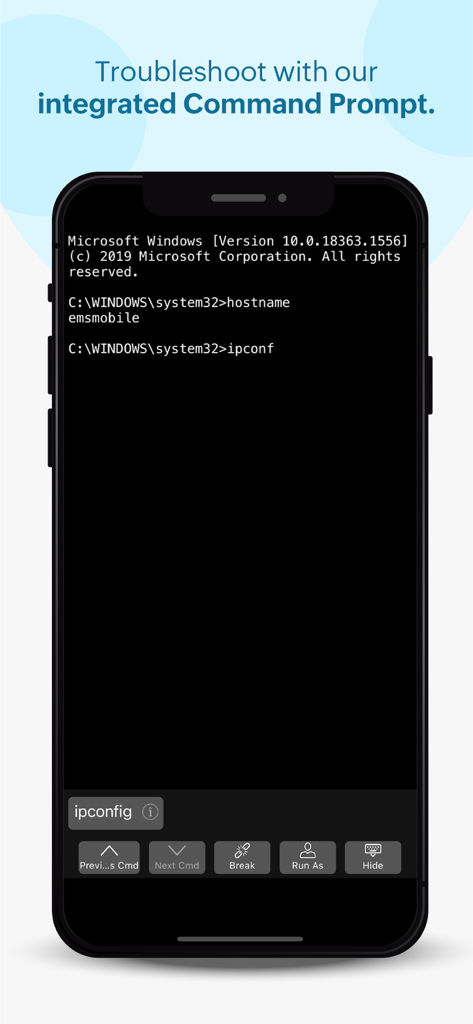
リモート IT トラブルシューティング用の Endpoint Central モバイルアプリに統合されたコマンドプロンプトインターフェース
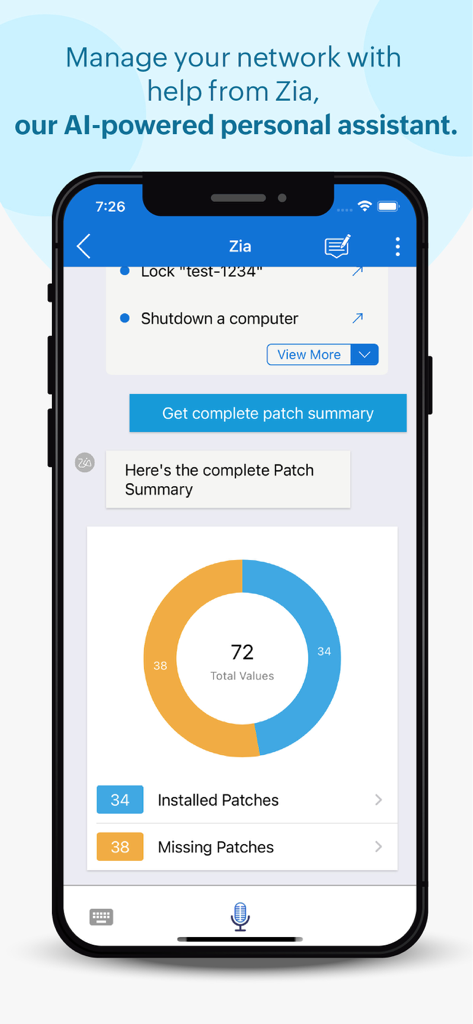
パッチ管理の概要をドーナツチャートで提供する Zia AI アシスタントを表示する Endpoint Central モバイルアプリのインターフェース
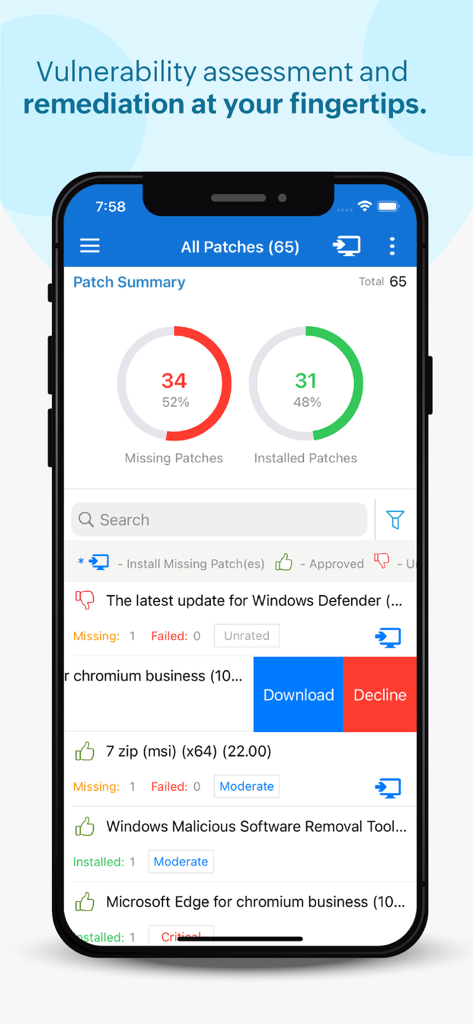
未適用のパッチとインストール済みのパッチの統計を含むパッチサマリーダッシュボードを表示する Endpoint Central モバイルアプリ
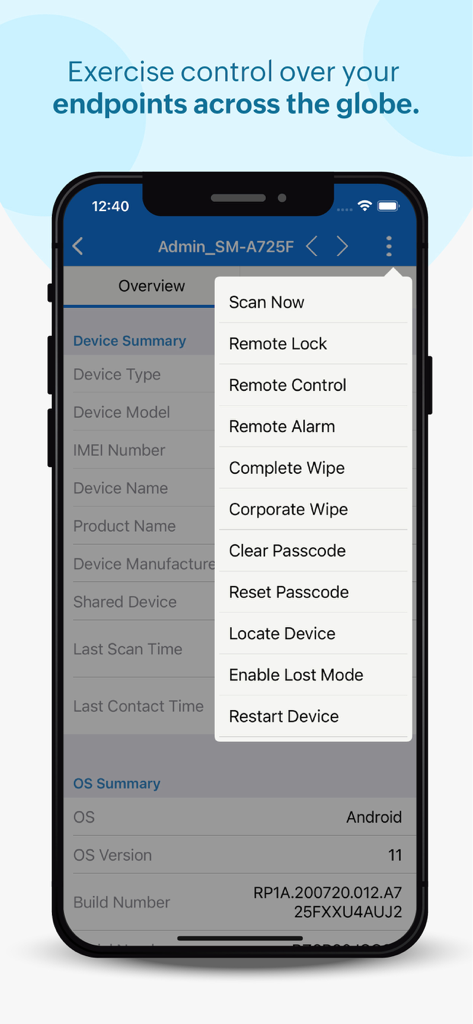
リモートロック、ワイプ、コントロールのオプションを備えたリモートデバイス管理メニューを表示する Endpoint Central モバイルアプリ
説明
Download
類似アプリ
同じカテゴリのトップランクアプリ

Microsoft Teams
Microsoft Corporation

Zoom Workplace
Zoom Communications, Inc.

WhatsApp Business
WhatsApp Inc.

Indeed Job Search
Indeed Inc.

LinkedIn: Network & Job Finder
LinkedIn Corporation

Adobe Acrobat Reader: Sign PDF
Adobe Inc.

WeCom-Work Communication&Tools
Tencent Technology (Shenzhen) Company Limited

BOSS直聘-招聘求职找工作神器
Beijing China Product Bo Farce Network Technology Co., Ltd.

DingDing - Redefine Work in AI
DingTalk Technology Co., Ltd.
このページはアプリまたはその開発者の公式ページではなく、情報提供および論評を目的として作成された独立した編集出版物です。明示的に別段の記載がない限り、アプリおよびその開発者は、MWM、Apple、Google Play、アプリのパブリッシャー、またはアプリの開発者と提携、承認、後援、認可、またはその他の公式的な関係はなく、このページのいかなる内容も、アプリがMWMのサービスを使用して開発されたことを意味するものではありません。すべての商標、ロゴ、スクリーンショット、その他のコンテンツはそれぞれの所有者の財産です。