Enpass Password Manager
ダウンロード: App Store

このページはアプリまたはその開発者の公式ページではなく、情報提供および論評を目的として作成された独立した編集出版物です。明示的に別段の記載がない限り、アプリおよびその開発者は、MWM、Apple、Google Play、アプリのパブリッシャー、またはアプリの開発者と提携、承認、後援、認可、またはその他の公式的な関係はなく、このページのいかなる内容も、アプリがMWMのサービスを使用して開発されたことを意味するものではありません。すべての商標、ロゴ、スクリーンショット、その他のコンテンツはそれぞれの所有者の財産です。

ロゴ: Enpass Password Manager
ダウンロード: App Store

Enpass Password Manager

暗号化されたボールトの保存場所と、すべてのデバイスでの同期場所を選べる、唯一の分散型パスワードマネージャーで、管理を取り戻しましょう。

主要数値

ダウンロード

404K+

ユーザー評価

4.3/5

評価数

11K+

開発元

Enpass Technologies Private Limited

カテゴリ

Productivity

対応言語

33

最新バージョン

6.11.18

サイズ

98.8 MB

リリース日

2011年8月13日
機能

デジタルセキュリティを完全に管理

生産性を損なうことなく、暗号化されたデータの保存場所を完全に制御できる、プライバシー純粋主義者のために設計された唯一のパスワードマネージャーです。

分散型クラウド同期

中央サーバーへの信頼をやめましょう。iCloudやOneDriveから、独自のWebDAV、または完全にオフラインまで、暗号化されたボールトをどこに保存するかを正確に選択できます。

パスキー&2FA対応

パスワードレスの未来に完全対応し、アプリ内で直接6桁のコードを生成する認証アプリを内蔵し、あなたのアイデンティティを未来のものにしましょう。

以下のスクリーンショットと説明は、アプリの公式ストアリスティングから直接取得されたものであり、アプリ開発者の所有物です。

アプリストア

スクリーンショット
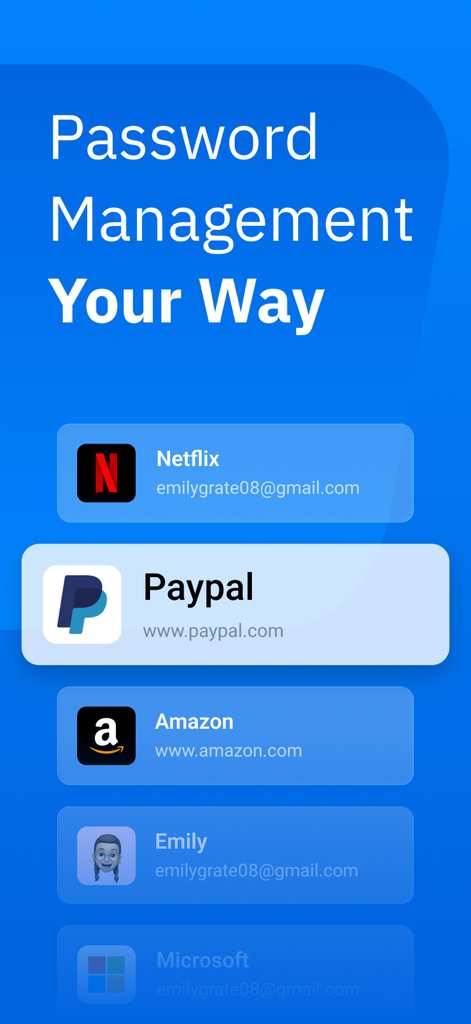
Enpass Password Manager - Enpassパスワードマネージャーアプリ画面。PayPal、Amazon、Netflixなどの保存済みデジタルアカウントのリストを表示。
Enpassパスワードマネージャーアプリ画面。PayPal、Amazon、Netflixなどの保存済みデジタルアカウントのリストを表示。

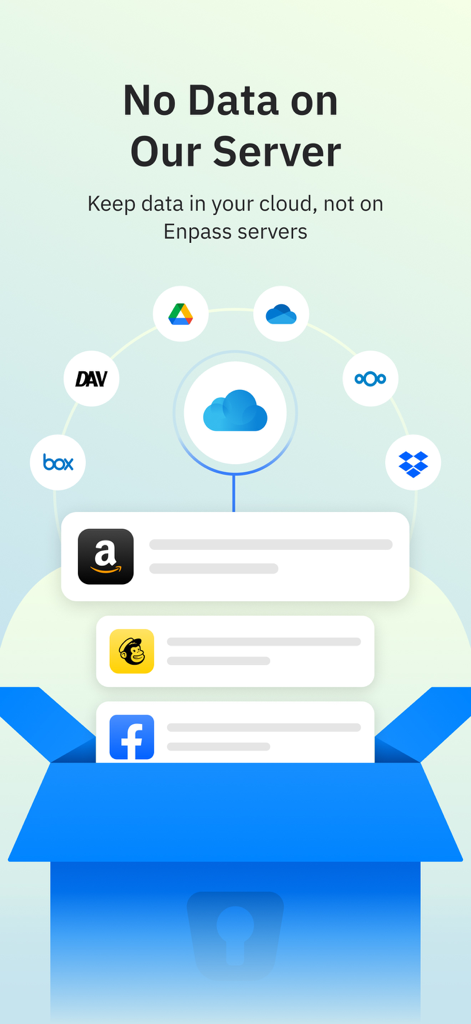
Enpass Password Manager - Enpassパスワードマネージャーのデータストレージオプションを示すグラフィック。Google DriveやDropboxなどの様々なクラウドサービスを使用して、ユーザーのプライバシーを確保。

Enpassパスワードマネージャーのデータストレージオプションを示すグラフィック。Google DriveやDropboxなどの様々なクラウドサービスを使用して、ユーザーのプライバシーを確保。
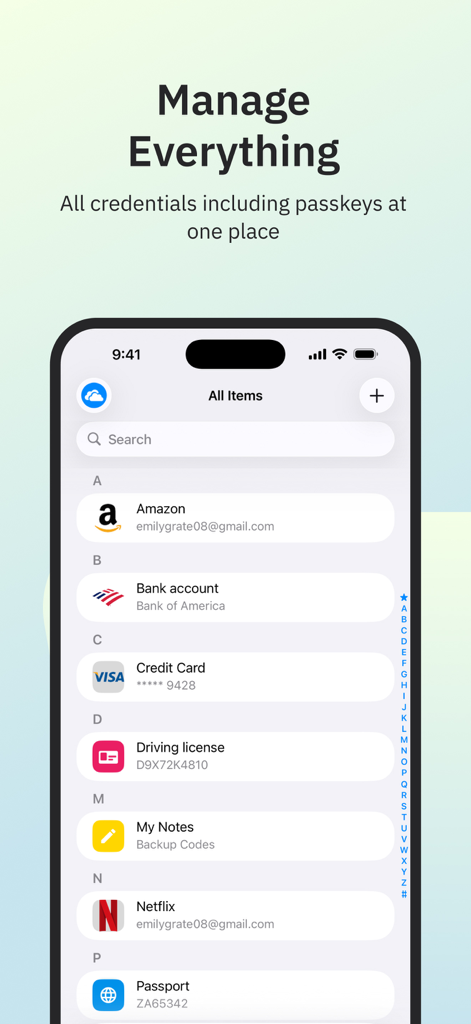
Enpass Password Manager - Enpassパスワードマネージャーのインターフェース。iPhoneに保存された資格情報とパスキーを表示。
Enpassパスワードマネージャーのインターフェース。iPhoneに保存された資格情報とパスキーを表示。

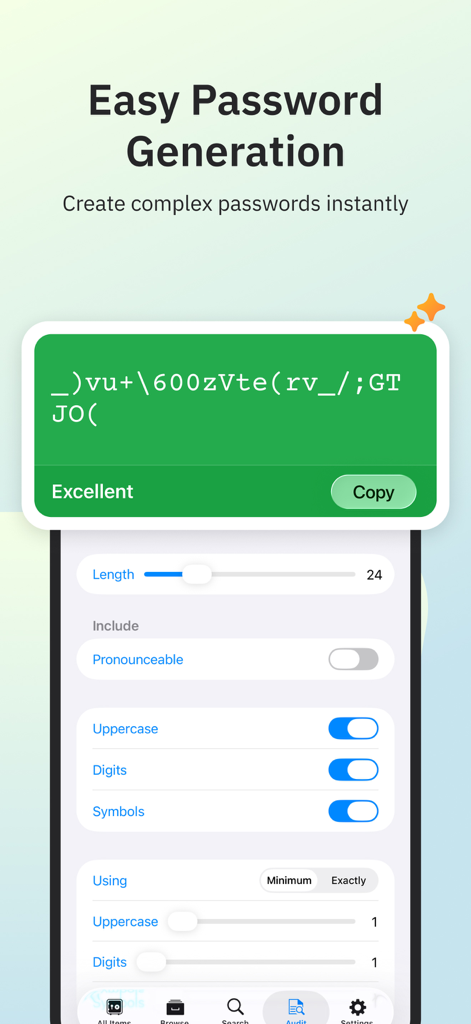
Enpass Password Manager - Enpassモバイルアプリ画面。カスタム長と文字設定で複雑なパスワードを生成。
Enpassモバイルアプリ画面。カスタム長と文字設定で複雑なパスワードを生成。

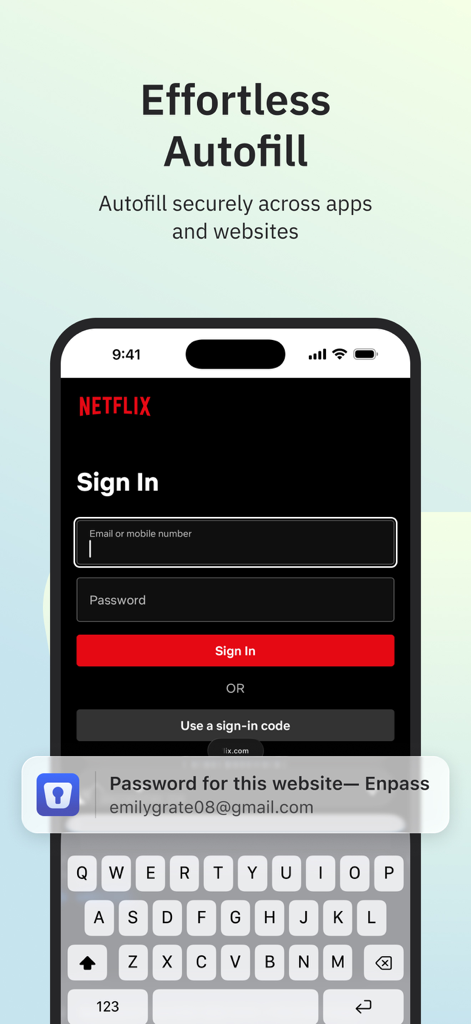
Enpass Password Manager - Enpassパスワードマネージャー。モバイルログイン画面で簡単に自動入力。
Enpassパスワードマネージャー。モバイルログイン画面で簡単に自動入力。

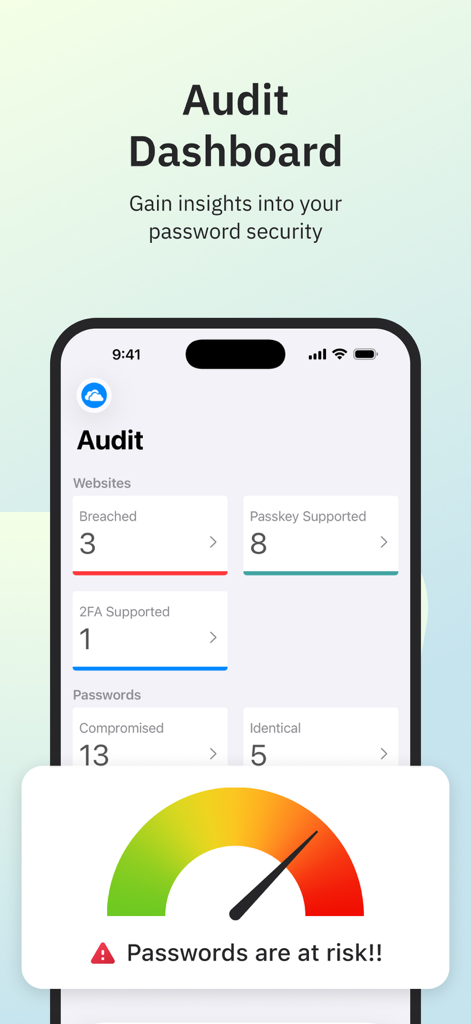
Enpass Password Manager - Enpassアプリインターフェース。パスワードセキュリティの洞察と侵害アラートを表示する監査ダッシュボード。
Enpassアプリインターフェース。パスワードセキュリティの洞察と侵害アラートを表示する監査ダッシュボード。

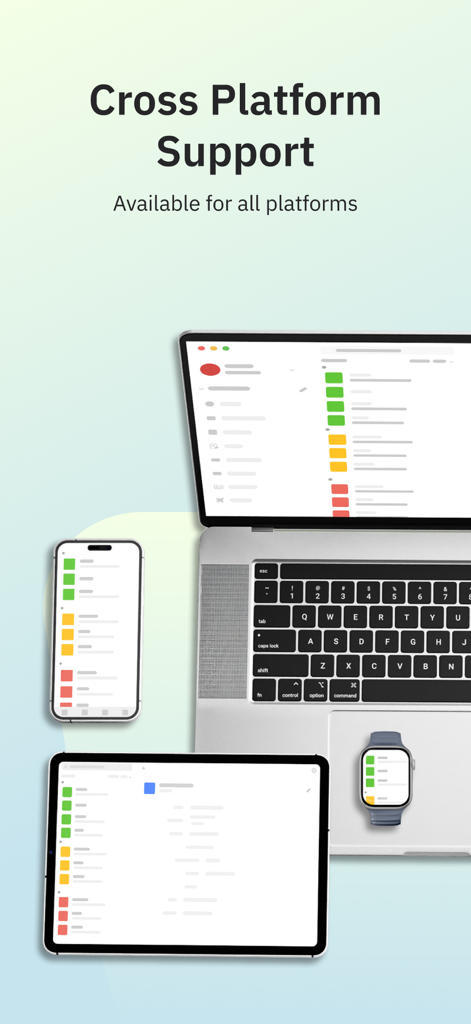
Enpass Password Manager - Enpassパスワードマネージャーインターフェース。ラップトップ、タブレット、スマートフォン、スマートウォッチに表示され、クロスプラットフォームサポートを実証。
Enpassパスワードマネージャーインターフェース。ラップトップ、タブレット、スマートフォン、スマートウォッチに表示され、クロスプラットフォームサポートを実証。

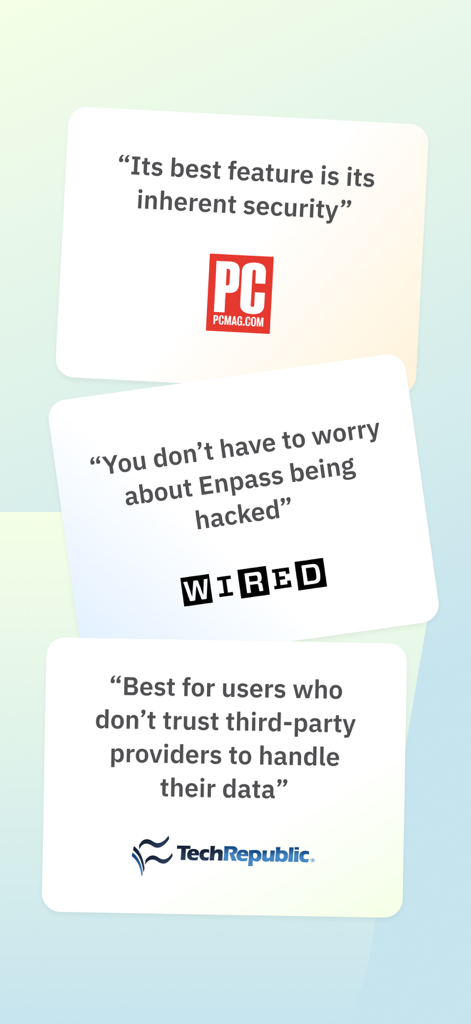
Enpass Password Manager - PCMag、WIRED、TechRepublicからの専門家レビュー。Enpassのセキュリティとデータプライバシーを強調。

PCMag、WIRED、TechRepublicからの専門家レビュー。Enpassのセキュリティとデータプライバシーを強調。

説明

CHOOSE YOUR OWN SAFEST PLACE TO STORE PASSWORDS & PASSKEYS Enpass believes your data belongs to you. Instead of keeping everyone’s passwords on a central server like most password managers, with Enpass YOU choose where your encrypted vaults are stored and synced. ● Enpass works with iCloud, Google Drive, OneDrive, Box, Dropbox, NextCloud, WebDAV, or completely offline. ● And with support for storing and syncing passkeys across devices, Enpass is ready for the password-less future. WHY YOU NEED A PASSWORD MANAGER ● Creating and typing in passwords is a hassle! ● Truly secure passwords are literally impossible to memorize ● When data breaches happen, you need to change your passwords quickly — and that needs to be easy ● Password managers keep your passwords safer, make them easier to use, and make them easier to change WHY ENPASS IS SAFER ● Most password managers store every user’s vaults in their own central server, making a tempting single target for hackers But with Enpass, hackers would have to - Target you personally - Know which cloud services you’ve chosen for your vaults - Have the credentials to those cloud accounts - Get past each account's multi-factor authentication - And know your Enpass master password ● Enpass also includes password audit & breach monitoring — user-friendly tools to help keep you safe WHY ENPASS IS BETTER ● Store and sync passkeys — ready for the password-less future ● Unlimited vaults — completely separate work passwords from personal, and more ● Wildly customizable — make your own templates, categories, and tags to organize your credentials and private files ● Customize each Item — add, remove, and rearrange fields, or make your own (even multi-line fields) ● Customizable password generator — tweak up to 10 parameters when creating strong new passwords ● Attachments — include documents and images with your saved credentials ● Built-in authenticator (TOTP) — no need for a separate app to get those 6-digit codes AND ENPASS IS AFFORDABLE ● Sync up to 25 items for free (and Enpass desktop is completely free for individual users) ● Enpass Premium starts at just $1.99/mo, Enpass Family at $2.99/mo ● Enpass Business starts at $2.99/user/mo (or $9.99/mo flat for small teams) ● Visit enpass.io/pricing for more details. ** ENPASS IS ALSO BETTER FOR BUSINESS ● Decentralized storage & sync makes Enpass compliance-friendly ● Powerful security and recovery tools, and one-click sharing for teams ● Automatic provisioning and offboarding ● Easy integration with Google Workspace and Microsoft 365 ENPASS IS EVERYWHERE ● Enpass works across Mac, iOS, watchOS, and all major browsers and operating systems SECURITY ● Zero-knowledge AES-256 encryption on 100% of user data ● Certified compliance with ISO/IEC 27001:2013 standards ● Quick unlock with Face ID or Touch ID ● Quick unlock with a PIN ● Unlock with a keyfile as second-factor authentication CONVENIENCE ● Auto-fills passwords, authentication codes, credit cards, and webforms ● Auto-saves new or changed credentials ● Stores and syncs passkeys across devices ● Syncs via your personal cloud accounts or via Wi-Fi PASSWORD SAFETY ● Highly customizable password generator ● Automatically checks for weak or compromised passwords ● Automatically monitors for website breaches ● Retains password history for each Item USABILITY ● watchOS integration ● Easy import from other password managers and CSVs in the desktop app ● Customize tags, categories, fields, and more ● File attachments (add ID cards & other documents to items) ● Copy to Clipboard ● Dark Mode ** For in-app purchases, subscriptions will auto-renew unless disabled in the App Store Account Settings at least 24 hours before the renewal date ● Terms of Use: https://www.enpass.io/legal/terms ● Privacy Policy: https://www.enpass.io/legal/privacy ENPASS SUPPORT Email: support@enpass.io Twitter: @EnpassApp Facebook: Facebook.com/EnpassApp Forums: https://discussion.enpass.io

Download

ダウンロード: App Store

このページはアプリまたはその開発者の公式ページではなく、情報提供および論評を目的として作成された独立した編集出版物です。明示的に別段の記載がない限り、アプリおよびその開発者は、MWM、Apple、Google Play、アプリのパブリッシャー、またはアプリの開発者と提携、承認、後援、認可、またはその他の公式的な関係はなく、このページのいかなる内容も、アプリがMWMのサービスを使用して開発されたことを意味するものではありません。すべての商標、ロゴ、スクリーンショット、その他のコンテンツはそれぞれの所有者の財産です。







