
このページはアプリまたはその開発者の公式ページではなく、情報提供および論評を目的として作成された独立した編集出版物です。明示的に別段の記載がない限り、アプリおよびその開発者は、MWM、Apple、Google Play、アプリのパブリッシャー、またはアプリの開発者と提携、承認、後援、認可、またはその他の公式的な関係はなく、このページのいかなる内容も、アプリがMWMのサービスを使用して開発されたことを意味するものではありません。すべての商標、ロゴ、スクリーンショット、その他のコンテンツはそれぞれの所有者の財産です。

Epson TM Print Assistant
iOSアプリとEpsonサーマルプリンター間のプロフェッショナルなブリッジ。XMLおよびPDFデータをBluetooth、Wi-Fi、またはUSB経由で物理的なレシートに簡単に変換し、チェックアウトラインをスムーズに進めます。
ダウンロード
44K+ユーザー評価
評価数
0開発元
カテゴリ
Business対応言語
2最新バージョン
1.17.0サイズ
25.5 MBリリース日
2018年1月15日モバイルチェックアウトを強化
iOSデバイスとEpsonサーマルプリンター間の不可欠なブリッジ。ビジネスオペレーションを合理化し、技術的なハードルを排除するように設計されています。
ユニバーサル接続
Bluetooth、Wi-Fi、またはUSB経由で印刷。柔軟性を保ち、安定したネットワークがなくても、どこからでもビジネスを継続できます。
シームレスなアプリ連携
WebアプリまたはFileMakerからのXMLおよびPDFデータを、複雑なエンジニアリングなしに、プロフェッショナルなレシートに即座に変換します。
以下のスクリーンショットと説明は、アプリの公式ストアリスティングから直接取得されたものであり、アプリ開発者の所有物です。
アプリストア
スクリーンショット
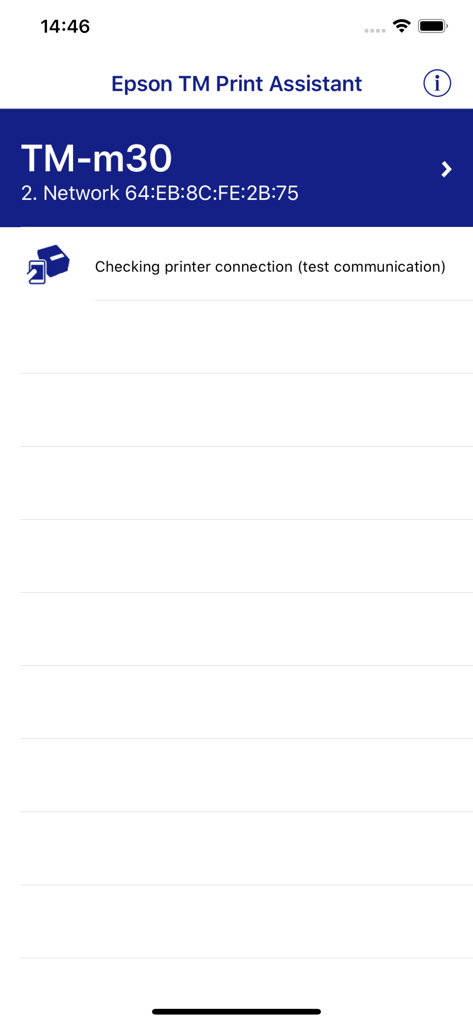
Epson TM Print AssistantアプリインターフェースがTM-m30レシートプリンターの接続ステータスを確認しています
説明
Download
類似アプリ
同じカテゴリのトップランクアプリ

Microsoft Teams
Microsoft Corporation

Zoom Workplace
Zoom Communications, Inc.

WhatsApp Business
WhatsApp Inc.

Indeed Job Search
Indeed Inc.

LinkedIn: Network & Job Finder
LinkedIn Corporation

Adobe Acrobat Reader: Sign PDF
Adobe Inc.

WeCom-Work Communication&Tools
Tencent Technology (Shenzhen) Company Limited

BOSS直聘-招聘求职找工作神器
Beijing China Product Bo Farce Network Technology Co., Ltd.

DingDing - Redefine Work in AI
DingTalk Technology Co., Ltd.
このページはアプリまたはその開発者の公式ページではなく、情報提供および論評を目的として作成された独立した編集出版物です。明示的に別段の記載がない限り、アプリおよびその開発者は、MWM、Apple、Google Play、アプリのパブリッシャー、またはアプリの開発者と提携、承認、後援、認可、またはその他の公式的な関係はなく、このページのいかなる内容も、アプリがMWMのサービスを使用して開発されたことを意味するものではありません。すべての商標、ロゴ、スクリーンショット、その他のコンテンツはそれぞれの所有者の財産です。