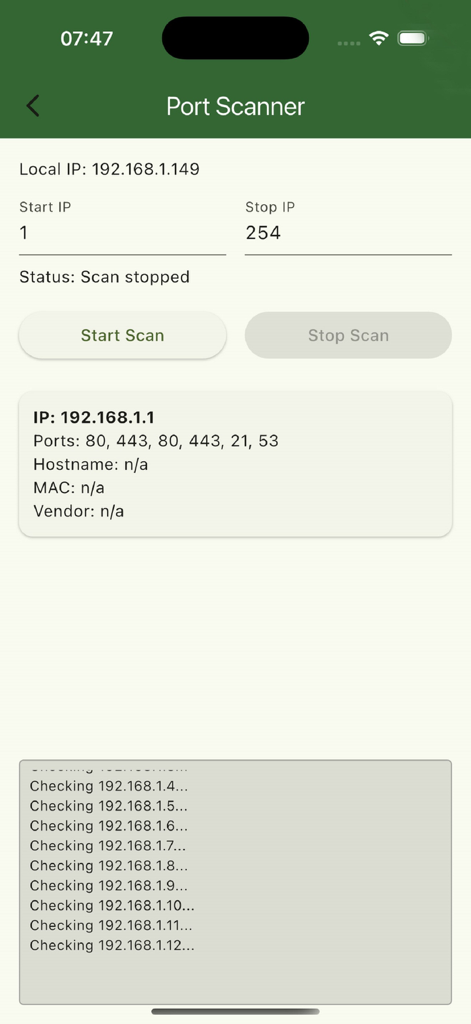
eXODA Port Scannerのインターフェイスが表示され、ネットワークスキャン結果と開いているポートを示しています
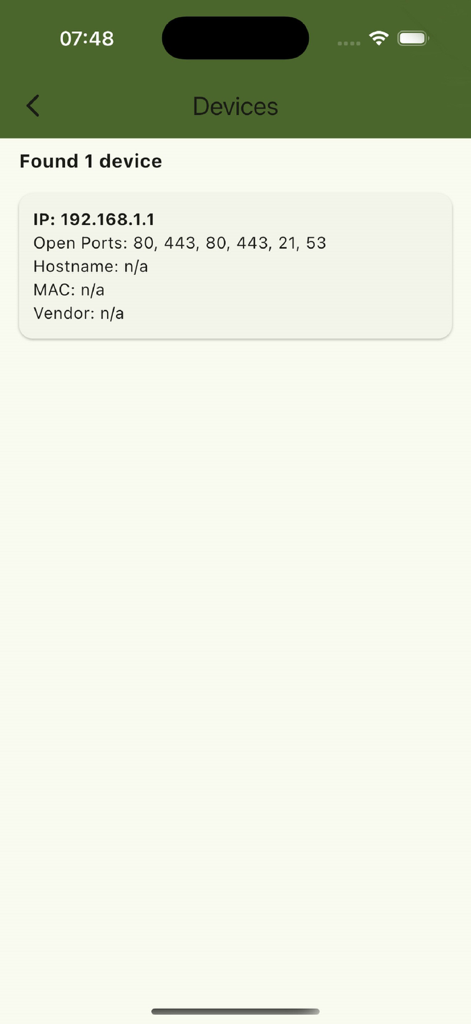
eXODA Port Scannerアプリ画面に、検出されたデバイスのIPと開いているポートが表示されています
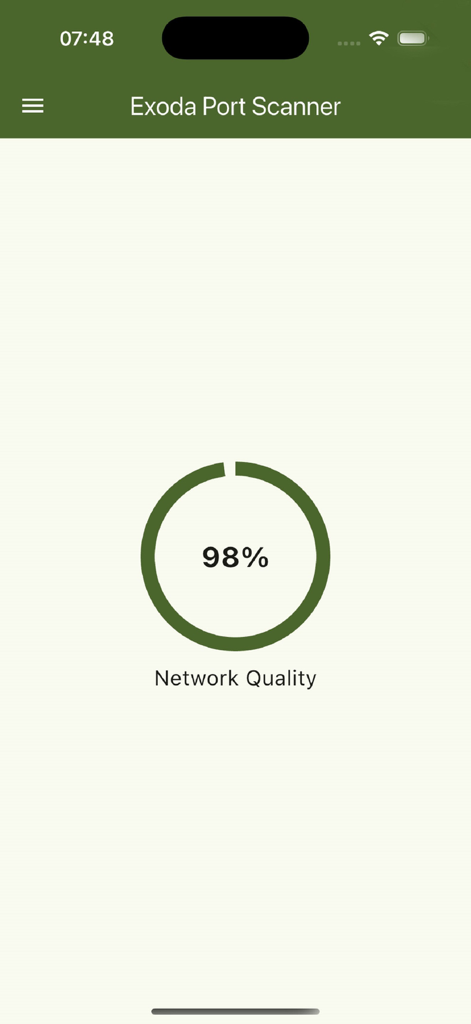
Exoda Port Scannerアプリのインターフェイスに、ネットワーク品質インジケーターが98パーセントで表示されています。
説明
eXODA Port Scanner makes network analysis on macOS and iOS effortless with an intuitive interface and powerful features. With just a few taps, you can scan any IP range and ports—whether standard services like HTTP (port 80) and SSH (port 22), printer interfaces (ports 515, 631, 9100), or custom ports you define. Thanks to asynchronous parallel scanning and intelligent port caching, the process is lightning-fast even across large subnets, and previously discovered hosts are reused automatically.
Each discovered host appears in a clean, informative card showing the open port number, IP address, PTR-looked-up hostname, and MAC and vendor details from the local ARP table. eXODA Port Scanner also performs an ICMP ping to report round-trip time (RTT) in milliseconds and TTL (time-to-live), so you can gauge latency and reachability at a glance.
For deeper device insights, the app can connect via SNMP to switches, routers, or printers—when available—to pull system info (sysName, sysDescr, sysUpTime). It even auto-detects printers using the Printer MIB. Public GeoIP and ASN data (via ipwhois.app) provide country, region, and ISP details for each host.
Your own Wi-Fi environment is detailed, too: local IP address, SSID, and BSSID are displayed. You remain in full control—scans run entirely within your LAN, and no data ever leaves your network.
The sleek, modern UI is built on Flutter 3 with Material 3 and Cupertino styling, automatically adapting to light or dark mode. On macOS, a global hotkey (Ctrl + Q) lets you start or stop scans system-wide and view results in any active app. Advanced users can save, edit, and reset their custom port lists as needed.
eXODA Port Scanner is ideal for home network administrators, small-office IT pros, or anyone who wants to discover open ports, measure latency, and identify devices without wrestling with terminal commands. Whether you’re hunting down rogue devices, cataloging printers and routers, or simply checking connection speeds, it’s all at your fingertips.
Download eXODA Port Scanner today and transform your network analysis workflow—scan open ports, test latency, recognize devices, and optimize your infrastructure without ever opening a terminal. Regular updates ensure you’ll always have the latest protocols, new platform support, and cutting-edge diagnostic tools.