
このページはアプリまたはその開発者の公式ページではなく、情報提供および論評を目的として作成された独立した編集出版物です。明示的に別段の記載がない限り、アプリおよびその開発者は、MWM、Apple、Google Play、アプリのパブリッシャー、またはアプリの開発者と提携、承認、後援、認可、またはその他の公式的な関係はなく、このページのいかなる内容も、アプリがMWMのサービスを使用して開発されたことを意味するものではありません。すべての商標、ロゴ、スクリーンショット、その他のコンテンツはそれぞれの所有者の財産です。


Files Transfer - Quick share
Bluetooth より 100 倍高速に 4K 動画や大容量ファイルを転送。ローカル接続または暗号化されたリモートリンクで、プライバシーを完全に保護し、オリジナル品質のコンテンツを瞬時に共有します。
ダウンロード
147K+ユーザー評価
評価数
200開発元
カテゴリ
Utilities対応言語
1最新バージョン
2.3サイズ
68.1 MBリリース日
2025年8月26日すべてを共有し、何も犠牲にしない
部屋の反対側でも、世界の反対側でも、高解像度ファイルを瞬時に移動できる、クリエイターやプロフェッショナル向けの究極のツールキット。
超高速ローカル共有
Bluetooth より 100 倍高速に 4K 動画や大容量ドキュメントを転送。セルラーデータや Wi-Fi 接続は一切使用しません。
無圧縮品質
高解像度コンテンツのすべてのピクセルを保持します。メッセージングアプリの圧縮なしで、オリジナル品質の写真やロスレスオーディオを送信できます。
よくある質問
について知っておくべきこと Files Transfer - Quick share
Files Transfer - Quick share とは何ですか?
Files Transfer - Quick share は、シンプルで効果的な共有を実現する効率的なファイル転送ツールです。データケーブル、メールの添付ファイル、複雑な設定の必要性をなくし、ファイル転送の方法を再定義します。
Files Transfer - Quick share は、対面転送にインターネット接続が必要ですか?
いいえ、Files Transfer - Quick share は、対面転送にデータ使用量やネットワークを必要としません。近くのデバイスと直接接続を確立し、超高速共有を実現します。
Files Transfer - Quick share での対面転送はどのくらい高速ですか?
Files Transfer - Quick share の対面転送は、Bluetooth の 100 倍高速です。これにより、写真、ビデオ、および大規模なドキュメントを迅速に共有できます。
Files Transfer - Quick share で対面転送を行う際、データは安全ですか?
はい、Files Transfer - Quick share は、対面転送に対して完全なプライバシー保護を提供します。すべてのデータはデバイス間でのみ転送され、クラウドにはアップロードされないため、セキュリティが確保されます。
Files Transfer - Quick share を使用してリモートでファイルを共有できますか?
はい、Files Transfer - Quick share では、暗号化されたダウンロードリンクを生成することで、リモートファイル共有が可能です。このリンクは、遠くにいる友人や同僚と共有できます。
Files Transfer - Quick share でリモート共有リンクにパスワードと有効期限を設定できますか?
はい、Files Transfer - Quick share では、ユーザーはリモート共有リンクにパスワードを設定し、有効期間を設定できます。これにより、プライベートファイルのセキュリティと管理可能性が保証されます。
Files Transfer - Quick share はどのようなファイル形式をサポートしていますか?
Files Transfer - Quick share は、仕事の PPT、デザインドラフト、ビデオコレクション、写真、PDF ドキュメントなど、あらゆる形式のファイルをサポートしています。制限なくすべてのタイプを処理します。
Files Transfer - Quick share は転送中にファイルを圧縮しますか?
いいえ、Files Transfer - Quick share はゼロ圧縮転送を実行します。元の品質のビデオ、ロスレスオーディオファイル、元のドキュメントはそのまま転送され、品質が保証されます。
Files Transfer - Quick share は過去の送信履歴を保持しますか?
はい、Files Transfer - Quick share はすべての送信を記録します。このアプリには「履歴」セクションがあり、送信、受信、ダウンロードされたファイルと有効期限の詳細が表示されます。
Files Transfer - Quick share はサブスクリプションの更新をどのように処理しますか?
Files Transfer - Quick share のサブスクリプションは、現在の期間が終了する少なくとも 24 時間前に自動更新をオフにしない限り、自動的に更新されます。支払いは iTunes アカウントに請求されます。
以下のスクリーンショットと説明は、アプリの公式ストアリスティングから直接取得されたものであり、アプリ開発者の所有物です。
アプリストア
スクリーンショット
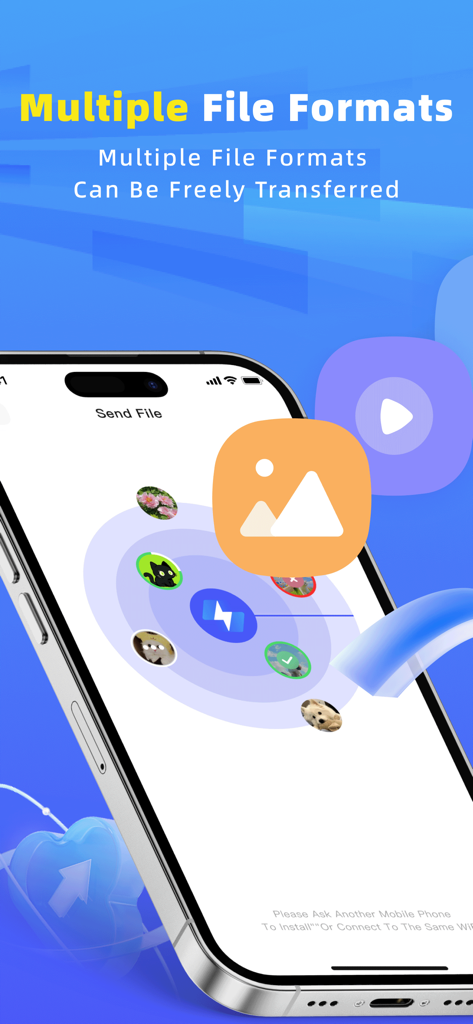
iPhone 上でさまざまなファイル形式の高速共有を示す Files Transfer アプリのインターフェイス。
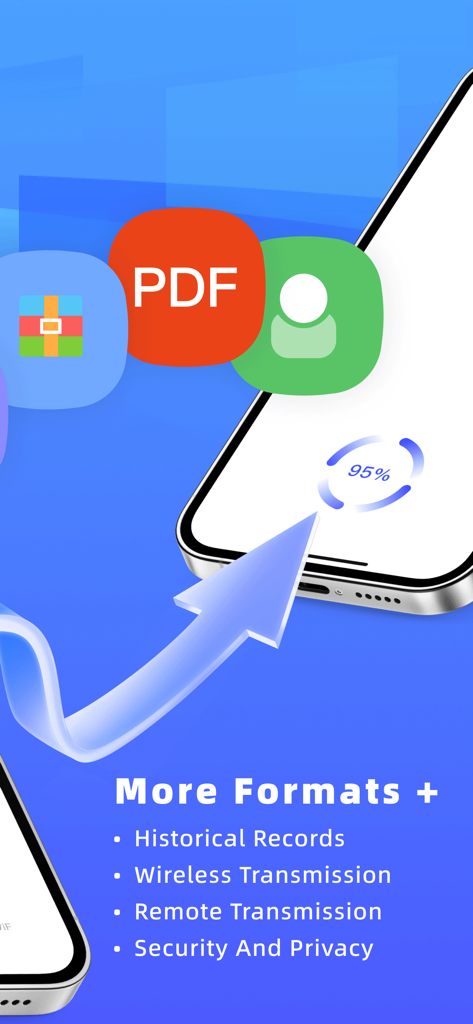
複数のファイル形式のサポートを示す、ワイヤレスおよびリモート転送の進捗状況を示す Files Transfer アプリのインターフェイス
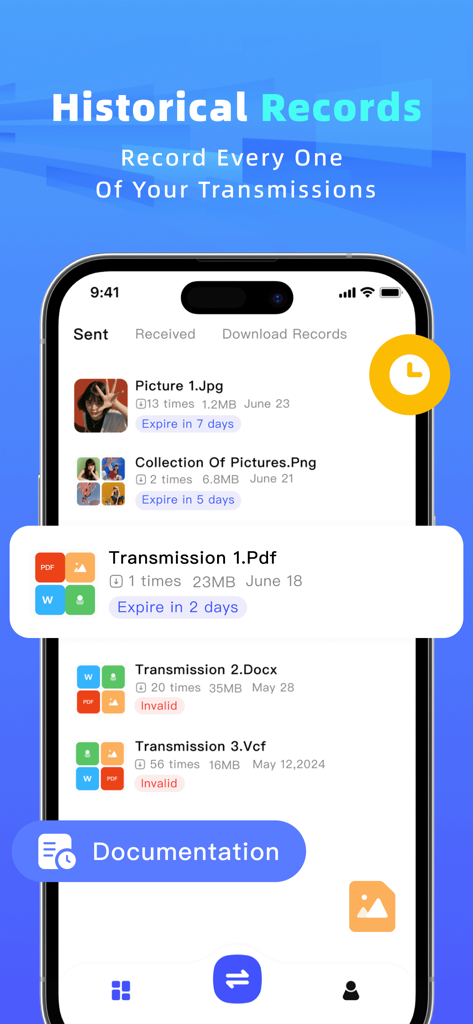
送信済みおよび受信済みのファイルのリストとその有効期限ステータスを示すファイル共有アプリの履歴記録画面
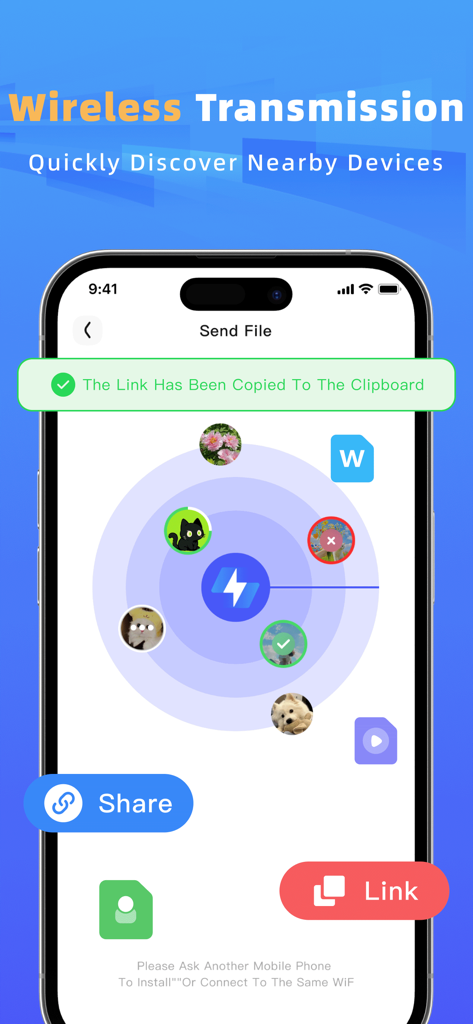
ワイヤレスファイル転送のために近くのデバイスを発見するためのレーダービューを示すインターフェイス
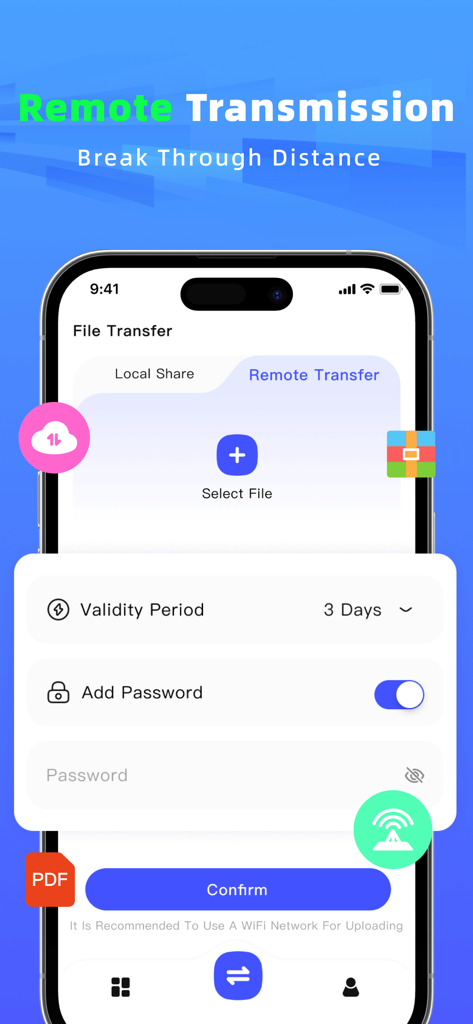
パスワード保護とカスタムリンクの有効期間設定を備えた、リモートファイル共有用のモバイルアプリインターフェイス
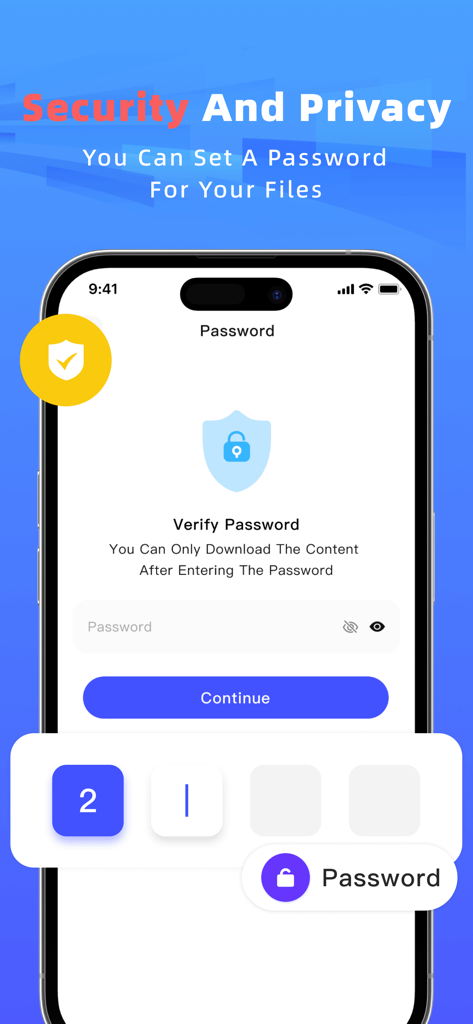
Files Transfer アプリで安全なファイル共有のためのパスワード保護機能を示すスマートフォンの画面
説明
Download
類似アプリ
似た機能とユーザー体験を持つアプリ

WeTransfer: Transfer Files
Wetransfer B.V.

Send Anywhere - File Transfer
Rakuten Symphony Korea, Inc.

Blip: Send Files in a Click
Blip Studio Inc.

Zapya - File Sharing
Lindong Network Technology(Beijing) Co.,Ltd.

Air File Share & Drop
Best Free and Fun Games, LLC

手机克隆-极速换机助手免流量数据迁移
军甫 贺

Photo Transfer: Send via WiFi
Mobileware Studio SL

SHAREit: Transfer, Share Files
SHAREit Technologies Co. Ltd

LocalSend
Tien Do Nam
このページはアプリまたはその開発者の公式ページではなく、情報提供および論評を目的として作成された独立した編集出版物です。明示的に別段の記載がない限り、アプリおよびその開発者は、MWM、Apple、Google Play、アプリのパブリッシャー、またはアプリの開発者と提携、承認、後援、認可、またはその他の公式的な関係はなく、このページのいかなる内容も、アプリがMWMのサービスを使用して開発されたことを意味するものではありません。すべての商標、ロゴ、スクリーンショット、その他のコンテンツはそれぞれの所有者の財産です。