Find My Airbuds Device Finder
ダウンロード: App Store

このページはアプリまたはその開発者の公式ページではなく、情報提供および論評を目的として作成された独立した編集出版物です。明示的に別段の記載がない限り、アプリおよびその開発者は、MWM、Apple、Google Play、アプリのパブリッシャー、またはアプリの開発者と提携、承認、後援、認可、またはその他の公式的な関係はなく、このページのいかなる内容も、アプリがMWMのサービスを使用して開発されたことを意味するものではありません。すべての商標、ロゴ、スクリーンショット、その他のコンテンツはそれぞれの所有者の財産です。

ロゴ: Find My Airbuds Device Finder
ダウンロード: App Store

Find My Airbuds Device Finder

パニックに陥るのをやめ、大切な投資を守りましょう。スマート信号追跡とサウンドアラートを使用して、AirPods、スマートウォッチ、ヘッドフォンなど、どこに隠れていても即座に見つけ出します。

主要数値

ダウンロード

186K+

ユーザー評価

4.2/5

評価数

2K+

開発元

AVRLTECHWORKS TEKNOLOJI VE YAZILIM HIZMETLERI LIMITED SIRKETI

カテゴリ

Utilities

対応言語

9

最新バージョン

1.8.1

サイズ

55.2 MB

リリース日

2022年9月3日
機能

数秒でテクノロジーを見つけよう

パニックに陥るのをやめ、大切な投資を守りましょう。当社のスマート追跡ツールは、失われたBluetoothデバイスが完全に無くなる前に見つけるのに役立ちます。

スマート信号レーダー

「ホット・コールド」追跡バーをたどり、失くしたデバイスに向かって、正確な位置まで歩きましょう。

サウンドアラートトリガー

失くしたイヤホンから大きなビープ音を鳴らし、ソファのクッションの下やジムバッグの中でも簡単に見つけられるようにします。

以下のスクリーンショットと説明は、アプリの公式ストアリスティングから直接取得されたものであり、アプリ開発者の所有物です。

アプリストア

スクリーンショット
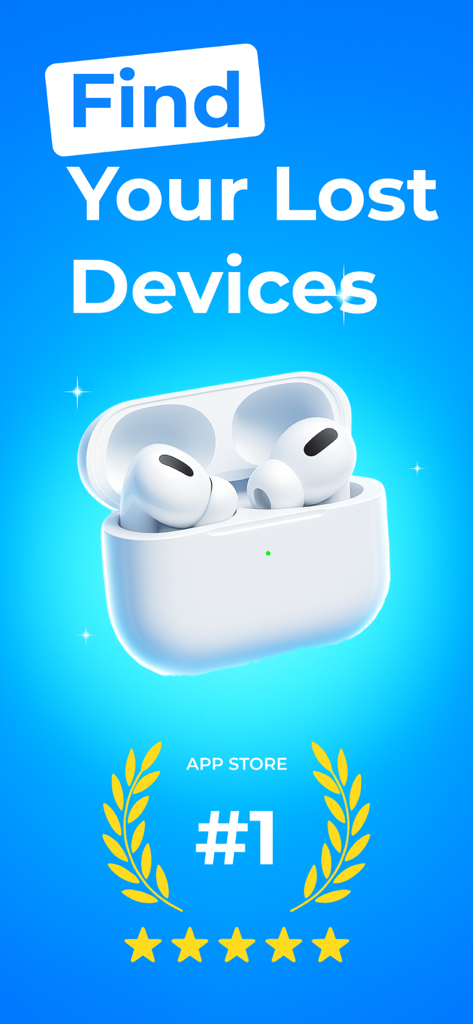
Find My Airbuds Device Finder - ワイヤレスイヤホンとトップランキングバッジを表示するFind My Airbudsアプリのプロモーション画面
ワイヤレスイヤホンとトップランキングバッジを表示するFind My Airbudsアプリのプロモーション画面

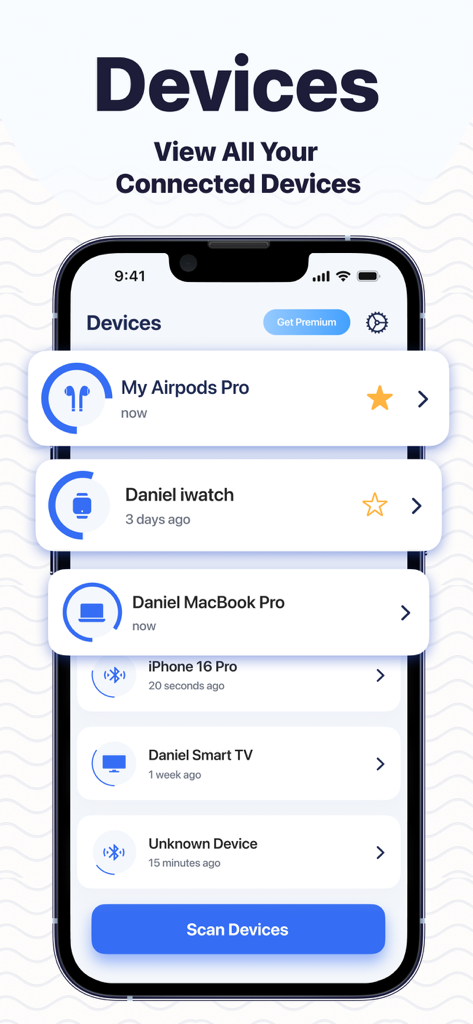
Find My Airbuds Device Finder - AirPodsやスマートウォッチなどの接続済みBluetoothデバイスのリストを表示するFind My Airbudsアプリのスクリーンショット
AirPodsやスマートウォッチなどの接続済みBluetoothデバイスのリストを表示するFind My Airbudsアプリのスクリーンショット

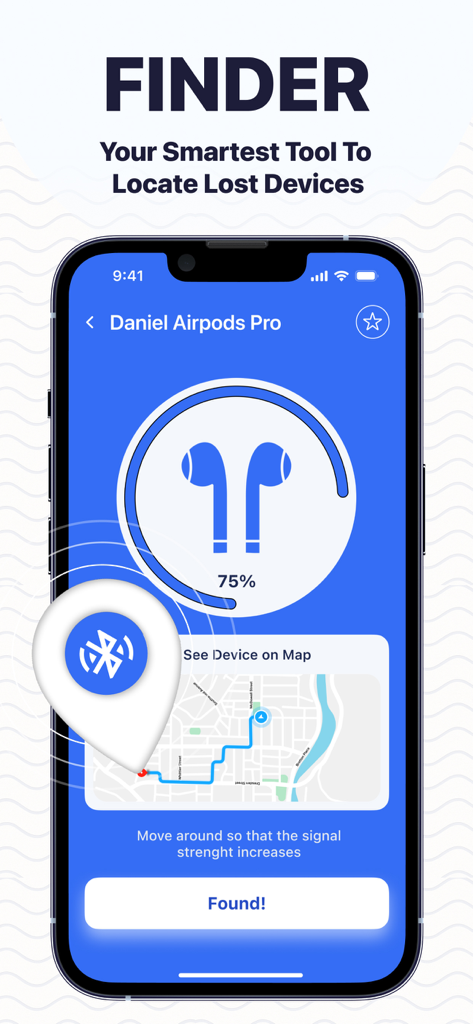
Find My Airbuds Device Finder - 失くしたBluetoothイヤホンを見つけるために、地図と信号強度レーダーを表示するFind My Airbudsアプリのインターフェース
失くしたBluetoothイヤホンを見つけるために、地図と信号強度レーダーを表示するFind My Airbudsアプリのインターフェース

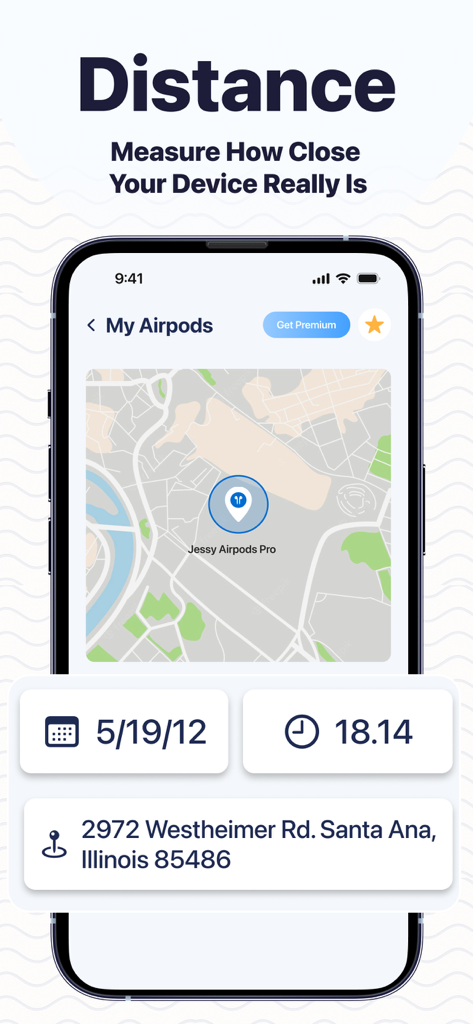
Find My Airbuds Device Finder - 失くしたAirPodsの最後の既知の位置と住所を示す地図を表示するスマートフォンの画面
失くしたAirPodsの最後の既知の位置と住所を示す地図を表示するスマートフォンの画面

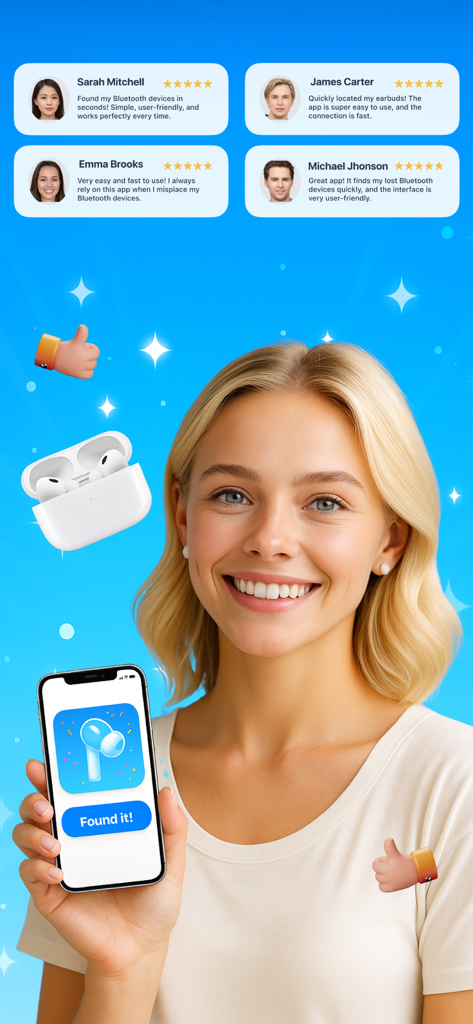
Find My Airbuds Device Finder - 肯定的なユーザーレビューが表示されたFind My Airbudsアプリを持つスマートフォンを持っている、笑顔の女性

肯定的なユーザーレビューが表示されたFind My Airbudsアプリを持つスマートフォンを持っている、笑顔の女性

説明

Lost your AirBuds, phone, or any Bluetooth device? Find them all in seconds! Find My AirBuds Device Finder is your smart Bluetooth tracking assistant that helps you quickly locate any Bluetooth-enabled gadget — from earbuds, headphones, tablets, and phones to smartwatches, TVs, and Bluetooth speakers. Using advanced signal tracking and live radar indicators, the app shows how close you are to your missing device — helping you recover it in seconds without stress or panic. Key Features • Universal Bluetooth Tracker – Works with all Bluetooth-enabled devices: AirBuds, headphones, tablets, phones, watches, speakers, and more. • Smart Radar & Signal Strength – Watch the signal bar grow stronger as you move closer. • Sound Alert Mode – Trigger a sound on the device to locate it fast. • Nearby Device Scan – Instantly lists every Bluetooth device around you. • Simple & Intuitive Interface – Clean design for easy navigation and quick tracking. • Last Seen Location – Shows where your device was last connected for extra accuracy. How It Works 1- Open the app and allow Bluetooth access. 2- Tap “Scan Devices” to see all Bluetooth items nearby. 3- Select your lost device, follow the radar or play a beep sound to find it instantly. No more wasting time searching your home, car, or office. With Find My AirBuds Device Finder, every Bluetooth device stays within reach — from your AirBuds to your favorite TV or smartwatch. Download now and experience the easiest way to find all your Bluetooth devices anytime, anywhere! Auto-Renewable Subscription Terms: - Payment will be charged to your Apple ID account at the confirmation of purchase. - Subscription automatically renews unless it is canceled at least 24 hours before the end of the current period. - Your account will be charged for renewal within 24 hours prior to the end of the current period. - You can manage and cancel your subscriptions by going to your account settings on the App Store after purchase. Terms of Use: https://bestfinder.14teknolojik.com/terms.html Privacy Policy: https://bestfinder.14teknolojik.com/privacy.html

Download

ダウンロード: App Store

このページはアプリまたはその開発者の公式ページではなく、情報提供および論評を目的として作成された独立した編集出版物です。明示的に別段の記載がない限り、アプリおよびその開発者は、MWM、Apple、Google Play、アプリのパブリッシャー、またはアプリの開発者と提携、承認、後援、認可、またはその他の公式的な関係はなく、このページのいかなる内容も、アプリがMWMのサービスを使用して開発されたことを意味するものではありません。すべての商標、ロゴ、スクリーンショット、その他のコンテンツはそれぞれの所有者の財産です。








