Find My Lost Device & Track

Find My Lost Device & Track

ダウンロード: App Store
ロゴ: Find My Lost Device & Track

紛失したデバイスを検索・追跡:あらゆるBluetoothガジェットを数秒で見つけ出す

お使いのスマホを強力なデバイスレーダーに変えましょう。リアルタイムの距離追跡を使用してAirPods、Apple Watch、Fitbitを正確に特定し、パニックを安心感に変えます。

開発元

WL Online Marketing LLC

カテゴリ

Utilities

ダウンロード

1M+

ユーザー評価

4.5/5

評価数

20K+

対応言語

12

数秒でギアを見つけよう

このアプリを際立たせるツール、 1M+ 人のユーザーが選択.

🎯

高精度近接レーダー

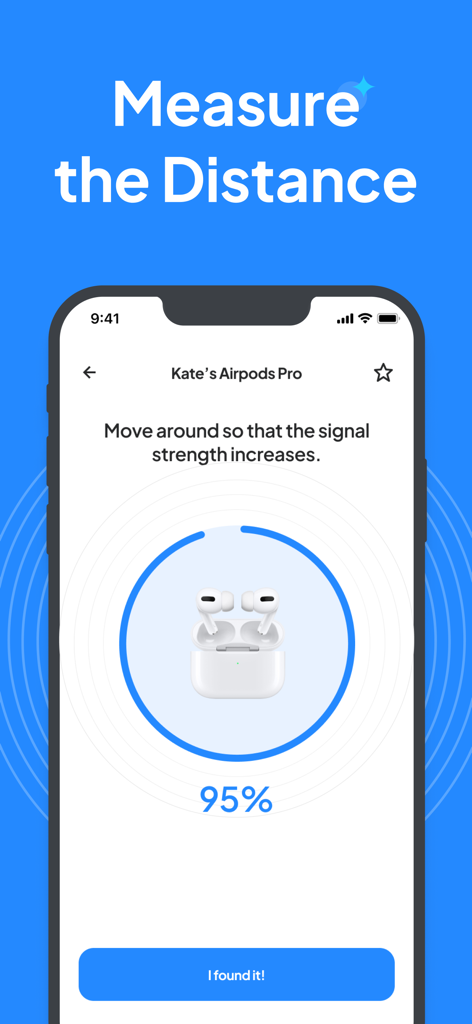
必死の捜索はやめましょう。ライブな「ホット・コールド」距離スコアを使用して、デバイスがソファのクッションの下など、どこに隠れているかを正確に特定します。

🎧

ユニバーサルデバイスサポート

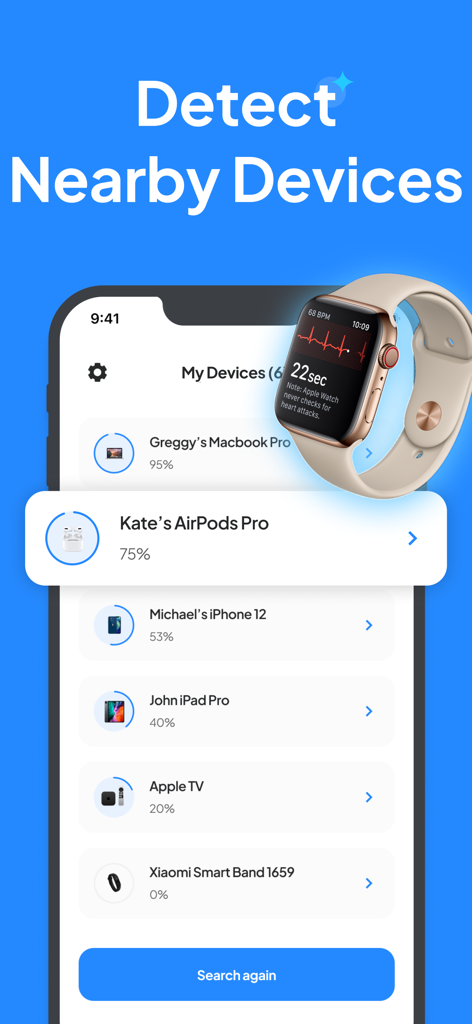
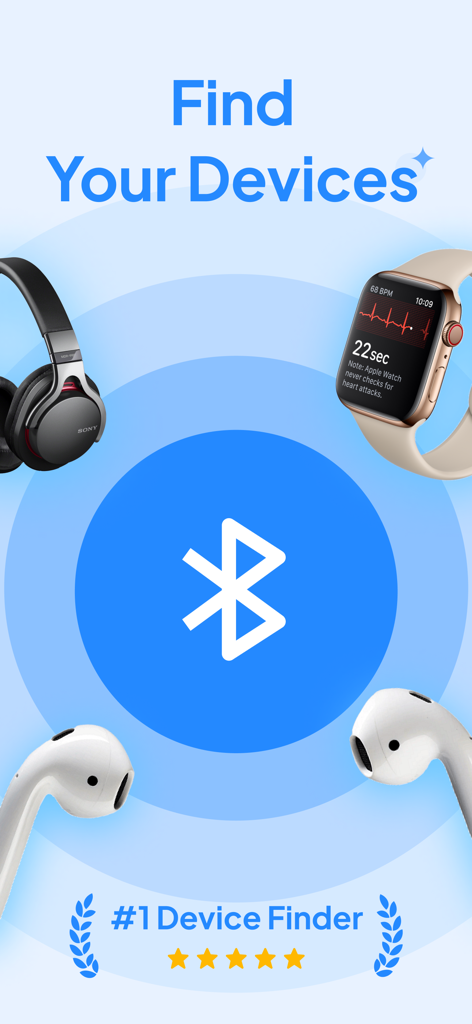
あらゆるテクノロジーデバイスに対応するオールインワンアプリ。AirPods、Apple Watch、MacBook、Fitbit、その他のBluetooth対応周辺機器を即座に追跡します。

📍

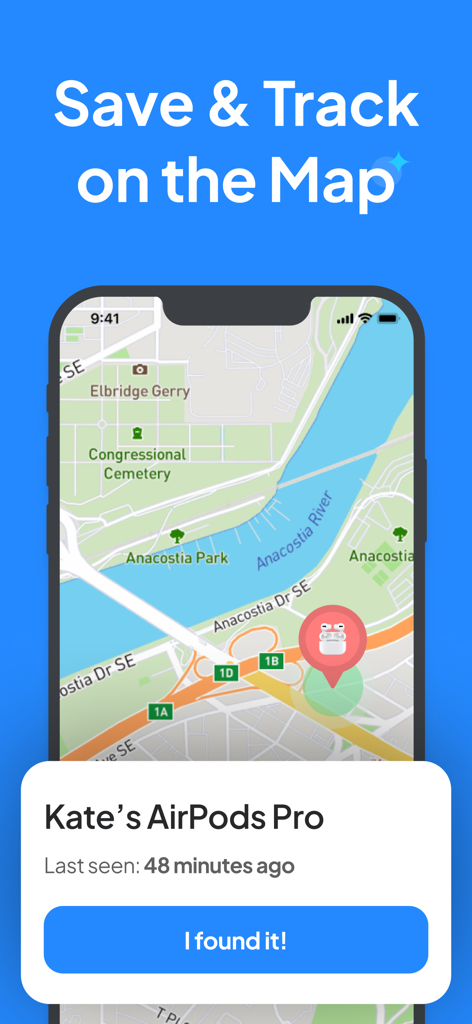
最終検出場所マップ履歴

推測は不要です。デバイスが最後に検出された正確なGPS位置を表示し、どこから捜索を開始すべきかを正確に把握します。

アプリについて

について知っておくべきこと Find My Lost Device & Track.

説明

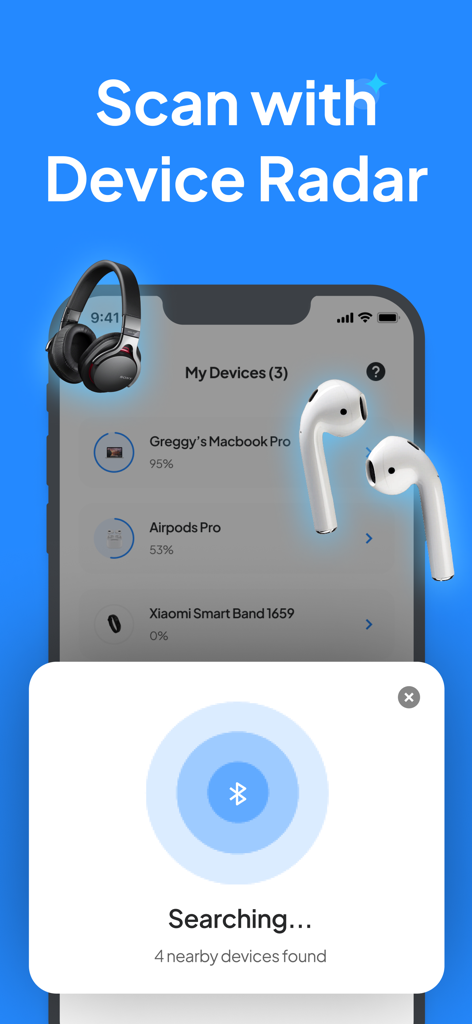
Lost your device? Don't worry, we've got you covered with the Find My Device app. Whether it's your phone, tablet, watch, or any other Bluetooth device, our app helps you locate it within seconds. DEVICE RADAR Scan with the device radar to detect all devices around sending a Bluetooth signal. DISTANCE SCORE Move around and track the distance score to locate your lost device. LOCATE ON THE MAP After you find your device, please save it to your devices. Then, you will be able to locate the last-seen location on the map. COMPATIBLE DEVICES Find My Device app supports a wide range of devices, including: - AirPods - iPad - AirTag - MacBook Pro - MacBook Air - Apple Pencil - Apple Watch - All other Apple devices - Wireless headphones and earbuds - Tablets - Laptops - Bluetooth speakers - Fitness trackers like Fitbit - All other Bluetooth devices As long as your device emits a Bluetooth signal, our app can locate it! HOW IT WORKS: 1. Open the App: Launch the "Find My Device" app. 2. Select Your Device: Choose the device you're looking for from the list. 3. Track the Signal: Move around slowly to increase the distance score shown on the app. 4. Find Your Device: As the percentage increases, you're getting closer to your lost device. Once you're near enough, you'll find it! We're here to assist you whenever you need support. Contact us at support@appshub.com.tr DISCLAIMER: Find My Device app is not affiliated with any of the mentioned companies. We've developed and tested our app independently. Trademarks mentioned belong to their respective owners. AirPods* Airtags* iPad* MacBook Pro* MacBook Air* Apple Pencil* Apple Watch* are an Apple Inc. trademark registered in the U.S. and other countries. Fitbit is a registered trademark or trademark of Fitbit, Inc. and/or its affiliates in the United States and other countries. If you choose to purchase the premium version of the Find My Device app, payment will be charged to your Apple account, and your account will be charged for renewal within 24 hours before the end of the current period. Auto-renewal may be turned off at any time by going to your settings in the App Store after purchase. Any unused portion of a free trial period, if offered, will be forfeited when the user purchases a subscription to that publication, where applicable. Privacy Policy: https://appshub.com.tr/privacy-policy-device-finder/ Terms of Service: https://appshub.com.tr/terms-of-use-device-finder/

最新バージョン

2.0.5

サイズ

18.8 MB

リリース日

2020年2月16日

捜索をやめて。紛失したデバイスを数秒で見つけましょう。

高価な交換品に大金を費やすのはやめましょう。100万人以上のユーザーが、バッテリーが切れる前にAirPods、Apple Watch、タブレットを見つけるために、この高精度レーダーを使用しています。

ダウンロード: App Store
FAQ

よくある質問

について知っておくべきこと Find My Lost Device & Track

Find My Lost Device & Track アプリは、紛失したデバイスの特定にどのように役立ちますか?

Find My Lost Device & Track アプリは、デバイスレーダーを使用してBluetooth信号をスキャンします。ユーザーは移動しながら距離スコアを追跡し、紛失した電話、タブレット、時計、その他のBluetoothデバイスへの近さを示します。

Find My Lost Device & Track アプリに対応しているデバイスの種類は何ですか?

はい、Find My Lost Device & Track アプリはBluetooth信号を発するあらゆるデバイスに対応しています。これには、AirPods、iPad、AirTag、MacBook、Apple Watch、ワイヤレスヘッドフォン、タブレット、ラップトップ、Bluetoothスピーカー、Fitbitなどのフィットネストラッカーが含まれます。

Find My Lost Device & Track アプリを使用して、紛失したデバイスを地図上で特定できますか?

はい、Find My Lost Device & Track アプリでは、保存されているデバイスの最後に確認された位置を地図上で特定できます。この機能は、デバイスが最初に検出され、アプリ内で保存された後に利用可能になります。

Find My Lost Device & Track アプリを使用してデバイスを見つける手順は何ですか?

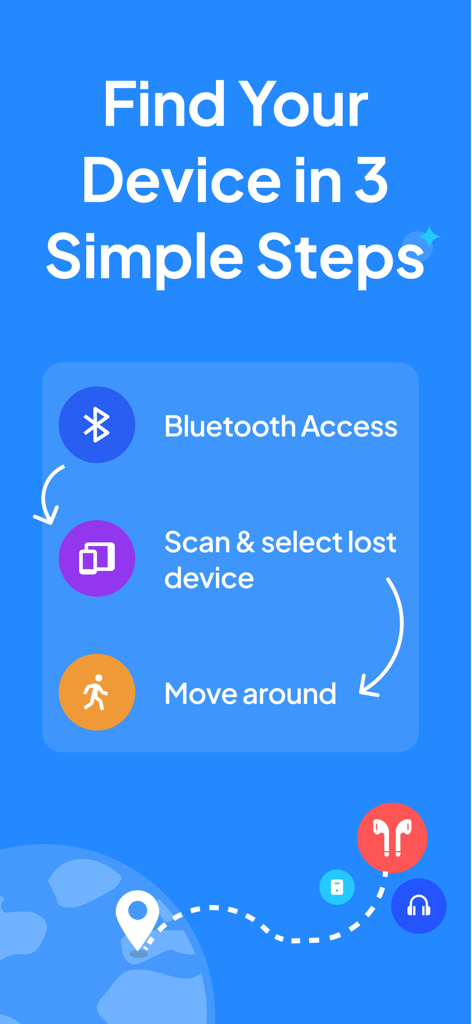
まず、Find My Lost Device & Track アプリを開き、デバイスを選択します。次に、ゆっくりと移動して距離スコアを追跡・増加させます。パーセンテージの増加は、紛失したデバイスへの近さを示します。

Find My Lost Device & Track アプリのプレミアムバージョンはどのように機能しますか?

ユーザーがプレミアムバージョンを購入した場合、支払い料金はAppleアカウントに請求されます。アカウントは、現在の期間が終了する前の24時間以内に更新料金が請求されます。App Storeの設定で自動更新をオフにすることができます。

Find My Lost Device & Track アプリはAppleまたはFitbitと提携していますか?

いいえ、Find My Lost Device & Track アプリはApple Inc.またはFitbit, Inc.とは提携していません。このアプリは独立して開発・テストされています。言及されている商標は、それぞれの所有者に帰属します。

Find My Lost Device & Track アプリのサポートを受けるにはどうすればよいですか?

Find My Lost Device & Track アプリのサポートは、サポートチームに連絡することで受けることができます。問題や質問がある場合は、support@appshub.com.trにメールを送信してください。

Find My Lost Device & Track アプリのプライバシーポリシーはどこで見られますか?

Find My Lost Device & Track アプリのプライバシーポリシーはオンラインで利用可能です。ユーザーは、https://appshub.com.tr/privacy-policy-device-finder/ で完全なポリシーにアクセスして、データの取り扱い方法を確認できます。

App information, icons, screenshots, and descriptions displayed on this page are sourced from the Apple App Store and are the property of their respective developers. Download estimates and rankings are based on MWM's proprietary models and may not reflect actual figures. This page is provided for informational and analytical purposes only.

Believe this page infringes your intellectual property? File a dispute