
このページはアプリまたはその開発者の公式ページではなく、情報提供および論評を目的として作成された独立した編集出版物です。明示的に別段の記載がない限り、アプリおよびその開発者は、MWM、Apple、Google Play、アプリのパブリッシャー、またはアプリの開発者と提携、承認、後援、認可、またはその他の公式的な関係はなく、このページのいかなる内容も、アプリがMWMのサービスを使用して開発されたことを意味するものではありません。すべての商標、ロゴ、スクリーンショット、その他のコンテンツはそれぞれの所有者の財産です。

Flow: Note Taking, Drawing Pad
プレミアム文房具の触覚的なエレガンスと、無限のデジタルキャンバスを組み合わせましょう。Apple Pencilのために構築された、美しく、邪魔されない環境でスケッチ、計画、共同作業を行いましょう。
ダウンロード
5M+ユーザー評価
評価数
7K+開発元
カテゴリ
Productivity対応言語
12最新バージョン
4.2.4サイズ
177.3 MBリリース日
2019年3月24日クリエイティブワークフローを構築する
現代の思考者のためにデザインされたFlowは、ハイエンド文房具の触覚的なエレガンスと、デジタルイノベーションの無限の力を組み合わせます。
無制限のクリエイティブキャンバス
あなたの最も野心的なブレインストーミングセッションと共に成長する、無限幅のドキュメントで物理的な余白から解放されましょう。
アナログソウル、デジタルハート
Apple Pencilの精度と応答性に合わせて最適化された、リアルなインクと紙のスタイルの感覚的な喜びを体験してください。
よくある質問
について知っておくべきこと Flow: Note Taking, Drawing Pad
Flowアプリは何に使われますか?
Flowはノート作成や描画パッドアプリです。リアルなインクと紙で美しいノートを作成したり、スケッチ、日記、計画を立てたりするのに役立ち、応答性の高いApple Pencilをサポートしています。
FlowアプリはApple Pencilをサポートしていますか?
はい、Flowは高度なApple Pencilサポートを提供しており、書き込みや描画が非常に応答性が高くなっています。この機能により、アプリ内でのユーザーの創造的な体験が向上します。
Flow: Note Taking, Drawing Pad でツールをカスタマイズできますか?
はい、Flowでは独自の描画ツールセットを作成したり、ジェスチャーをカスタマイズしたりできます。アプリは、パーソナライズされた創造的な表現のために、さまざまなカラーパレットとペン先を提供しています。
Flow: Note Taking, Drawing Pad は無料ですか?
Flowは無料トライアル期間を提供しています。トライアル終了後、アプリのアップデートやリアルタイムのクラウドストレージへの継続的なアクセスにはサブスクリプションが必要です。
Flowアプリのサブスクリプションが終了するとどうなりますか?
Flowのサブスクリプションが失効した場合、アプリは読み取り専用モードで利用可能になります。ユーザーは既存のドキュメントを表示できますが、新しいコンテンツを作成したり、編集したりすることはできません。
Flowはクラウドストレージとバックアップを提供していますか?
はい、Flowメンバーシップにはリアルタイムのクラウドストレージとバックアップが含まれています。この機能は、すべてのユーザーデバイスでドキュメントとツールを同期し、データの可用性を確保します。
FlowはiPadでマルチタスクできますか?
はい、FlowはiPadでのマルチタスクをサポートしています。Split View、Slide Over、ドラッグアンドドロップ機能と統合されており、iPadユーザーの生産性を向上させます。
Flowはどのような賞を受賞しましたか?
Flowは著名な評価を受けています。「Apple iPad App of the Year Winner」および「Apple Design Award Winner」であり、その品質とデザインを強調しています。
Flowアプリから作業をエクスポートするにはどうすればよいですか?
Flowでは、作成したものをエクスポートできます。コンテンツを画像としてエクスポートしたり、アプリから直接描画プロセスのタイムラプスビデオを生成したりできます。
Flow: Note Taking, Drawing Pad にはさまざまな紙のスタイルがありますか?
はい、Flowはさまざまな紙のスタイルを提供しています。ユーザーは、ドットグリッド、正方形、線、または空白のオプションがあるカラーペーパーから選択して、好みに合わせることができます。
Flowアプリのプライバシーポリシーはどこにありますか?
Flowの公式プライバシーポリシーは、Bonobo Labsのウェブサイトにあります。ユーザーは、透明性のためにbonobolabs.com/privacyで詳細を確認できます。
Flowアプリは描画用のレイヤーをサポートしていますか?
はい、Flowは描画用のレイヤーをサポートしています。これにより、ユーザーは鉛筆、シェーディング、背景などのアートワークのさまざまな要素を、複雑なデザインのために独立して管理できます。
以下のスクリーンショットと説明は、アプリの公式ストアリスティングから直接取得されたものであり、アプリ開発者の所有物です。
アプリストア
スクリーンショット
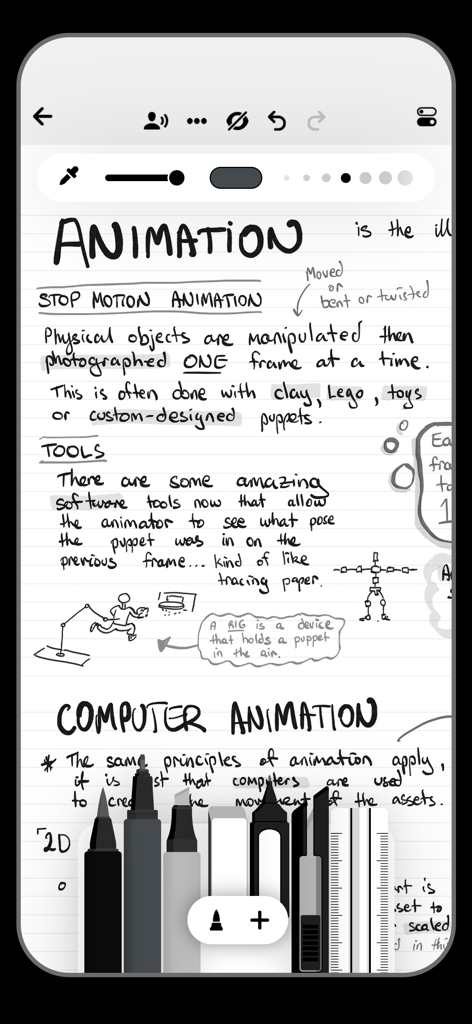
Flowアプリでのアニメーションに関する手書きノート。リアルなデジタルツールセットを表示。
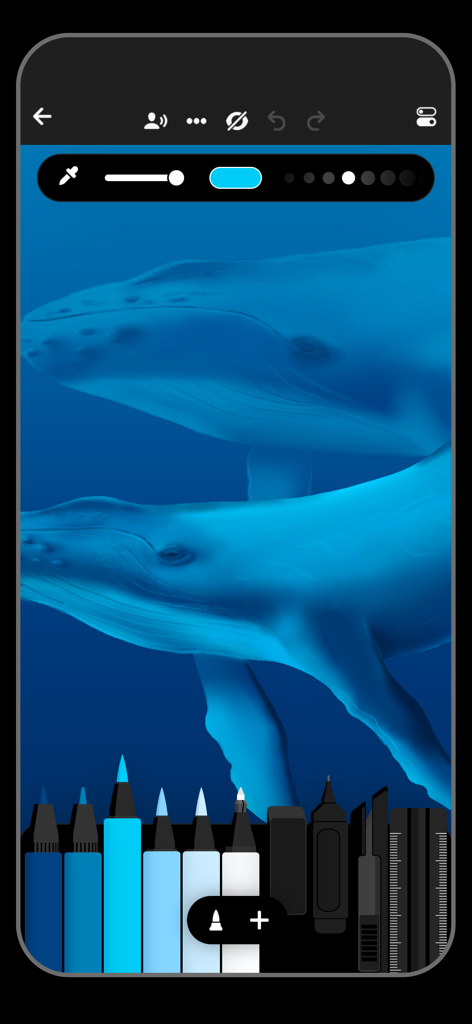
Flow描画アプリのインターフェースにある青いクジラのデジタルペイントと描画ツール。
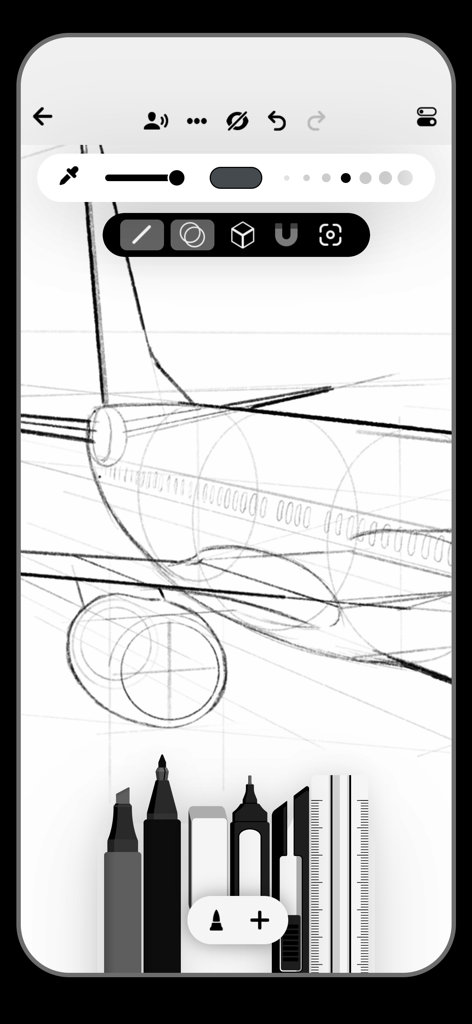
Flow描画アプリでの技術的な飛行機のスケッチ。さまざまなデジタルペンとツールが表示されています。
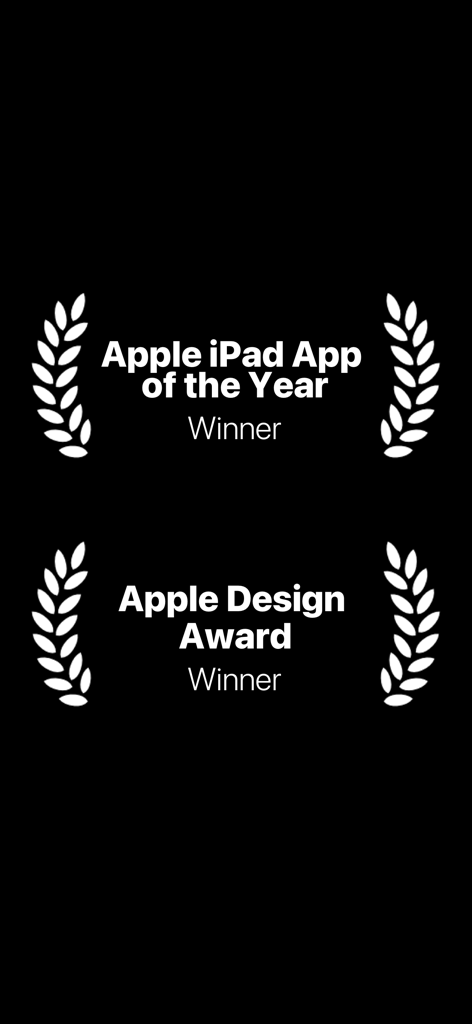
FlowアプリがApple iPad App of the YearおよびApple Design Awardを受賞したことを示す。
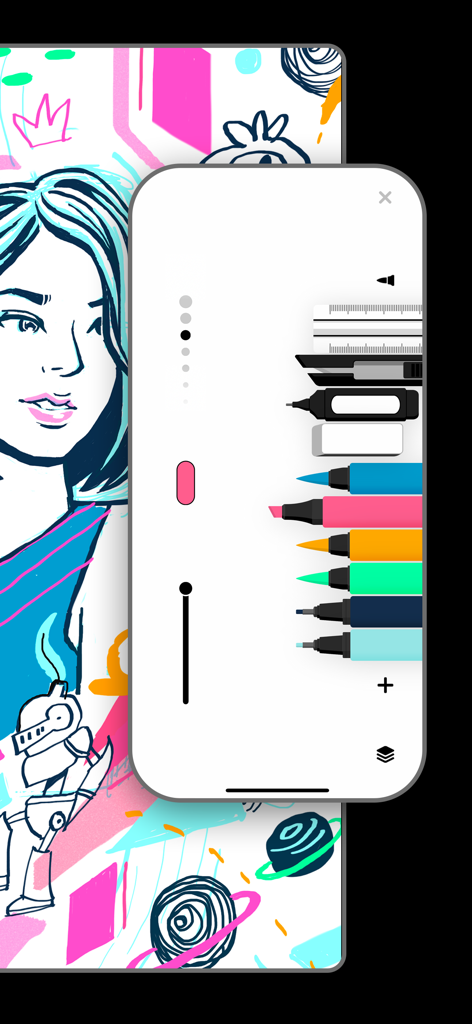
Flowアプリのインターフェースにあるデジタルスケッチツールとアートワーク。
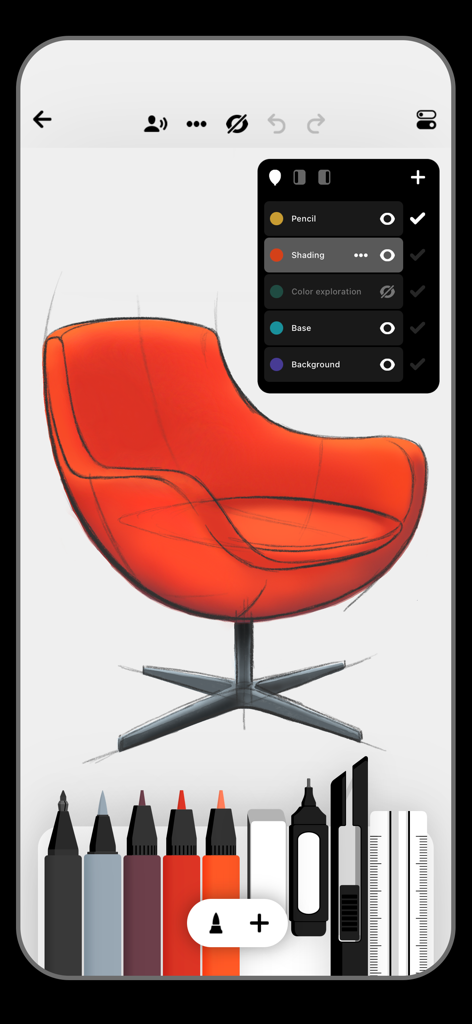
Flowアプリのインターフェースにあるオレンジ色の椅子のデジタルスケッチ。描画ツールとレイヤー管理が表示されています。
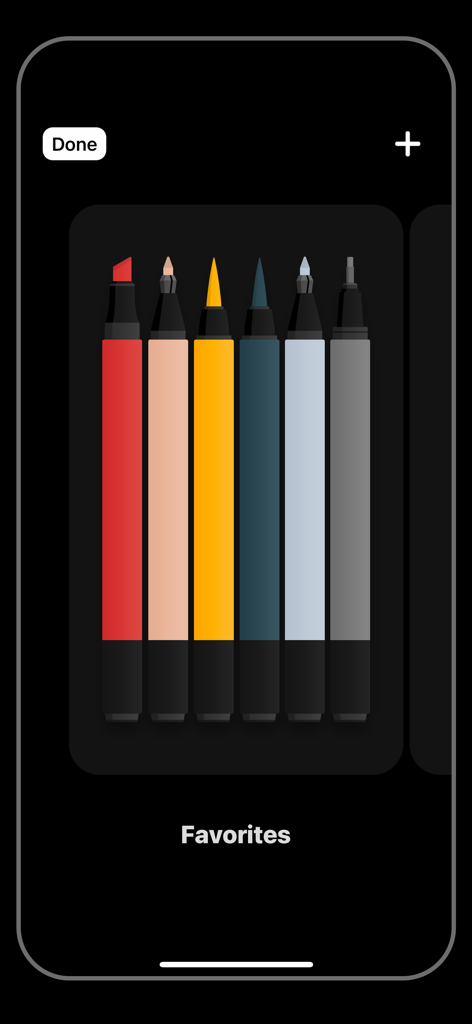
Flowアプリの「お気に入り」セクションにあるカラフルなデジタルマーカーとペンのコレクション。
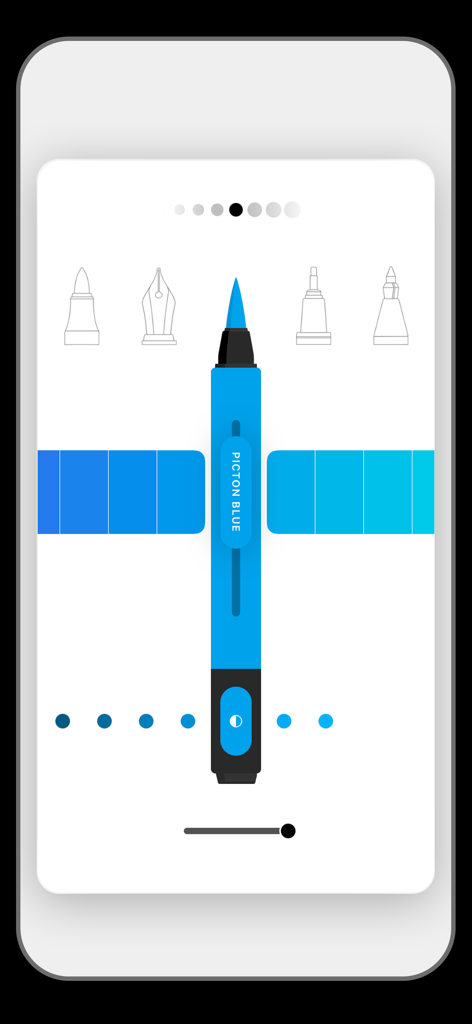
Flowアプリのミニマルなユーザーインターフェース。青いマーカーのカスタマイズ画面に、さまざまなペン先アイコンとカラーオプションが表示されています。
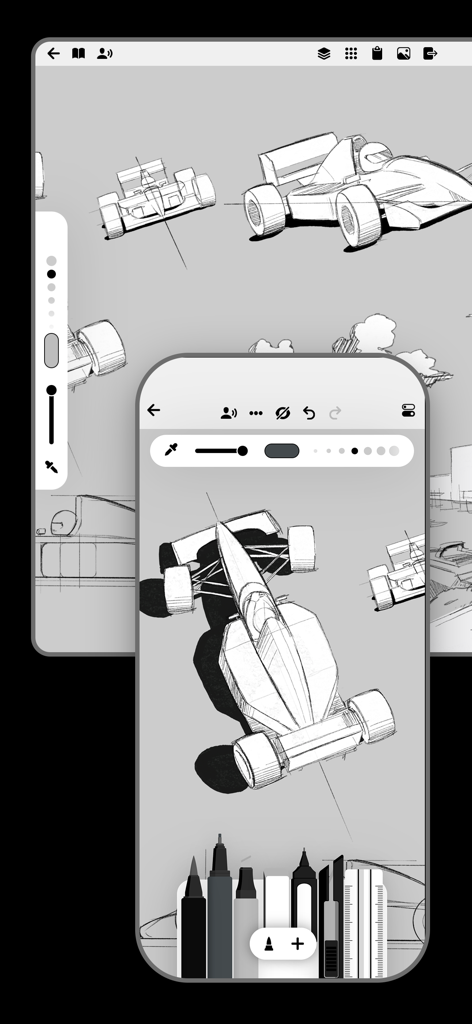
Flowアプリ(iPhoneおよびiPad用)での工業デザインの車のスケッチ。
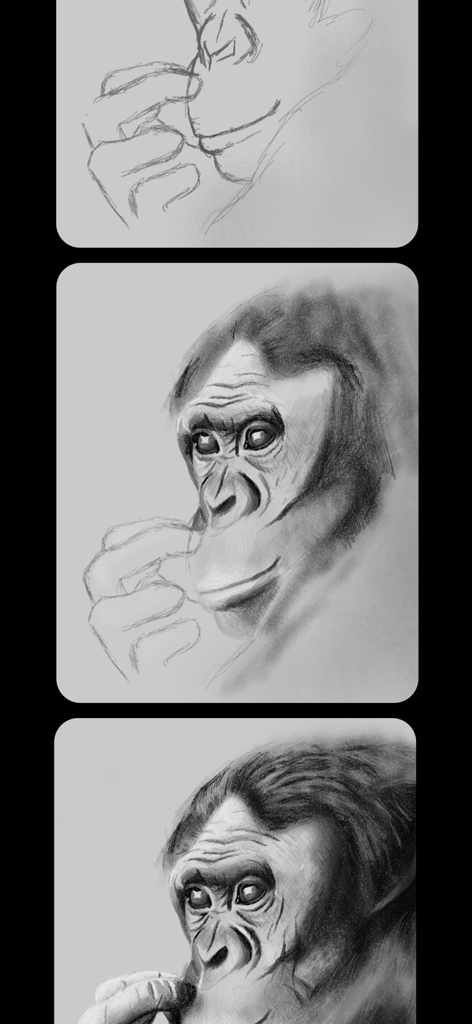
ゴリラのデジタルスケッチの3つの段階。基本的なアウトラインから詳細でリアルな描画まで。
説明
Download
類似アプリ
似た機能とユーザー体験を持つアプリ

Penned: Private Notes
Edwing H Santos Mena

MindLine Mind Map
Shenzhen Brown Bear Technology Co., LTD

MindNode: Mind Map & Outline
IdeasOnCanvas GmbH

Post-it®
3M Company

MindSpace - Mind Map
佳文 潘

SimpleMind Pro - Mind Mapping
xpt Software & Consulting B.V.

Ayoa MindMaps for Kids
OpenGenius Limited

TouchMind-handwritten mind map
红霞 鲁

Mind Map Maker - Mindomo
Expert Software Applications Srl
このページはアプリまたはその開発者の公式ページではなく、情報提供および論評を目的として作成された独立した編集出版物です。明示的に別段の記載がない限り、アプリおよびその開発者は、MWM、Apple、Google Play、アプリのパブリッシャー、またはアプリの開発者と提携、承認、後援、認可、またはその他の公式的な関係はなく、このページのいかなる内容も、アプリがMWMのサービスを使用して開発されたことを意味するものではありません。すべての商標、ロゴ、スクリーンショット、その他のコンテンツはそれぞれの所有者の財産です。