Fonts for Stories and Chats
ダウンロード: App Store

このページはアプリまたはその開発者の公式ページではなく、情報提供および論評を目的として作成された独立した編集出版物です。明示的に別段の記載がない限り、アプリおよびその開発者は、MWM、Apple、Google Play、アプリのパブリッシャー、またはアプリの開発者と提携、承認、後援、認可、またはその他の公式的な関係はなく、このページのいかなる内容も、アプリがMWMのサービスを使用して開発されたことを意味するものではありません。すべての商標、ロゴ、スクリーンショット、その他のコンテンツはそれぞれの所有者の財産です。


ロゴ: Fonts for Stories and Chats
ダウンロード: App Store

Fonts for Stories and Chats

みんなと同じようなありきたりなスタイルを使うのはもうやめましょう。200以上のプレミアムフォントと無限のカスタマイズ機能にアクセスして、あなたのユニークな雰囲気を反映した、バイラル級のInstagramストーリー、TikTokリール、スタイリッシュなメッセージを作成しましょう。

主要数値

ダウンロード

52K+

ユーザー評価

4.9/5

評価数

100

開発元

Aleksei Varochko

カテゴリ

Graphics & Design

対応言語

5

最新バージョン

1.4.2.1

サイズ

61.7 MB

リリース日

2021年9月30日
機能

すべてのフィードで目立つ

現代のクリエイターのためにデザインされた200以上の美的フォントのライブラリで、スクロールを止め、ソーシャルプレゼンスを格上げしましょう。

美的ライブラリ

シックなセリフ体からトレンドのスクリプト体まで、InstagramストーリーやTikTokに最適な、厳選された200以上のデザイナーフォントにアクセスできます。

インスタントワークフロー

テキストを変換し、数秒で任意のアプリに貼り付けられます。デスクトップソフトウェアは不要 - 純粋でハイスピードな創造性だけです。

以下のスクリーンショットと説明は、アプリの公式ストアリスティングから直接取得されたものであり、アプリ開発者の所有物です。

アプリストア

スクリーンショット
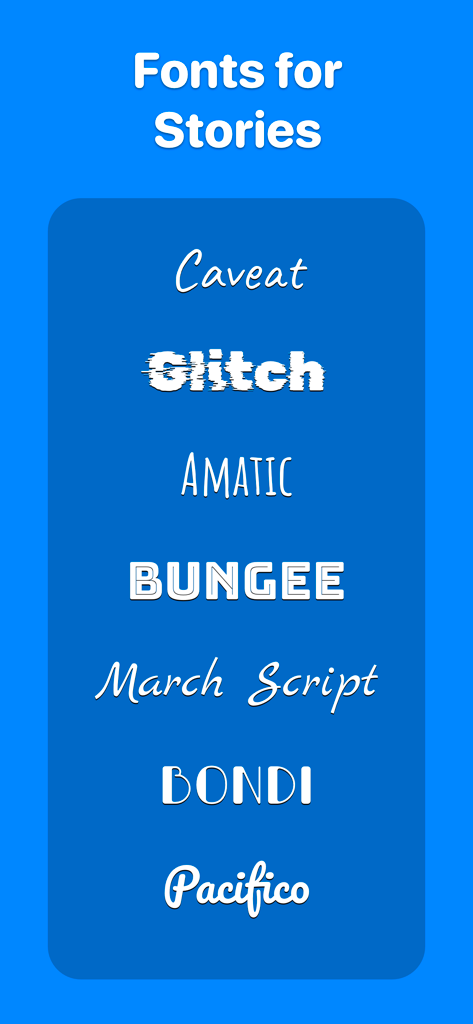
Fonts for Stories and Chats - ソーシャルメディアストーリー用のスクリプトフォントやグリッチフォントを含む、装飾的なフォントスタイルのリスト
ソーシャルメディアストーリー用のスクリプトフォントやグリッチフォントを含む、装飾的なフォントスタイルのリスト

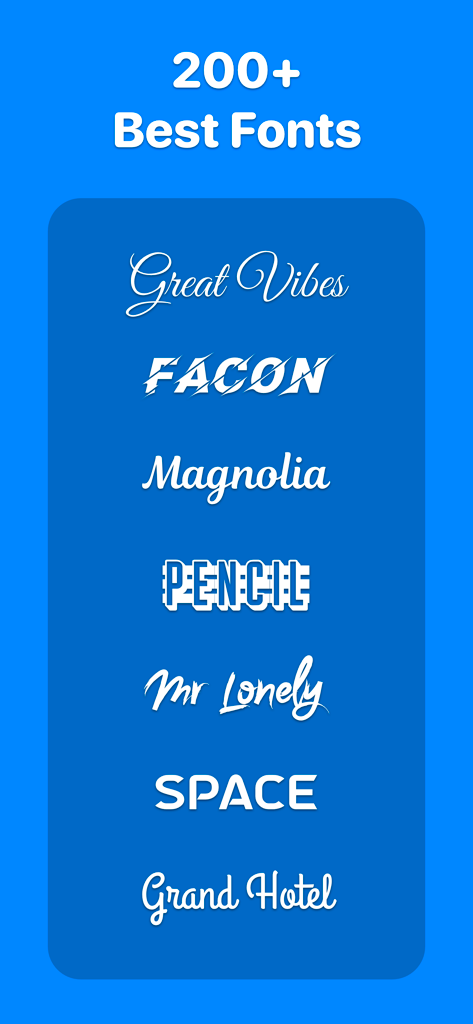
Fonts for Stories and Chats - ソーシャルメディアコンテンツクリエイター向けのスクリプトや太字スタイルを含む、スタイリッシュで装飾的なフォントのショーケース
ソーシャルメディアコンテンツクリエイター向けのスクリプトや太字スタイルを含む、スタイリッシュで装飾的なフォントのショーケース

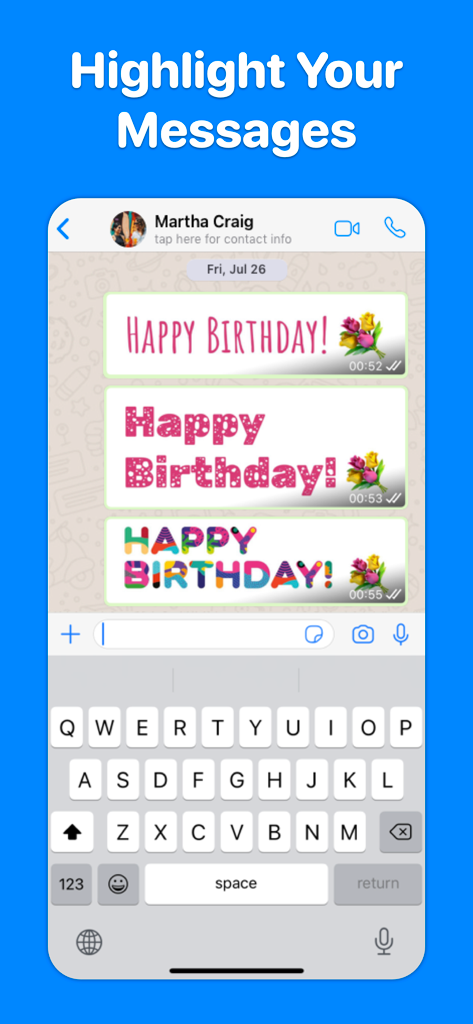
Fonts for Stories and Chats - チャットの会話で「ハッピーバースデー」メッセージ用の様々な芸術的なフォントスタイルを表示するモバイル画面
チャットの会話で「ハッピーバースデー」メッセージ用の様々な芸術的なフォントスタイルを表示するモバイル画面

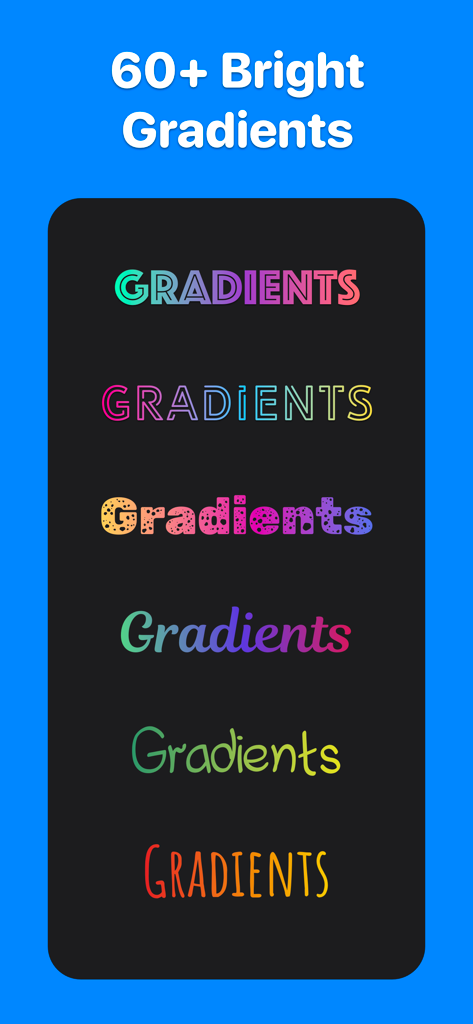
Fonts for Stories and Chats - ソーシャルメディア投稿用のカラフルなグラデーションおよびパターンフォントスタイルのコレクション
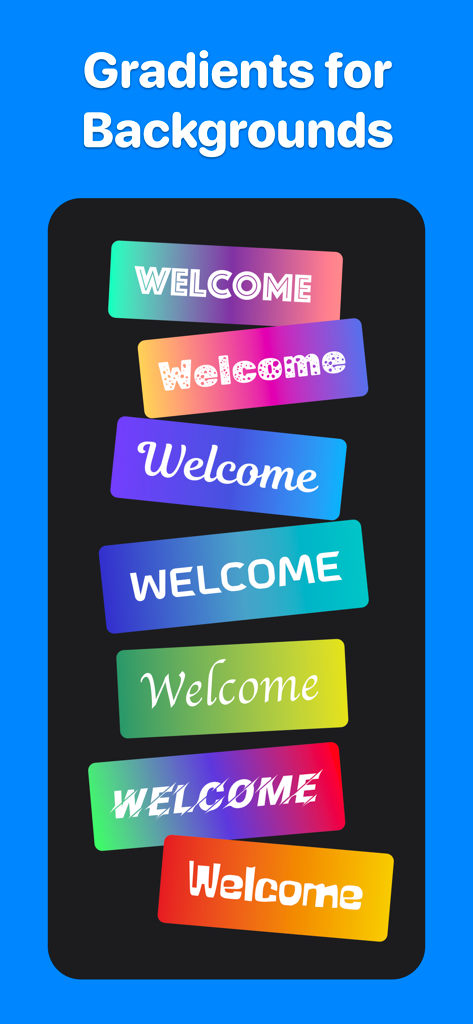
ソーシャルメディア投稿用のカラフルなグラデーションおよびパターンフォントスタイルのコレクション

Fonts for Stories and Chats - 鮮やかなグラデーションの背景ボックスに表示されたさまざまなフォントスタイルのコレクション
鮮やかなグラデーションの背景ボックスに表示されたさまざまなフォントスタイルのコレクション

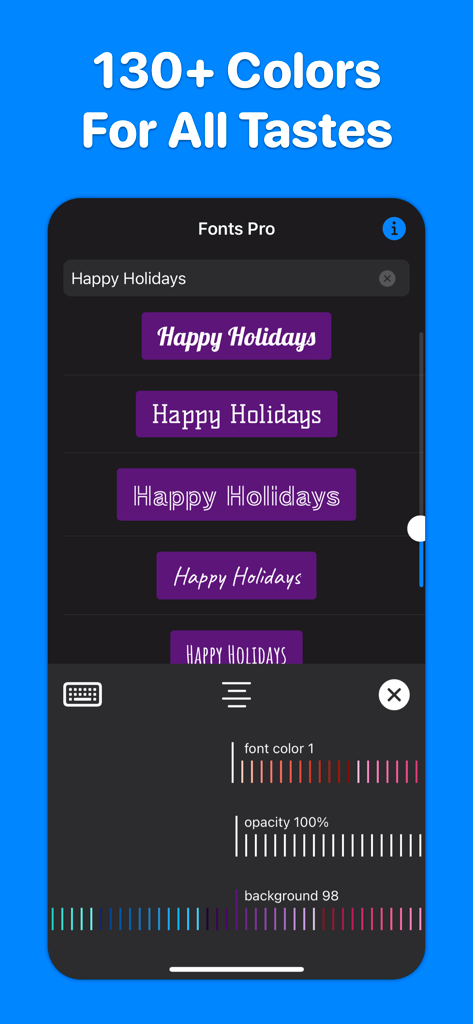
Fonts for Stories and Chats - スタイリッシュなソーシャルメディアフォントのカラーと不透明度のカスタマイズを表示するアプリインターフェース

スタイリッシュなソーシャルメディアフォントのカラーと不透明度のカスタマイズを表示するアプリインターフェース

説明

200+ best fonts for your Stories and Reels! Each font can be flexibly customized: change color, transparency, alignment, add color substrates. More than 130 colors available. INSTAGRAM : 1. Select “Create Story” or “Create Reels” on Instagram. 2. Open our application, enter the text you want, select the font you like by simply clicking on it. The font will be copied to the clipboard. 3. Go back to Instagram. A banner with the copied font will appear in the lower left corner. Click on the banner. The font is added to the center of the screen. 4. If the banner in the lower left corner does not appear, click on the Add text icon in Instagram, make a quick double-click on the center of the screen and select Insert from the menu that appears. 5. Adjust the position, slant and size of the font, if necessary. TikTok : 1. Open our application, enter the text you want. Hold your finger on the font you like until the Share screen appears. 2. Tap Save Image on the Share screen. The font will be saved in Photos. 3. Open TikTok, create a Story, click on the Stickers icon, select the Photos icon. 5. Select the font previously saved in the Photo. 6. The font is added to the center of the screen. Adjust the size, slant, and position of the inserted font if necessary. WHATSAPP, TELEGRAM, MESSAGES, FACEBOOK MESSENGER ... : Do you want to highlight your message in a chat or send a beautiful congratulation on a colored background? You can send any font from our application to any messenger - just copy the font you like and paste it into the message input field of your messenger. _______ If you like our app, please leave a good review or rating. The success of the application development directly depends on your feedback and assessment! _______ Support and feedback: aleksei.varochko@icloud.com Privacy policy: https://bio.cash/pro/privacy Terms of use: https://bio.cash/pro/termsofuse

Download

ダウンロード: App Store

このページはアプリまたはその開発者の公式ページではなく、情報提供および論評を目的として作成された独立した編集出版物です。明示的に別段の記載がない限り、アプリおよびその開発者は、MWM、Apple、Google Play、アプリのパブリッシャー、またはアプリの開発者と提携、承認、後援、認可、またはその他の公式的な関係はなく、このページのいかなる内容も、アプリがMWMのサービスを使用して開発されたことを意味するものではありません。すべての商標、ロゴ、スクリーンショット、その他のコンテンツはそれぞれの所有者の財産です。







