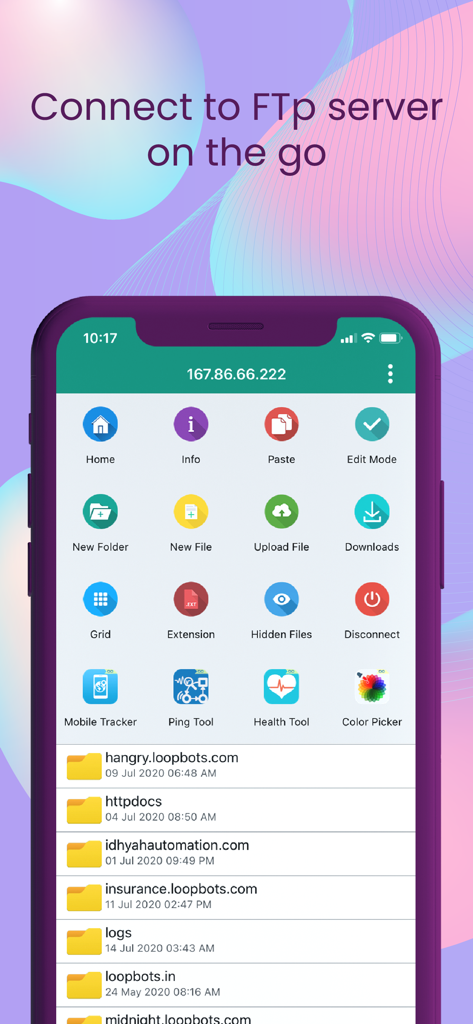
FTP Client - FTP Server Files

FTP Client - FTP Server Files

ダウンロード: App Store
ロゴ: FTP Client - FTP Server Files

FTPクライアント - FTPサーバーファイル:iOS向けプロフェッショナルSFTP&ネットワークマネージャー

iPhoneまたはiPadを強力なモバイルワークステーションに変えましょう。無制限のSFTP、FTP、SMBサーバーを、生体認証保護、リアルタイムファイル編集、シームレスなネットワーク共有で安全に管理—すべて1つの軽量インターフェースで。

ダウンロード: App Store

開発元

Loopbots Technology

カテゴリ

Utilities

ダウンロード

18K+

ユーザー評価

3.6/5

評価数

600

対応言語

12

内部を垣間見る

このインターフェースを利用する 18K+ 人のユーザー.

FTPクライアントアプリのインターフェース、サーバーファイル管理ツールとディレクトリリストが表示されています。
FTPクライアントアプリのインターフェース、サーバーファイル管理ツールとディレクトリリストが表示されています。

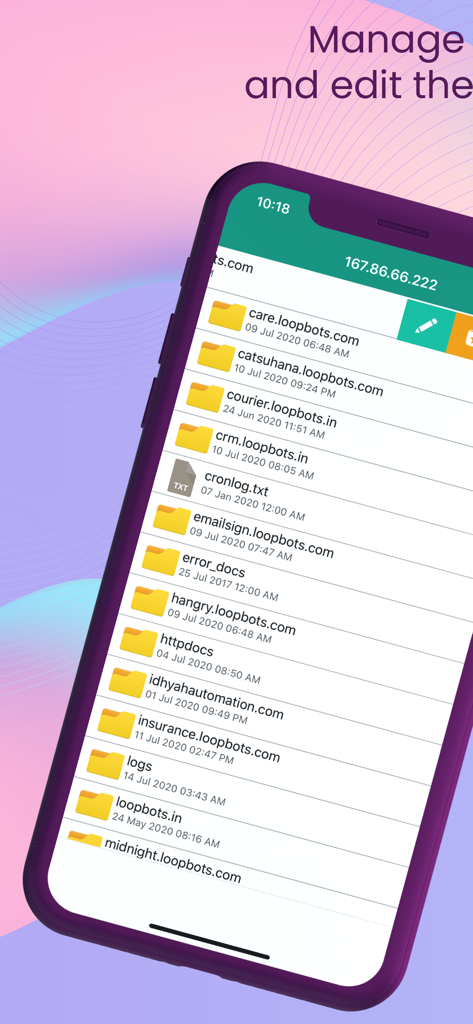
FTPクライアントアプリのインターフェース、リモートサーバー上のフォルダとファイルのリストが表示されています。
FTPクライアントアプリのインターフェース、リモートサーバー上のフォルダとファイルのリストが表示されています。

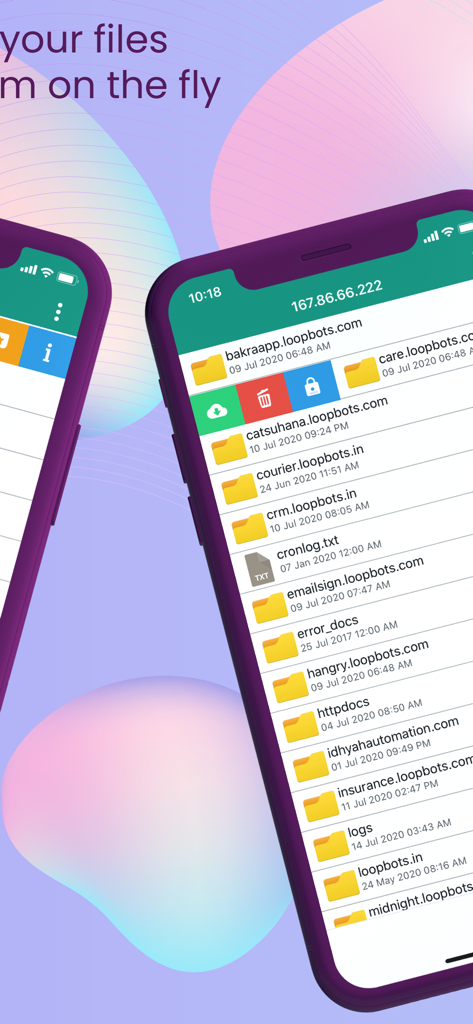
スマートフォン画面にFTPクライアントが表示され、サーバーフォルダとファイル管理オプションが表示されています。
スマートフォン画面にFTPクライアントが表示され、サーバーフォルダとファイル管理オプションが表示されています。

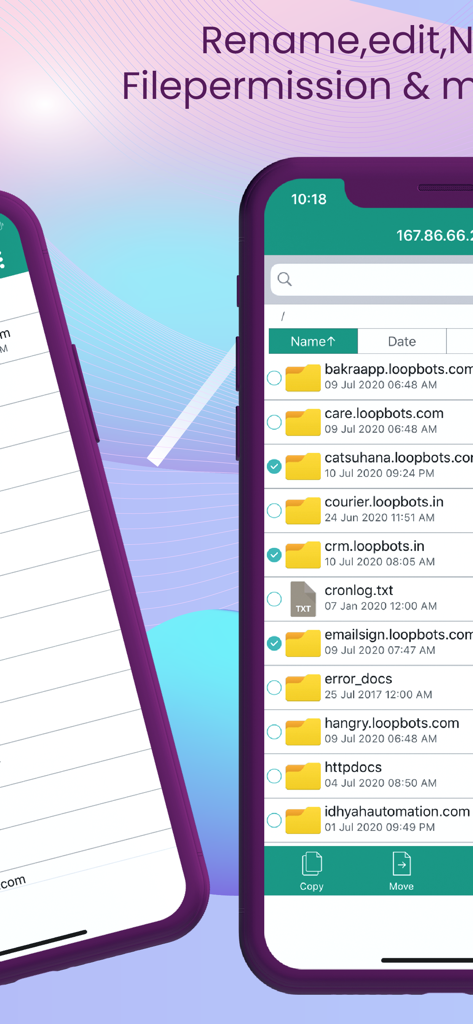
FTPクライアントアプリのモバイルインターフェース、ファイル管理ツールを備えたリモートサーバーのディレクトリとファイルのリストが表示されています。
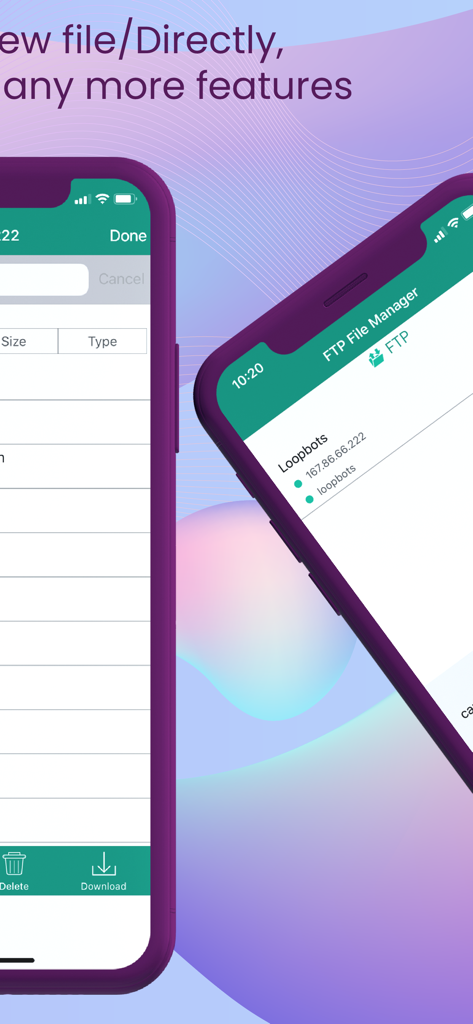
FTPクライアントアプリのモバイルインターフェース、ファイル管理ツールを備えたリモートサーバーのディレクトリとファイルのリストが表示されています。

FTPクライアントアプリのサーバーリストとファイルマネージャーのインターフェースが2台のiPhoneに表示されているスクリーンショット。
FTPクライアントアプリのサーバーリストとファイルマネージャーのインターフェースが2台のiPhoneに表示されているスクリーンショット。

FTPクライアントアプリの画面、ブックマークされたサーバーアドレスが表示されています。

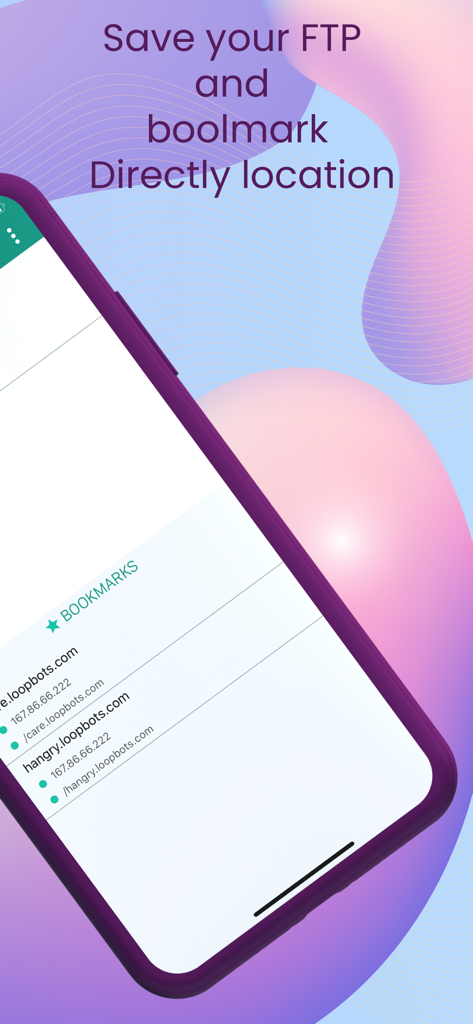
FTPクライアントアプリの画面、ブックマークされたサーバーアドレスが表示されています。

パワーユーザー向けプロフェッショナルリモート管理

このアプリを際立たせるツール、 18K+ 人のユーザーが選択.

🛡️

エンタープライズグレードのセキュリティ

統合されたFace ID、Touch ID、パスコード暗号化により、機密性の高いサーバー資格情報とクライアントデータを保護します。

📝

組み込みコードエディタ

強力なテキストエディタを使用して、リモートサーバー上のファイルを直接編集し、外出先で重要なホットフィックスを適用します。

🌐

マルチプロトコルハブ

FTP、SFTP、SMB/CIFSプロトコル全体で無制限のアカウントをサポートし、iOSとインフラストラクチャ間のギャップを埋めます。

アプリについて

について知っておくべきこと FTP Client - FTP Server Files.

説明

What is an FTP client? FTP client is file transfer is a very easy-to-use FTP file manager app with an easy interface. FTP manager will keep your file safe, you can upload and download any type of file from your server by using the FTP client manager app. One can secure the FTP Client with a password, finger lock & face lock. So basically it can work like a file manager or file explorer for your shared network and your server. You can check out more features about FTP manager in the below descriptions and explore our app through it. This FTP client manage app is very useful in office activity or useful for developers, and server managers to transfer files from local device to server. The app provides the best file manager and file explorer experience ever. You can have access over networks shared on macOS, Windows, and SMB/CIFS protocol. Scroll down for more features available in the app. One of the best apps to access your FTP on the go. access any FTP and sFTP server with this great app. ▶▶▶ Access All Premium Features Full FREE ◀◀◀ ◆◆ App Features ◆◆ ▶ Lightweight and with great UI experience ▶ IOS latest material concept design ▶ Add an Unlimited Number of FTP accounts ▶ Download And Upload any type of file ▶ Import any files from other apps ▶ Export downloaded files to any other app ▶ Rich and powerful text file editor ▶ Password lock & Fingerprint lock ▶ View In List And Grid Mode ▶ Access network share on macOS, windows ▶ Bookmarks of folder and files ▶ FTP Client optimized for smartphones and tablets ◆◆ FTP Features ◆◆ ▶ List All Files and Directories ▶ Show/Hide hidden files ▶ Get info of any file and folder ▶ Copy Paste to anywhere on FTP ▶ Move Files ▶ Delete Files ▶ Rename File ▶ Create New File ▶ Create New Directory ▶ Upload File ▶ Download File ▶ File Permission ▶ Multiple file Operation ▶ Search within the folder ▶ Sorting: Name, ManyDate, Size, and Type ▶ Show Current Location Path Only FTP clients with an unlimited feature for free. ▶▶ Supported languages: English, Russian, Spanish, Italian, German, Portuguese, French, Arabic, Japanese, Korean, Simplified Chinese, and Traditional Chinese. **Note: All the supported languages are machine translations. There are possibilities of mistakes in any language. If you find any type of mistake, please write to us at contact@loopbots.com and we will verify and resolve it. **NOTE: We do not apply any action without user interaction. We are not responsible for any issues. We do not maintain any type of Log. For more queries please contact us at: contact@loopbots.com.

最新バージョン

5.17

サイズ

37.7 MB

リリース日

2016年6月26日

いつでもどこでもサーバーを完全に制御

安全で軽量、プログレードのFTPクライアントを信頼する18,000人以上のテクノロジープロフェッショナルに加わりましょう。デスクトップレベルのファイル管理とSFTPアクセスをポケットに入れて。

ダウンロード: App Store

App information, icons, screenshots, and descriptions displayed on this page are sourced from the Apple App Store and are the property of their respective developers. Download estimates and rankings are based on MWM's proprietary models and may not reflect actual figures. This page is provided for informational and analytical purposes only.

Believe this page infringes your intellectual property? File a dispute