Geometrica
Geometrica
ダウンロード: App Store

このページはアプリまたはその開発者の公式ページではなく、情報提供および論評を目的として作成された独立した編集出版物です。明示的に別段の記載がない限り、アプリおよびその開発者は、MWM、Apple、Google Play、アプリのパブリッシャー、またはアプリの開発者と提携、承認、後援、認可、またはその他の公式的な関係はなく、このページのいかなる内容も、アプリがMWMのサービスを使用して開発されたことを意味するものではありません。すべての商標、ロゴ、スクリーンショット、その他のコンテンツはそれぞれの所有者の財産です。

ロゴ: Geometrica
ダウンロード: App Store

Geometrica

業界のパイオニアであるCory Fergusonによって設計されたGeometricaは、タトゥーアーティストが複雑な曼荼羅、パターン、ドットワークをマスターできるようにします。高度な対称ツールと自動化された大規模ステンシル印刷システムで、プロフェッショナルなワークフローを合理化しましょう。

主要数値

ダウンロード

239K+

ユーザー評価

4.4/5

評価数

1K+

開発元

TattooLoyal Inc

カテゴリ

Graphics & Design

対応言語

2

最新バージョン

1.42

サイズ

13.1 MB

リリース日

2020年1月25日
機能

プロフェッショナルな精度のために設計

業界のパイオニアによって構築された専門ツールで、幾何学デザインをiPadから肌へと手間なく移行させ、クリエイティブなワークフローを合理化しましょう。

無限の対称制御

最大400のミラーセグメントとカスタマイズ可能な対称グループで、複雑な曼荼羅や壁紙パターンをデザインしましょう。

精密ステンシル印刷

コピー機は不要です。インチ単位で寸法を入力すると、アプリがデザインを完璧にスケールされた、印刷準備完了のページに自動分割します。

以下のスクリーンショットと説明は、アプリの公式ストアリスティングから直接取得されたものであり、アプリ開発者の所有物です。

アプリストア

スクリーンショット
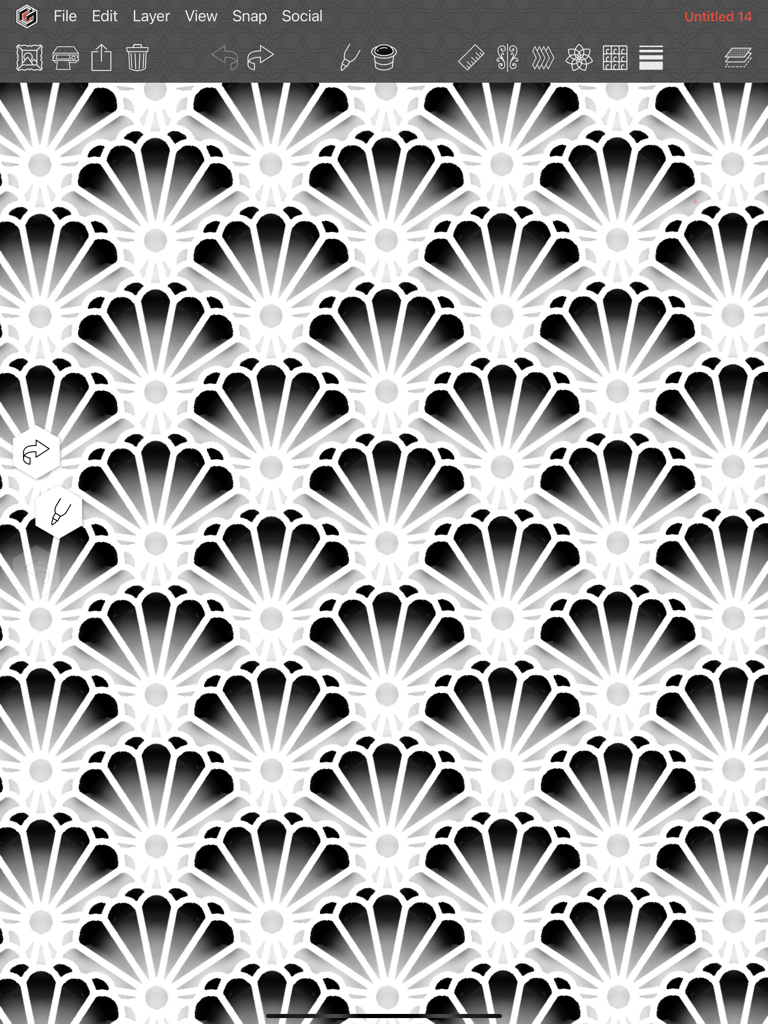
Geometrica - Geometrica描画アプリのインターフェース内で作成された、複雑な繰り返し幾何学的なスカラップパターン。
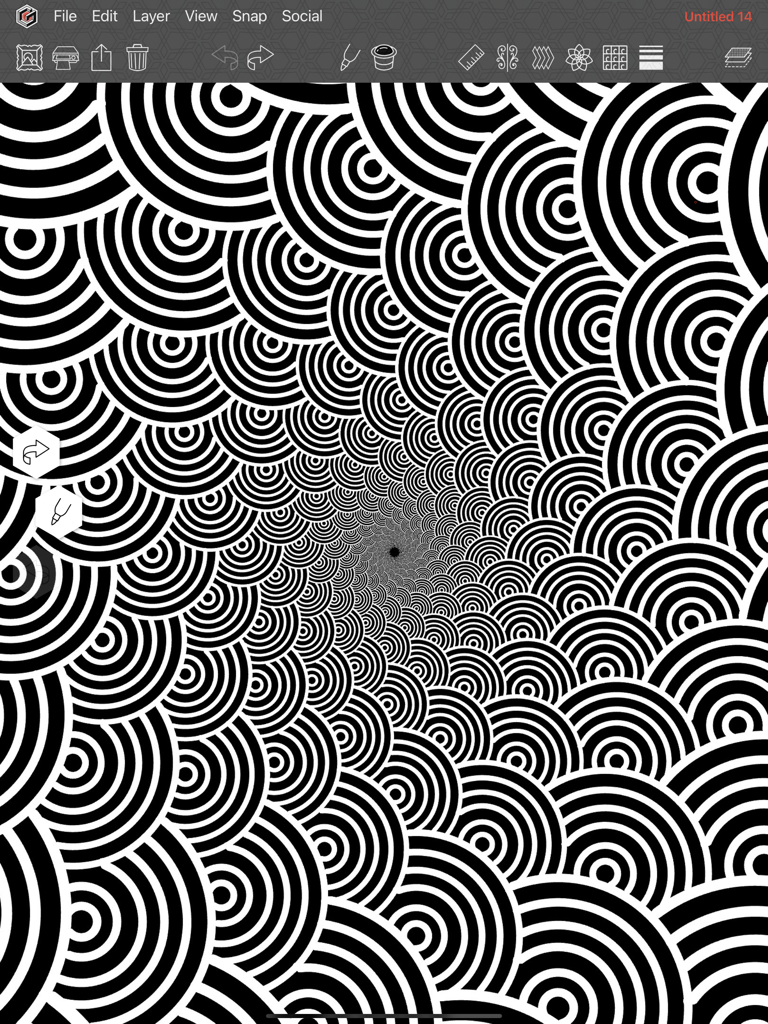
Geometrica描画アプリのインターフェース内で作成された、複雑な繰り返し幾何学的なスカラップパターン。

Geometrica - Geometrica描画アプリで作成された、複雑な白黒の渦巻きパターン。

Geometrica描画アプリで作成された、複雑な白黒の渦巻きパターン。
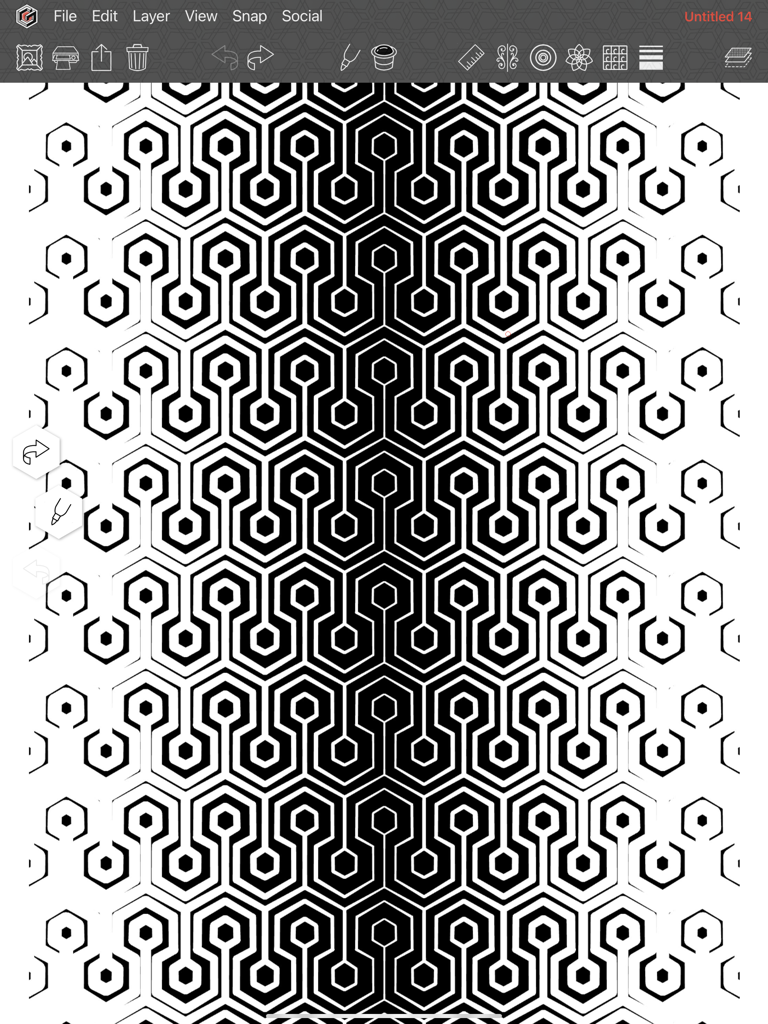
Geometrica - Geometrica描画アプリで作成された、グラデーションの線幅を持つ複雑な白黒の六角形パターン。
Geometrica描画アプリで作成された、グラデーションの線幅を持つ複雑な白黒の六角形パターン。

Geometrica - Geometrica描画アプリでデザインされた、複雑な白黒の六角形パターン。
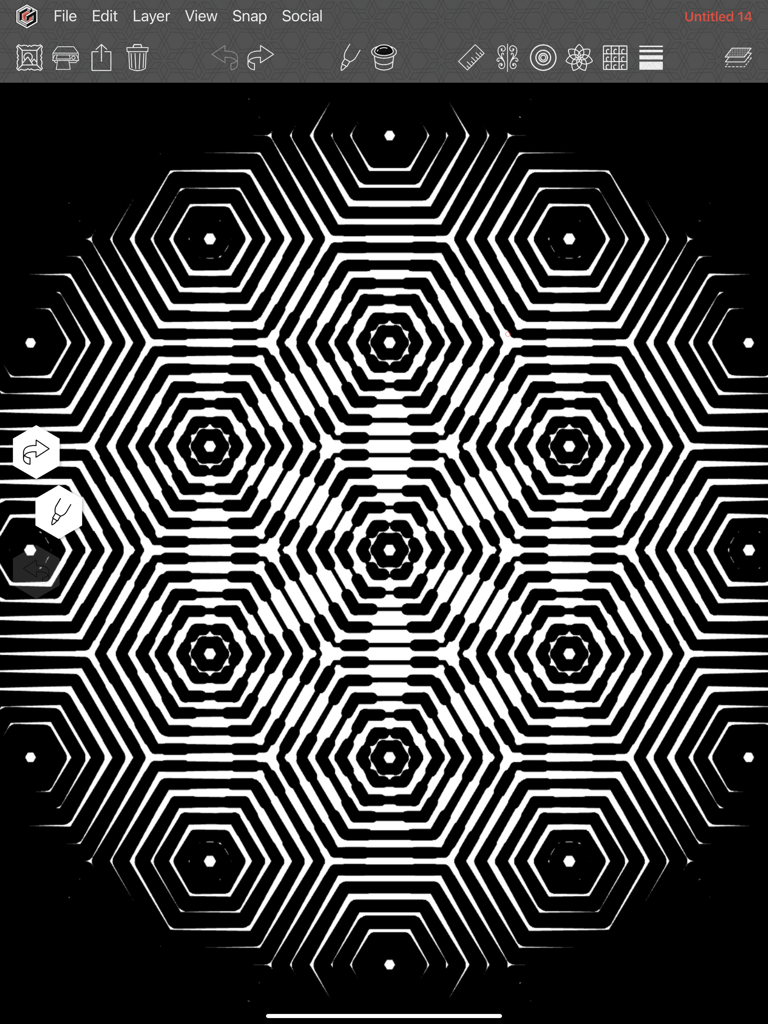
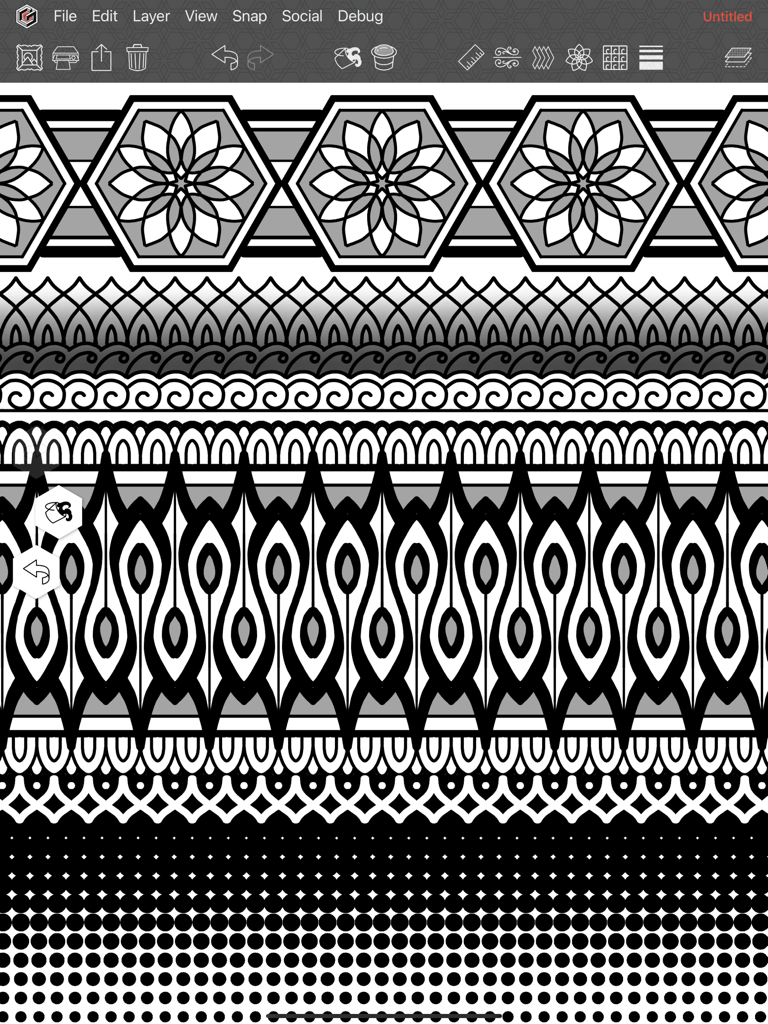
Geometrica描画アプリでデザインされた、複雑な白黒の六角形パターン。

Geometrica - Geometricaアプリで作成された、複雑な白黒の幾何学的な曼荼羅パターン。
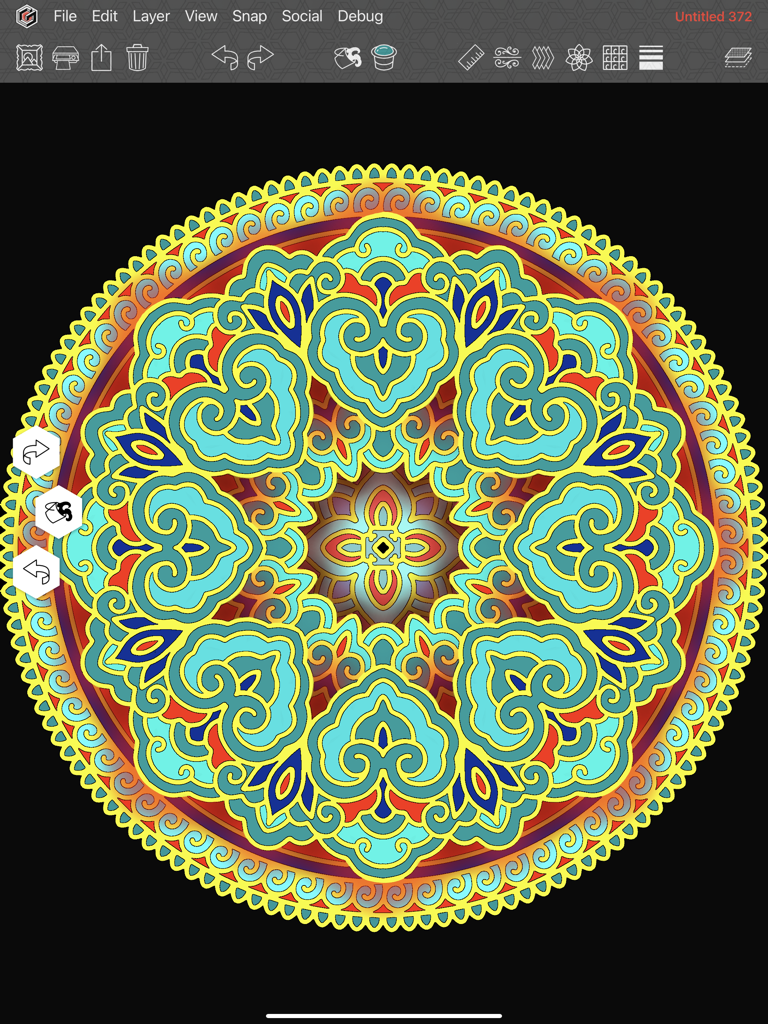
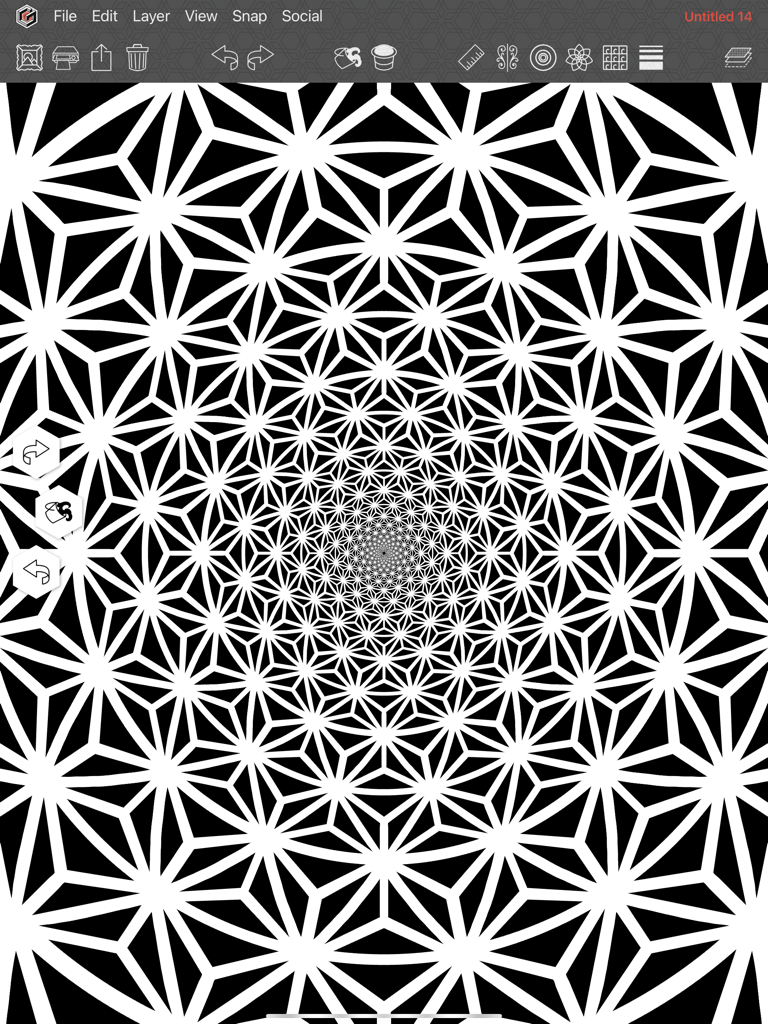
Geometricaアプリで作成された、複雑な白黒の幾何学的な曼荼羅パターン。

Geometrica - Geometrica描画アプリのインターフェースで作成された、カラフルな円形の曼荼羅アートワーク。
Geometrica描画アプリのインターフェースで作成された、カラフルな円形の曼荼羅アートワーク。

Geometrica - Geometricaアプリで作成された、対称性とドットワークを備えた複雑な幾何学パターン。
Geometricaアプリで作成された、対称性とドットワークを備えた複雑な幾何学パターン。

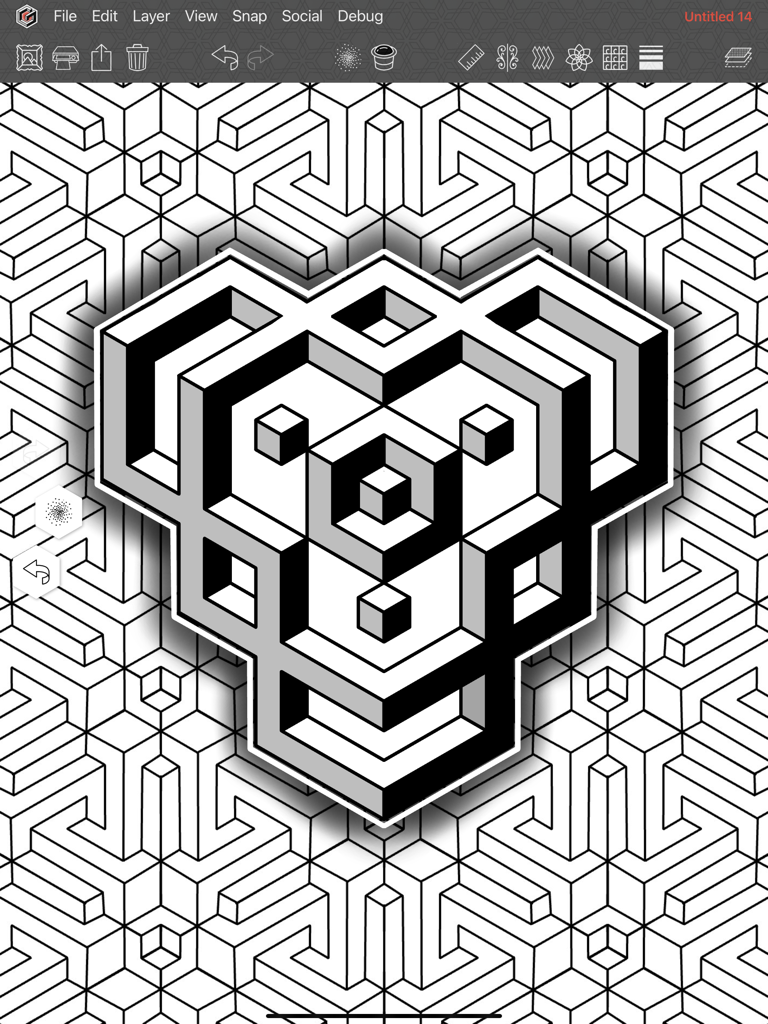
Geometrica - Geometrica iPad用描画アプリで作成された、詳細な3D幾何学デザイン。

Geometrica iPad用描画アプリで作成された、詳細な3D幾何学デザイン。

説明

Geometrica is the first drawing app made for tattooers, by a tattooer. Second generation tattooer and geometric/dotwork pioneer, Cory Ferguson, has built on 30 years in the industry to create a way for tattooers to push their geometric drawing to the next level. Even though we're focused on the needs of tattoo artists and solving problems specific to their workflow, we have been pleasantly surprised to learn that artists from many different disciplines have become fans of Geometrica. From quilters, to illustrators, to tattoo veterans, the power of this fun to use app is undeniable. [ SYMMETRY AND PATTERN MAKING FEATURES ] Combine and use these simultaneously: ROTATION EFFECT - AKA the mandala maker. Other apps may have this, but not like ours. With Geometrica your mandala can be a maximum of 200 mirrored segments (so technically 400 segments!). REPEAT EFFECT - Multiplies your drawing and repeats it in a row formation to create a “band” of pattern either vertically or horizontally. POLAR REPEAT - Combines with the rotation effect to repeat your drawing in rows of concentric circles that get smaller towards the center. Toggle on curve to draw in spirals. That’s right, your drawing curves out in any number of spirals! WALLPAPER EFFECT - We took all known symmetry groups used to make full page patterns, and figured out a way to vastly expand them to make them customizable. GRADIENT THICKNESS - Lines increase from thin to thick on the canvas in the direction that you choose, top to bottom, outward in a circular, left to right in multiple rows. There are dozens of options! Combine it with any of the above symmetry tools for a drawing experience you have to see to believe. [ DRAWING TOOLS ] Here’s just a couple of our favourites: MARKER TOOL - The main drawing tool in the app can be customized in many ways, by turning various functions on. These include tapers, a whip shading option, and a “rope stabilizer” that helps draw the smoothest curves. STRAIGHT LINE TOOL - Hold the Pencil on screen to draw straight lines. Works well with symmetry effects for sharp, industrial images and unexpected designs. Enable its "continuous" option for a unique drawing experience. DOTWORK TOOL - We couldn’t release a Cory Ferguson app without a dotwork tool, so we made the most customizable version of pointillism shading we could think of. Change the dot size, density, the brush size, randomize the size of the dots. Personalize it to suit your taste. [ FOR PROFESSIONAL TATTOOERS ] - Keep your work organized with folders in the Gallery section. - Convert To Lines function turns any image into a line drawing with one click, then you can fine tune the image from there. - Adjustable grids can be turned on in the background such as square, hexagon or isometric. - Snap Menu allows the straight line tool to "snap" to points on the grid, or place your symmetry tool at the exact centre of your drawing after you’ve moved it. Rotate layers in 5 degree increments when transforming. - Printing features that EVERY tattooer needs. Print drawings at ANY size! Want a tattoo to measure 28” tall? Enter those numbers into our print system and the app will break the image up into as many pages as needed, and you’re ready to stencil. No more resizing on the photocopier! Various image adjustment tools to make sure you get the cleanest, most accurate stencils. - Monthly Patterns. Each month you get 6 patterns that show off the possibilities of what Geometrica can do. You are free to make use of them however you wish. [ SUBSCRIPTION ] Because Geometrica is focused on a small niche market of working tattoo professionals, it requires a subscription. After the 14 day free trial period ends, the subscription equals approximately 11.50 USD per month when you sign up for the full year. An investment in yourself that is certain to level up your geometric tattooing. Privacy Policy: http://geometri.ca/privacy Terms of Use: http://geometri.ca/tou

Download

ダウンロード: App Store

このページはアプリまたはその開発者の公式ページではなく、情報提供および論評を目的として作成された独立した編集出版物です。明示的に別段の記載がない限り、アプリおよびその開発者は、MWM、Apple、Google Play、アプリのパブリッシャー、またはアプリの開発者と提携、承認、後援、認可、またはその他の公式的な関係はなく、このページのいかなる内容も、アプリがMWMのサービスを使用して開発されたことを意味するものではありません。すべての商標、ロゴ、スクリーンショット、その他のコンテンツはそれぞれの所有者の財産です。