
このページはアプリまたはその開発者の公式ページではなく、情報提供および論評を目的として作成された独立した編集出版物です。明示的に別段の記載がない限り、アプリおよびその開発者は、MWM、Apple、Google Play、アプリのパブリッシャー、またはアプリの開発者と提携、承認、後援、認可、またはその他の公式的な関係はなく、このページのいかなる内容も、アプリがMWMのサービスを使用して開発されたことを意味するものではありません。すべての商標、ロゴ、スクリーンショット、その他のコンテンツはそれぞれの所有者の財産です。

Gesture Drawing App
iPad向けの究極の練習ツールでスケッチスキルをレベルアップしましょう。Pinterestの参照を統合し、カスタムタイマーを設定し、日常のクリエイティブフローのために設計されたプロフェッショナルグレードのツールで解剖学をマスターしましょう。
ダウンロード
3K+ユーザー評価
評価数
0開発元
カテゴリ
Education対応言語
1最新バージョン
3.0.2サイズ
58.7 MBリリース日
2021年2月7日動きの芸術をマスターする
アーティストが解剖学をマスターし、スピードを向上させ、毎日のインスピレーションを見つけるのに役立つように設計されたプロフェッショナルグレードのツールキットで、描画習慣を変革しましょう。
直接Pinterest連携
参照の検索をなくしましょう。お気に入りのボードに直接接続して、ポーズとインスピレーションの無限のライブラリに即座にアクセスできます。
カスタムスタジオセッション
どこでも高強度のライフドローイングクラスをシミュレートする調整可能なタイマーと繰り返し設定で、芸術的な規律を築きましょう。
以下のスクリーンショットと説明は、アプリの公式ストアリスティングから直接取得されたものであり、アプリ開発者の所有物です。
アプリストア
スクリーンショット
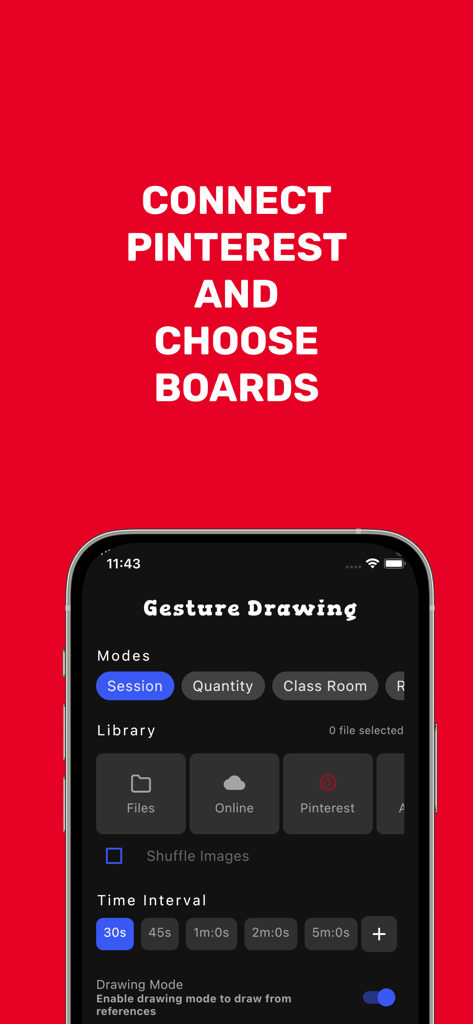
セッションモード、Pinterestライブラリ連携、時間間隔設定を示すGesture Drawing Appのインターフェース。
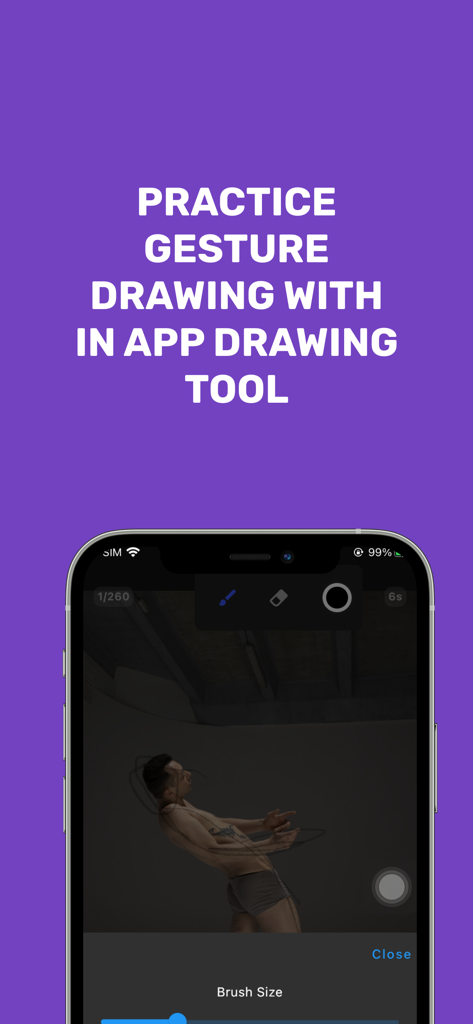
解剖学練習のための描画ツールと参照画像を示すGesture Drawing AppのiPhone画面。
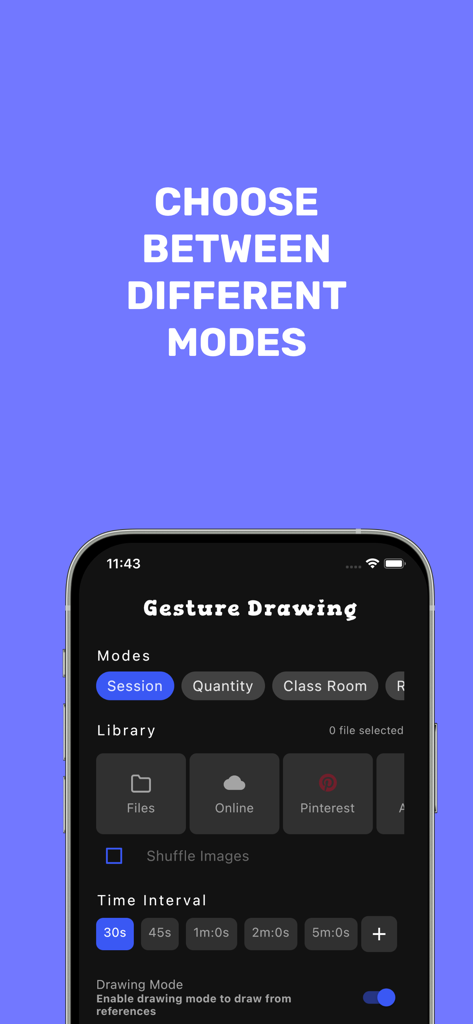
練習モード選択とPinterestなどのライブラリオプションを示すGesture Drawing Appのインターフェース。
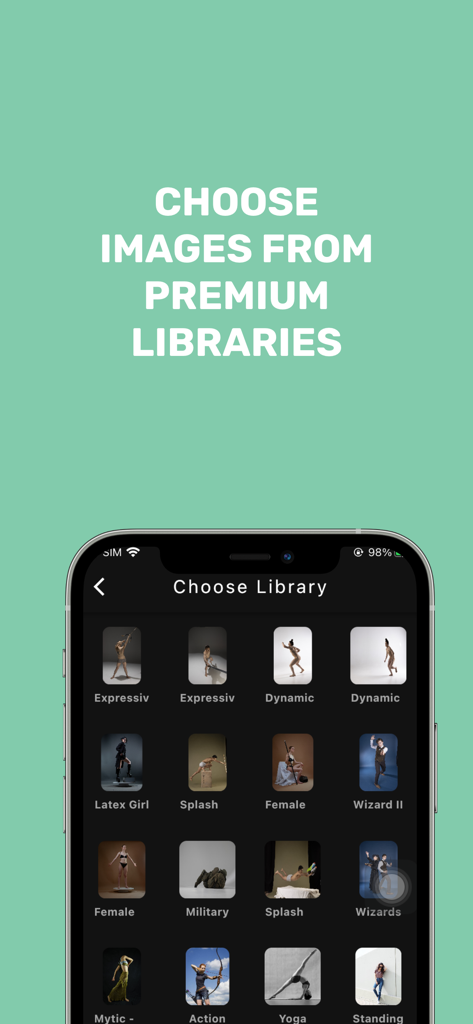
芸術的参照のためのプレミアムポーズライブラリの選択を示すGesture Drawing App画面。
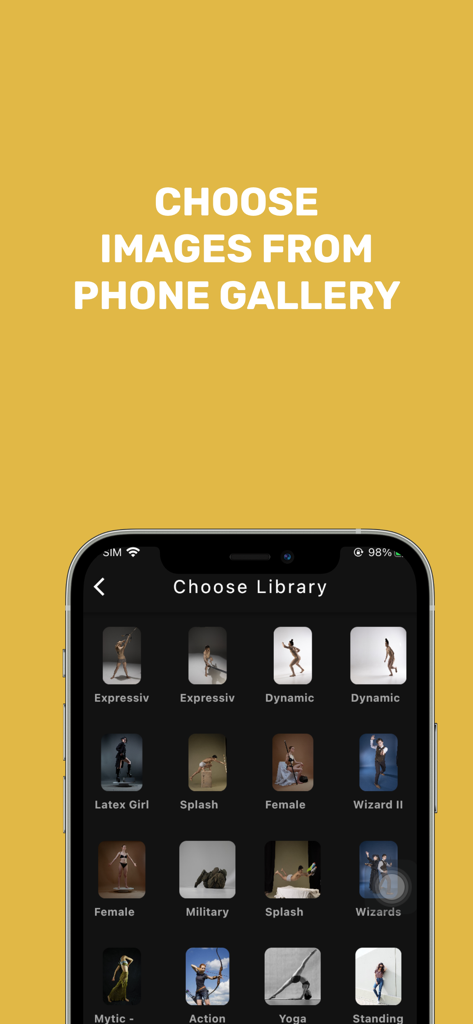
カテゴリ分けされたギャラリーからジェスチャー描画参照画像を選択するためのモバイルアプリ画面。
説明
Download
類似アプリ
同じカテゴリのトップランクアプリ

Duolingo - Language Lessons
Duolingo, Inc

Speak & Learn English: Learna
DEEP FLOW SOFTWARE SERVICES - FZCO

驾考宝典-科一科四驾驶证考试驾考通
Wuhan Jiakaobaodian Information Service Co., Ltd.

Toca Boca World
Toca Boca AB

Google Classroom
Google LLC

作业帮-中小学家长作业检查和辅导工具
Guangzhou Polar Future Culture Technology Co., Ltd

学信网
Student Information Consultation Service Co., Ltd.

Gauth: AI Study Companion
GAUTHTECH PTE. LTD.

ArtWorkout: Learn How to Draw
Aleksandr Ulitin
このページはアプリまたはその開発者の公式ページではなく、情報提供および論評を目的として作成された独立した編集出版物です。明示的に別段の記載がない限り、アプリおよびその開発者は、MWM、Apple、Google Play、アプリのパブリッシャー、またはアプリの開発者と提携、承認、後援、認可、またはその他の公式的な関係はなく、このページのいかなる内容も、アプリがMWMのサービスを使用して開発されたことを意味するものではありません。すべての商標、ロゴ、スクリーンショット、その他のコンテンツはそれぞれの所有者の財産です。