
このページはアプリまたはその開発者の公式ページではなく、情報提供および論評を目的として作成された独立した編集出版物です。明示的に別段の記載がない限り、アプリおよびその開発者は、MWM、Apple、Google Play、アプリのパブリッシャー、またはアプリの開発者と提携、承認、後援、認可、またはその他の公式的な関係はなく、このページのいかなる内容も、アプリがMWMのサービスを使用して開発されたことを意味するものではありません。すべての商標、ロゴ、スクリーンショット、その他のコンテンツはそれぞれの所有者の財産です。

Ham Morse
アマチュア無線家向けの決定版トレーニングツール。業界標準のコックス法とファーンズワース法で速度と正確さを向上させ、実際のQSOシミュレーションとライブニュースフィードを備えています。
ダウンロード
82K+ユーザー評価
評価数
300開発元
カテゴリ
Education対応言語
1最新バージョン
1.492サイズ
6.5 MBリリース日
2009年5月31日モールス符号の技術をマスターする
初めてのライセンスからハイスピードコンテスティングまで、Ham Morseは無線で自信を持って通信するために必要なプロフェッショナルツールを提供します。
実績のある学習方法
コックス法とファーンズワース法を使用して、世界トップオペレーターが使用する反射的な「コピー」スキルを構築します。
シミュレーション無線トラフィック
実際のコールサインとQSO交換で練習し、リグに触れる前に「オンエア」体験を得ることができます。
よくある質問
について知っておくべきこと Ham Morse
Ham Morseとは何ですか、そして何をするのですか?
Ham Morseは、アマチュア無線オペレーターがモールス信号を学習し練習するためのiOSアプリケーションです。習熟度を高めるための様々な練習モードとカスタマイズ可能な設定を提供します。
Ham Morseはモールス信号練習にファーンズワースタイミングをサポートしていますか?
はい、Ham Morseはファーンズワースタイミングを利用しています。モールス符号は15 WPMで送信され、全体的な速度を調整するために追加の間隔が追加されます。このファーンズワース速度も調整可能です。
Ham Morseで利用可能な最大モールス信号速度はいくつですか?
Ham Morseでは、ユーザーは最大50 WPM(words per minute)でモールス信号を練習できます。ファーンズワースの文字速度は、全体のWPMとは別に設定できます。
Ham Morseでモールス信号のオーディオ周波数を調整できますか?
はい、Ham Morseは調整可能なオーディオ周波数範囲を提供します。ユーザーは、リスニングの好みに合わせてトーンを220Hzから900Hzまで変更できます。設定のスライダーでこれを制御します。
Ham Morseで利用可能なモールス信号練習コンテンツの種類は何ですか?
Ham Morseは、コッチメソッド、個々の文字(A-Z)、数字(0-9)、アマチュア無線コールサイン、句読点、トップ100/500単語、ニュースフィード、HamQSOなど、多様な練習コンテンツを提供しています。
Ham Morseはユーザー向けのアクセシビリティサポートを備えていますか?
はい、Ham MorseはAppleのVoice Overアクセシビリティツールをサポートしています。有効にすると、アプリ内の各ボタンとフィールドが音声で説明され、使いやすさが向上します。
Ham Morseでモールス信号練習中に特定の文字をフィルタリングできますか?
はい、Ham Morseにはテキストフィルタ機能が含まれています。これにより、ユーザーはニュースフィードやQSOなどの長いテキストから、まだ慣れていない文字を除外できます。
Ham Morseでモールス信号練習用の特定の文字をカスタマイズするにはどうすればよいですか?
Ham Morseでは、設定メニューを通じて練習コンテンツをカスタマイズできます。これには、練習セットに含める文字、数字、句読点、またはプロサインを個別に選択することが含まれます。
Ham Morseは着信時に自動的に一時停止しますか?
はい、Ham MorseはiPhoneに着信があった場合、モールス信号の練習を自動的に一時停止します。ユーザーは手動で一時停止することもできます。
Ham Morseはアマチュア無線コールサインの受信練習に役立ちますか?
はい、Ham Morseはアマチュア無線コールサインの受信練習を提供します。標準的なITUプレフィックスを使用した多様な国際コールサインを生成し、現実的な練習シナリオを提供します。
Ham Morseにはモールス信号学習のためのテキスト遅延オプションはありますか?
はい、Ham Morseには学習補助としてテキスト遅延機能が含まれています。この設定により、モールス符号が再生された数秒後に画面上のテキストが表示され、コピー能力を助けます。
以下のスクリーンショットと説明は、アプリの公式ストアリスティングから直接取得されたものであり、アプリ開発者の所有物です。
アプリストア
スクリーンショット
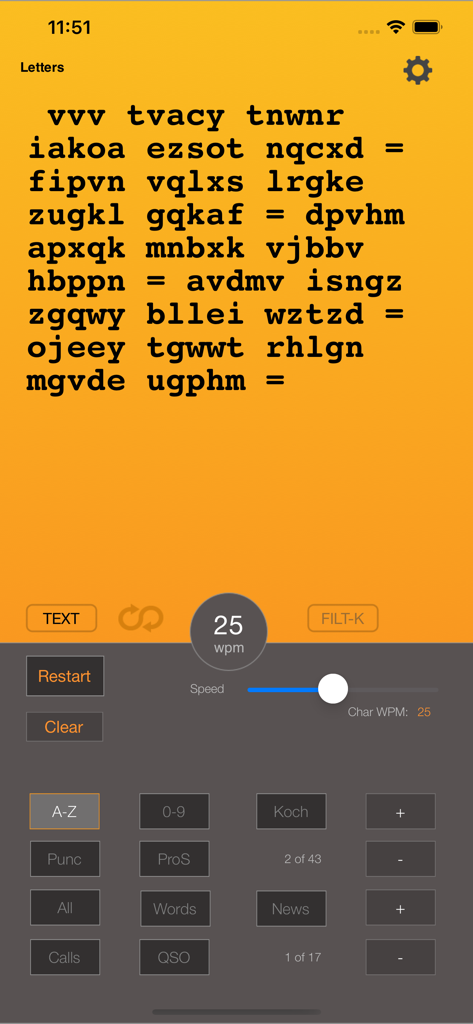
Ham Morseアプリのインターフェースで、文字練習画面が表示され、速度制御スライダーが毎分25語に設定されています。
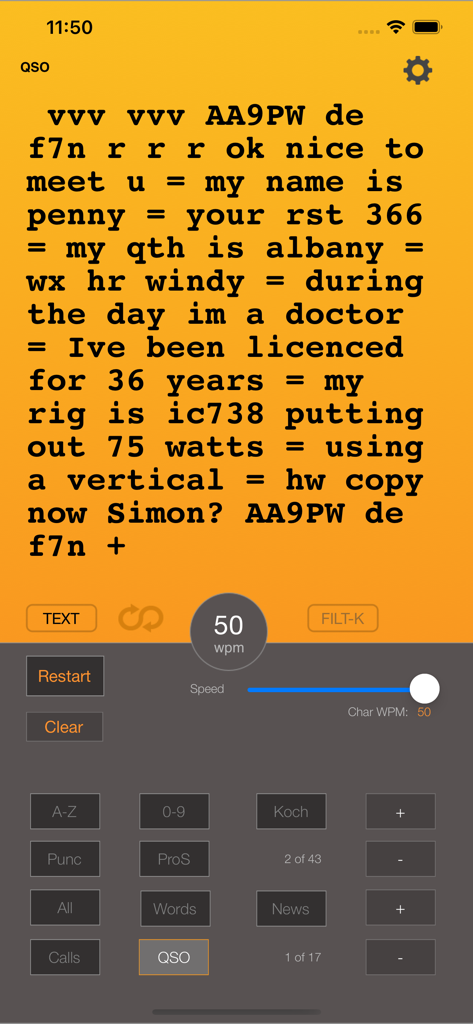
Ham Morseアプリのインターフェースで、モールス符号練習のためのシミュレーションアマチュア無線会話が表示されています。
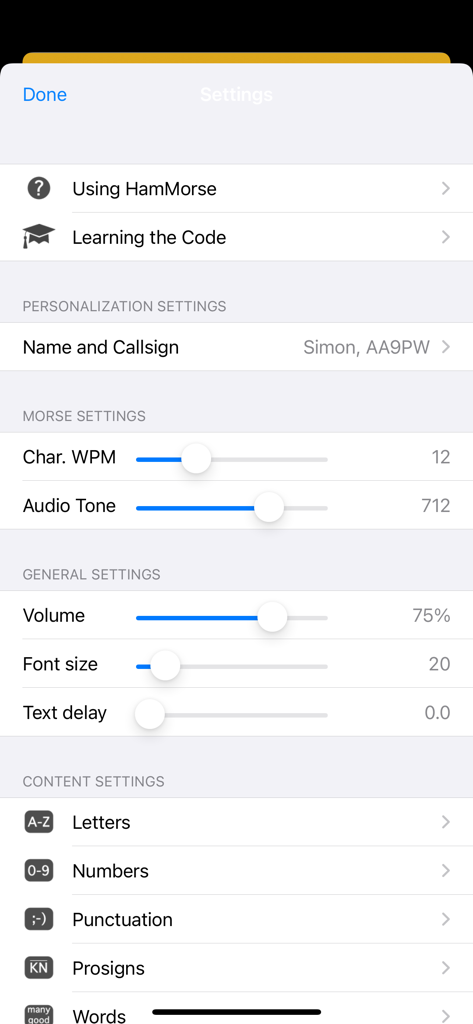
Ham Morseアプリの設定画面で、WPM速度、オーディオトーン、コンテンツの好みが表示されています。
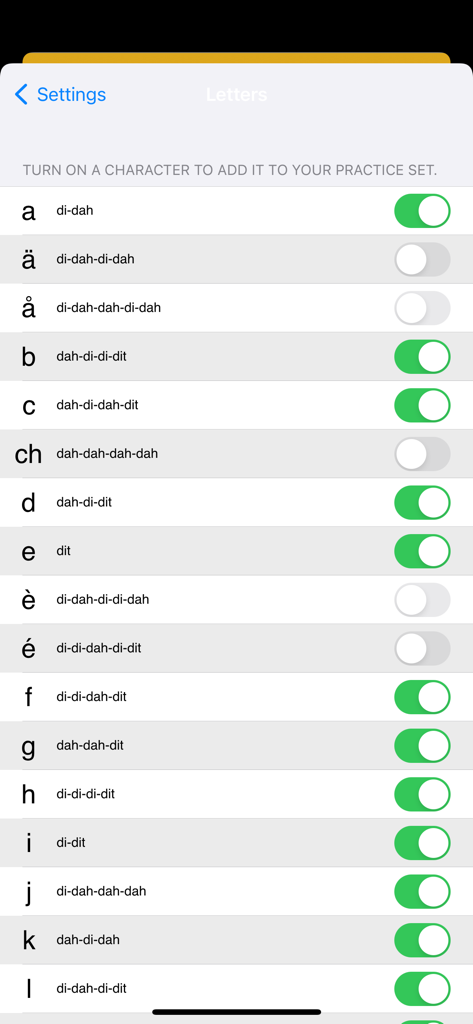
Ham Morseアプリの設定画面に、対応するモールス符号音を持つ文字のリストと、練習する文字を選択するためのトグルスイッチが表示されています。
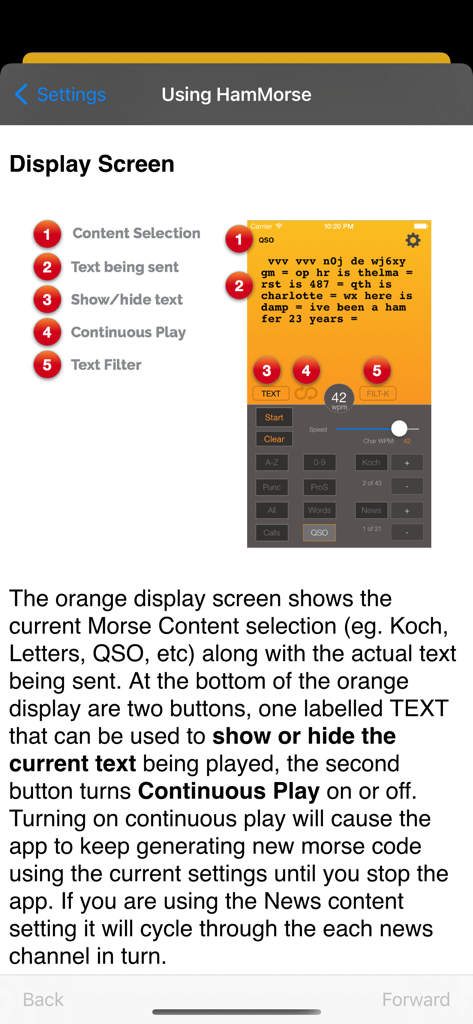
Ham Morseアプリケーションの表示画面とコントロールを説明するチュートリアルページ
説明
Download
類似アプリ
同じカテゴリのトップランクアプリ

Duolingo - Language Lessons
Duolingo, Inc

Speak & Learn English: Learna
DEEP FLOW SOFTWARE SERVICES - FZCO

驾考宝典-科一科四驾驶证考试驾考通
Wuhan Jiakaobaodian Information Service Co., Ltd.

Toca Boca World
Toca Boca AB

Google Classroom
Google LLC

作业帮-中小学家长作业检查和辅导工具
Guangzhou Polar Future Culture Technology Co., Ltd

学信网
Student Information Consultation Service Co., Ltd.

Gauth: AI Study Companion
GAUTHTECH PTE. LTD.

ArtWorkout: Learn How to Draw
Aleksandr Ulitin
このページはアプリまたはその開発者の公式ページではなく、情報提供および論評を目的として作成された独立した編集出版物です。明示的に別段の記載がない限り、アプリおよびその開発者は、MWM、Apple、Google Play、アプリのパブリッシャー、またはアプリの開発者と提携、承認、後援、認可、またはその他の公式的な関係はなく、このページのいかなる内容も、アプリがMWMのサービスを使用して開発されたことを意味するものではありません。すべての商標、ロゴ、スクリーンショット、その他のコンテンツはそれぞれの所有者の財産です。